 Why trust VPN Guider
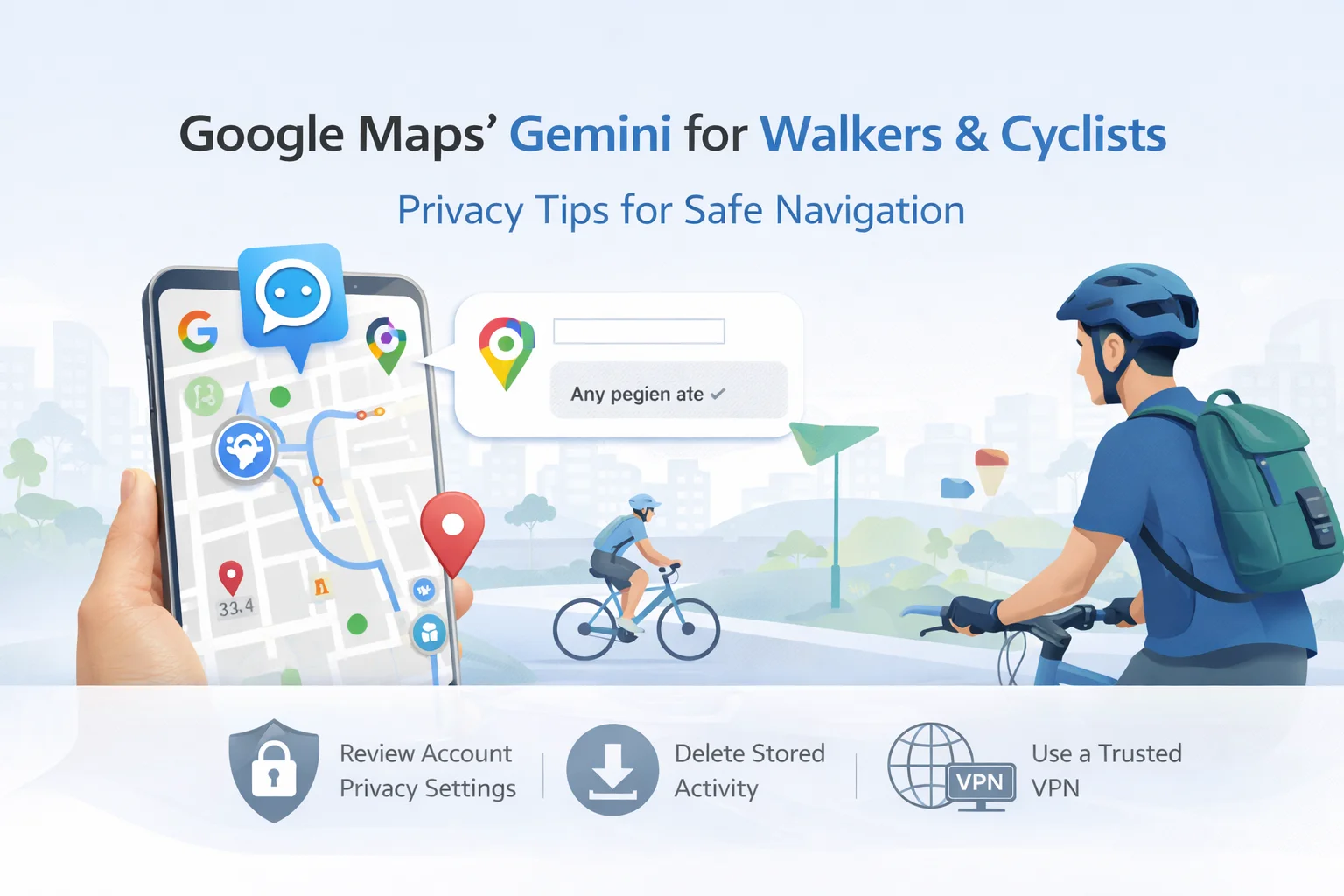
Google has extended Gemini’s hands-free conversational features to walking and cycling directions, letting users ask real-time questions without leaving the Maps navigation screen. The upgrade builds on earlier Gemini-powered driving features and aims to make navigation more interactive — for example, you can ask about nearby attractions, ETA, or even send a quick text while keeping your hands on the handlebars. The rollout is available globally on iOS, where Gemini is offered, and is coming to Android in stages.
What the new hands-free mode does (in practical terms)
When strolling or riding, you can speak follow-up queries — “Any vegan cafes nearby?” or “How’s parking at that spot?” — and keep Maps open for continuous guidance. Cyclists can request commute updates or short messages to contacts without tapping the screen, an approach Google says reduces distraction and keeps users focused on the route. The change is part of Google’s broader push to weave Gemini into more everyday workflows, including Chrome and a persistent sidebar for autonomous tasks.
Why location-aware AI matters for privacy
Contextual, always-listening AI features are convenient, but they also increase the amount of location and behavioral data that’s collected and processed. When Gemini answers route-specific questions, Maps processes live GPS, timestamps, queries, and sometimes calendar or contact metadata to give useful replies. That richer telemetry can improve the experience — but it also raises two risks: expanded profiling (longer-lived activity logs tied to movement patterns) and increased exposure if accounts or services are breached.
Practical privacy steps for hands-free AI users
You don’t have to choose convenience over safety. Take these concrete steps before relying on voice-first AI for navigation:
- Review Maps and Google account privacy settings; limit what’s stored and delete activity regularly.
- Turn off or restrict cross-device sync if you don’t want navigation activity tied across services.
- Use strong authentication (MFA) on your Google account to reduce the risk of unauthorized access.
How VPNs and safe-browsing tools fit in
A VPN won’t stop Google Maps from collecting location data from your device, but it does help protect network-level signals — like your public IP — from being passively observed by ISPs or nearby networks. VPNs create an encrypted tunnel between your device and a remote server, reducing some telemetry exposure and mitigating ISP throttling or local network snooping. Still, VPNs are not a silver bullet: you must trust the provider’s logging policy and jurisdiction. For network protection and access control, a layered approach (VPN + device privacy settings + strong account security) is best.
What torrenting and streaming users should keep in mind?
If you use location-aware AI while also managing torrent clients or region-sensitive streaming sessions, separate those activities where possible. Avoid uploading identifiable prompts or files to experimental AI features from the same device you use for P2P transfers. When torrenting, pair a reputable, audited no-logs VPN with a configured client to reduce IP exposure — and always follow local laws.
Conclusion
Google’s Gemini in Maps brings helpful, hands-free intelligence to everyday navigation — but it also concentrates richer context about where you go and what you ask. Protecting that data requires both product-level caution (privacy settings, account hygiene) and network-level protections (trusted VPNs, secure Wi-Fi). For privacy-first users and companies that serve torrenting or streaming audiences, the sensible path is to embrace the convenience of AI while hardening the layers that make your digital life harder to track and easier to control.