 Why trust VPN Guider
Answer:
Yes, it is possible, but the results depend on the method you use to stream.
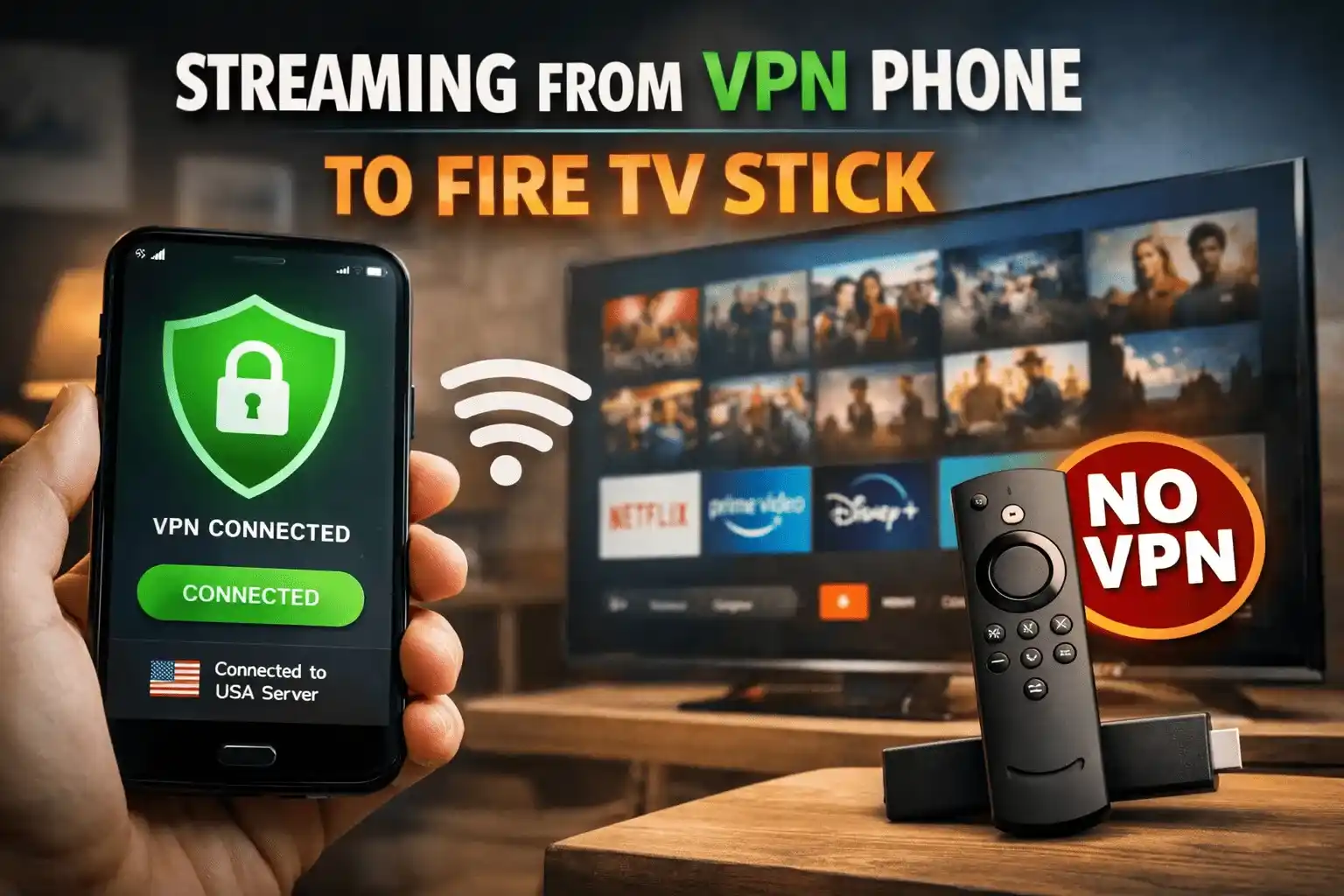
If you use screen mirroring or display mirroring, the Fire TV Stick is simply showing whatever is on your phone screen. In that case, the VPN effects carry over because your phone is the device accessing the content.
If you use the cast button inside streaming apps (for example YouTube, Netflix, Disney Plus, Prime Video), your phone only sends instructions to the Fire TV Stick and does not forward the VPN connection. The Fire TV Stick then fetches the stream directly using its own internet connection. In that scenario, the VPN benefits do not transfer, which may result in geo-blocking or a different content library.
Local media streaming (for example using VLC, Plex or a DLNA server) works normally because it does not involve geo-restricted servers.
If the goal is to bypass geo restrictions directly on the Fire TV Stick, then the Fire TV Stick needs either a VPN installed on it, a VPN-enabled router, or a VPN-enabled hotspot.
Streaming a VPN-Connected Phone to a Non-VPN Fire TV Stick: Detailed Guide (VPNGuider)
Introduction
A common question among users who travel or consume international media is whether a VPN connection on a smartphone can be used to unlock content and then be streamed or mirrored to a Fire TV Stick that does not have a VPN installed. The short answer is that it can work, but the outcome depends heavily on the streaming method.
How It Works Technically
A smartphone connected to a VPN routes traffic through the VPN server location. A Fire TV Stick without a VPN continues to use the home internet connection and local IP. The key factor is whether the Fire TV Stick is responsible for fetching the media or whether it is only displaying the phone’s output.
Method 1: Screen Mirroring
When using screen mirroring, display mirroring or wireless display features, the Fire TV Stick only reproduces the phone’s screen. In this case, the VPN effects apply, and geo-restricted content can appear normally on the TV because the phone is doing all the work.
Method 2: Casting Inside Streaming Apps
Modern streaming apps include a cast button. This is not true screen mirroring. Instead, the phone sends a command to the Fire TV Stick that tells it to start the stream itself. Because the Fire TV Stick is not running a VPN, it reaches out to the streaming server using the regular network. That can cause region-based restrictions to appear again. This is why users often see different libraries or blocked content when casting from apps.
Method 3: Local Media Streaming
If the content is local (video files stored on the phone, Plex libraries, or DLNA servers), it does not involve external geo-restricted servers. These play normally regardless of VPN setup.
If You Need Geo-Unblocking on the Fire TV Stick Itself
For full regional access on the Fire TV Stick, there are three reliable paths:
- Install a VPN app directly on the Fire TV Stick. Many major VPN providers offer native Fire OS apps.
- Set up a VPN on the router so that all devices in the home, including the Fire TV Stick, inherit the VPN connection.
- Use a mobile hotspot from a phone that is connected to a VPN. If the Fire TV Stick joins that hotspot, it will route through the VPN indirectly.
These options are frequently used for sports events, international streaming platforms, and traveling.
Conclusion
Streaming from a phone with a VPN to a Fire TV Stick without a VPN will work if the Fire TV Stick is only mirroring the phone’s display. It will not bypass region restrictions when casting through internal app controls because the Fire TV Stick becomes the device fetching the stream. For consistent access to region-locked platforms directly on the Fire TV Stick, installing a VPN on the device or using a VPN-enabled network is the practical solution.
This scenario matters to users who regularly watch international sports, view foreign streaming libraries, use catch-up television apps from abroad, or travel frequently and want location flexibility.