 Why trust VPN Guider
Your IP address plays a major role in how you’re identified online. It reveals your approximate location and internet service provider and can even be used to track your browsing or torrenting activity. This is why many privacy-conscious users rely on VPNs. But does a VPN actually change your IP address, and how can you confirm it’s working properly? Understanding how VPN IP masking works—and how to verify it—can help you stay protected while browsing, streaming, or downloading files online.
What Is an IP Address and Why Does It Matters
An IP address is a unique numerical label assigned to your device by your ISP. It allows websites and online services to communicate with your device, but it also exposes sensitive details such as
- Your general geographic location
- Your internet provider
- Your online activity patterns
- Your identity in torrent and P2P networks
Without protection, your IP address can be logged, monitored, or restricted by websites, advertisers, and network operators.
Does a VPN Change Your IP Address?
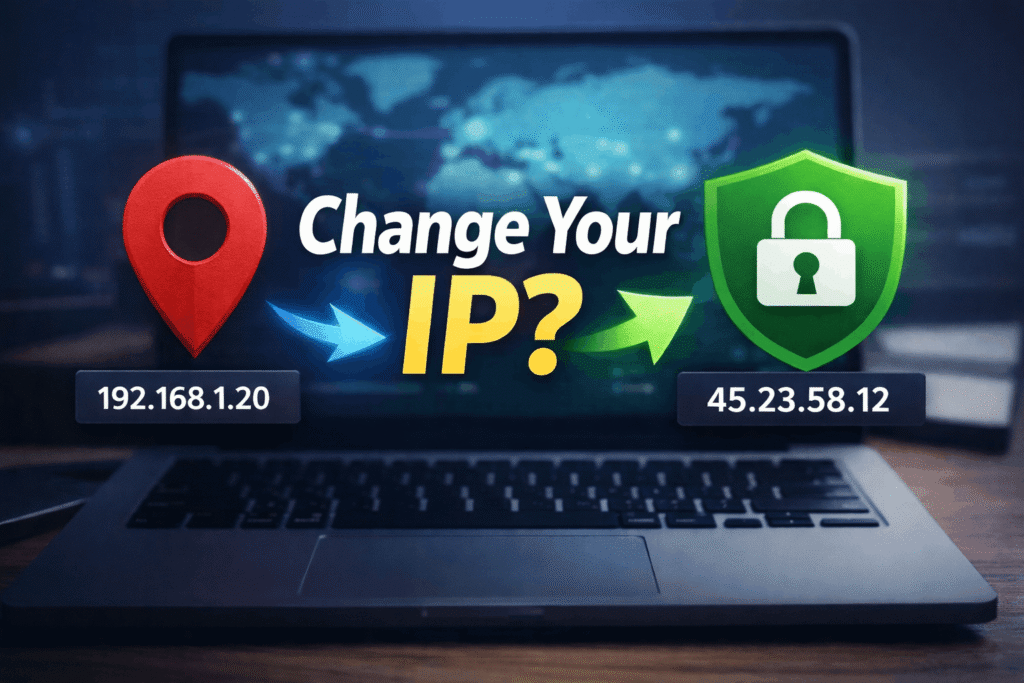
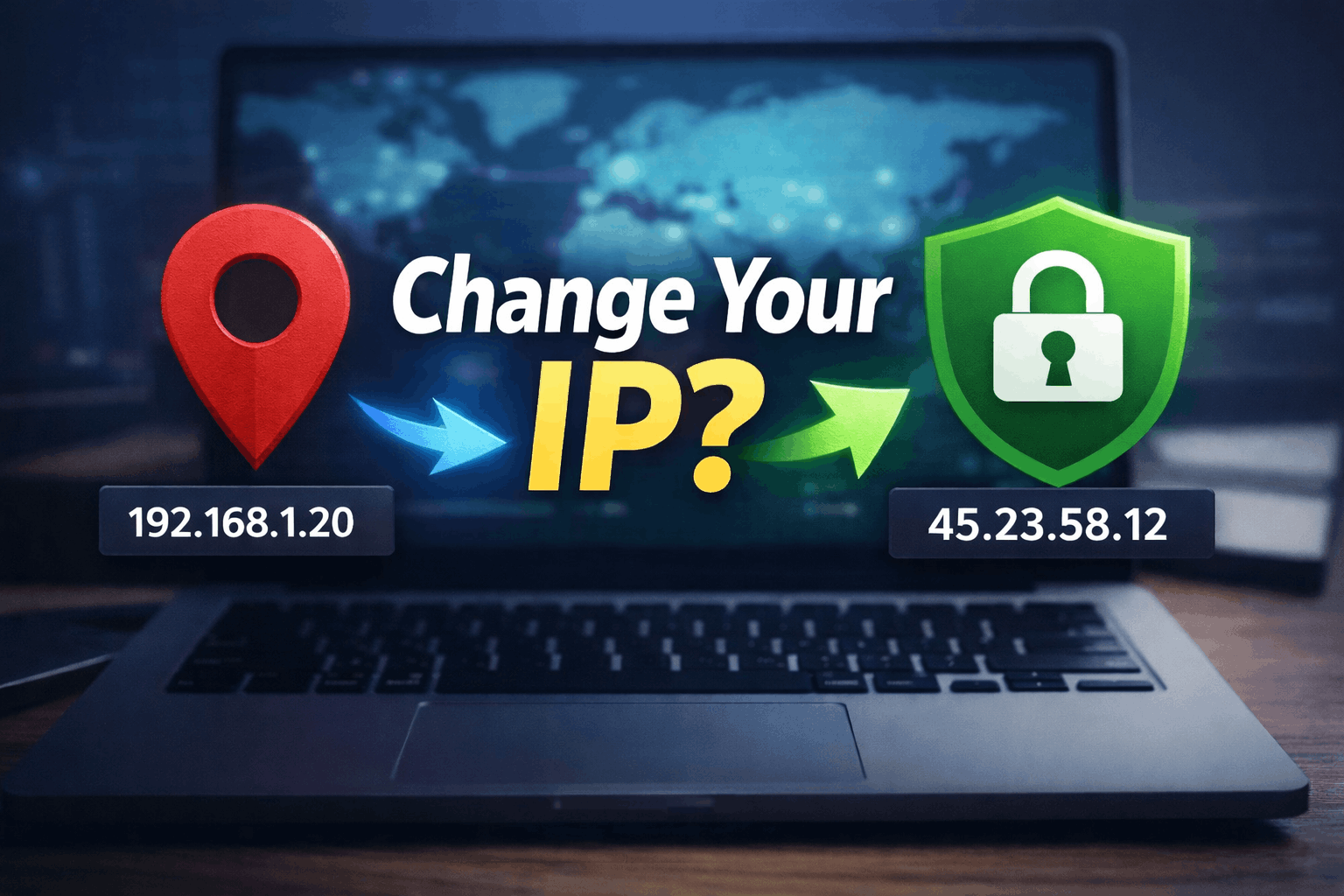
Yes, a VPN changes your IP address by routing your internet traffic through a secure VPN server. Instead of showing your real IP, websites see the IP address of the VPN server you’re connected to.
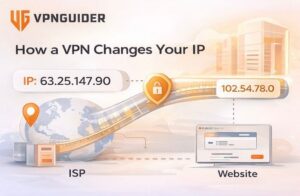
This means:
- Your real IP address is hidden
- Your online activity becomes harder to trace
- Your location appears different from your actual one
As long as the VPN connection remains active, your original IP stays protected.
How a VPN Masks Your IP Address
When you connect to a VPN, your device establishes an encrypted tunnel to a remote server. That server then communicates with websites on your behalf. As a result:
- Your ISP can’t see what you’re doing online
- Websites can’t identify your real location
- Your traffic remains encrypted on public Wi-Fi
Switching servers can also change your IP instantly, offering added anonymity and flexibility.
How to Check Your IP Address Without a VPN
Before connecting to a VPN, you can check your real IP address by visiting any IP lookup website. This will display details such as your IP number, location, and ISP. Make a note of this information—it serves as a baseline for comparison.
How to Check If Your VPN Is Changing Your IP
To confirm your VPN is working:
- Check your IP address before connecting to the VPN
- Turn on the VPN and connect to a server
- Refresh the IP lookup page
If the VPN is functioning correctly, you’ll see:
- A different IP address
- A new location matching the VPN server
- No trace of your original ISP
If the IP doesn’t change, the VPN may not be connected properly.
Why IP Checking Is Important for Privacy and Torrenting
For torrent users, verifying IP changes is critical. Torrent networks expose IP addresses to peers, making unprotected connections risky. A VPN ensures your real IP stays hidden, reducing exposure to monitoring, throttling, and unwanted attention.

Regular IP checks also help detect leaks and ensure continuous protection during long browsing or download sessions.
Final Thoughts
A VPN does change your IP address—but verifying it is just as important as using one. By checking your IP before and after connecting, you can confirm that your VPN is working correctly and protecting your identity. Whether you’re browsing privately, accessing restricted content, or torrenting safely, IP masking is a key part of staying secure online.