 Why trust VPN Guider
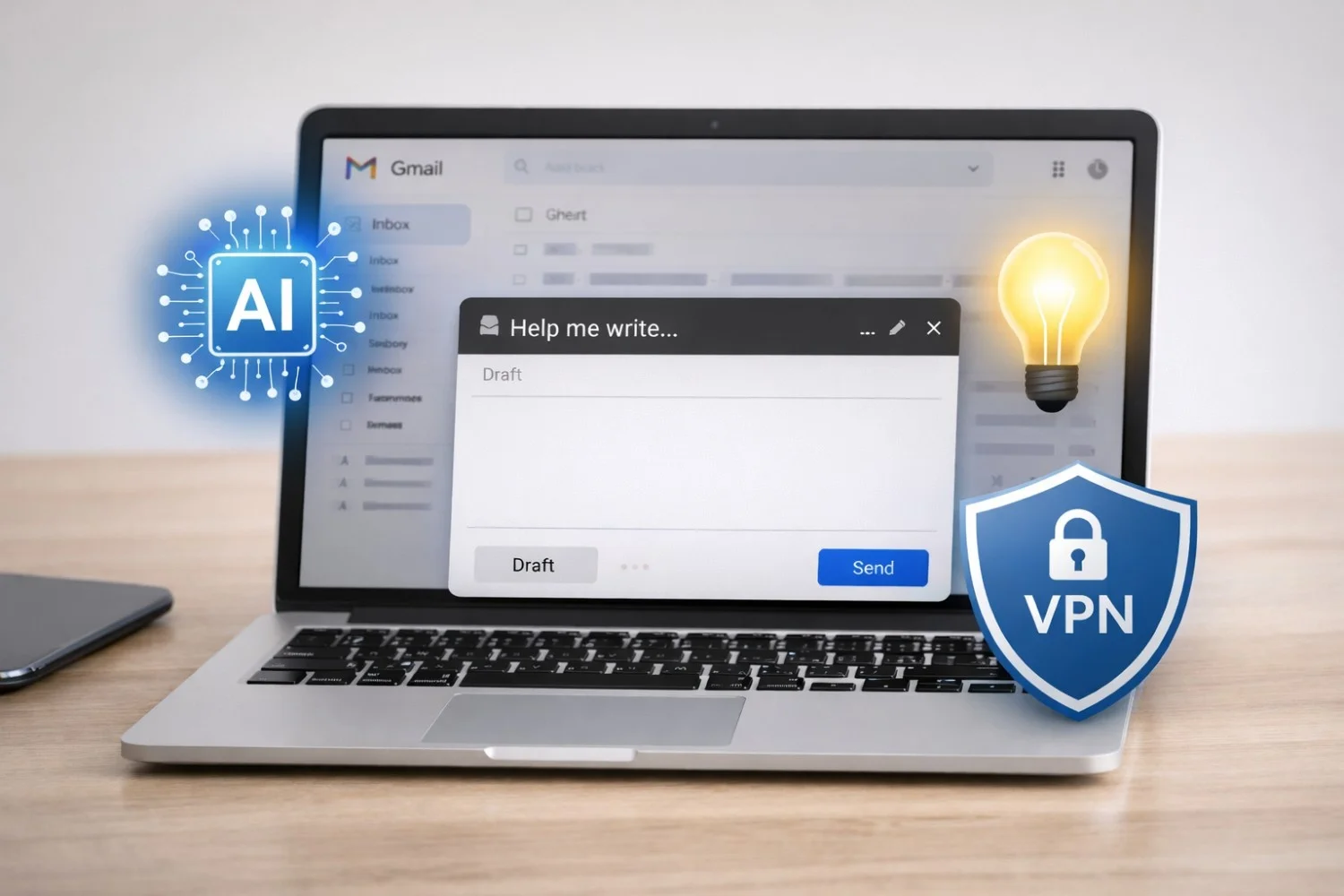
Artificial intelligence is no longer a futuristic add-on inside Google’s products—it’s now deeply woven into everyday tools like Gmail. Google has introduced AI-powered features directly into Gmail to help users write emails faster, understand long conversations, and manage inbox overload more efficiently. While these updates promise major productivity gains, they also bring important considerations around online privacy, data security, and safe internet usage that users should not ignore.
What Gmail’s AI Can Do for You
Gmail’s built-in AI acts as a smart assistant inside your inbox. It can summarize lengthy email threads, draft replies based on context, and adjust tone depending on whether you want your message to sound more formal, friendly, or concise. Instead of reading through dozens of replies, users can rely on AI-generated summaries to quickly understand what matters.
For professionals juggling work emails, students managing academic communication, or freelancers coordinating with multiple clients, this can significantly reduce time spent on email. The AI also helps overcome writer’s block by offering draft responses that users can edit and personalize before sending.
Using Gmail AI the Right Way
Despite its convenience, Gmail’s AI works best as a support tool—not an autopilot. AI-generated drafts should always be reviewed before sending, especially for sensitive, legal, or professional communication. While the system understands context, it doesn’t fully grasp nuance, emotion, or confidentiality.
A practical approach is to let AI handle repetitive tasks—such as summarizing long threads or drafting routine replies—while you retain control over final messaging. This balance allows users to stay productive without sacrificing accuracy or intent.
Privacy Concerns in an AI-Powered Inbox
As Gmail’s AI processes email content to generate summaries and suggestions, it naturally interacts with personal and professional data. Google states that these features operate within privacy safeguards, but any cloud-based AI system increases exposure to data handling risks.
This is where strong online security habits become essential. Using a VPN for online privacy encrypts your internet connection, making it harder for third parties to intercept email traffic—especially on public or shared Wi-Fi networks. A VPN also helps limit tracking and profiling that can occur as AI-driven services analyze usage patterns.
AI, File Sharing, and Digital Safety
Email remains one of the most common ways people share documents, links, and large files. As Gmail’s AI speeds up communication, file sharing often increases alongside it. Many users send cloud storage links, downloads, or references to torrents through email.
While Gmail itself doesn’t host torrent files, links shared through email can expose users to monitoring or throttling by internet service providers. Following safe torrenting practices—such as using a VPN—helps protect identity, prevent bandwidth throttling, and reduce the risk of malware exposure. A secure connection ensures that shared links and credentials remain private.
Who Benefits Most From Gmail’s AI?
Gmail’s AI features are particularly useful for:
- Remote workers and digital nomads
- Small business owners handling client emails
- Students managing academic communication
- Professionals dealing with high-volume inboxes
For these users, combining AI-driven productivity with cybersecurity best practices creates a safer and more efficient digital workflow.
The Bigger Picture: Productivity Meets Protection
The arrival of AI in Gmail reflects a broader shift in how technology supports daily communication. Email is no longer just about sending messages—it’s about managing information intelligently. However, as AI becomes more integrated into online tools, users must take responsibility for protecting their digital footprint.
Pairing Gmail’s AI features with tools like VPNs, secure browsing, and cautious file-sharing practices lets users enjoy smarter email experiences without compromising privacy. When productivity and protection work together, AI becomes a true asset rather than a hidden risk.