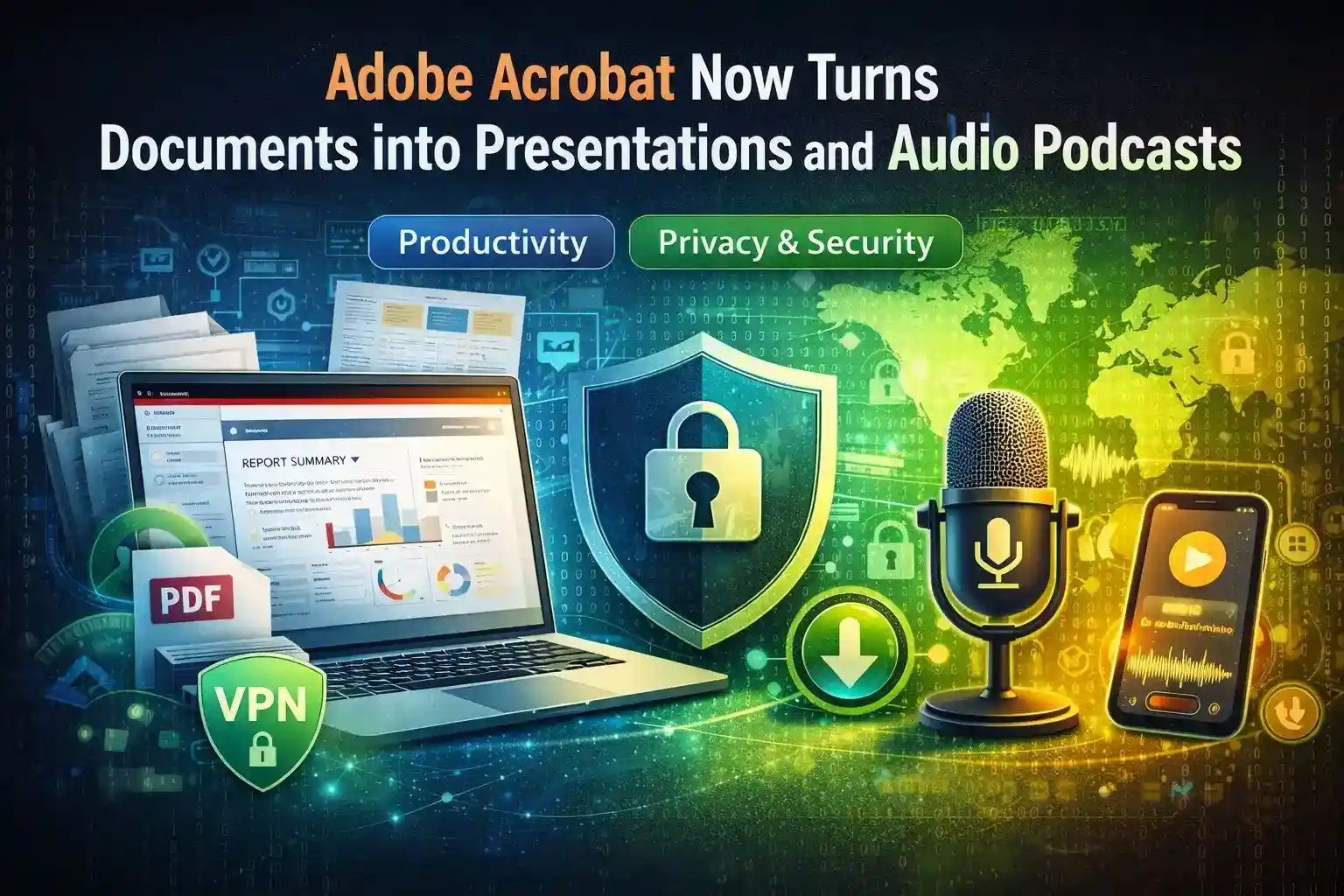
Adobe Acrobat’s latest AI tools can convert PDFs and document collections into slide decks and podcast-style audio. That’s a huge time-saver — especially for users who download large documentation archives via peer-to-peer networks. But torrents bring additional privacy and security considerations that must be addressed before processing files with AI services.
Why This Feature Matters for Torrent Users
Many research datasets, open-source documentation, and large e-book collections are distributed through P2P networks because torrents scale well. Acrobat’s Generate Presentation and Generate Podcast let you extract value from these bulk downloads quickly: create training decks, summarize reports, or convert manuals into audio for mobile review.
Yet torrents expose IP addresses and transfer metadata. Before feeding files into cloud-based AI conversion or sharing outputs, prioritize safe torrenting practices.
Practical Steps to Secure Torrent-Based Workflows
Follow these essential steps when handling torrent-sourced documents:
Always use a trusted VPN when downloading or seeding torrents. A VPN hides your IP from peers and encrypts traffic at the network layer.
Verify file integrity and provenance. Check checksums and prefer magnet links from reputable sources. Malicious files can include hidden scripts or metadata.
Isolate and scan files before processing. Use sandboxed environments and antivirus scanning for any torrent downloads before opening them in Acrobat.
Limit metadata exposure. When converting files to presentations or audio, disable unnecessary cloud sharing or automatic memory retention inside PDF Spaces.
Converting Safely — Tips for Acrobat Users
If you plan to use Acrobat’s AI tools on torrent-sourced documents:
Run downloads through a VPN and save them to an encrypted local folder.
Open files offline first to inspect for suspicious content.
Only upload to Acrobat cloud or shared spaces when you’re sure the files are clean and the recipients are trusted.
If producing audio or presentations for wider distribution, strip identifying metadata and re-check licensing/permissions.
Why Responsible Torrent Use and Acrobat Workflows Can Coexist
Torrents remain a useful distribution method for large, legitimate archives. By combining good torrent hygiene with privacy tools and cautious use of Acrobat’s AI features, users can convert large batches of documents into usable content without needlessly exposing identities or compromising security.
Final Word
Adobe Acrobat’s conversion tools unlock productivity for anyone working with big document collections — including torrent users. The catch is simple: pair AI convenience with privacy-first habits (VPNs, verification, sandboxing), and you’ll reap the efficiency benefits while staying safe online.
Meta title: Adobe Acrobat’s latest AI tools can convert PDFs and document collections into slide decks and podcast-style audio. That’s a huge time-saver — especially for users who download large documentation archives via peer-to-peer networks. But torrents bring additional privacy and security considerations that must be addressed before processing files with AI services.
Why This Feature Matters for Torrent Users
Many research datasets, open-source documentation, and large e-book collections are distributed through P2P networks because torrents scale well. Acrobat’s Generate Presentation and Generate Podcast let you extract value from these bulk downloads quickly: create training decks, summarize reports, or convert manuals into audio for mobile review.
Yet torrents expose IP addresses and transfer metadata. Before feeding files into cloud-based AI conversion or sharing outputs, prioritize safe torrenting practices.
Practical Steps to Secure Torrent-Based Workflows
Follow these essential steps when handling torrent-sourced documents:
Always use a trusted VPN when downloading or seeding torrents. A VPN hides your IP from peers and encrypts traffic at the network layer.
Verify file integrity and provenance. Check checksums and prefer magnet links from reputable sources. Malicious files can include hidden scripts or metadata.
Isolate and scan files before processing. Use sandboxed environments and antivirus scanning for any torrent downloads before opening them in Acrobat.
Limit metadata exposure. When converting files to presentations or audio, disable unnecessary cloud sharing or automatic memory retention inside PDF Spaces.
Converting Safely — Tips for Acrobat Users
If you plan to use Acrobat’s AI tools on torrent-sourced documents:
Run downloads through a VPN and save them to an encrypted local folder.
Open files offline first to inspect for suspicious content.
Only upload to Acrobat cloud or shared spaces when you’re sure the files are clean and the recipients are trusted.
If producing audio or presentations for wider distribution, strip identifying metadata and re-check licensing/permissions.
Why Responsible Torrent Use and Acrobat Workflows Can Coexist
Torrents remain a useful distribution method for large, legitimate archives. By combining good torrent hygiene with privacy tools and cautious use of Acrobat’s AI features, users can convert large batches of documents into usable content without needlessly exposing identities or compromising security.
Conclusion
Adobe Acrobat’s conversion tools unlock productivity for anyone working with big document collections — including torrent users. The catch is simple: pair AI convenience with privacy-first habits (VPNs, verification, sandboxing), and you’ll reap the efficiency benefits while staying safe online.
A passionate content writer with four years of experience delivering high-quality content across multiple domains. I believe in writing that informs, connects, and adds value.