 Why trust VPN Guider
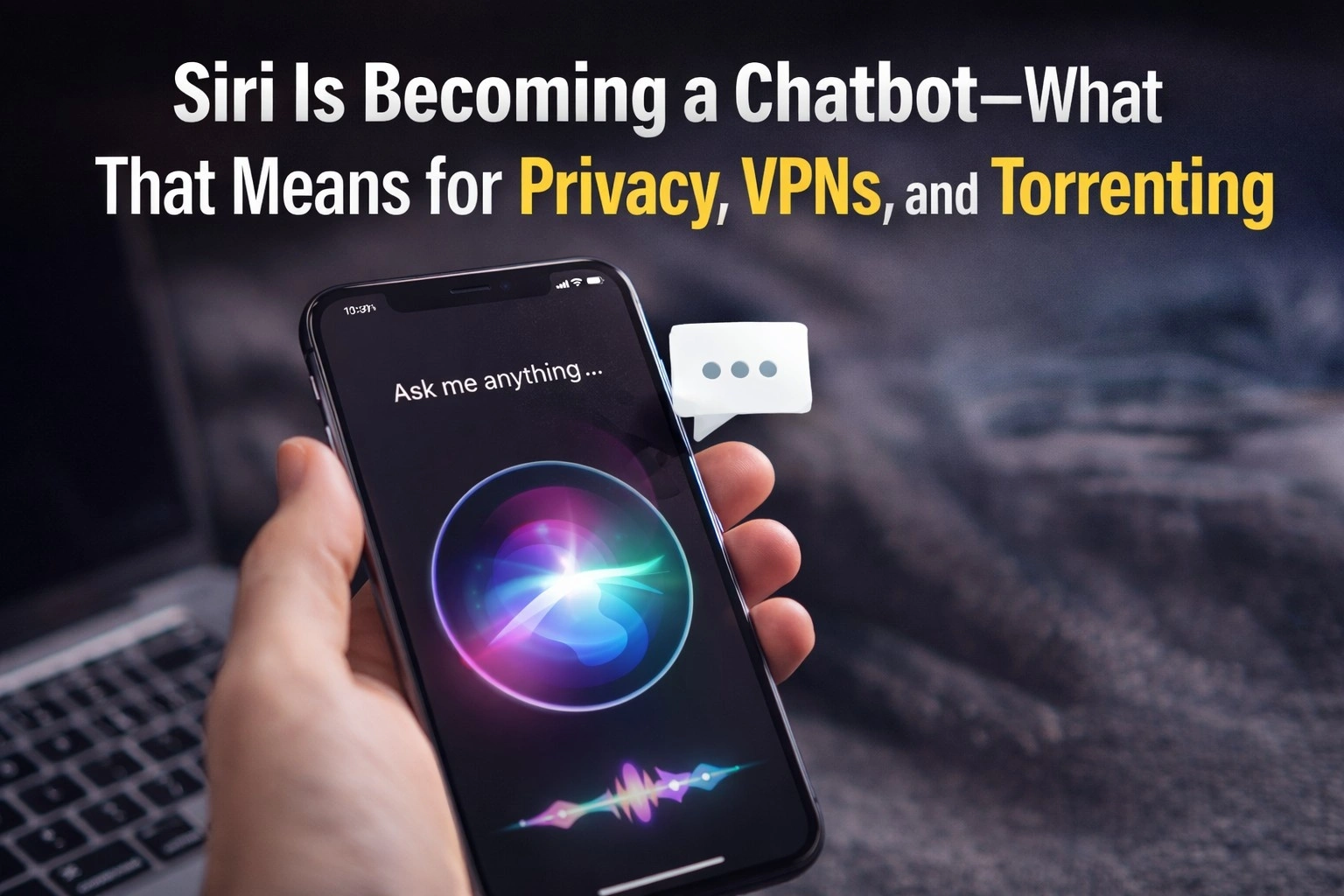
Apple reportedly plans to evolve Siri from a simple voice assistant into a full-fledged chatbot across iOS and macOS later this year. The upgrade — driven by powerful foundation models and a new conversational interface — will let Siri search the web, generate content, analyze files, and act on contextual information from your screen. That capability unlocks real convenience, but it also raises fresh privacy and file-sharing considerations for anyone who uses cloud services, P2P networks, or AI-driven workflows.
What Apple is changing (short version)
According to reporting, Apple will first refresh Siri’s underlying model in an upcoming OS patch and then ship a more advanced “Campos” version in the next major OS release. The company plans to run parts of the assistant on Apple’s Private Cloud Compute (Apple Silicon) while also building modular support so the underlying models can be swapped over time. Siri will be able to read open windows, act inside apps, and keep a limited personal context to make responses more relevant.
Why this matters for privacy and file handling
When a voice assistant can read screens, analyze uploads, or stitch together multi-session context, the surface area for sensitive data increases. Documents, desktop content, and even transcripts of chat sessions could be processed by model backends — sometimes in the cloud — which introduces questions about where data is stored, how long it’s retained, and who can access it. Apple says some processing will happen on its Private Cloud Compute servers, but the degree of long-term memory and cloud routing is still under discussion internally. Those architectural choices will determine the real privacy impact.
Practical steps: VPNs, torrenting, and safer workflows
For users who regularly download large document bundles, datasets, or media through peer-to-peer networks, or who rely on cloud AI features, a few practical safeguards help reduce exposure:
- Route sensitive transfers through a reputable VPN. A VPN encrypts traffic between your device and the VPN server, preventing on-network eavesdroppers from seeing what you access and masking your IP address from peers or trackers. This is especially important on public Wi-Fi or when seeding/downloading via torrents.
- Verify and sandbox downloaded files. Torrents can be convenient for large archives, but they sometimes carry malicious payloads. Scan files in an isolated environment before allowing AI tools or cloud services to index them.
- Pick VPN providers carefully. VPNs can see your traffic and may log metadata; choose services with transparent audits, a strict no-logs policy, and strong jurisdictional privacy protections. The Electronic Frontier Foundation advises users to evaluate VPN trustworthiness rather than assume anonymity.
How VPN and torrent services fit into the new Siri era
As Siri gains file-analysis and web-search powers, a privacy-first stack becomes practical: local device protections + encrypted network channels + careful cloud permissions. For businesses and privacy-minded individuals, that means routing AI uploads through vetted networks, restricting long-term assistant memory when possible, and using VPNs or private proxies whenever P2P sharing or public networks are involved. When combined, these steps let you benefit from smarter assistants while keeping control of who sees your files and metadata.
Conclusion
Apple’s step toward a chatbot-style Siri will change how we interact with devices — making them smarter and more helpful. But greater capability equals greater responsibility: users and organizations should pair smarter assistants with stronger network and endpoint hygiene. For anyone who torrents, shares large archives, or uses cloud AI to transform documents, VPNs, verification, and sandboxing will be essential habits for safe, private use in the new Siri era.