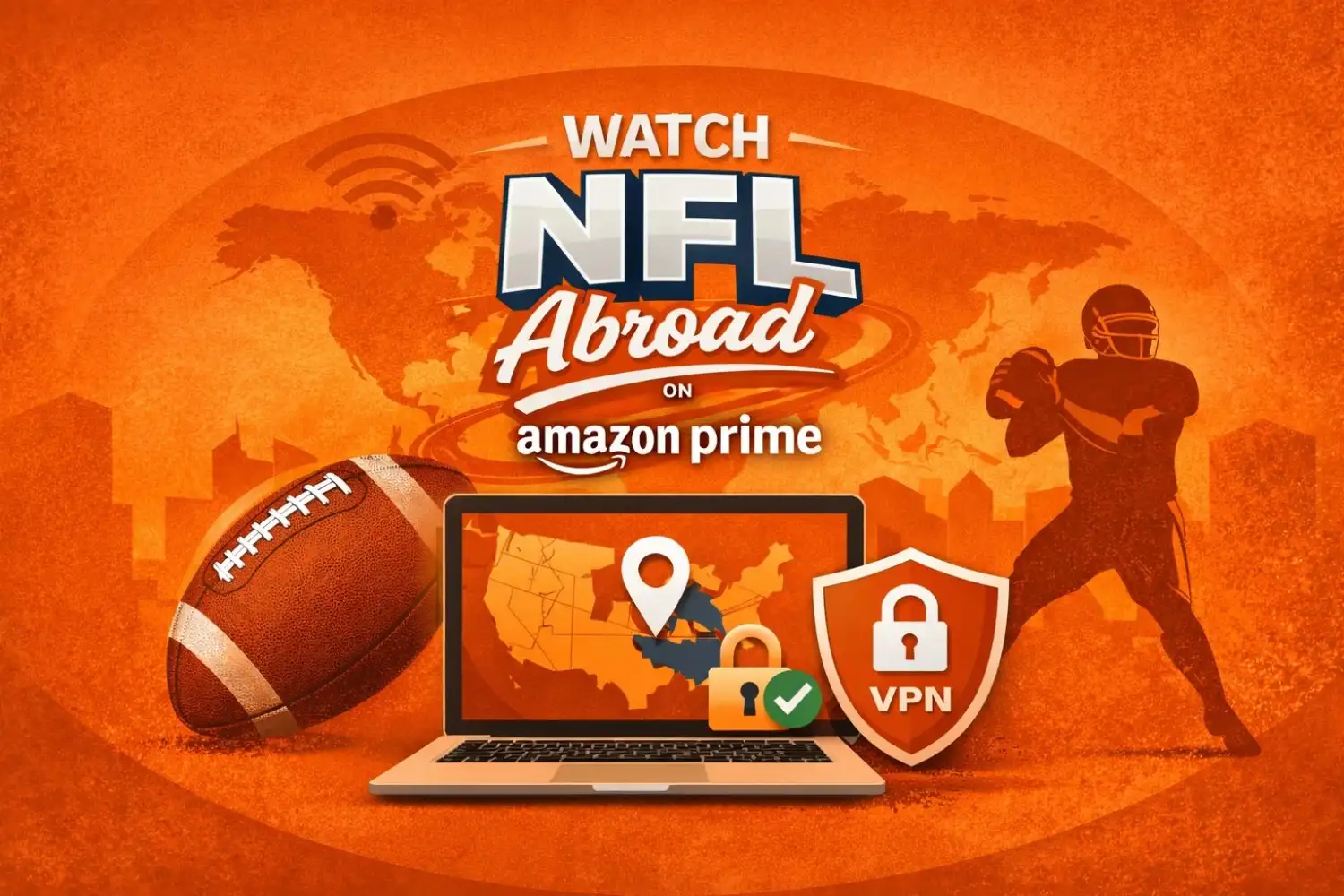
If you’re trying to catch Thursday Night Football while travelling, you’ll need a US-based Amazon Prime account and a solid VPN. Because of regional broadcasting deals, Amazon is required to lock these games so that only viewers inside the United States can watch. A VPN helps you get around this by giving your device a US-based IP address, making the app think you’re still sitting at home.
This guide breaks down exactly why these games get blocked when you cross the border and how you can keep streaming throughout the season. We’ll walk you through the basic setup, highlight a few common hiccups to watch out for, and show you the best ways to keep your connection stable so you don’t miss a single play.
In the US, Thursday Night Football is exclusively on Amazon Prime Video. Amazon exclusively broadcasts the games for American viewers because it holds the digital rights to most of them.
This all comes down to licensing. Sports rights are sold country by country, so international agreements dictate who gets to show the games in different parts of the world. Because of these rules, Prime Video is required to keep its US broadcast locked to people physically located within the United States.
If you’re travelling or living abroad, you’ll probably run into a location error when you try to open the app. Prime Video checks your device’s IP address, and if it sees you’re outside the US, it’ll block the stream. Thursday Night Football almost always ends up on that restricted list.
How a VPN Helps You Watch While Abroad
Think of a VPN, or virtual private network, as a secure tunnel for your internet. When you connect to a US-based server, the VPN masks your actual location and gives your device a US IP address instead. This is how streaming platforms like Amazon Prime “see” you as being back home in the States, even if you’re actually thousands of miles away.
Once your VPN is running and shows you’re in the US, the Prime Video app should load your regular home catalogue automatically. This is what opens the door for you to watch Thursday Night Football live, just like you would on your own couch.
On top of getting around those annoying regional blocks, a VPN is also a massive win for your privacy. It scrambles all your data so that if you’re using Wi-Fi at a hotel or a café, hackers or snoops can’t see what you’re doing. A lot of travellers actually use them for this extra layer of security just as much as they do for streaming the game.
First, double-check that your Amazon account has a live Prime membership. In the US, Thursday Night Football is baked right into the standard Prime Video package, so you won’t need any extra add-ons.
Next, you’ll need to get a trustworthy VPN onto your device. Most of the big names out there have easy-to-use apps for phones, laptops, and even smart TVs. Once you’ve picked one and installed it, just open the app and log in.
From there, look through the server list and pick a location in the United States. Having a steady US connection is the secret to keeping the stream from buffering. After the VPN shows you’re connected, pull up the Prime Video app or site and sign in like you normally would.
Finally, just search for “Thursday Night Football” or head over to the live sports tab. If the VPN is doing its job, the game should pop right up. From there, you can just sit back and start the stream.
Choosing a VPN That Works With Prime Video
The Reality of Streaming with a VPN
Amazon Prime is pretty smart when it comes to spotting VPNs. Because they use high-level detection, some connections can be a bit hit-or-miss. This is why you really need a provider that’s known for staying a step ahead, one that offers fast speeds and servers specifically optimised for US streaming.
When it comes to live sports, speed is everything. There’s nothing worse than the stream cutting to a buffer wheel right as a quarterback lets a deep pass fly. High-speed servers are a must if you want to keep that HD quality stable throughout the game.
You also have to think about what you’re watching. A lot of fans prefer the big screen, so having a VPN that actually works with smart TVs or streaming sticks is a huge plus. Search for a provider that offers router support if your device doesn’t directly support VPN apps. This approach covers every device in your house, allowing you to get straight to the game.
Common Issues and How to Fix Them
Sometimes, Amazon Prime might still show you that “Location Error” even after you’ve toggled your VPN on. This usually happens because the site has “cached” your real location or flagged the specific IP address you’re using. The quickest fix is to clear your browser’s cookies and cache, then just hop onto a different US server. Usually, a fresh connection to a new city does the trick instantly.
If you’re running into lag or a pixelated picture, it’s probably a speed issue. Try picking a US server that’s physically closer to your actual location to cut down on the distance your data has to travel. Using a wired ethernet cable instead of Wi-Fi and closing any heavy apps in the background can also give your bandwidth the boost it needs for a smooth HD stream.
One last thing to check is your actual Amazon account settings. Prime Video might get confused if your account region is not set to the United States, as it tries to match your subscription with the US content library. Adjusting your Amazon account’s “Country/Region” setting to the US ensures perfect alignment for kickoff.
Official Alternatives Outside the United States
Depending on where you are, you might not even need to jump through the hoops of US Prime Video. Plenty of countries have their own official deals to air NFL games. The biggest one is NFL Game Pass International, which is now hosted on DAZN. In most places (except the US and China), this gives you every single live game, including Thursday Night Football, without any of the regional blackouts you’d deal with in the States.
Local networks often get in on the action, too. For example, Sky Sports in the UK usually carries Thursday night games, and in other countries, you might find select matchups on free-to-air channels or local sports packages. It’s always worth checking your local TV listings or the “Ways to Watch” section on NFL.com before game day to see your options.
If you’re travelling and don’t have access to your usual US Prime account, these international services are a great backup. Just keep in mind that every region has its own set of rules and schedules, so what’s available in London might be totally different from what’s streaming in Sydney or Berlin.
Surfshark
If you’re looking for the best bang for your buck, Surfshark is a fantastic pick. One of the coolest things about them is that they don’t limit how many devices you can use at once. This means you could have the game running on your living room TV while your family members use the same account on their phones or laptops in other rooms. Even though it’s cheaper than the big-name competitors, it’s still plenty fast for 4K streaming. They also have a “CleanWeb” feature that blocks those annoying trackers and ad pop-ups, which makes for a much cleaner browsing experience overall.
CyberGhost
CyberGhost is a great choice if you aren’t particularly “tech-savvy” and just want something that works with one click. They actually have specialised servers specifically labelled for different streaming services, including Amazon Prime. Instead of guessing which US city will work best, you just select the “For Streaming” tab and pick the Amazon Prime-optimised server. They also have a massive network of over 11,000 servers, so you rarely have to worry about a connection being too crowded or slow during a big game. It’s very beginner-friendly and offers a long 45-day money-back guarantee if you just want to test it out for a few weeks.
To wrap things up, catching Thursday Night Football from abroad really comes down to two things: where you are and how you’re signed in. If you have a US Amazon Prime account, a solid VPN is usually your best ticket to keep watching just like you’re back home. Ensure your connection is steady and you have adjusted your region settings before the game begins.
The best move is to test your setup a bit before kickoff so you aren’t scrambling during the first quarter. A little prep ensures you won’t have to deal with any sudden “location errors” and can actually enjoy the season without the tech getting in the way.
Frequently Asked Questions
Is it actually legal to use a VPN to watch NFL games?
In most countries, using a VPN is completely legal. It’s a tool designed for privacy and security. While using one to access content might technically go against a streaming service’s “Terms of Use,” it’s not a criminal offense. Just make sure you aren’t using it for anything illegal beyond just watching the game you’ve already paid for.
Why does Amazon Prime keep blocking my VPN?
Amazon has some of the toughest “VPN-detecting” software out there. They do this to protect their regional licensing deals. If you get a “location error,” it usually just means the specific IP address your VPN gave you has been flagged. Usually, all you have to do is disconnect and try a different US city to find a fresh IP that hasn’t been blocked yet.
Will a VPN make the game look pixelated or laggy?
It can, but only if you use a poor-quality VPN. Because your data has to travel through an extra server, there’s always a slight speed drop. However, premium providers use high-speed protocols (like Lightway or NordLynx) that are fast enough to stream in 4K without you ever noticing a difference.
Can I just use a free VPN instead?
You can try, but it’s honestly not worth the headache for live sports. Free VPNs usually have very few servers, which means they’re almost always blocked by Amazon instantly. Even if you do get in, they often have data caps or slow speeds that will leave you stuck on a loading screen right as the game gets good.
Do I need a separate Amazon account for different countries?
Not necessarily, but your billing address matters. Amazon Prime usually locks your library to the country where you first signed up. So, if you have a US Prime account, you just need a US VPN server to access it from abroad. You don’t need to create a whole new account for every country you visit.