How to Enable Unknown Sources on Firestick: Step-by-Step Guide
 NordVPN
Step by Step Instructions

Go to Search on Fire TV
On your Fire TV home screen, select the Search (Find) option at the top.

Type “NordVPN”
Use your remote to type NordVPN and choose the app when it appears in the results.

Install the App
Click on Get or Download to install NordVPN on your Fire TV.

Log In & Connect
Open the app, sign in to your account, and press the connect button to start using the VPN.
How To Enable Unknown Sources on Firestick
Step by step instructions to enable unknown sources. Takes about 10 minutes.
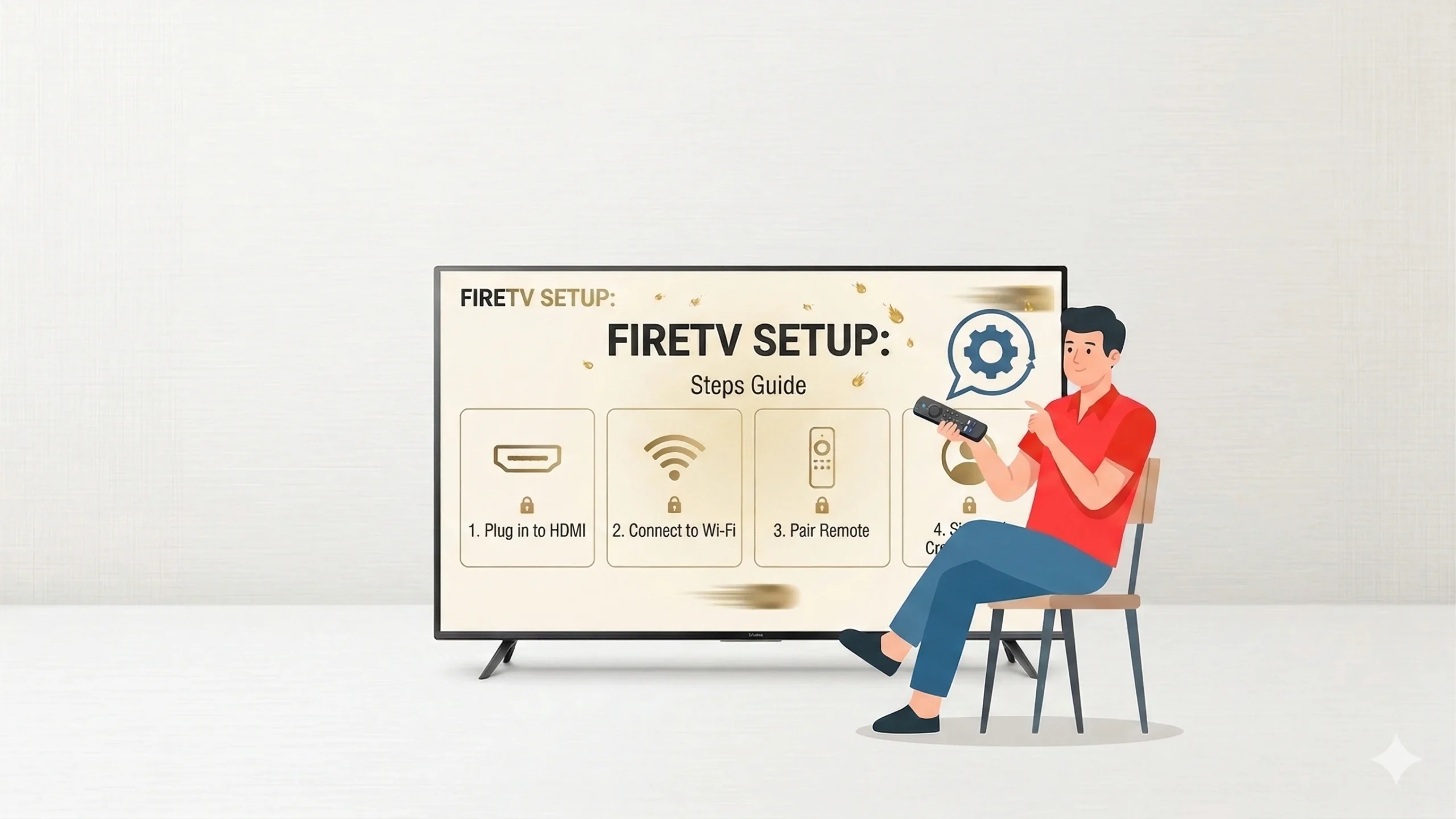
Open Firestick Settings
-
Go to home screen menu
-
Select Settings option
-
Access main device controls
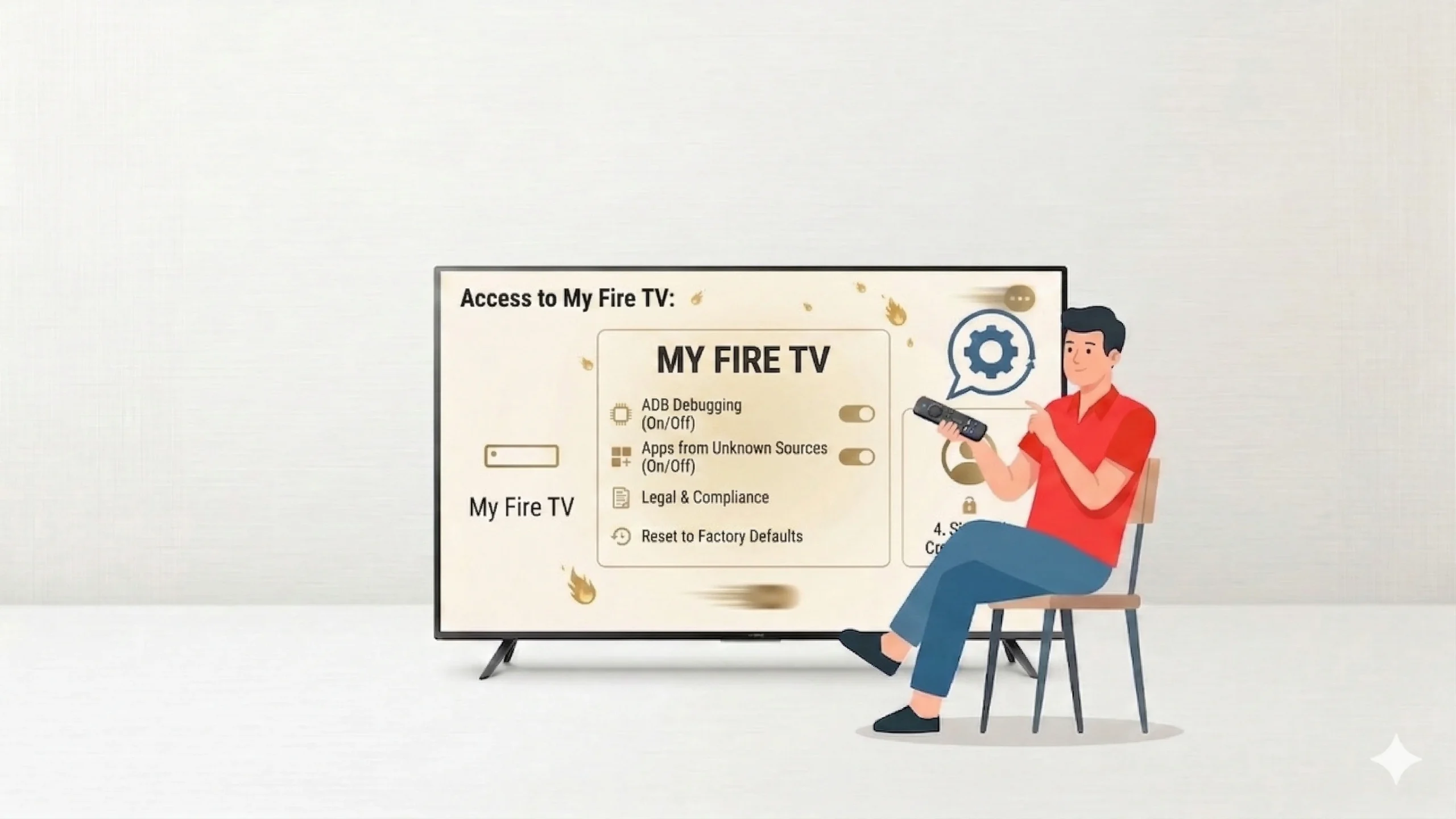
Access My Fire TV
-
Scroll to My Fire TV.
-
Open the device settings section.
-
Locate system configuration options.

Open Developer Options
-
Click developer options menu
-
View installation permissions
-
Manage app installation settings
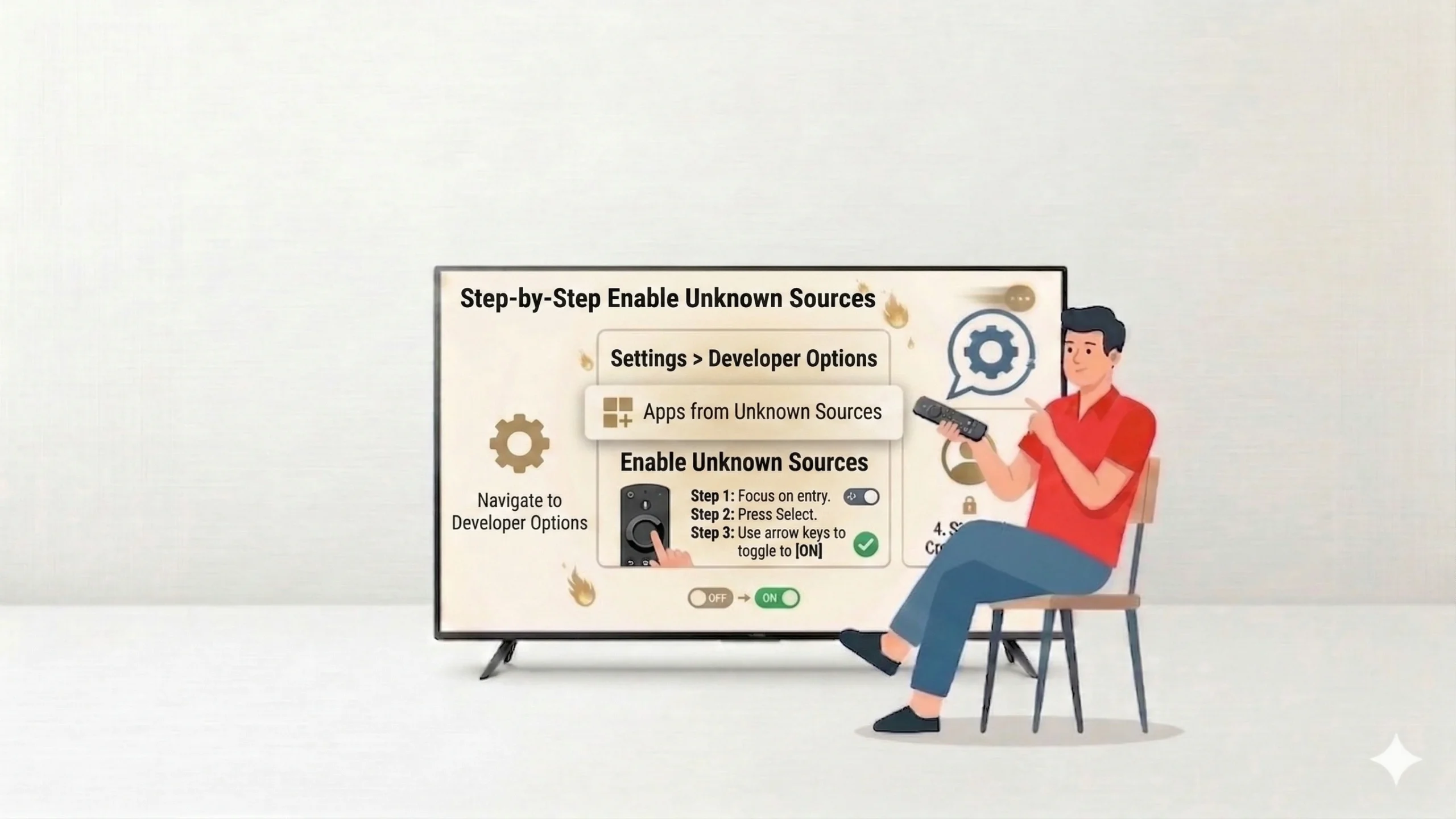
Enable Unknow Sources
-
Turn on Apps from unknown sources.
-
Confirm warning message prompt
-
Allow third-party app installs
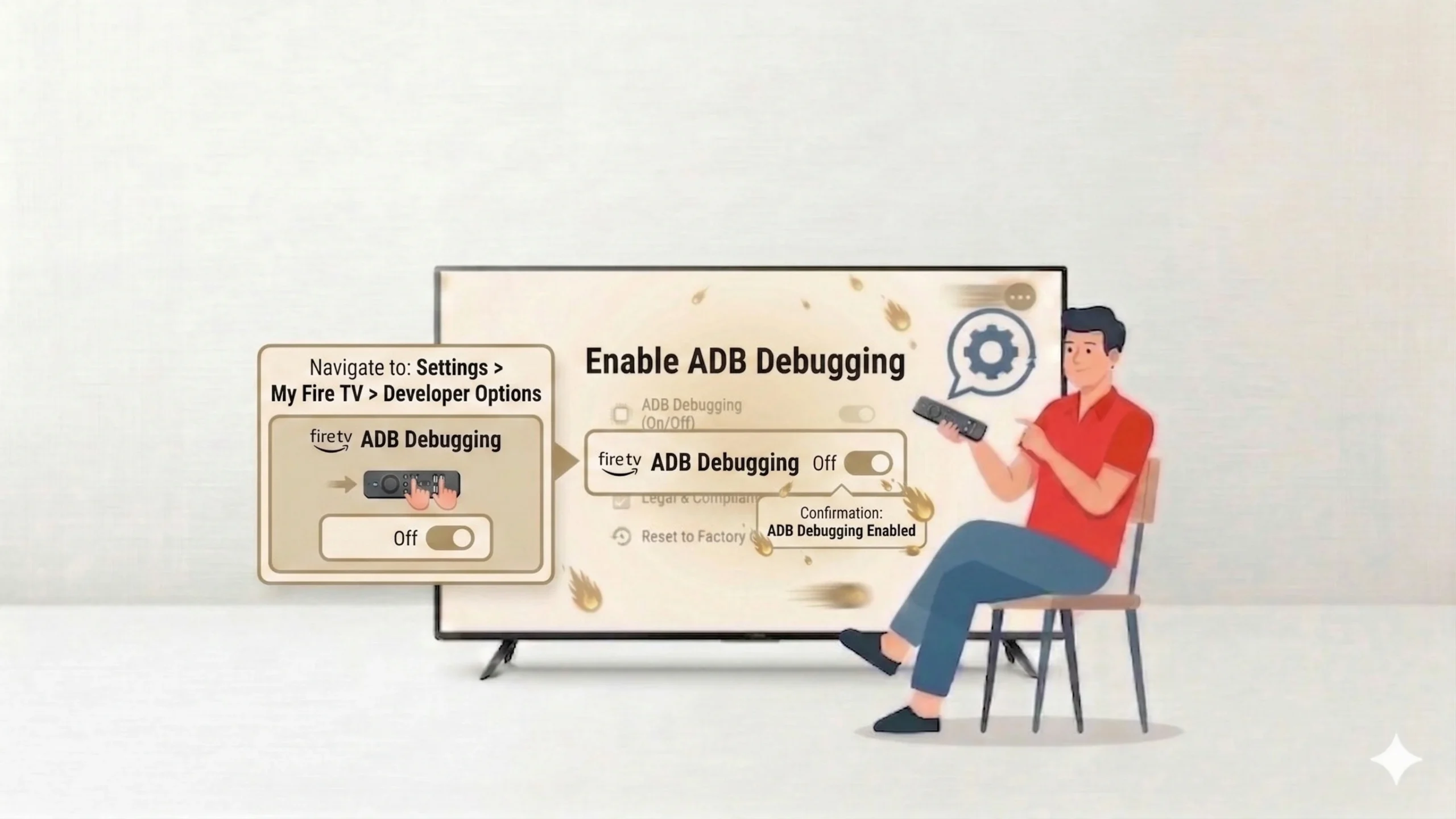
Enable ADB Debugging
-
Turn on ADB Debugging option
-
Allow device communication access
-
Enable advanced control features
Quick Comparison
Side-by-side comparison of top Fire Stick VPNs
| VPN | Price | Servers | Speed | Devices | Rating | Actions |
|---|---|---|---|---|---|---|
|
NordVPN
|
$4.39/mo | 6,998+ | Blazing Fast | 8 | 4.8 | Get Deal |
 EXPRESS VPN
|
$2.79/mo | 3,000+ | Blazing Fast | 8 | 5 | Get Deal |
 Proton VPN
|
$3.99/mo | 14,999+ | Blazing Fast | 7 | 4.8 | Get Deal |
|
|
$1.88/mo | 3,200+ | Blazing Fast | 8 | 4.7 | Get Deal |
 IPVanish
|
$2.49/mo | 3,100+ | Blazing Fast | 6 | 4 | Get Deal |
Frequently Asked Questions
It is safe if you install apps from trusted and verified sources only.
On newer devices, it appears under Developer Options or app-specific permissions.
ADB debugging is optional but helpful for advanced installations and troubleshooting.
Yes, you can turn it off anytime from the same settings menu.
Yes, enabling it is legal, but installing copyrighted or illegal apps may violate laws.