How to Sideload APK Files on Firestick: Step-by-Step Guide
Editor's Choice
#1 Pick
Editor's Choice
 NordVPN
$4.39/month
Save 20% Off
Blazing Fast
6,998+
214
8
Step by Step Instructions
Step 01

Go to Search on Fire TV
On your Fire TV home screen, select the Search (Find) option at the top.
Step 02

Type “NordVPN”
Use your remote to type NordVPN and choose the app when it appears in the results.
Step 03

Install the App
Click on Get or Download to install NordVPN on your Fire TV.
Step 04

Log In & Connect
Open the app, sign in to your account, and press the connect button to start using the VPN.
Step-by-Step Guide to Sideload APK Files on Firestick
Follow this simple guide to set up a VPN on your Firestick for enhanced privacy and streaming.
Step 01
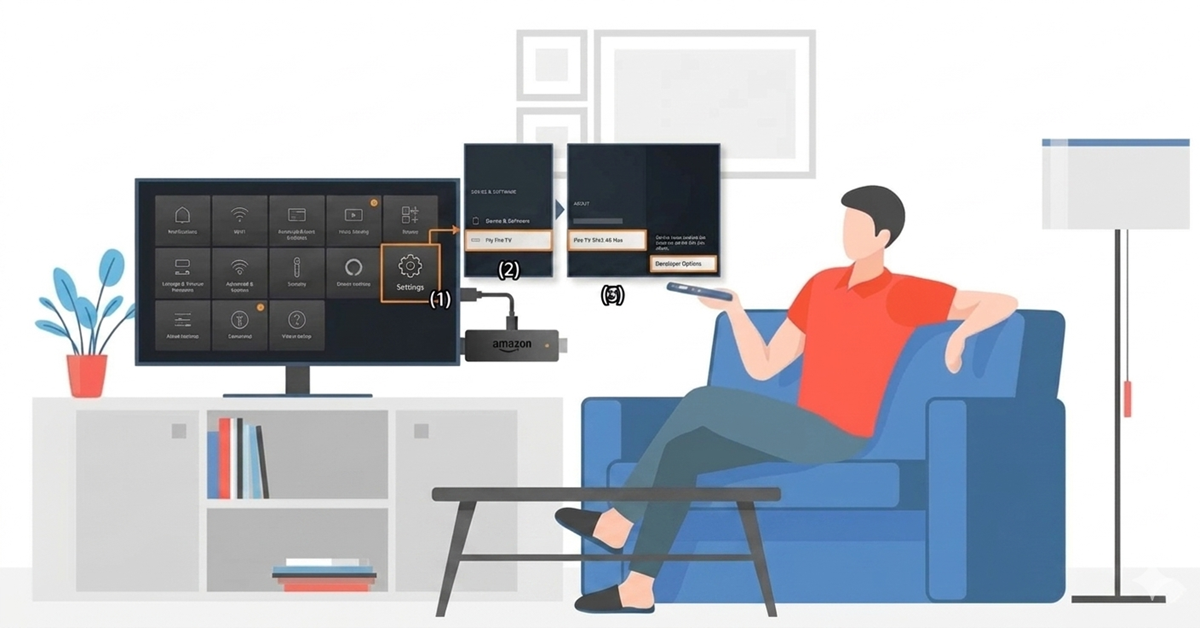
Enable Developer Options
-
From the Firestick home screen, go to Settings (gear icon).
-
Scroll to My Fire TV (or Device & Software).
-
If you don’t see Developer Options, select About, highlight your device name, and press the remote 7 times to unlock it.
Step 02
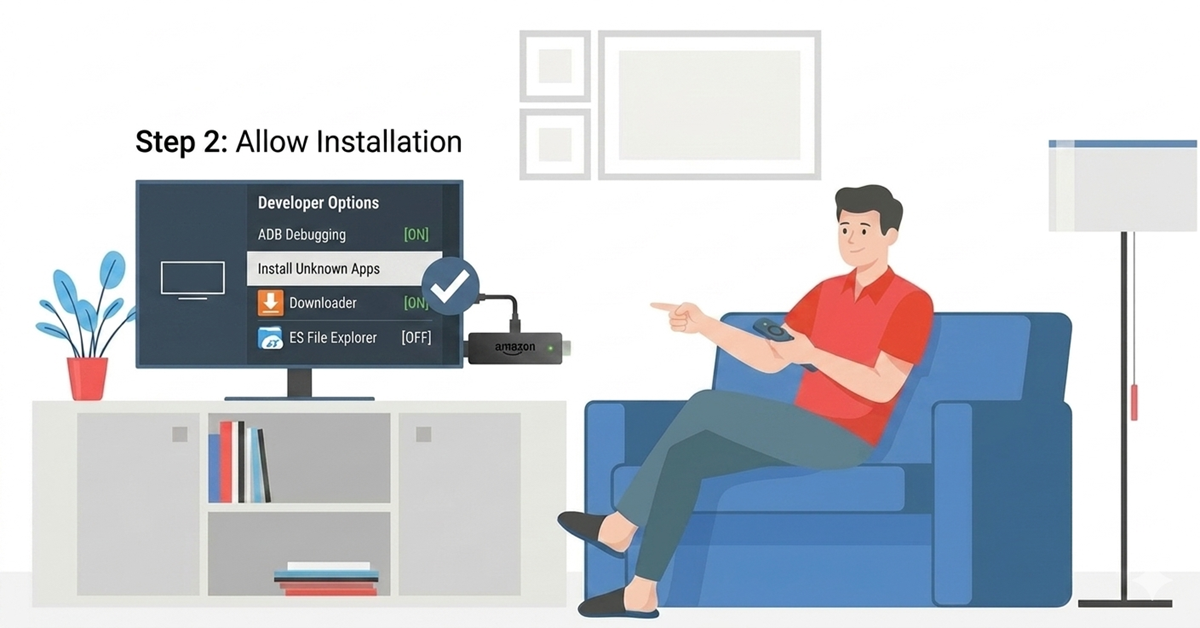
Install Downloader App
-
Open Developer Options once it appears.
-
Turn on ADB Debugging.
-
Find Apps from Unknown Sources (or Install Unknown Apps) and enable it for the sideloading app (e.g., Downloader).
Get NordVPN — 20% Off
Best VPN for Fire Stick streaming. Save 20% Off
Step 03
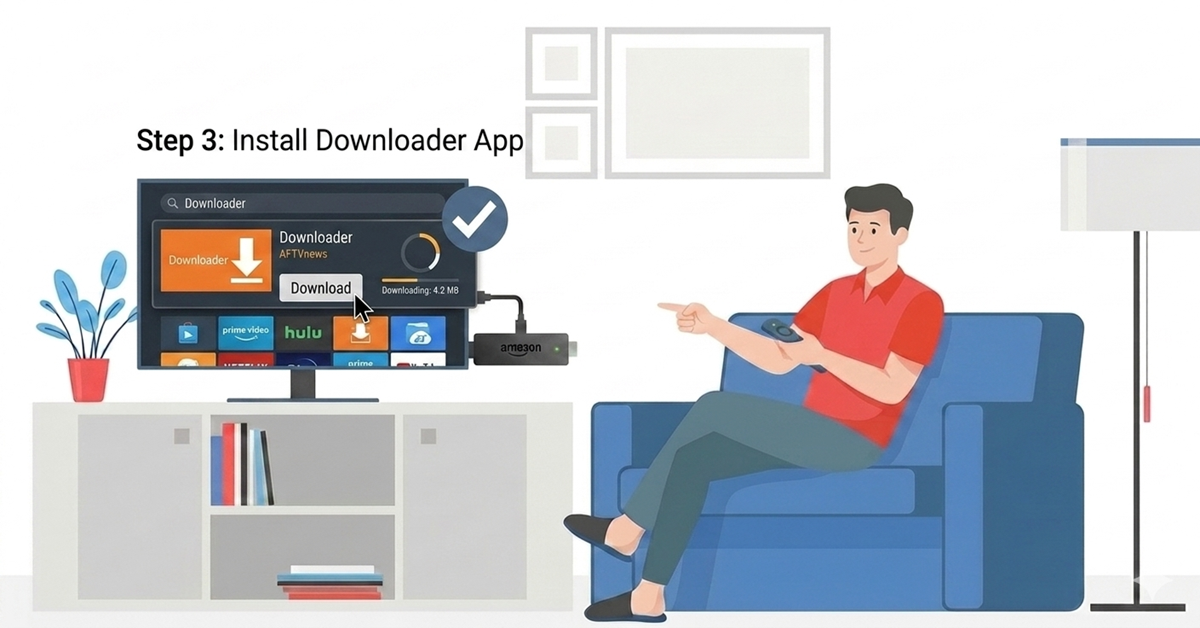
Install Downloader App
-
From the home screen, go to the Search icon.
-
Type “Downloader” and select the official app from the suggestions.
-
Click Download and open it once installed.
Step 04
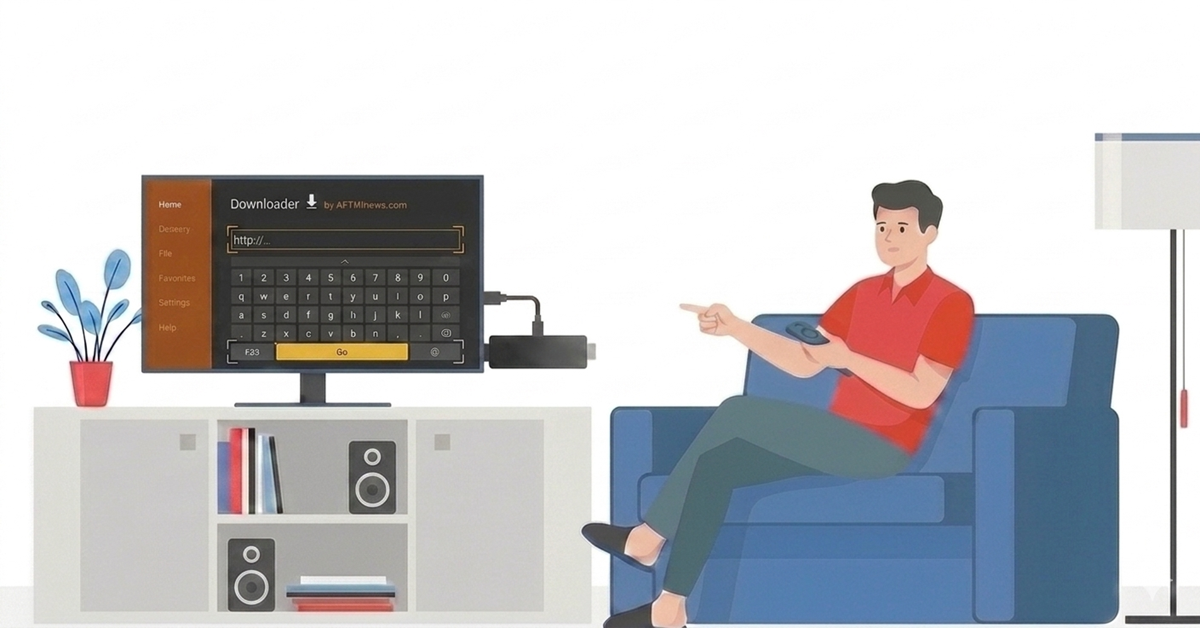
Enter the APK File URL
-
Launch the Downloader app.
-
In the URL field, use the remote to type the direct APK download link.
-
Press Go to begin downloading the APK.
Get NordVPN — 20% Off
Best VPN for Fire Stick streaming. Save 20% Off
Step 05
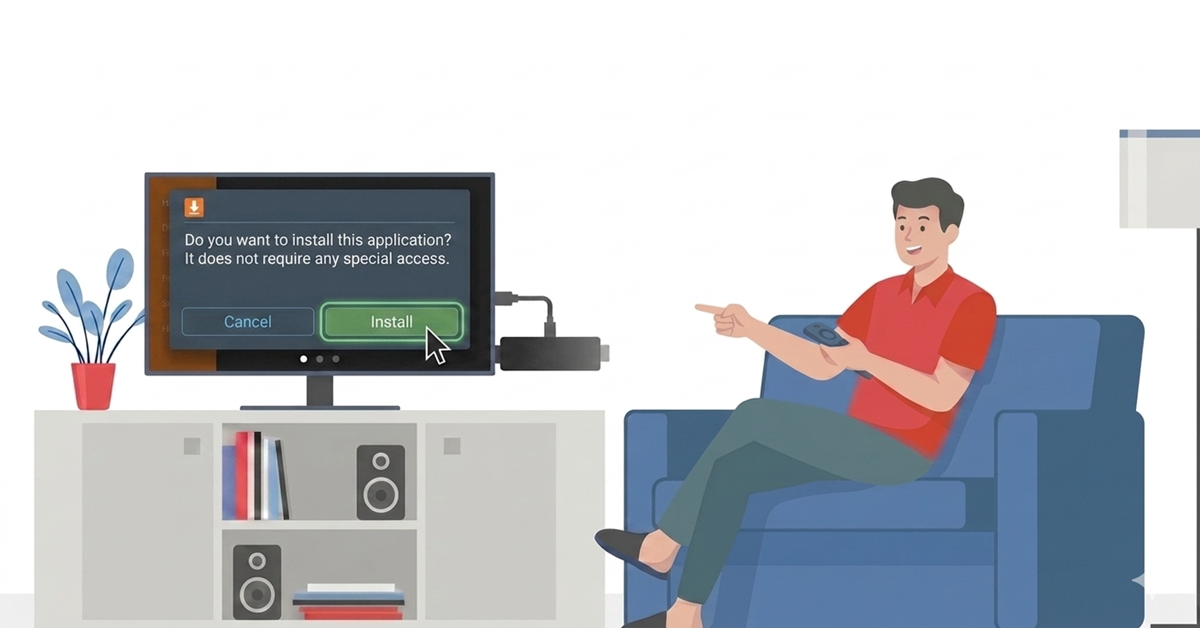
Install the APK File
-
Once downloaded, a prompt will appear showing the APK file.
-
Select Install on the prompt.
-
Wait for the installation to complete.
Step 06
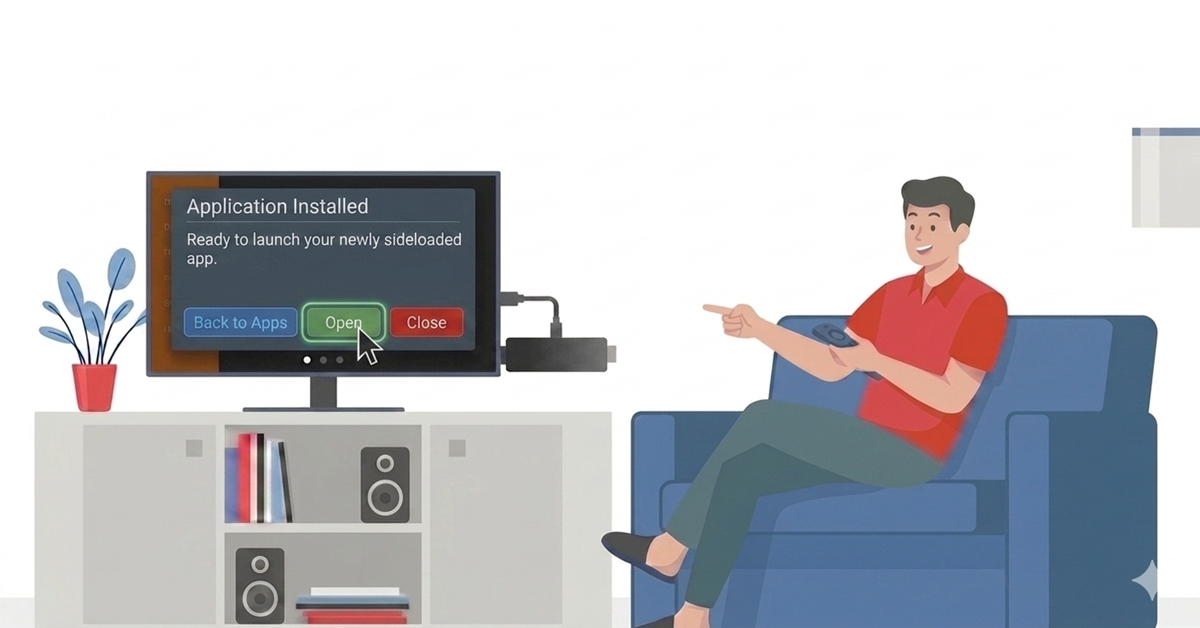
Launch the Installed App
-
After installation, select Open to launch immediately.
-
Or go back to Your Apps & Channels.
-
Locate and open your newly sideloaded app.
Quick Comparison
Side-by-side comparison of top Fire Stick VPNs
 EXPRESS VPN
 Pure VPN
Frequently Asked Questions
What does “sideload APK files on Firestick” mean?
It means installing apps outside the official Amazon Appstore by downloading and installing APK files manually on your Firestick device.
Can I sideload apps on Firestick without a computer?
Yes — with apps like Downloader you can directly input an APK URL and install the app without using a PC.
How do I install APK on Firestick?
First, enable Apps from Unknown Sources, install a sideload tool like Downloader, then download and install the APK file.
Do I need to enable settings before Firestick APK install?
Yes — turn on ADB Debugging and allow Apps from Unknown Sources under Developer Options.
Is using downloader APK Firestick method safe?
Only if you install APKs from trusted sources and websites to avoid malware or security risks.
Why does Firestick sometimes block sideloaded apps?
Amazon may restrict certain sideloaded apps, especially those linked to piracy or unverified content.
Can I install third party apps on Firestick?
Yes — once you enable unknown sources and use tools like Downloader or file transfer apps, third‑party APK installation works.
Where can I find Firestick APK install guides online?
You can read detailed step‑by‑step sideload APK guides on tech sites like Cashify, How‑To Geek, and Firestick Tricks.