How to Set Up a VPN Router for Firestick (Step-by-Step)
Editor's Choice
#1 Pick
Editor's Choice
 Surfshark
$1.88/month
Save 20%
Blazing Fast
3,200+
214
8
Step by Step Instructions
Step 01

Open Search on Fire TV
From your Fire TV home screen, go to the Find (Search) option.
Step 02

Search for Surfshark
Type Surfshark using your remote and select the app from the results.
Step 03

Install the App
Click on Download or Get to install Surfshark on your device.
Step 04

Sign In & Start VPN
Open the app, log in to your account, and connect to a server to start using the VPN.
How to Set Up a VPN Router for Firestick (Step-by-Step)
Step by step guide to install VPN on router for Fire TV protection. Takes 10 to 15 minutes depending on your router.
Step 01
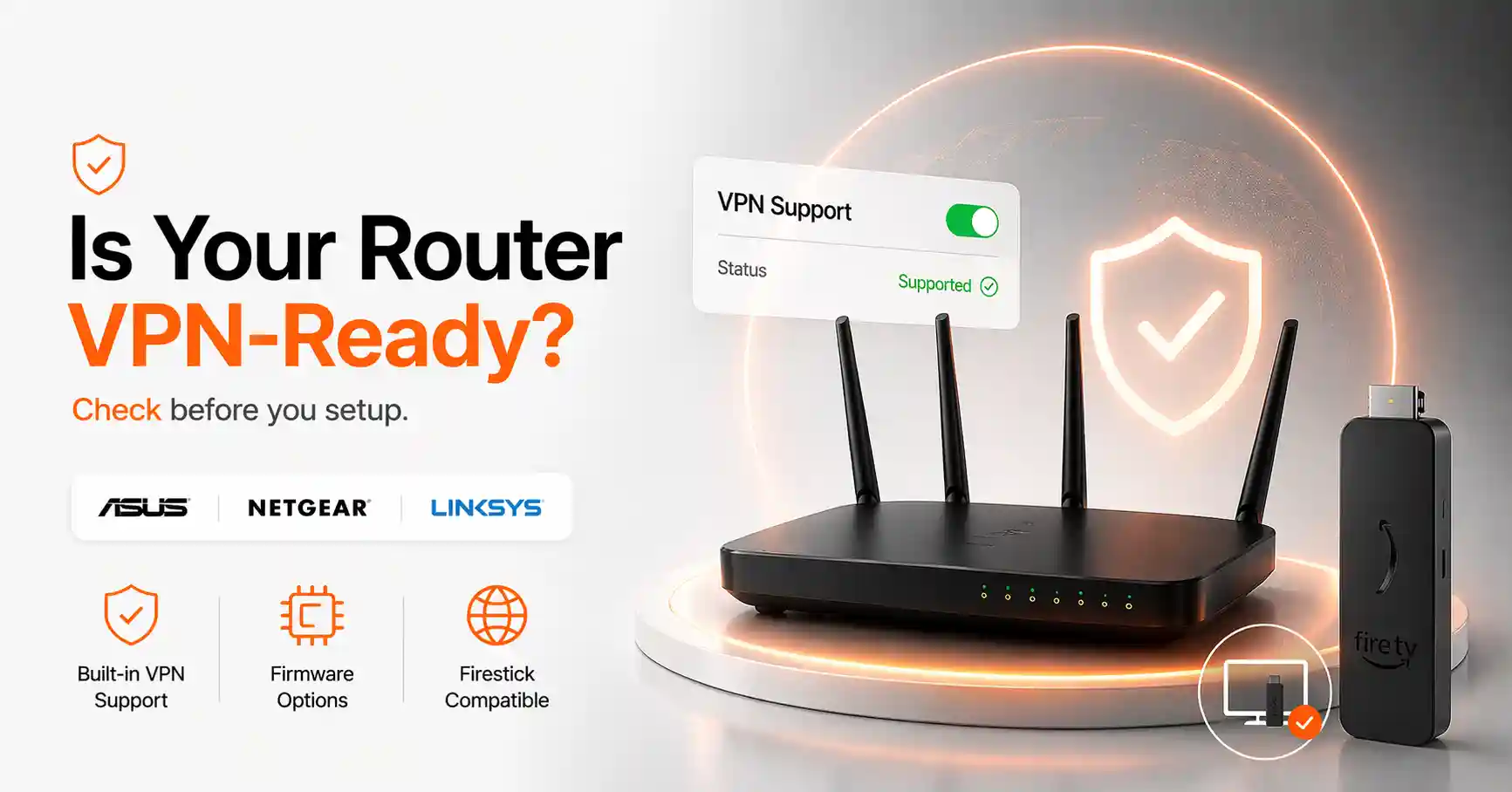
Check If Your Router Supports VPN
-
Confirm VPN Router Firestick Setup Compatibility
-
Log into your router admin panel (typically at 192.168.1.1) and check the firmware options available.
-
Asus, Netgear Nighthawk, Linksys routers support native VPN for Firestick.
-
If router lacks VPN, flash DD-WRT/Tomato or buy pre-flashed VPN router.
Step 02
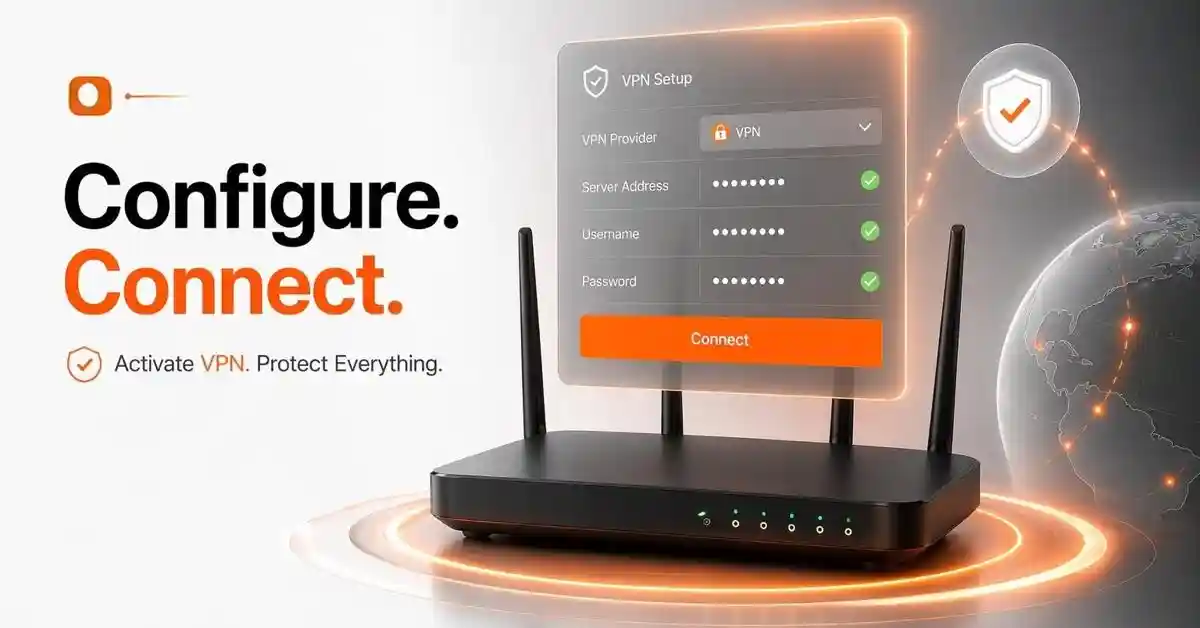
Install VPN Firmware on Your Router
-
Enter VPN Credentials in Your Router Dashboard
-
Inside your router admin panel, navigate to the VPN or WAN settings section.
-
Enter your VPN provider's server address, username, and password to configure router level VPN Firestick protection.
-
Save and apply settings — your router will now route all connected device traffic through the VPN tunnel automatically.
Get Surfshark — 20% Off
Step 03
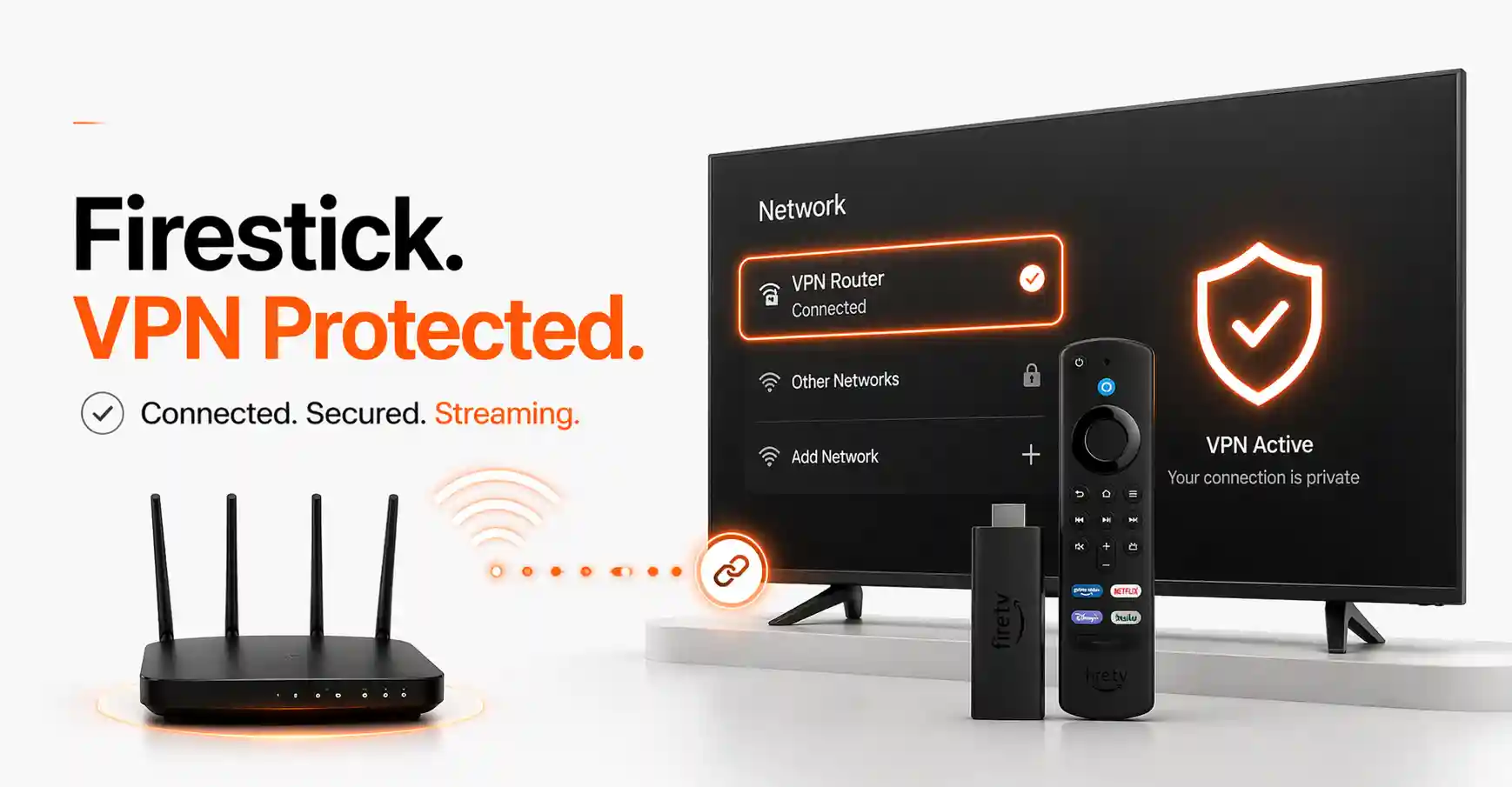
Connect Firestick to the VPN Router
-
On your Firestick, go to Settings > Network and connect to your Firestick router VPN network.
-
Once connected, your Firestick inherits full VPN protection without needing any app installed on the device itself.
-
This Firestick VPN through router method is ideal for devices that cannot run VPN apps natively.
Step 04
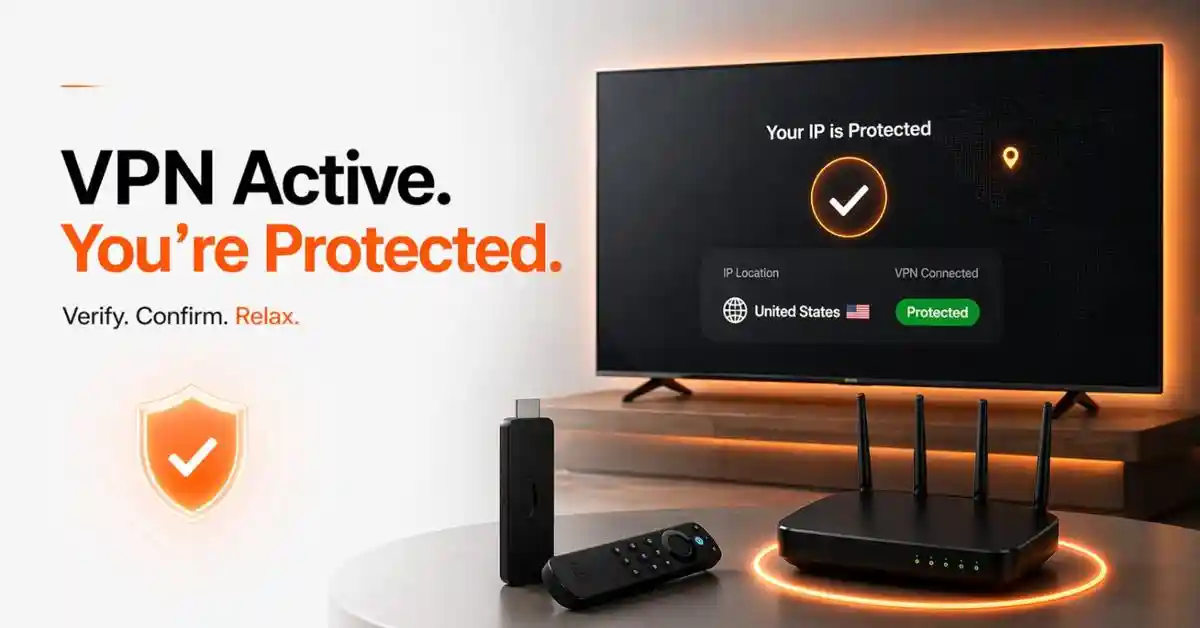
Verify VPN Protection on Firestick
-
Open the Firestick browser or a free IP checker app and look up your current IP address.
-
If location matches VPN server, your Fire TV setup is correct.
-
You can now protect Firestick with router VPN across all streaming sessions without touching VPN settings again.
Quick Comparison
Side-by-side comparison of top Fire Stick VPNs
| VPN | Price | Servers | Speed | Devices | Rating | Actions |
|---|---|---|---|---|---|---|
|
|
$1.88/mo | 3,200+ | Blazing Fast | 8 | 4.7 | Get Deal |
 NordVPN
|
$4.39/mo | 6,998+ | Blazing Fast | 8 | 4.8 | Get Deal |
 EXPRESS VPN
|
$2.79/mo | 3,000+ | Blazing Fast | 8 | 5 | Get Deal |
 Proton VPN
|
$3.99/mo | 14,999+ | Blazing Fast | 7 | 4.8 | Get Deal |
 IPVanish
|
$2.49/mo | 3,100+ | Blazing Fast | 6 | 4 | Get Deal |
 Private Internet Access
|
$11.95/mo | 35,000+ | Blazing Fast | 8 | 4 | Get Deal |
 PrivadoVPN
|
$1.99/mo | — | Blazing Fast | 5 | 4 | Get Deal |
 Cyberghost vpn
|
$12.99/mo | 9,700+ | Fast | 6 | 4.2 | Get Deal |
Frequently Asked Questions
How do I set up a VPN router for Firestick?
Log into your router admin panel, enter your VPN provider's credentials under the VPN or WAN section, and save. Then connect your Firestick to that router's Wi-Fi. Your VPN router Firestick setup is complete and all traffic is protected automatically.
What is a VPN router for Firestick and why use one?
A VPN router Firestick setup applies VPN protection at the network level, meaning every device connected to that router — including your Firestick — is automatically covered without installing any VPN app directly on the device.
Which routers support VPN on router for Firestick?
Asus routers with AsusWRT, Netgear Nighthawk models, and DD-WRT or Tomato-compatible routers all support VPN on router for Firestick. ExpressVPN and Surfshark also offer pre-configured routers if you prefer a plug-and-play solution.
What is a virtual router Firestick VPN setup?
A virtual router Firestick VPN uses your laptop or PC as a software-based Wi-Fi hotspot with a VPN active on it. Your Firestick connects to this hotspot and receives VPN protection — useful when flashing a physical router is not an option.
Does router level VPN Firestick protection cover all apps?
Yes. Router level VPN Firestick protection applies to every app on your device — including sideloaded apps, streaming services, and browsers — because the encryption happens at the network level before traffic even leaves your home.
How do I install VPN on router for Fire TV without flashing firmware?
Many modern routers have built-in OpenVPN client support. To install VPN on router for Fire TV, simply go to your router's VPN settings section, enter your provider's server details, and connect. No firmware flashing required on compatible models.
Does Firestick router VPN work with sideloaded apps?
Yes. Since Firestick router VPN protection operates at the network level, it secures all traffic including from sideloaded third-party apps — something that is especially useful for users who stream from unofficial sources and want complete traffic encryption.
Can I protect Firestick with router VPN if my router doesn't support VPN?
If your current router cannot be configured for VPN, you have two options: purchase a pre-flashed VPN router, or use a virtual router via your computer. Either method will protect Firestick with router VPN effectively without replacing your existing modem.