How Do I Fix Audio Out of Sync on Firestick? Restore Sound Easily
Editor's Choice
#1 Pick
Editor's Choice
 EXPRESS VPN
$2.79/month
Save 20%
Blazing Fast
3,000+
214
8
Step by Step Instructions
Step 01

Open the Amazon App Store
From your Firestick home screen, navigate to the “Find” or search icon and open the Amazon App Store.
Step 02

Search for ExpressVPN
Type “ExpressVPN” in the search bar using your remote. Select the official ExpressVPN app from the results.
Step 03

Download & Install the App
Click on the “Download” or “Get” button to install the app on your Firestick. Wait for the installation to complete.
Step 04

Sign In & Connect
Open the app, sign in with your ExpressVPN account, and tap the power button to connect to a server.
How do I fix audio out of sync on Firestick?
Simple steps to get your Firestick audio and video back in sync.
Step 01
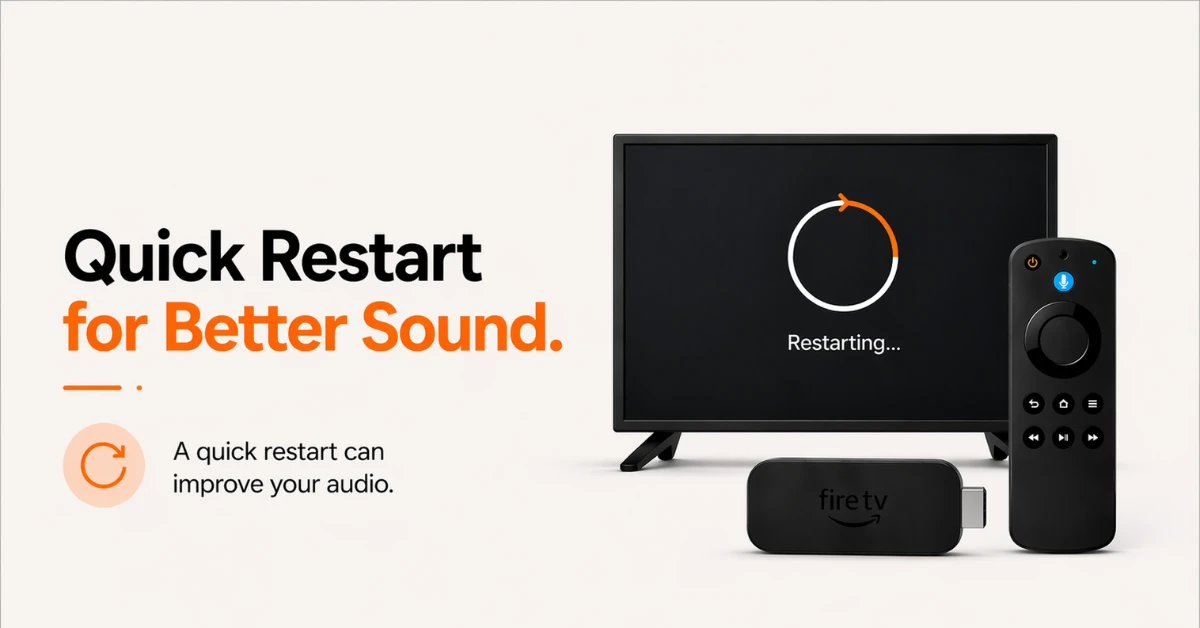
Restart Your Firestick
-
Before trying anything else, go to Settings, select My Fire TV, and click Restart
-
Wait for the device to fully reboot before testing the audio
-
If that does not work, unplug the Firestick from its power source, wait 30 seconds and plug it back in
Step 02
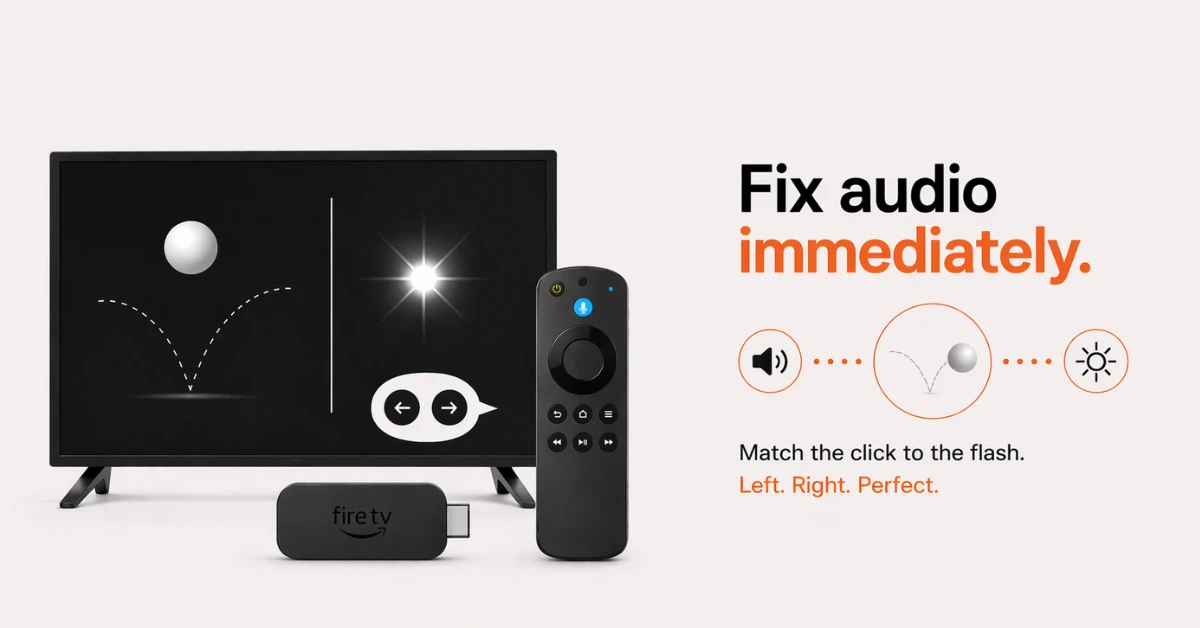
Use the AV Sync Tuning Tool
-
Go to Settings, select Display and Sounds, then Audio, and click AV Sync Tuning
-
You will see a bouncing ball on screen with a flash and a click tone
-
Press Right on your remote if the tone happens before the flash, or press Left if the tone happens after
-
Press OK once the ball, flash, and tone all match up to save your changes
Get EXPRESS VPN — 20% Off
Step 03
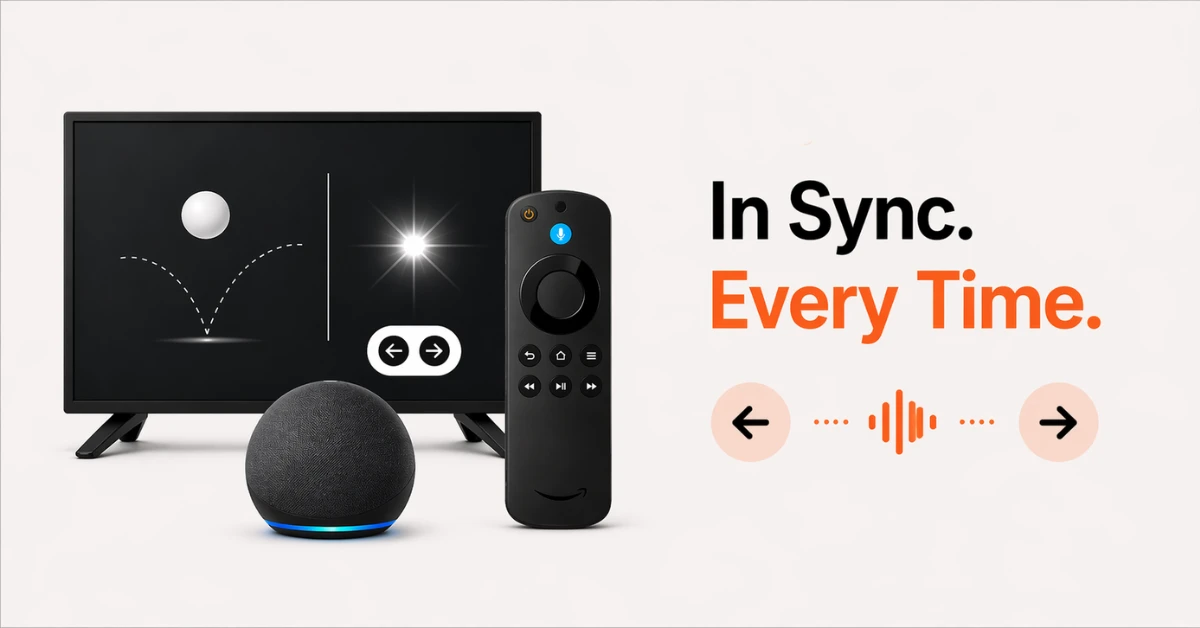
Use Lip Sync Tuning for Alexa Home Theater (Echo speakers only)
-
Go to Settings and select Display and Sounds
-
Select Alexa Home Theater and click Lip Sync Tuning
-
A bouncing ball will appear on screen. Press Right or Left to adjust until the tone and flash match, then press OK
Step 04
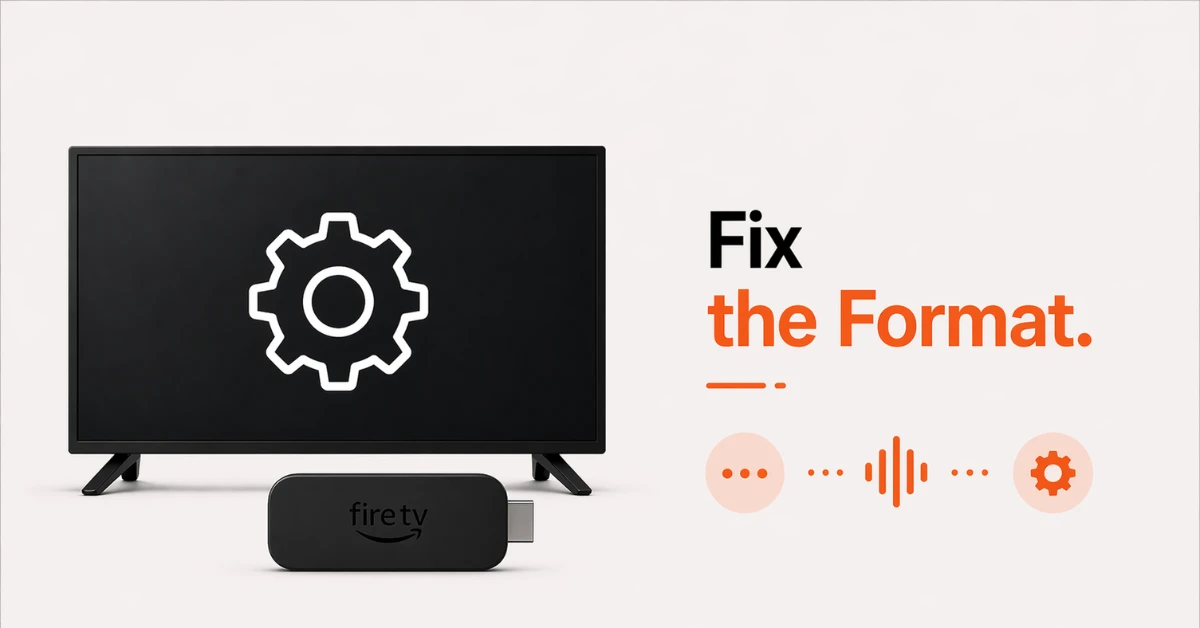
Adjust Your Audio Format Settings
-
If audio sync issues persist, the problem may be related to your audio form
-
Go to Settings, select Display and Sounds, then Audio and change Dolby Digital Output to Stereo or PCM
-
Go to Advanced Audio and turn off Dialogue Enhancer as this can also contribute to sync problems
Quick Comparison
Side-by-side comparison of top Fire Stick VPNs
| VPN | Price | Servers | Speed | Devices | Rating | Actions |
|---|---|---|---|---|---|---|
|
EXPRESS VPN
|
$2.79/mo | 3,000+ | Blazing Fast | 8 | 5 | Get Deal |
|
|
$1.88/mo | 3,200+ | Blazing Fast | 8 | 4.7 | Get Deal |
 Proton VPN
|
$3.99/mo | 14,999+ | Blazing Fast | 7 | 4.8 | Get Deal |
 IPVanish
|
$2.49/mo | 3,100+ | Blazing Fast | 6 | 4 | Get Deal |
 PrivadoVPN
|
$1.99/mo | — | Blazing Fast | 5 | 4 | Get Deal |
 Pure VPN
|
$3.55/mo | — | Blazing Fast | 6 | 4 | Get Deal |
Frequently Asked Questions
Why does my Fire Stick suddenly have no sound?
This is usually caused by an incorrect audio setting, a loose HDMI cable, or a minor software glitch on your Firestick. Restarting your device and rechecking your audio output settings resolves the issue in most cases.
What should I check first if my Fire Stick has no sound?
Press the volume up button on your remote and make sure your TV is not accidentally muted. If the issue continues, unplug the HDMI cable and firmly plug it back in to rule out a loose connection.
Why did audio stop working on Fire Stick after an update?
A software update can sometimes reset your audio settings back to default on Fire Stick. Go to Settings, select Display and Sounds, then Audio, and recheck your Dolby Digital and Surround Sound settings to restore audio.
Where do I find the sound settings on Fire TV Stick?
Fire TV Stick sound settings are found under Settings, then Display and Sounds, then Audio. From here you can adjust Dolby Digital Output, Surround Sound, AV Sync Tuning and Advanced Audio options.
Should I use Dolby Digital or PCM on my Fire Stick?
Use Dolby Digital Plus if your TV or soundbar supports it for the best possible audio quality on Fire Stick. If your device does not support it, switch to PCM as it is the most universally compatible audio format.
Can restarting Fire Stick fix sound issues?
Yes, restarting your Fire Stick clears temporary software glitches that often cause audio problems. Go to Settings, select My Fire TV, click Restart, and check if sound is restored once the device reboots.
Can an HDMI port cause no sound on Fire Stick?
Yes, a faulty or incompatible HDMI port can prevent audio from coming through on Fire Stick. Try unplugging and firmly replugging the cable, or switch to a different HDMI port on your TV to see if sound is restored.
How do I check if my TV mute is causing no sound on Fire Stick?
Press the Mute button on your TV remote to toggle it off and then press the volume up button on your Firestick remote. If sound returns, accidental muting was the cause of the issue all along.
How do I change the audio output device on Fire TV?
Go to Settings, select Display and Sounds, then Audio, and adjust the settings to match your connected output device. If you are using an external soundbar or speaker, make sure it is confirmed as the active audio device in both your TV and Fire TV settings.