Can I Control Firestick with Just my Voice?
Editor's Choice
#1 Pick
Editor's Choice
 EXPRESS VPN
$2.79/month
Save 19%
Blazing Fast
3,000+
214
8
Step by Step Instructions
Step 01

Open the Amazon App Store
From your Firestick home screen, navigate to the “Find” or search icon and open the Amazon App Store.
Step 02

Search for ExpressVPN
Type “ExpressVPN” in the search bar using your remote. Select the official ExpressVPN app from the results.
Step 03

Download & Install the App
Click on the “Download” or “Get” button to install the app on your Firestick. Wait for the installation to complete.
Step 04

Sign In & Connect
Open the app, sign in with your ExpressVPN account, and tap the power button to connect to a server.
Can I Control Firestick With Just My Voice?
A simple guide on everything you can to use Firestick with just voice
Step 01
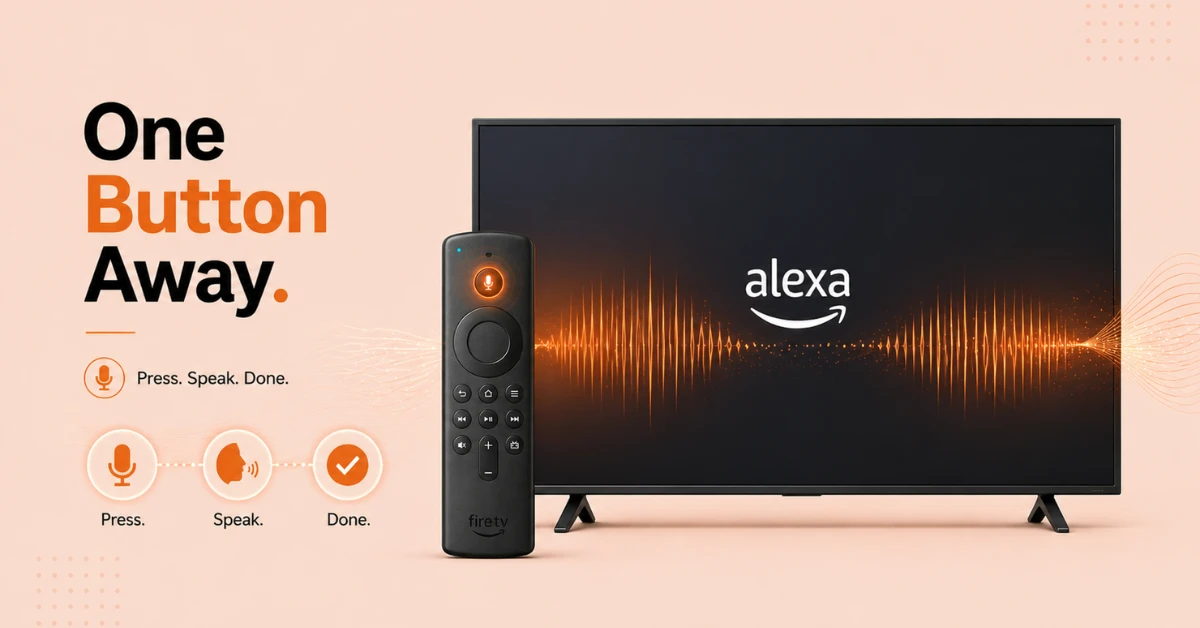
Activate Alexa on Your Firestick Remote
-
Press and hold the microphone button at the top of your Firestick remote.
-
Wait for the tone and then speak your command clearly.
-
Release the button once you are done speaking and Alexa will process your request.
Step 02
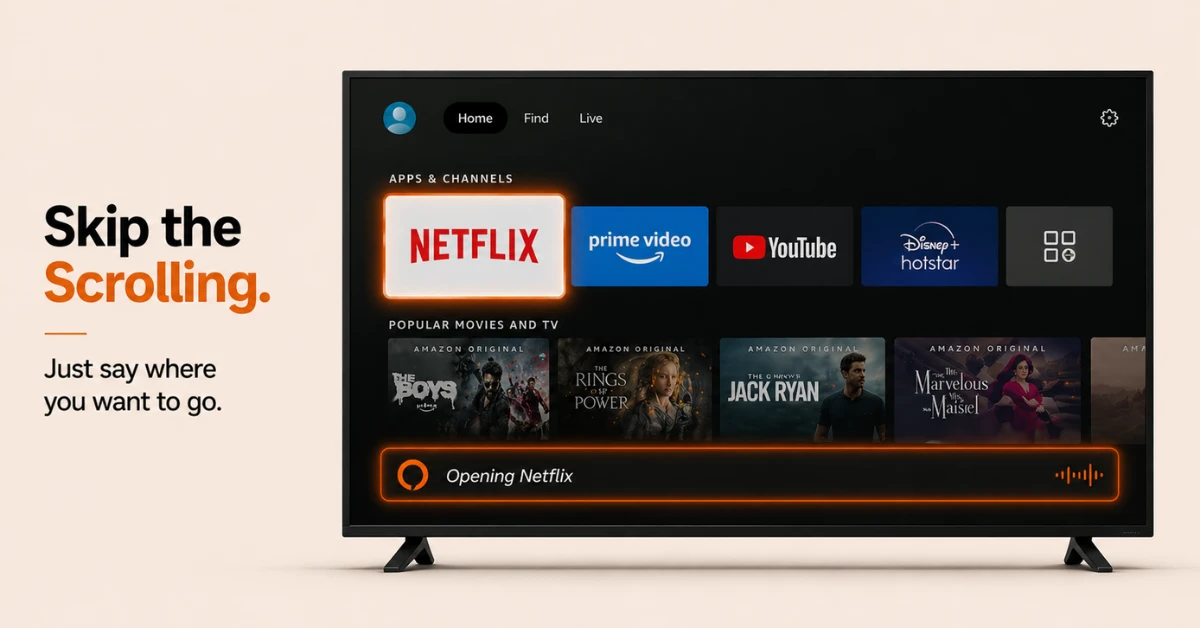
Navigate Your Firestick by Voice
-
Say "Go to home" or "Open Settings" to jump to any section of your Firestick.
-
Say "Scroll down" or "Go back" to move around the menu using just your voice.
-
Say "Select number 3" to pick a specific item from a list on screen.
-
Say "Alexa, open [app name]" and you will be taken directly to that app's homepage.
Get EXPRESS VPN — 19% Off
Step 03
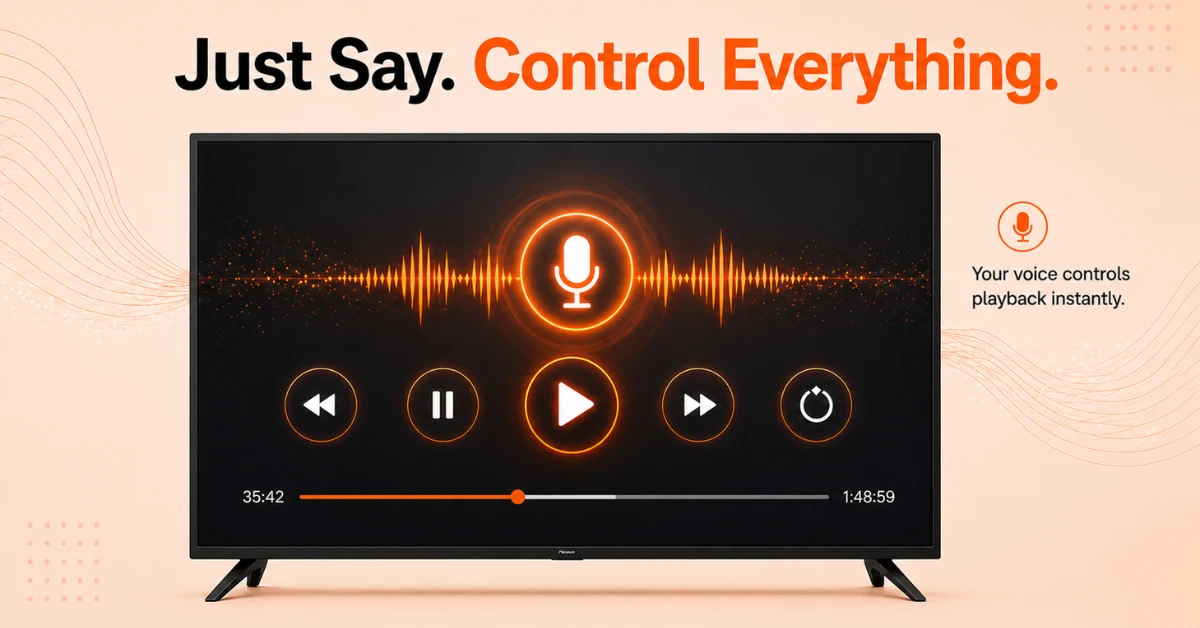
Control Playback With Your Voice
-
Say "Play", "Pause", or "Stop" to control what is on screen at any point.
-
Say "Rewind" or "Fast forward" followed by a time such as "5 minutes" to jump to a specific point.
-
Say "Next" or "Previous" to skip between episodes or tracks.
-
Say "Watch from beginning" to restart the content from the very start.
Step 04
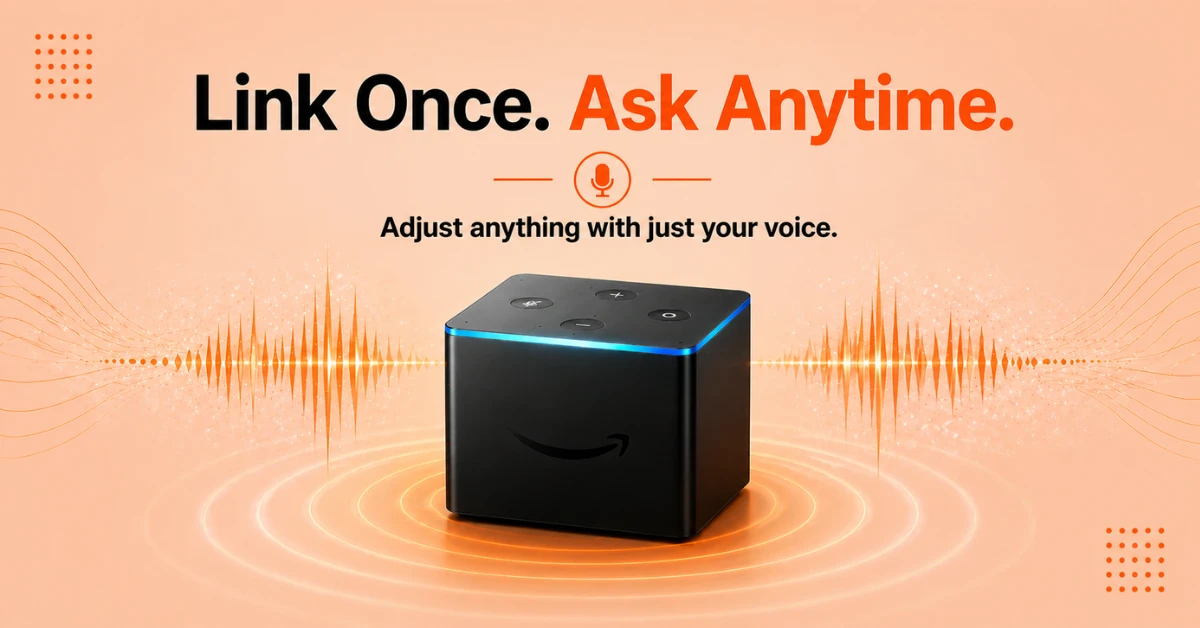
Use an Echo Device or Fire TV Cube
-
Link an Echo device to your Firestick through the Alexa app under Settings, then TV and Video, then Fire TV.
-
Once linked, say "Alexa, play [title] on Fire TV" .
-
Fire TV Cube has a built-in mic, letting you control your TV, switch inputs and adjust volume all by voice.
Quick Comparison
Side-by-side comparison of top Fire Stick VPNs
| VPN | Price | Servers | Speed | Devices | Rating | Actions |
|---|---|---|---|---|---|---|
|
EXPRESS VPN
|
$2.79/mo | 3,000+ | Blazing Fast | 8 | 5 | Get Deal |
 NordVPN
|
$4.39/mo | 6,998+ | Blazing Fast | 8 | 4.8 | Get Deal |
|
|
$1.88/mo | 3,200+ | Blazing Fast | 8 | 4.7 | Get Deal |
 Proton VPN
|
$3.99/mo | 14,999+ | Blazing Fast | 7 | 4.8 | Get Deal |
 IPVanish
|
$2.49/mo | 3,100+ | Blazing Fast | 6 | 4 | Get Deal |
 Pure VPN
|
$3.55/mo | — | Blazing Fast | 6 | 4 | Get Deal |
Frequently Asked Questions
Do I need any extra setup to control Fire Stick with my voice?
No extra setup is needed to use basic voice control on Fire Stick as the Alexa Voice Remote comes included. For hands-free control without the remote, you will need to link an Echo device or use a Fire TV Cube.
How do I set up hands-free voice control on Fire TV?
Link an Echo device to your Fire TV through the Alexa app under Settings, then TV and Video, then Fire TV. Once linked, you can control your Fire TV completely hands-free from anywhere in the room.
How do I control Fire TV with Echo?
Open the Alexa app, go to Settings, then TV and Video, then Fire TV, and link your Echo device to your Fire TV. Once connected, any voice command you say to your Echo will be sent directly to your Fire TV.
How is Fire TV Cube voice control different from other Fire TV devices?
Fire TV Cube has a built-in microphone array so you do not need a remote or a separate Echo device to use voice control. You can speak from across the room and Fire TV Cube will hear and respond without any button press.
How do I control Fire TV with Alexa without a remote if I lose it?
If you lose your remote, download the Fire TV app on your phone and use it as a replacement remote while you set up an Echo device for permanent hands-free control. You can link the Echo through the Alexa app under Settings, then TV and Video, then Fire TV.
What is near-field voice control on Fire TV?
Near-field voice control on Fire TV refers to using the microphone button on your Alexa Voice Remote to send commands. Because you are speaking into the remote directly, it is called near-field as opposed to speaking from across the room to an Echo device.
How do I play and pause with my voice on Fire TV?
Simply press the microphone button on your remote or speak to your linked Echo device and say "Play" or "Pause" to control playback on Fire TV. These commands work across most major streaming apps on Fire TV.
Can I open any app using voice navigation on Fire TV?
Yes, say "Alexa, open [app name]" and Fire TV will launch that app directly taking you to its homepage. This works for all apps installed on your Fire TV that are compatible with Alexa voice navigation.
How do I set up the Alexa app to control my Fire TV?
Open the Alexa app, tap More, go to Settings, then TV and Video, then Fire TV, and follow the steps to link your device. Once linked, your Fire TV will respond to all Alexa voice commands sent through the app or any connected Echo device.