How Do I Secure My Firestick From Hackers?
Editor's Choice
#1 Pick
Editor's Choice
 EXPRESS VPN
$2.79/month
Save 20%
Blazing Fast
3,000+
214
8
Step by Step Instructions
Step 01

Open the Amazon App Store
From your Firestick home screen, navigate to the “Find” or search icon and open the Amazon App Store.
Step 02

Search for ExpressVPN
Type “ExpressVPN” in the search bar using your remote. Select the official ExpressVPN app from the results.
Step 03

Download & Install the App
Click on the “Download” or “Get” button to install the app on your Firestick. Wait for the installation to complete.
Step 04

Sign In & Connect
Open the app, sign in with your ExpressVPN account, and tap the power button to connect to a server.
How Do I Secure My Firestick From Hackers?
Essential fire stick security tips to lock down your device. Takes about 10 minutes.
Step 01
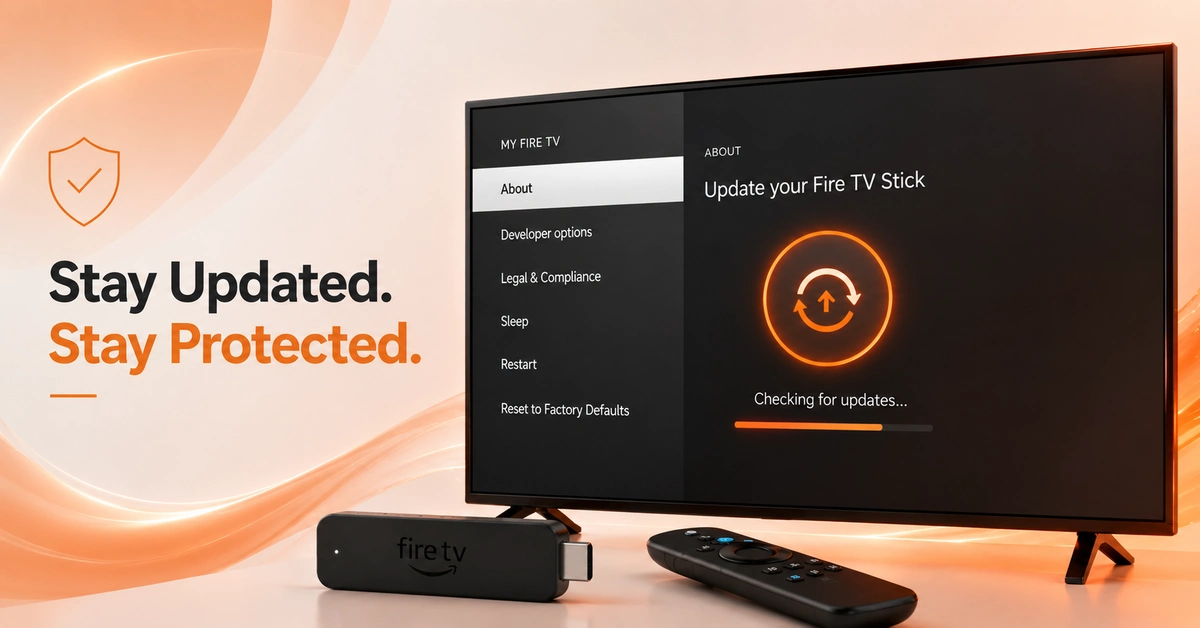
Update Your Firestick to the Latest Software
-
Keep Your Fire TV Fully Patched Against Known Vulnerabilities
-
Go to Settings > My Fire TV > About > Check for Updates.
-
Install any available update to patch known security vulnerabilities.
-
Updated software is the most essential fire stick security tip to follow.
Step 02
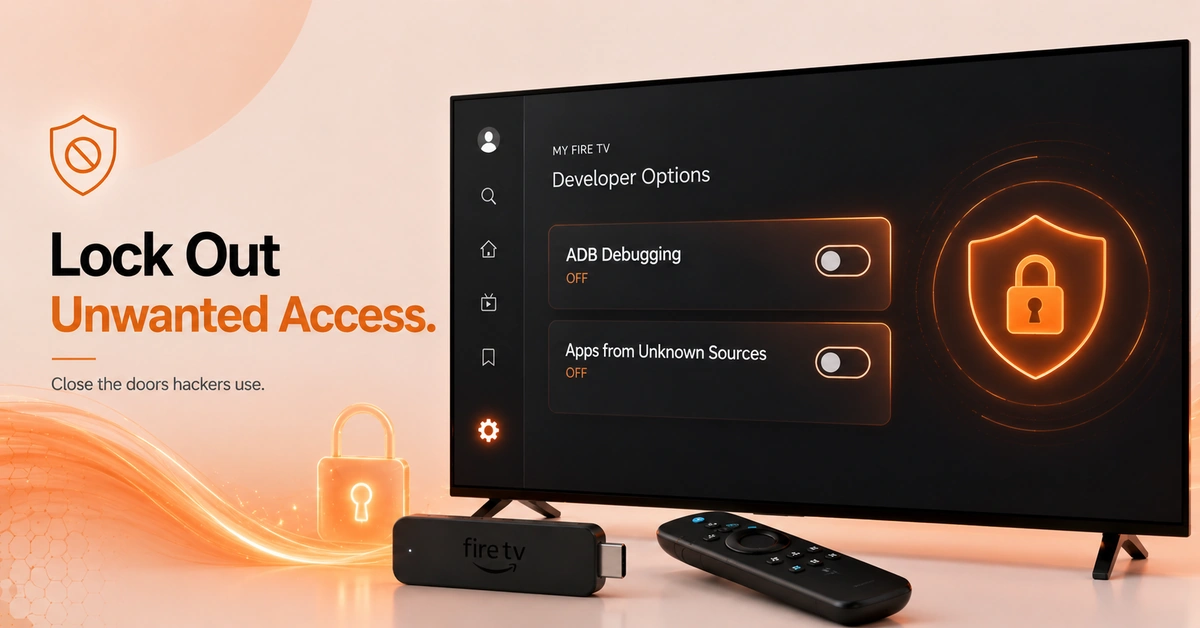
Disable ADB Debugging and Restrict Unknown App Sources
-
Remove Common Hacker Entry Points From Your Firestick
-
Go to Settings > My Fire TV > Developer Options to review toggles.
-
Turn off ADB Debugging if you are not actively sideloading apps.
-
Disable Unknown Sources to protect fire stick from hacking attempts.
Get EXPRESS VPN — 20% Off
Step 03
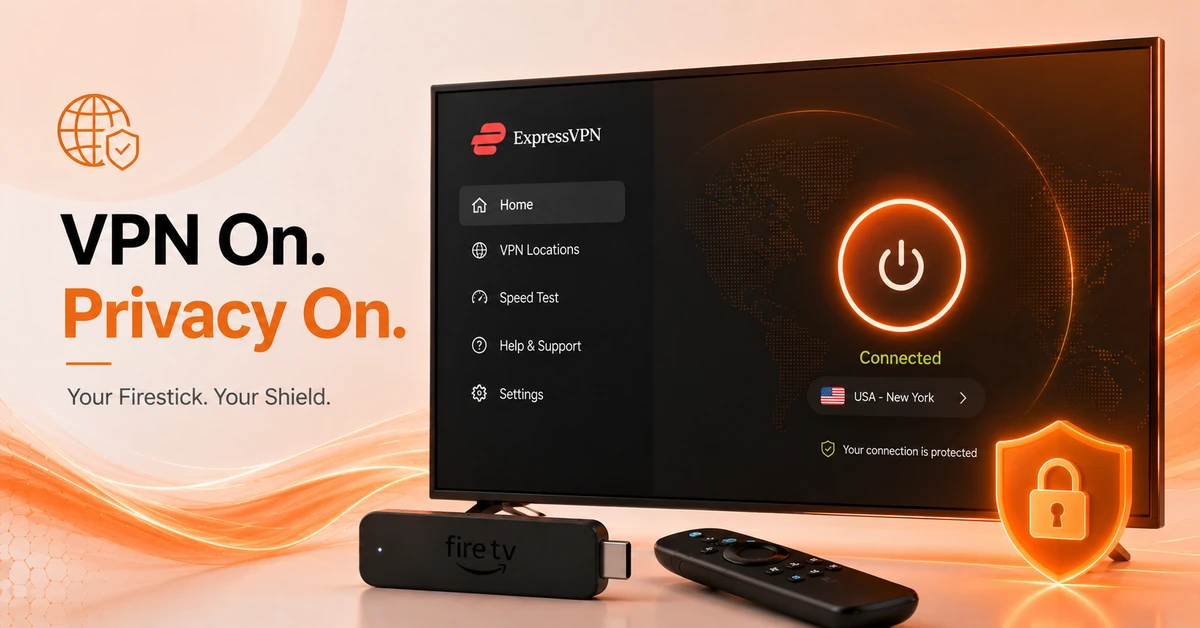
Install Express VPN on Your Firestick
-
Encrypt Your Traffic and Protect Fire TV Privacy and Security
-
Search for ExpressVPN in the Amazon App Store and install it.
-
Log in and connect to a server to activate full encryption.
-
This is the most effective way to secure fire tv stick connections.
Step 04
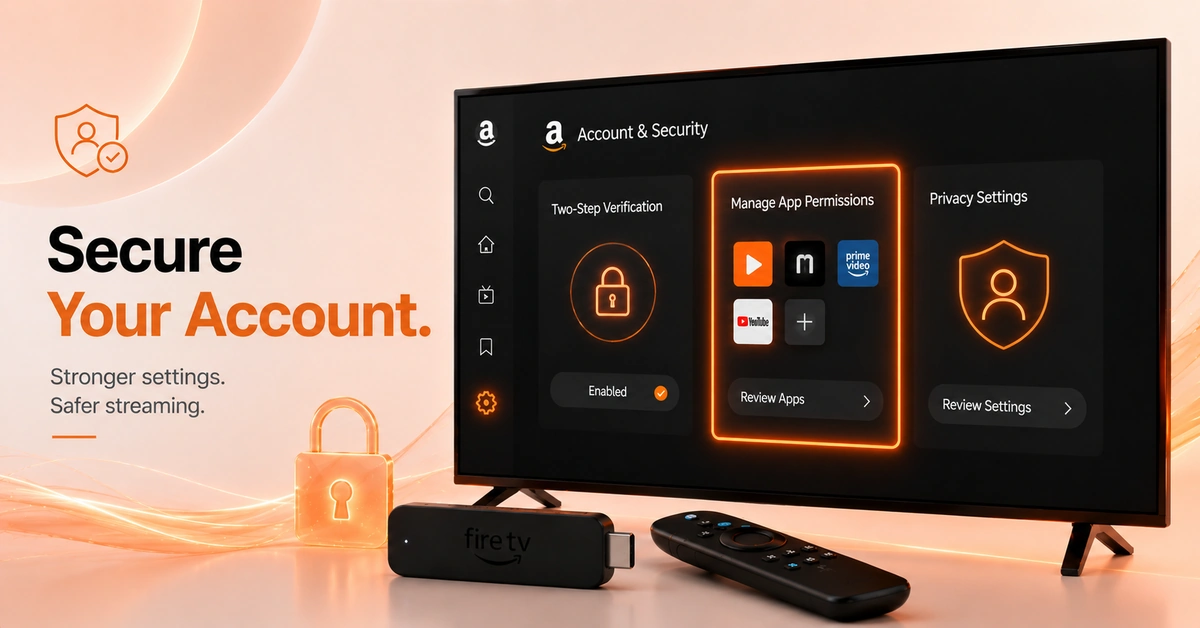
Lock Down Your Amazon Account and App Permissions
-
Tighten Account Security and Review All App Access Rights
-
Go to Amazon account settings and enable two-factor authentication now.
-
Remove any installed apps you no longer use or recognize.
-
Open Privacy Settings for a full fire tv privacy and security review.
Quick Comparison
Side-by-side comparison of top Fire Stick VPNs
| VPN | Price | Servers | Speed | Devices | Rating | Actions |
|---|---|---|---|---|---|---|
|
EXPRESS VPN
|
$2.79/mo | 3,000+ | Blazing Fast | 8 | 5 | Get Deal |
 NordVPN
|
$4.39/mo | 6,998+ | Blazing Fast | 8 | 4.8 | Get Deal |
 IPVanish
|
$2.49/mo | 3,100+ | Blazing Fast | 6 | 4 | Get Deal |
|
|
$1.88/mo | 3,200+ | Blazing Fast | 8 | 4.7 | Get Deal |
 Pure VPN
|
$3.55/mo | — | Blazing Fast | 6 | 4 | Get Deal |
 Cyberghost vpn
|
$12.99/mo | 9,700+ | Fast | 6 | 4.2 | Get Deal |
|
|
$1.88/mo | 3,200+ | Blazing Fast | 8 | 4.7 | Get Deal |
 PrivadoVPN
|
$1.99/mo | — | Blazing Fast | 5 | 4 | Get Deal |
 Private Internet Access
|
$11.95/mo | 35,000+ | Blazing Fast | 8 | 4 | Get Deal |
Frequently Asked Questions
How do I secure my Fire Stick from hackers?
Start by updating your Fire TV software, disabling ADB debugging, and restricting unknown app sources. Then install Surfshark and enable two-factor authentication on your Amazon account. These steps together give you a solid foundation to secure your fire tv stick.
What are the best fire stick security tips to follow?
The top fire stick security tips are: keep software updated, disable ADB debugging when not in use, avoid unverified sideloads, install a VPN, and enable two-factor authentication. All five together provide strong, layered protection for your device.
How do I protect my Fire Stick from hacking?
To protect fire stick from hacking, disable developer options after use, restrict app sources to the official store, install a trusted VPN, and use a strong unique Amazon password. These measures close the most common vulnerabilities hackers exploit on Fire TV.
Does a VPN help secure my Fire TV stick?
Yes. A VPN encrypts all data leaving your device and masks your activity from hackers and your ISP. Surfshark is an excellent choice to secure fire tv stick and improve fire tv privacy and security with minimal setup required.
Should I disable ADB debugging on my Firestick?
Yes, unless you are actively sideloading apps. Leaving ADB debugging on is one of the most overlooked fire stick security tips. It creates an open port hackers can exploit remotely. Turn it off as soon as developer features are no longer needed.
How do I improve fire TV privacy and security settings?
Go to Settings > Preferences > Privacy Settings and disable data monitoring and ad tracking options. Also review app permissions and revoke any access that seems excessive. These steps significantly improve fire tv privacy and security beyond the default out-of-box settings.
Is it safe to sideload apps on Firestick?
Sideloading carries inherent risks since APKs from unverified websites can contain malware. To protect fire stick from hacking while sideloading, only use trusted sources like known developer repositories and always run a VPN during the installation process.