How to Change VPN Server on Firestick ? Step By Step Guide
Editor's Choice
#1 Pick
Editor's Choice
 EXPRESS VPN
$2.79/month
Save 20%
Blazing Fast
3,000+
214
8
Step by Step Instructions
Step 01

Open the Amazon App Store
From your Firestick home screen, navigate to the “Find” or search icon and open the Amazon App Store.
Step 02

Search for ExpressVPN
Type “ExpressVPN” in the search bar using your remote. Select the official ExpressVPN app from the results.
Step 03

Download & Install the App
Click on the “Download” or “Get” button to install the app on your Firestick. Wait for the installation to complete.
Step 04

Sign In & Connect
Open the app, sign in with your ExpressVPN account, and tap the power button to connect to a server.
How to Change VPN Server on Firestick?
A simple setup guide to switching your VPN server location on Firestick within minutes
Step 01
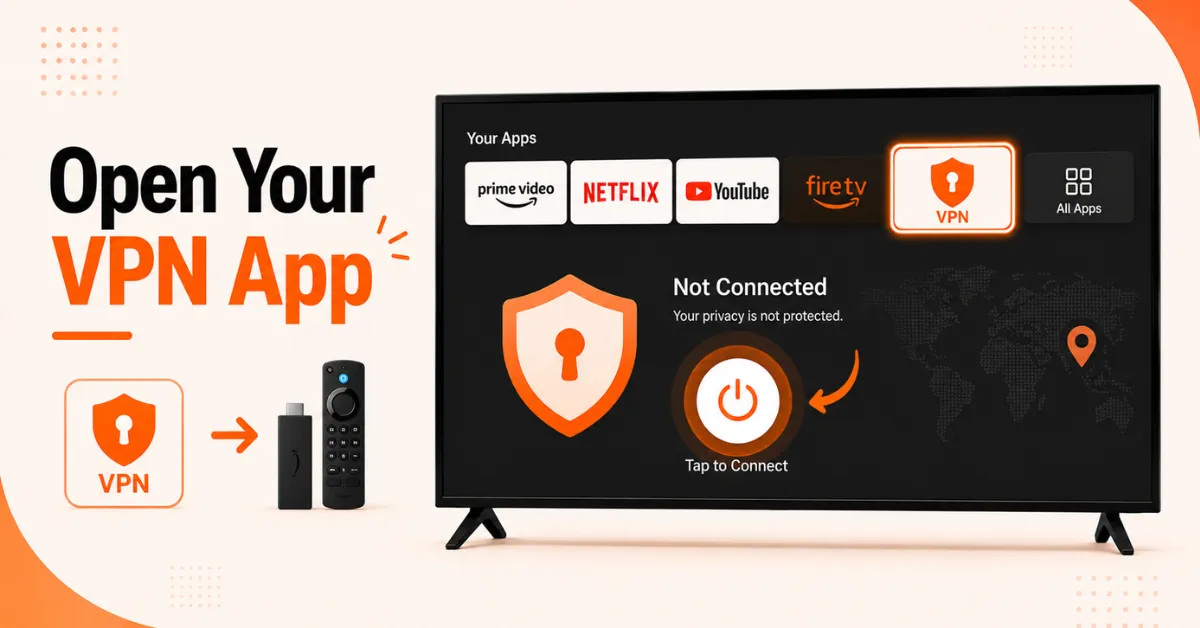
Open Your VPN App on Firestick
-
From the Firestick home screen, go to your apps list and open your VPN app
-
If you are currently connected, tap the disconnect or power button to drop the current connection
-
Wait for the connection to fully disconnect before moving to the next step
Step 02
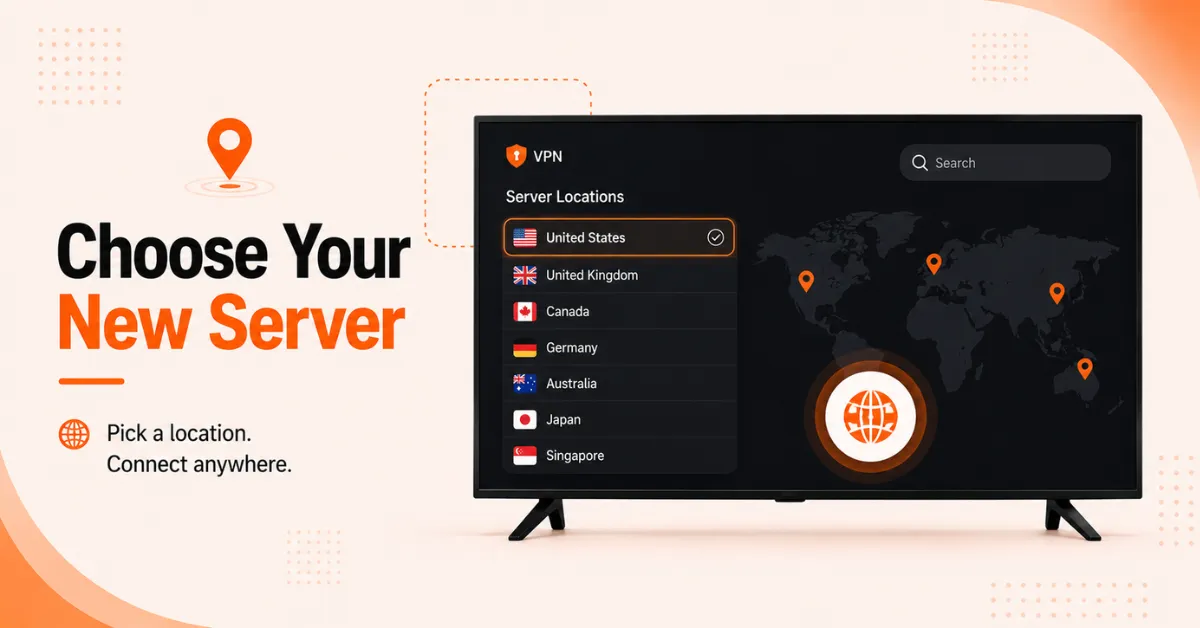
Browse and Select a New Server
-
Look for the server list or location section inside your VPN app
-
Browse the list and select the country or server location you want to connect to
-
You can use the search bar inside the app if your VPN has one to find a specific country faster
Get EXPRESS VPN — 20% Off
Step 03
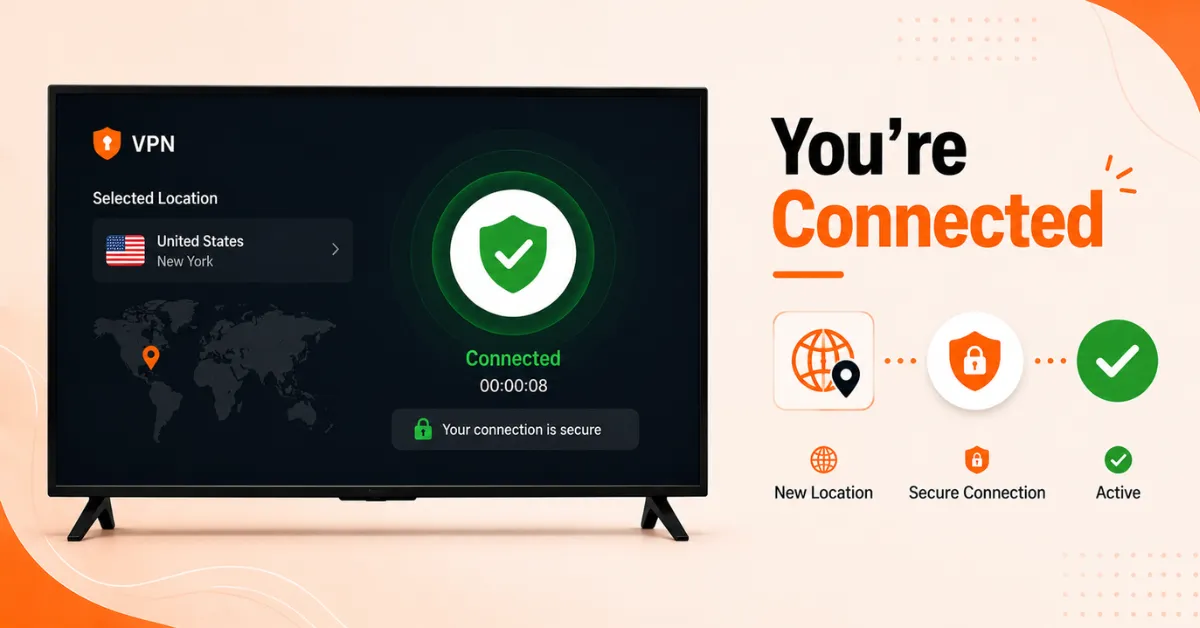
Connect to the New Server
-
Tap Connect on your chosen server and wait a few seconds for the connection to establish
-
The app will confirm once the new server connection is active
-
You are now connected to the new server location and your traffic is routed through it
Step 04
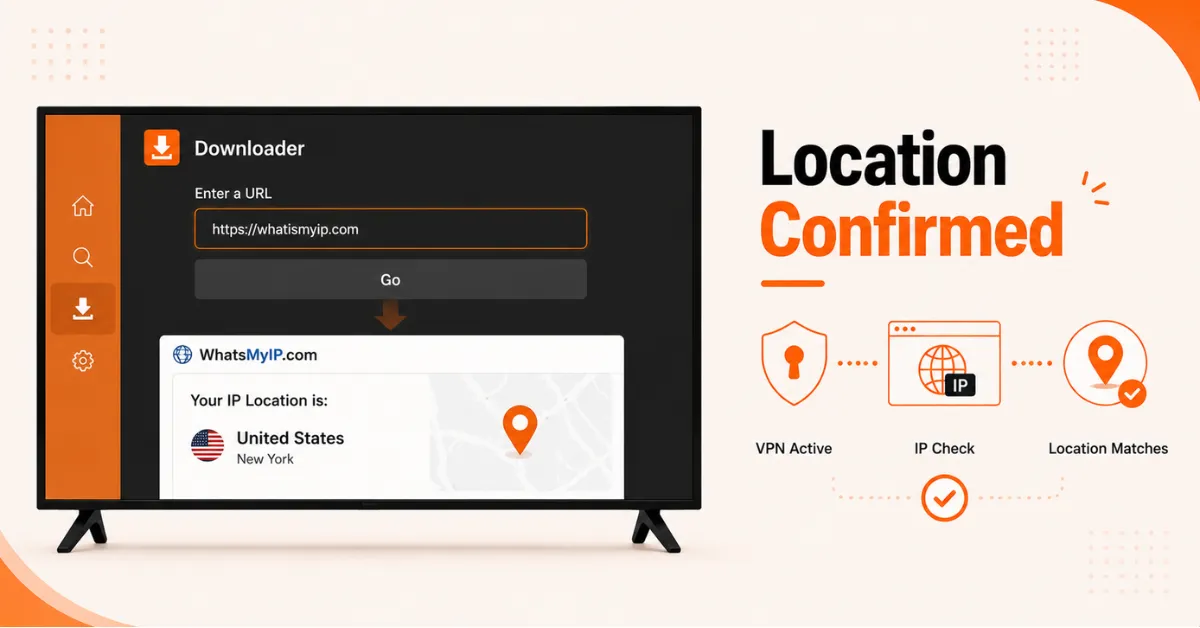
Verify the New Server Is Working
-
Open the Downloader app on your Firestick and type whatismyip.com in the address bar
-
Check that the location shown matches the VPN server you selected and not your actual location
-
If it matches your chosen server location, your VPN is working correctly on the new server
Quick Comparison
Side-by-side comparison of top Fire Stick VPNs
| VPN | Price | Servers | Speed | Devices | Rating | Actions |
|---|---|---|---|---|---|---|
|
EXPRESS VPN
|
$2.79/mo | 3,000+ | Blazing Fast | 8 | 5 | Get Deal |
 NordVPN
|
$4.39/mo | 6,998+ | Blazing Fast | 8 | 4.8 | Get Deal |
 Proton VPN
|
$3.99/mo | 14,999+ | Blazing Fast | 7 | 4.8 | Get Deal |
|
|
$1.88/mo | 3,200+ | Blazing Fast | 8 | 4.7 | Get Deal |
 Pure VPN
|
$3.55/mo | — | Blazing Fast | 6 | 4 | Get Deal |
 PrivadoVPN
|
$1.99/mo | — | Blazing Fast | 5 | 4 | Get Deal |
Frequently Asked Questions
How do I change my VPN server on Firestick?
Open your VPN app on Firestick, disconnect from your current server, browse the server list, and select a new country or location. Tap Connect and your traffic will be routed through the new server instantly.
Where do I find VPN country settings on Firestick?
VPN country settings are found inside your VPN app on Firestick, usually labelled as Locations, Servers, or Countries depending on the app. From there you can browse and select any available country to connect to.
Will changing my VPN location on Firestick affect my streaming speed?
Yes, connecting to a server further away from your actual location can reduce speeds due to the longer distance data has to travel. For the best speeds when changing VPN location on Firestick, choose a server in a nearby country wherever possible.
Does changing region with a VPN on Firestick work for all streaming apps?
It works for most streaming apps but not all. Some platforms actively block known VPN IP addresses so results can vary depending on your VPN provider and the server you choose.
Can I switch VPN country on Fire TV as many times as I want?
Yes, you can switch VPN country on Fire TV as many times as you like without any restrictions. Most premium VPNs allow unlimited server switches so you can change countries freely depending on the content you want to access.
How do I select a VPN server on Fire TV?
Open your VPN app and look for the server list or location section. Browse by country or use the search bar if available, select your preferred server, and tap Connect to establish the new connection.
Can I save preferred countries in my Firestick VPN country settings?
Yes, most VPN apps on Firestick allow you to mark countries or servers as favourites so you can access them quickly without browsing the full list each time. Check the settings or server list section of your specific VPN app for this option.