How to Use PS5 Controller on Firestick ? Step by Step Guide
Editor's Choice
#1 Pick
Editor's Choice
 Proton VPN
$3.99/month
Save 20%
Blazing Fast
14,999+
214
7
Step by Step Instructions
Step 01
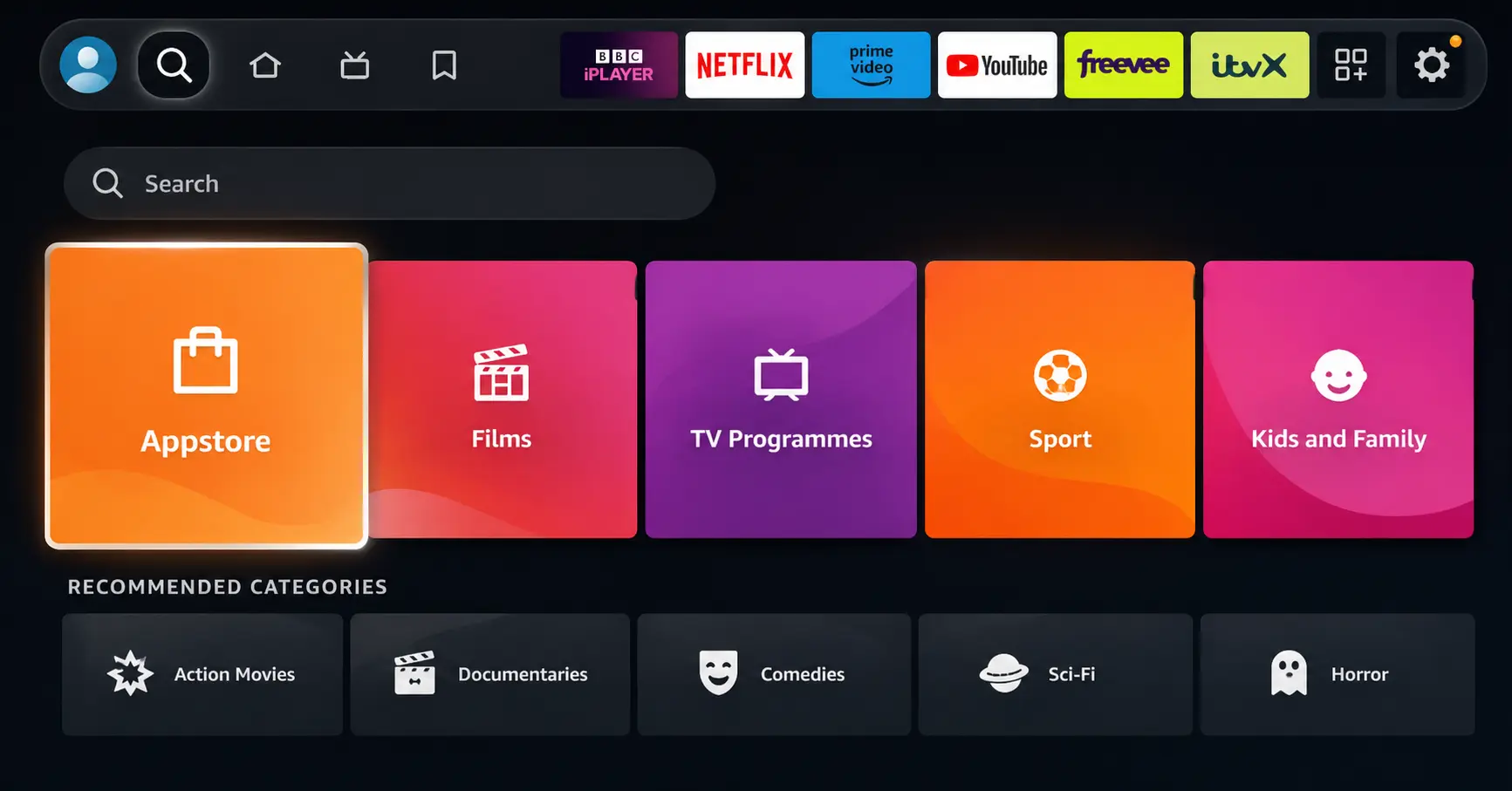
Open Search on Fire TV
Go to the Find (Search) option from your Fire TV home screen.
Step 02
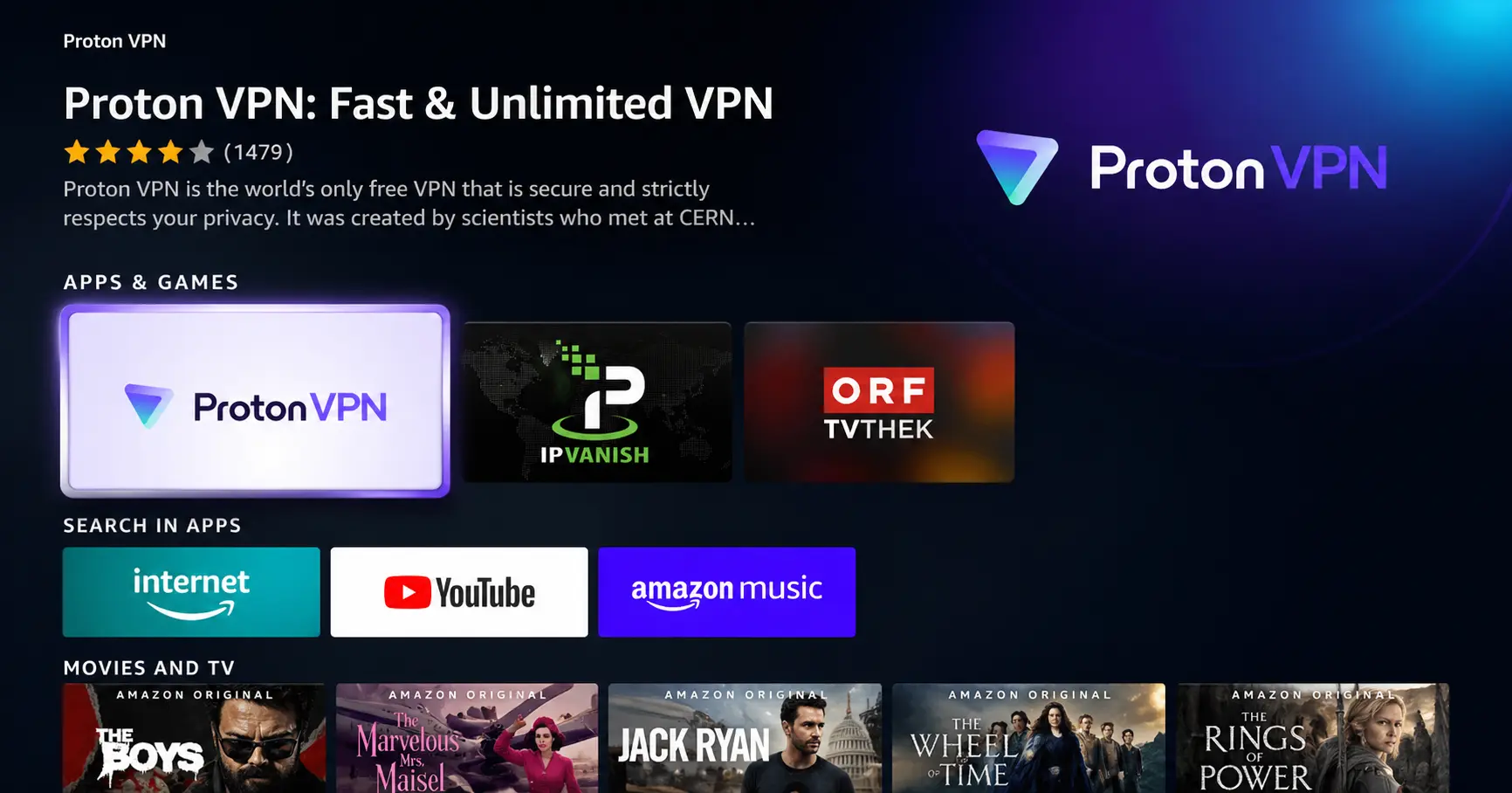
Search for ProtonVPN
Type ProtonVPN using your remote and select the app from the results.
Step 03
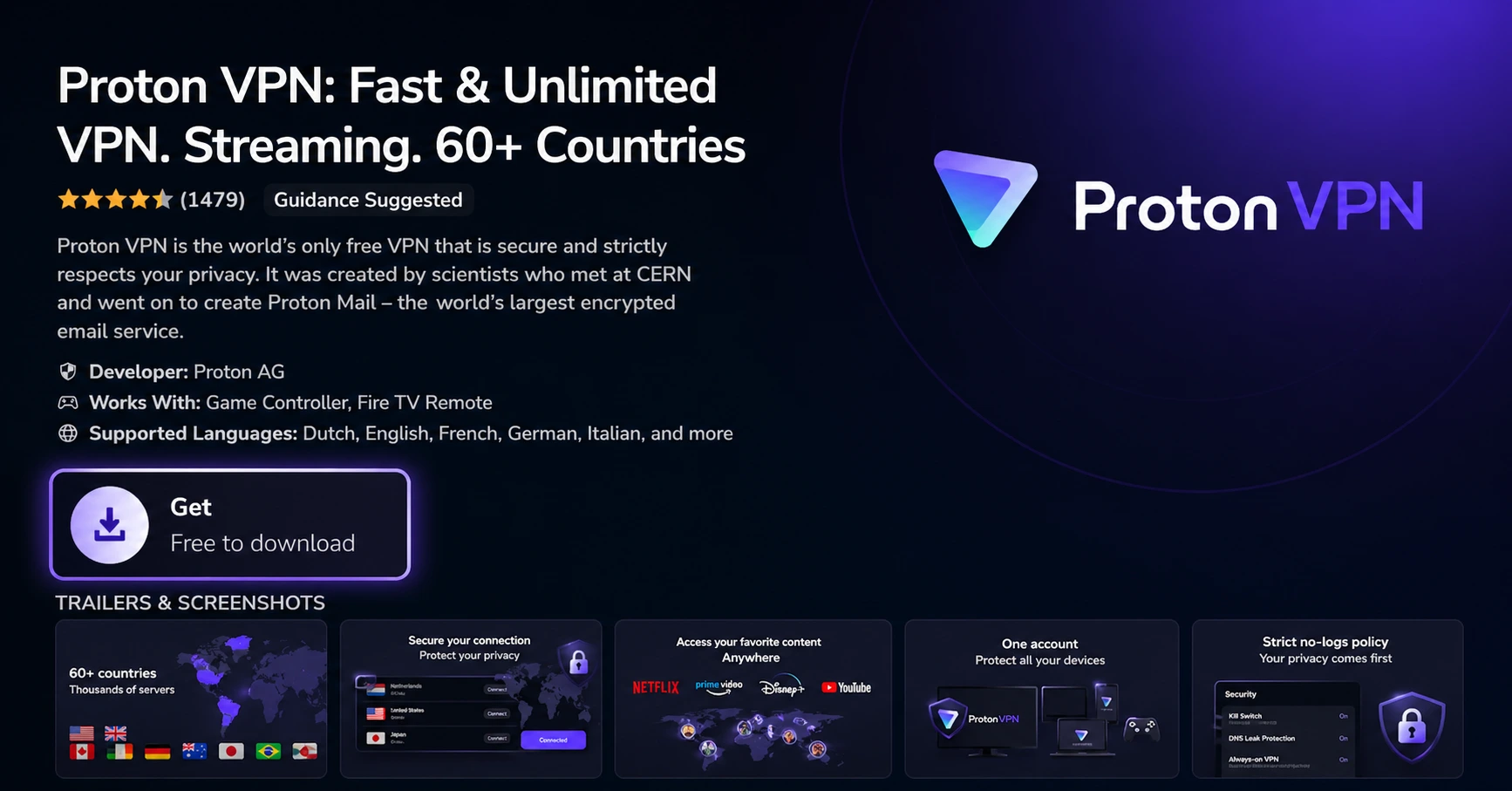
Install the App
Click on Get or Download to install ProtonVPN on your Fire TV.
Step 04
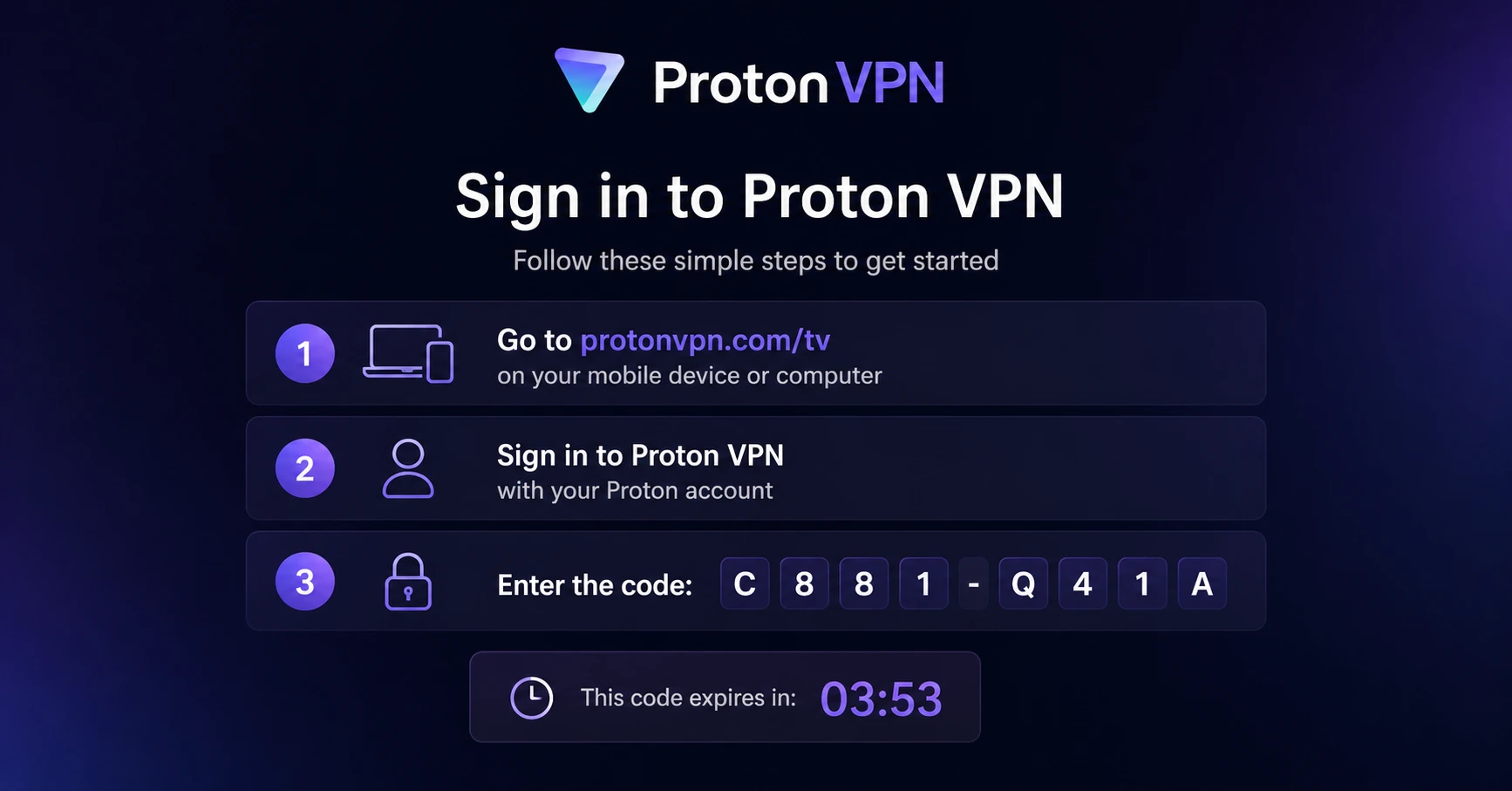
Sign In & Connect
Open the app, sign in using your Proton account (QR or code method), and connect to a server.
How to Use PS5 Controller on Firestick ?
A simple and easy guide to connect your PS5 DualSense controller to your Firestick
Step 01
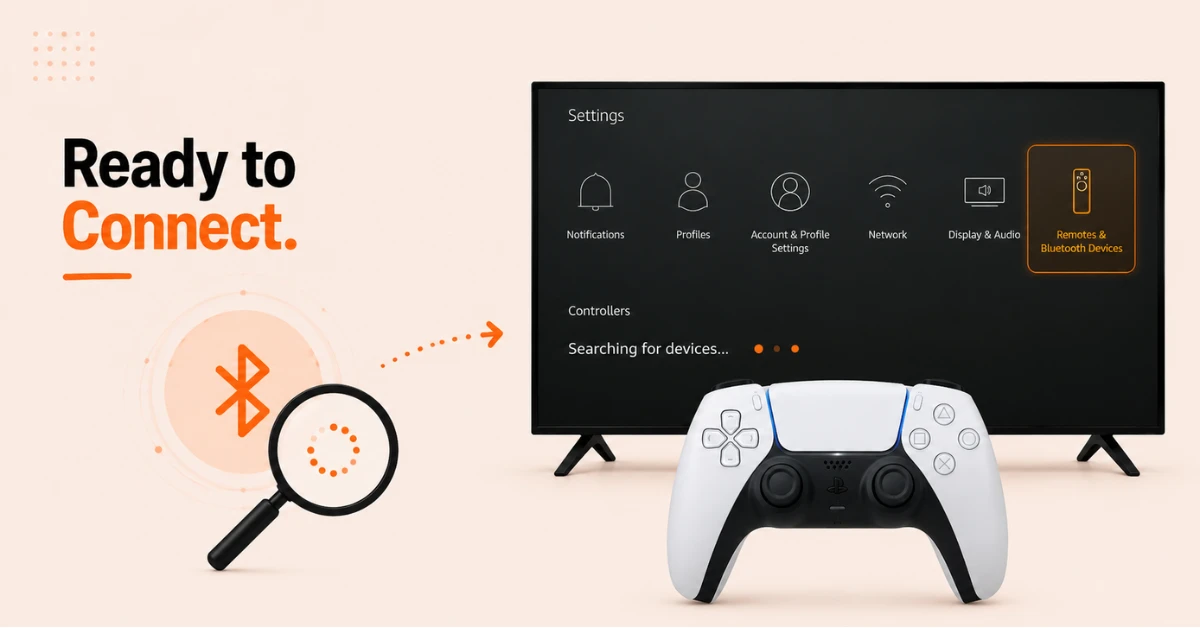
Open Bluetooth Settings and Start Searching
-
From your Firestick home screen, go to Settings and select Remotes and Bluetooth Devices
-
Select Game Controllers, then select Add New Game Controller
-
Your Firestick will now start searching for nearby Bluetooth devices
Step 02
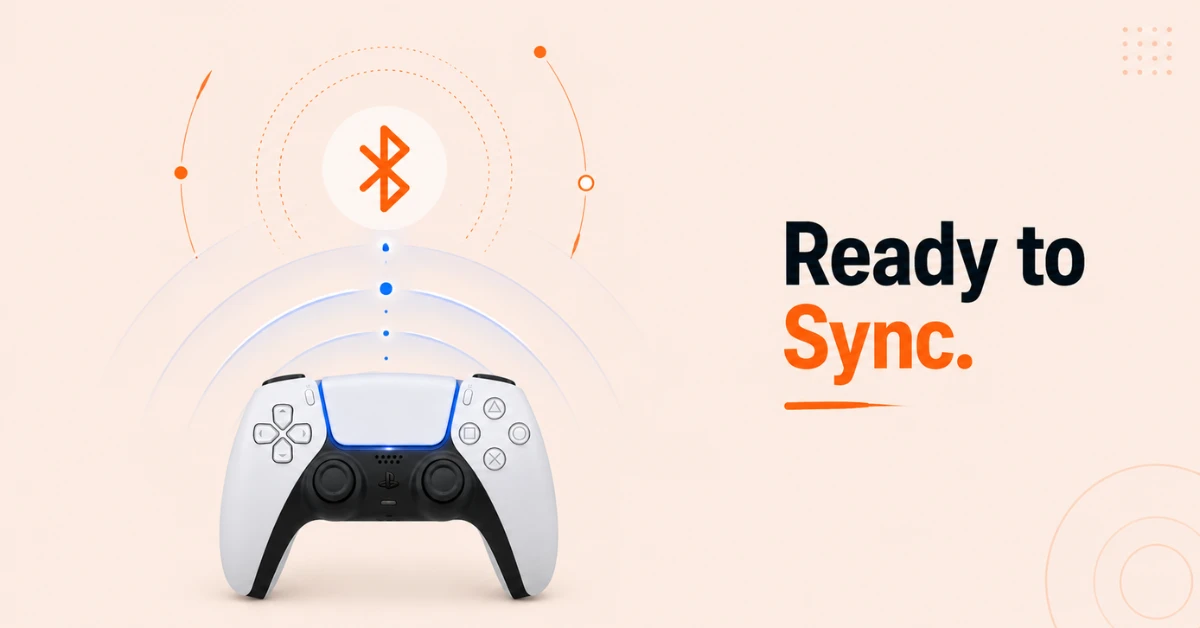
Put Your PS5 Controller in Pairing Mode
-
Make sure your PS5 DualSense controller is charged before starting
-
Press and hold the PS button and the Create button at the same time
-
Hold both until the light bar around the trackpad starts flashing blue indicating the controller is in pairing mode
Get Proton VPN — 20% Off
Step 03
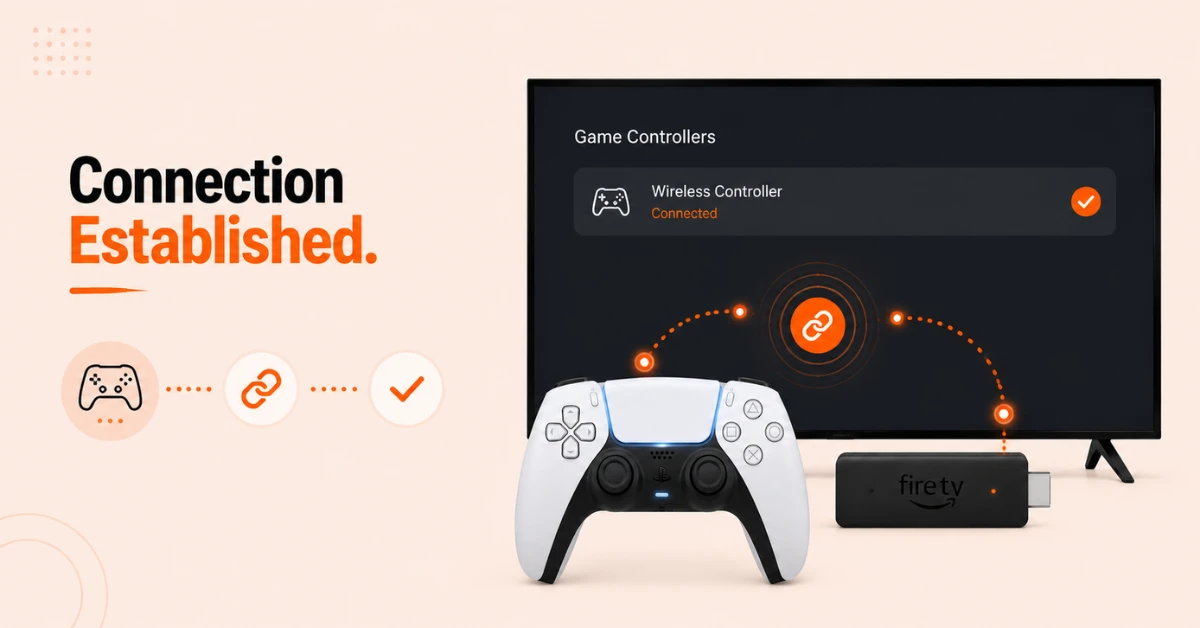
Connect the Controller to Your Firestick
-
On your Firestick screen, Wireless Controller will appear in the device list
-
Select it using your Firestick remote to begin pairing
-
You will see a Device Connected notification and the flashing light on the controller will become stable
Step 04
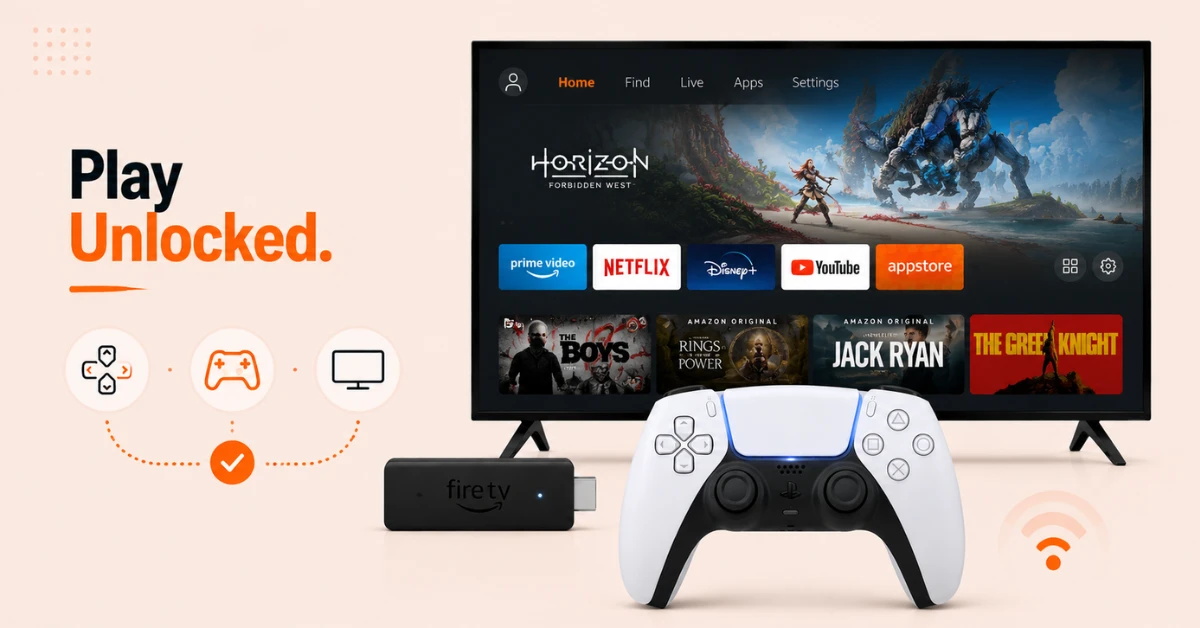
Start Using Your PS5 Controller
-
Your PS5 DualSense controller is now paired and ready to use
-
You can navigate the Fire TV menus and play compatible games using the controller
-
If the controller does not appear during pairing, ensure it has a clear line of sight to your Firestick and try again
Quick Comparison
Side-by-side comparison of top Fire Stick VPNs
| VPN | Price | Servers | Speed | Devices | Rating | Actions |
|---|---|---|---|---|---|---|
|
Proton VPN
|
$3.99/mo | 14,999+ | Blazing Fast | 7 | 4.8 | Get Deal |
 NordVPN
|
$4.39/mo | 6,998+ | Blazing Fast | 8 | 4.8 | Get Deal |
 EXPRESS VPN
|
$2.79/mo | 3,000+ | Blazing Fast | 8 | 5 | Get Deal |
|
|
$1.88/mo | 3,200+ | Blazing Fast | 8 | 4.7 | Get Deal |
 Pure VPN
|
$3.55/mo | — | Blazing Fast | 6 | 4 | Get Deal |
 PrivadoVPN
|
$1.99/mo | — | Blazing Fast | 5 | 4 | Get Deal |
Frequently Asked Questions
Can I use a PS5 controller on Firestick?
Yes, the PS5 DualSense controller connects to Firestick over Bluetooth and can be used to navigate the Fire TV interface and play compatible games. No additional hardware or adapters are required.
How far away can I be when I connect my PS5 controller to Firestick?
Bluetooth on Firestick works reliably within around 30 feet. For the initial pairing process it is recommended to keep the controller close to your Firestick to ensure a stable connection is established.
Why won't my PS5 controller connect to Firestick?
Make sure the controller is sufficiently charged and has a clear line of sight to your Firestick during pairing. If it still does not appear, reset the controller by pressing the small reset button on the back with a paperclip and try pairing again.
Does the DualSense work on Fire TV without any setup?
A brief Bluetooth pairing process is required before the DualSense works on Fire TV. Once paired the controller connects automatically each time it is turned on near your Fire TV device.
Is the DualSense compatible with Fire TV?
Yes, the PS5 DualSense is fully compatible with Fire TV over Bluetooth. It can be used to navigate the Fire TV interface and play supported games without any additional software or adapters.
How do I unpair my PS5 controller from Fire TV?
Go to Settings, select Remotes and Bluetooth Devices, then Game Controllers, and select your connected controller. Choose the option to unpair or forget the device to remove the PS5 controller from your Fire TV.
Can I pair more than one PS5 controller with Fire TV?
Yes, you can pair multiple Bluetooth controllers with Fire TV. This is useful for multiplayer gaming on Fire TV where each player can use their own connected controller simultaneously.