How to Play Fortnite on Firestick via Cloud Gaming ?
Editor's Choice
#1 Pick
Editor's Choice
 EXPRESS VPN
$2.79/month
Save 20%
Blazing Fast
3,000+
214
8
Step by Step Instructions
Step 01

Open the Amazon App Store
From your Firestick home screen, navigate to the “Find” or search icon and open the Amazon App Store.
Step 02

Search for ExpressVPN
Type “ExpressVPN” in the search bar using your remote. Select the official ExpressVPN app from the results.
Step 03

Download & Install the App
Click on the “Download” or “Get” button to install the app on your Firestick. Wait for the installation to complete.
Step 04

Sign In & Connect
Open the app, sign in with your ExpressVPN account, and tap the power button to connect to a server.
How to Play Fortnite on Firestick via Cloud Gaming ?
A simple guide to playing Fortnite on Firestick for free using Xbox Cloud Gaming
Step 01
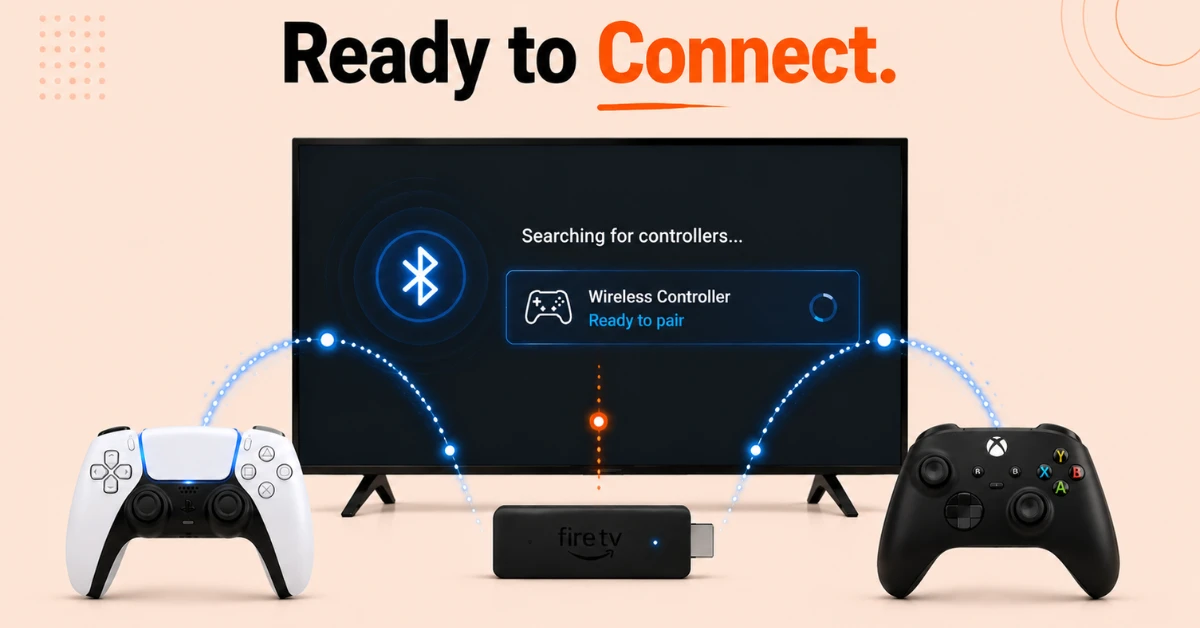
Check Compatibility and Pair a Controller
-
Make sure your Firestick is a compatible model such as Fire TV Stick 4K Max, Fire TV Stick 4K 2nd Gen, or Fire TV Cube 3rd Gen
-
You will need a Bluetooth controller such as a PS5 DualSense or Xbox controller to play
-
Go to Settings, select Remotes and Bluetooth Devices, then Game Controllers
-
Select Add New Game Controller and pair your controller before proceeding
Step 02
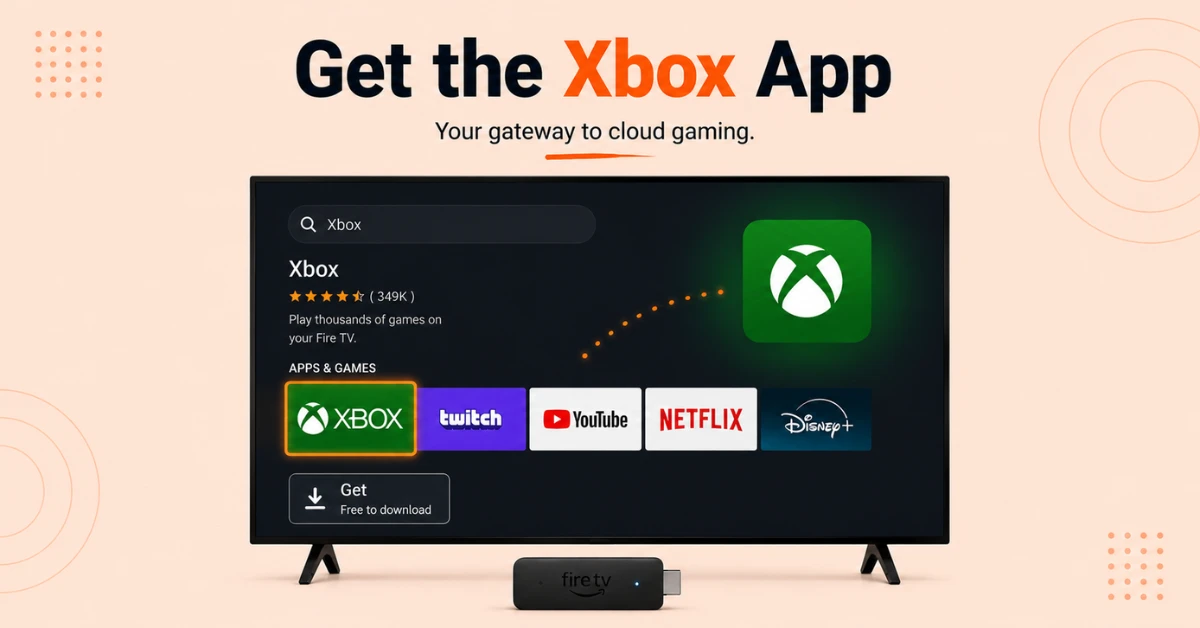
Download the Xbox App
-
From the Firestick home screen, go to Find and select Search
-
Type Xbox and select the official Xbox app from the results
-
Click Get to download and install the app on your Firestick
Get EXPRESS VPN — 20% Off
Step 03
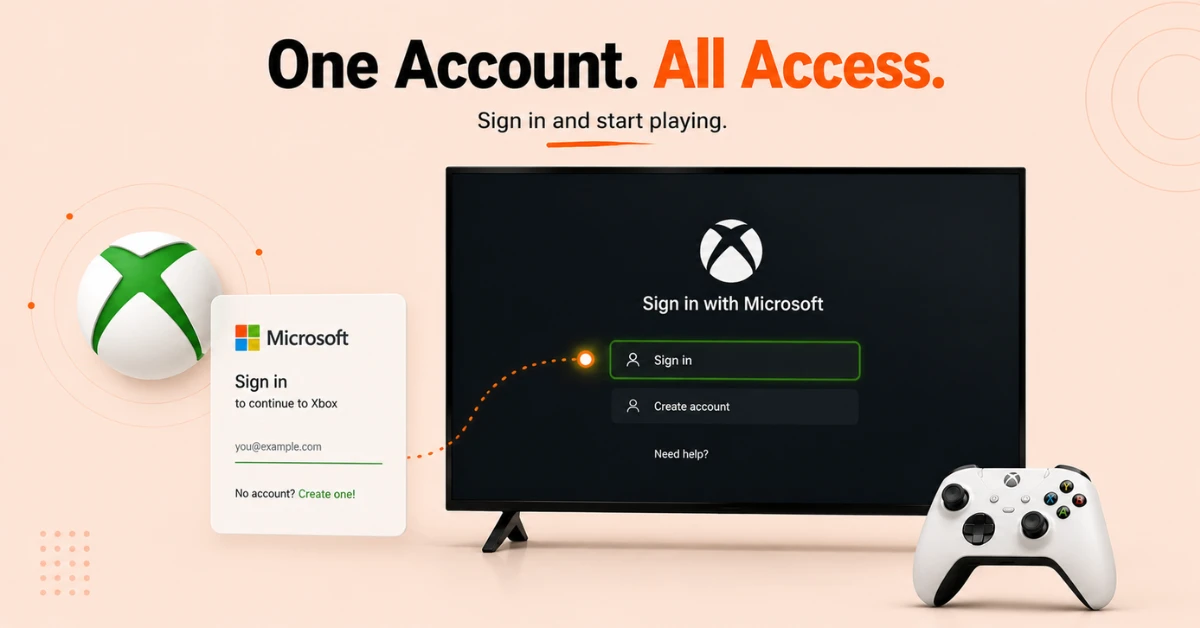
Sign In With a Microsoft Account
-
Open the Xbox app and select Sign In
-
Sign in with your existing Microsoft account or create a free one at microsoft.com
-
You do not need an Xbox Game Pass Ultimate subscription as Fortnite is free to play
Step 04
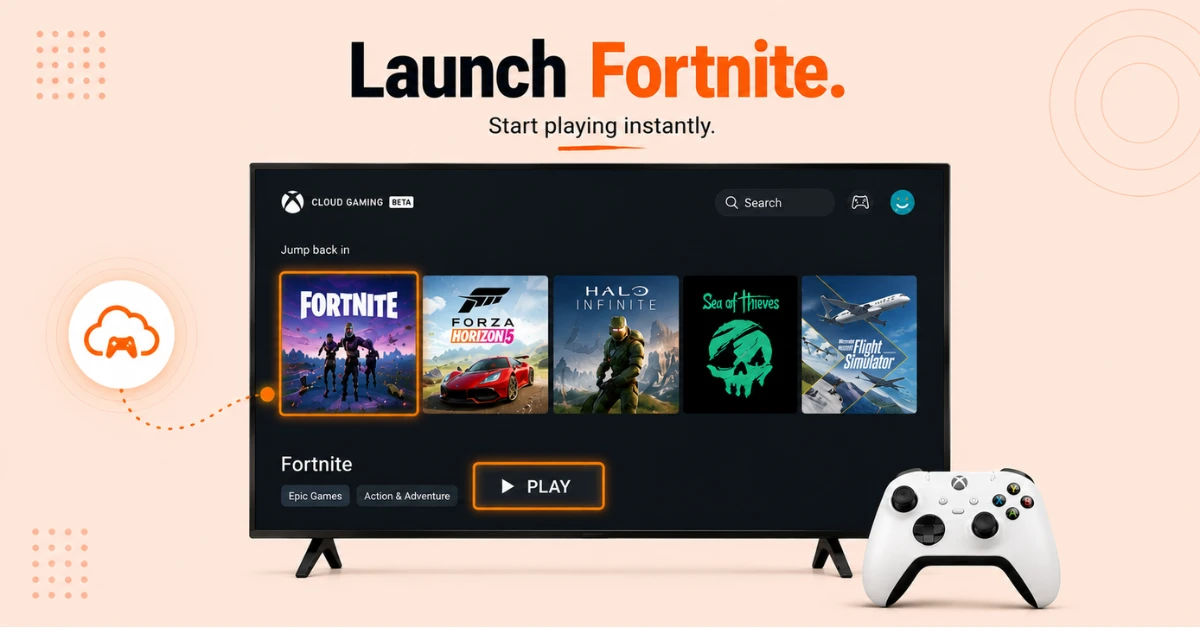
Launch and Play Fortnite
-
Browse the Xbox Cloud Gaming library inside the app
-
Find Fortnite, select it, and click Play
-
Wait for the game to load through the cloud and start playing on your Firestick
Quick Comparison
Side-by-side comparison of top Fire Stick VPNs
| VPN | Price | Servers | Speed | Devices | Rating | Actions |
|---|---|---|---|---|---|---|
|
EXPRESS VPN
|
$2.79/mo | 3,000+ | Blazing Fast | 8 | 5 | Get Deal |
 NordVPN
|
$4.39/mo | 6,998+ | Blazing Fast | 8 | 4.8 | Get Deal |
 Proton VPN
|
$3.99/mo | 14,999+ | Blazing Fast | 7 | 4.8 | Get Deal |
|
|
$1.88/mo | 3,200+ | Blazing Fast | 8 | 4.7 | Get Deal |
 IPVanish
|
$2.49/mo | 3,100+ | Blazing Fast | 6 | 4 | Get Deal |
 PrivadoVPN
|
$1.99/mo | — | Blazing Fast | 5 | 4 | Get Deal |
Frequently Asked Questions
Can I play Fortnite on Firestick?
Yes, you can play Fortnite on Firestick for free through Xbox Cloud Gaming. Download the Xbox app from the Amazon App Store, sign in with a free Microsoft account, and launch Fortnite from the cloud gaming library.
Is Fortnite free to play on Firestick?
Yes, Fortnite is one of the few games available completely free on Xbox Cloud Gaming without needing an Xbox Game Pass Ultimate subscription. All you need is a free Microsoft account and a compatible Bluetooth controller.
Do I need an Xbox console to play Fortnite on Fire TV?
No, you do not need an Xbox console to play Fortnite on Fire TV. Xbox Cloud Gaming streams the game directly from Microsoft's servers so your Fire TV device acts as the screen and controller input only.
How does Fortnite work on Firestick through cloud gaming?
Fortnite on Firestick cloud gaming works by streaming the game from Microsoft's servers directly to your Firestick. Your device does not need to process the graphics itself as all the computing is handled remotely, meaning you get a high quality gaming experience regardless of your Firestick's hardware.
How do I set up Fortnite Xbox Cloud Gaming on Firestick?
Download the Xbox app from the Amazon App Store, sign in with your Microsoft account, and browse to Fortnite in the Xbox Cloud Gaming library. Make sure a Bluetooth controller is paired to your Firestick before launching the game.
Can I save my Fortnite progress when playing through Xbox Cloud Gaming on Firestick?
Yes, your Fortnite progress and account data are saved to your Epic Games account in the cloud. This means your progress carries over whether you play on Firestick, console, or any other supported device.
Which Firestick models support cloud gaming for Fortnite?
Fortnite cloud gaming is supported on Fire TV Stick 4K Max 1st and 2nd Gen, Fire TV Stick 4K 2nd Gen, and Fire TV Cube 3rd Gen. Older or lower end Firestick models are not compatible with Xbox Cloud Gaming.