How to Fix Netflix Not Working on Firestick (Step-by-Step)
Editor's Choice
#1 Pick
Editor's Choice
 NordVPN
$4.39/month
Save 20%
Blazing Fast
6,998+
214
8
Step by Step Instructions
Step 01

Go to Search on Fire TV
On your Fire TV home screen, select the Search (Find) option at the top.
Step 02

Type “NordVPN”
Use your remote to type NordVPN and choose the app when it appears in the results.
Step 03

Install the App
Click on Get or Download to install NordVPN on your Fire TV.
Step 04

Log In & Connect
Open the app, sign in to your account, and press the connect button to start using the VPN.
How to Fix Netflix Not Working on Firestick? (Step-by-Step)
Step by step fixes for Firestick Netflix not loading. Takes about 5 minutes.
Step 01
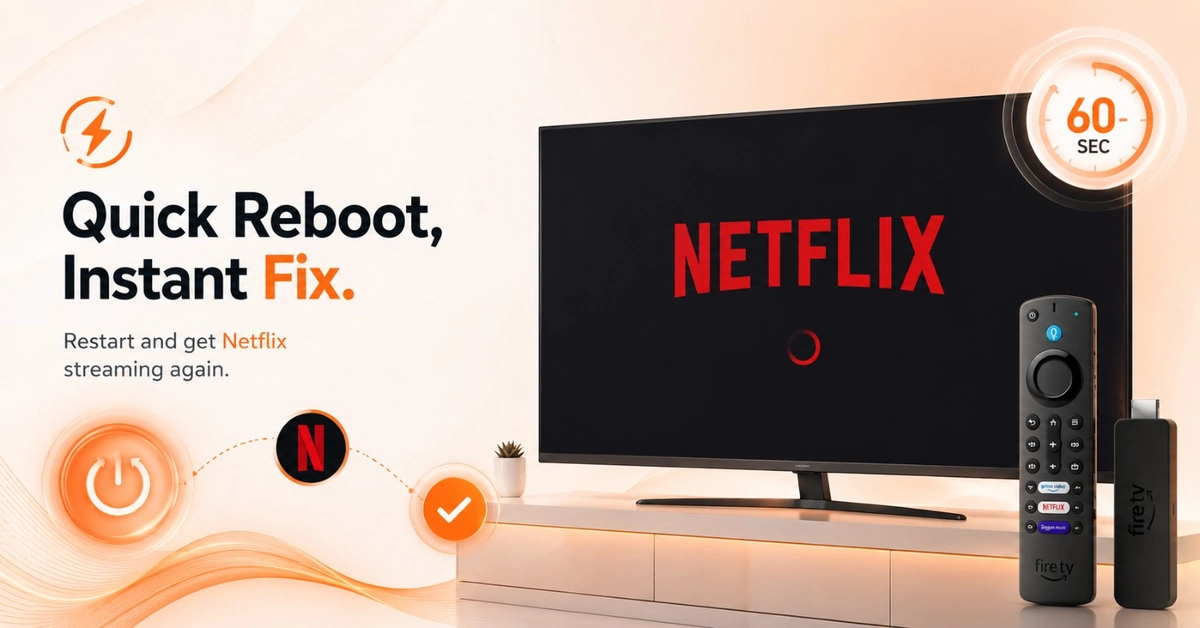
Restart Netflix and Your Firestick
-
Press and hold Home, then select Restart from the menu.
-
Wait 60 seconds for your Firestick to fully reboot.
-
Reopen Netflix and check if it loads normally now.
Step 02
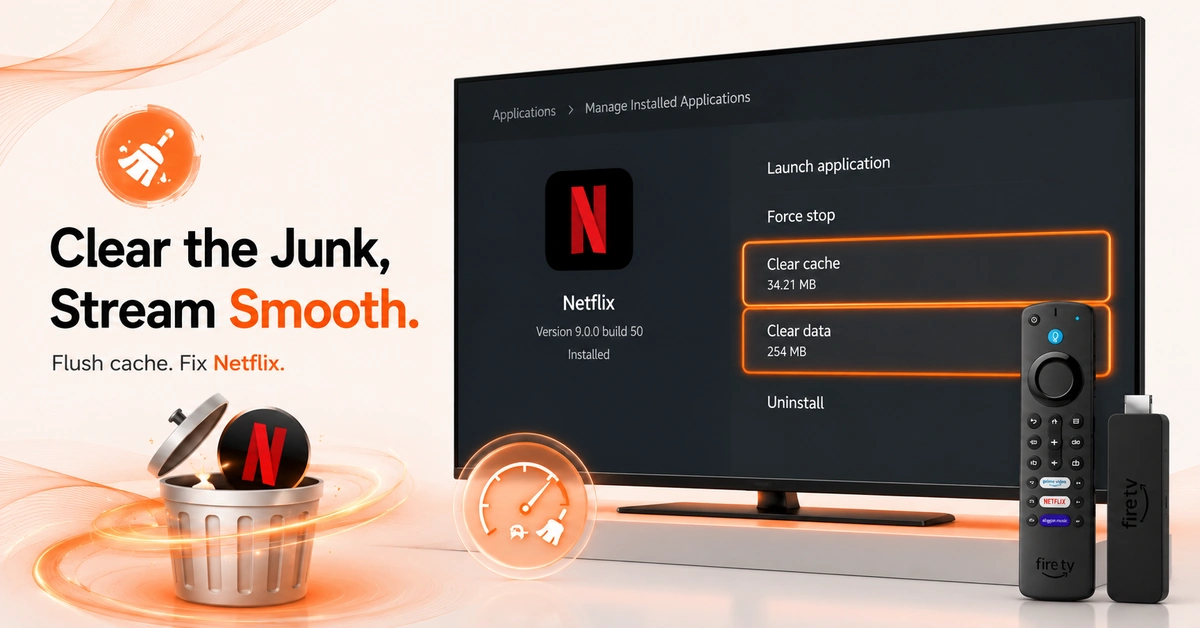
Wipe the Cache Causing Netflix to Fail
-
Clear Netflix Cache and Data
-
Go to Settings > Applications > Manage Installed Applications now.
-
Select Netflix from the list and tap Clear Cache.
-
Then tap Clear Data and relaunch the Netflix app.
Get NordVPN — 20% Off
Step 03
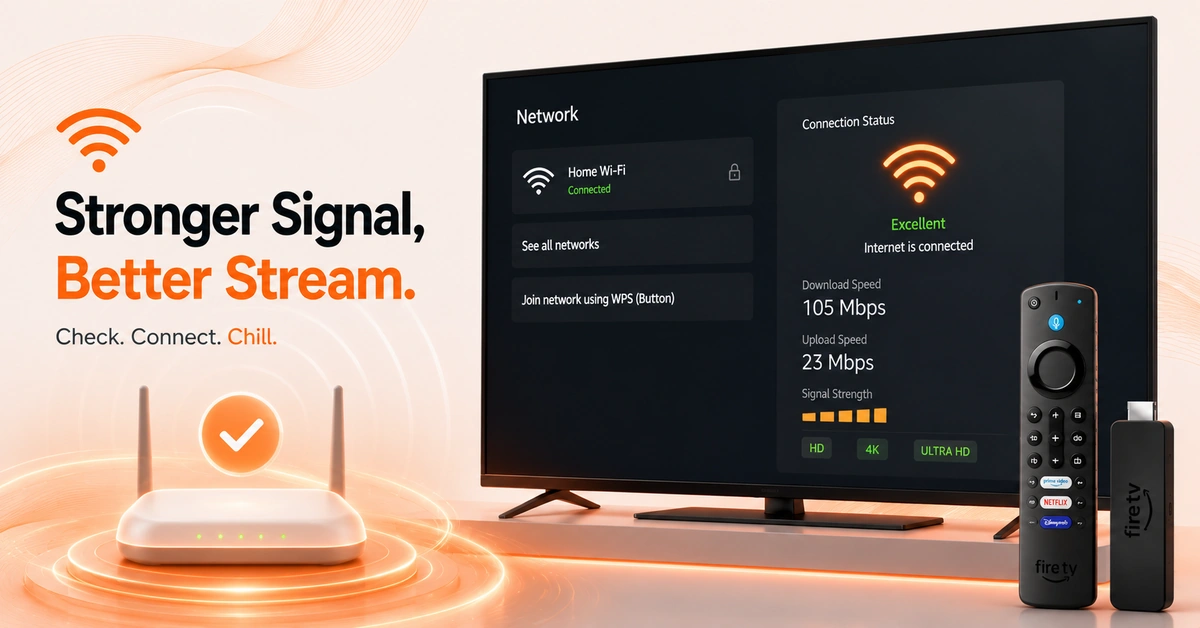
Check Your Internet Connection
-
Go to Settings > Network and view your connection status.
-
Confirm your Wi-Fi speed supports HD or 4K streaming.
-
Reconnect to your router if the connection appears unstable.
Step 04
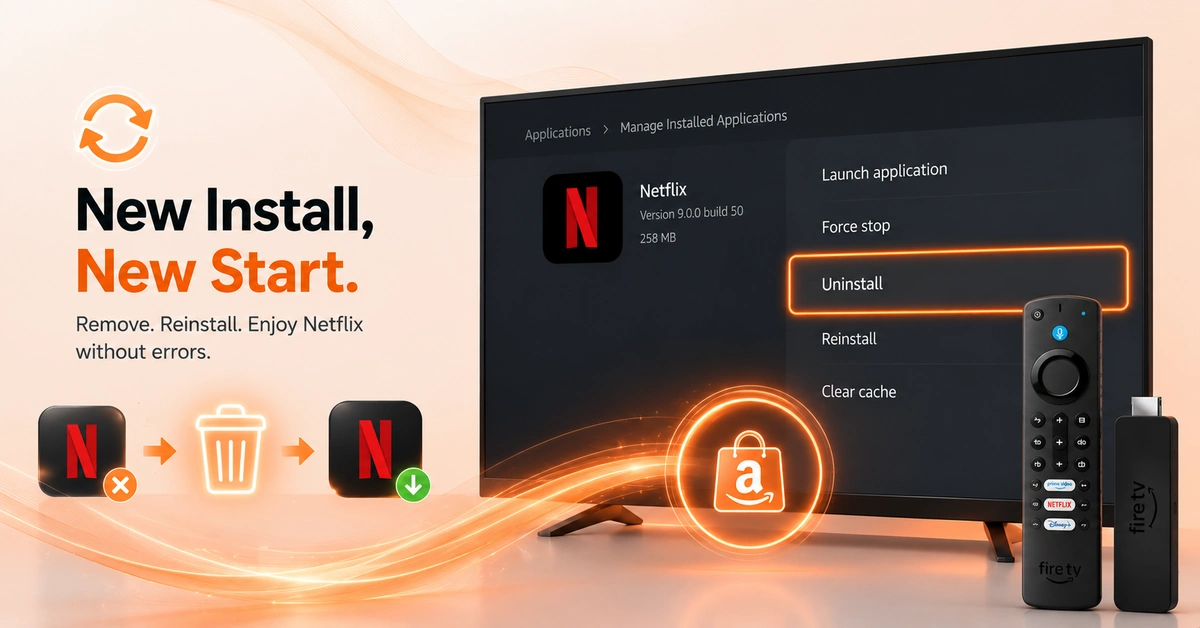
Reinstall Netflix on Firestick
-
Go to Manage Installed Applications and locate the Netflix app.
-
Tap Uninstall and confirm removal from your Firestick completely.
-
Reinstall Netflix fresh directly from the Amazon App Store.
-
Fresh Install Clears All Persistent Netflix Errors
Quick Comparison
Side-by-side comparison of top Fire Stick VPNs
| VPN | Price | Servers | Speed | Devices | Rating | Actions |
|---|---|---|---|---|---|---|
|
NordVPN
|
$4.39/mo | 6,998+ | Blazing Fast | 8 | 4.8 | Get Deal |
|
|
$1.88/mo | 3,200+ | Blazing Fast | 8 | 4.7 | Get Deal |
 Extreme VPN
|
$3.25/mo | 6,500+ | Blazing Fast | 5 | 4 | Get Deal |
 IPVanish
|
$2.49/mo | 3,100+ | Blazing Fast | 6 | 4 | Get Deal |
 PrivadoVPN
|
$1.99/mo | — | Blazing Fast | 5 | 4 | Get Deal |
 Private Internet Access
|
$11.95/mo | 35,000+ | Blazing Fast | 8 | 4 | Get Deal |
 Cyberghost vpn
|
$12.99/mo | 9,700+ | Fast | 6 | 4.2 | Get Deal |
 Proton VPN
|
$3.99/mo | 14,999+ | Blazing Fast | 7 | 4.8 | Get Deal |
Frequently Asked Questions
What is the fastest Netflix Firestick error fix?
The fastest Netflix Firestick error fix is a device restart followed immediately by a cache clear. Hold Select + Play/Pause to restart, then go to Manage Installed Applications > Netflix > Clear Cache. This resolves the majority of errors within minutes.
How do I fix Firestick Netflix not loading quickly?
To fix Firestick Netflix not loading, restart your device by holding Select + Play/Pause for 5 seconds. Then clear Netflix's cache under Manage Installed Applications. If it still fails, uninstall and reinstall Netflix directly from the App Store.
Why is my Netflix not working on Firestick ?
Netflix not working on Firestick is usually triggered by corrupted cache, an outdated app version, or a weak internet connection. Clear Netflix's cache first via Settings > Applications > Manage Installed Applications. A fresh reinstall resolves most persistent issues in under two minutes.
How do I fix Netflix on Fire TV after an update?
After an update breaks Netflix, clear its cache and data from Manage Installed Applications first. If the problem continues, uninstall Netflix and reinstall it fresh from the App Store. Also confirm your Fire OS is fully up to date under My Fire TV.
Why does Netflix keep buffering on Firestick?
After an update breaks Netflix, clear its cache and data from Manage Installed Applications first. If the problem continues, uninstall Netflix and reinstall it fresh from the App Store. Also confirm your Fire OS is fully up to date under My Fire TV.
Why does Netflix show a black screen on Firestick?
A black screen on Netflix usually signals a display compatibility issue or a failed app load. Go to Settings > Display & Sounds and adjust your resolution output settings. Clearing Netflix's cache or doing a fresh reinstall typically resolves this black screen error.
Can a VPN fix Netflix not working on Firestick?
Yes, a VPN like Surfshark can fix Netflix not working on Firestick caused by ISP throttling or geo-restrictions. It reroutes your traffic through a faster, unrestricted server for improved load times. Surfshark also unlocks additional Netflix libraries from other countries.