How to Fix Firestick Buffering Issues? Simple Fixes
Editor's Choice
#1 Pick
Editor's Choice
 NordVPN
$4.39/month
Save 20%
Blazing Fast
6,998+
214
8
Step by Step Instructions
Step 01

Go to Search on Fire TV
On your Fire TV home screen, select the Search (Find) option at the top.
Step 02

Type “NordVPN”
Use your remote to type NordVPN and choose the app when it appears in the results.
Step 03

Install the App
Click on Get or Download to install NordVPN on your Fire TV.
Step 04

Log In & Connect
Open the app, sign in to your account, and press the connect button to start using the VPN.
How to Fix Firestick Buffering Issues?
Simple step-by-step guide to stop buffering and get back to smooth streaming in your Firestick
Step 01
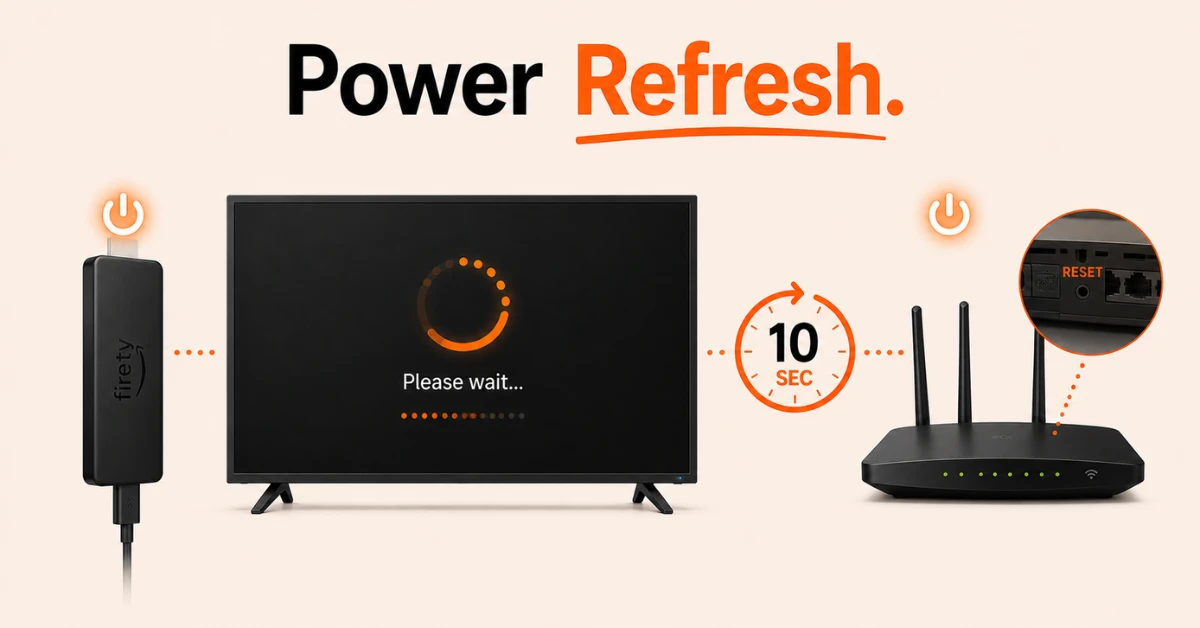
Restart Your Firestick and Router
-
Unplug your Firestick from power, wait 10 seconds and plug it back in
-
Restart your router by pressing the reset button on the back or bottom of the device
-
Wait for both devices to fully load before opening any streaming app
Step 02
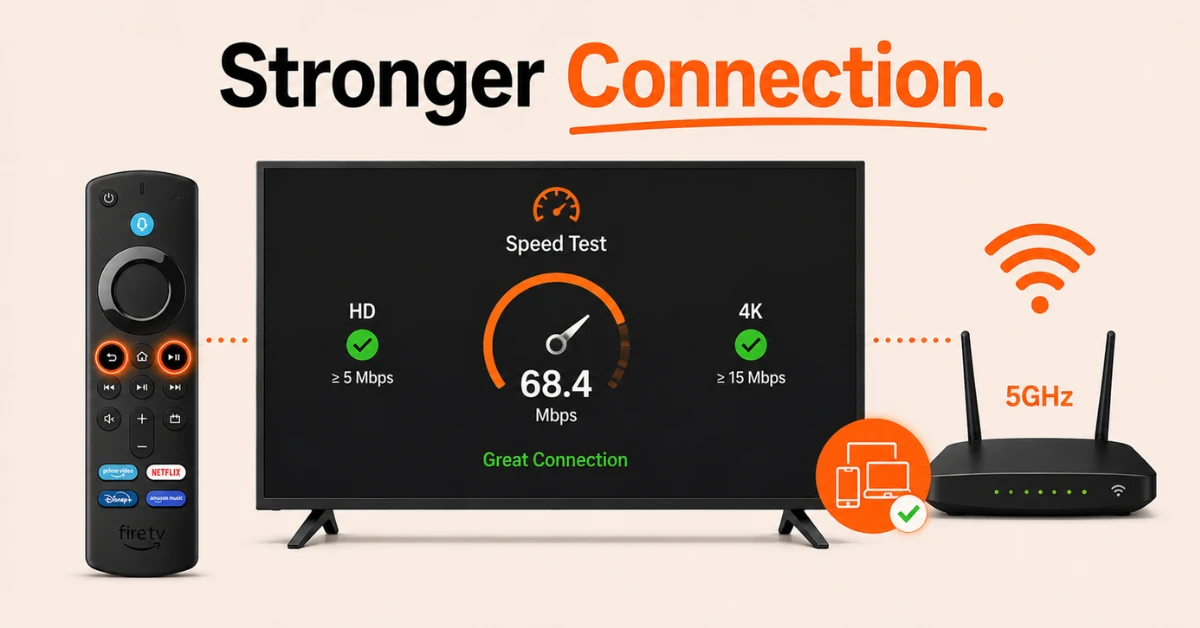
Check and Improve Your Connection
-
Go to Settings, then Network and hold the Home and Play buttons on your remote to open the speed test
-
Select Run Speed Test and check your result, you need at least 5 Mbps for HD and 15 Mbps for 4K
-
If speeds are low, disconnect other devices on the network that may be using up bandwidth
-
Connect to the 5GHz band on your router if available as it provides a faster and more stable connection
Get NordVPN — 20% Off
Step 03
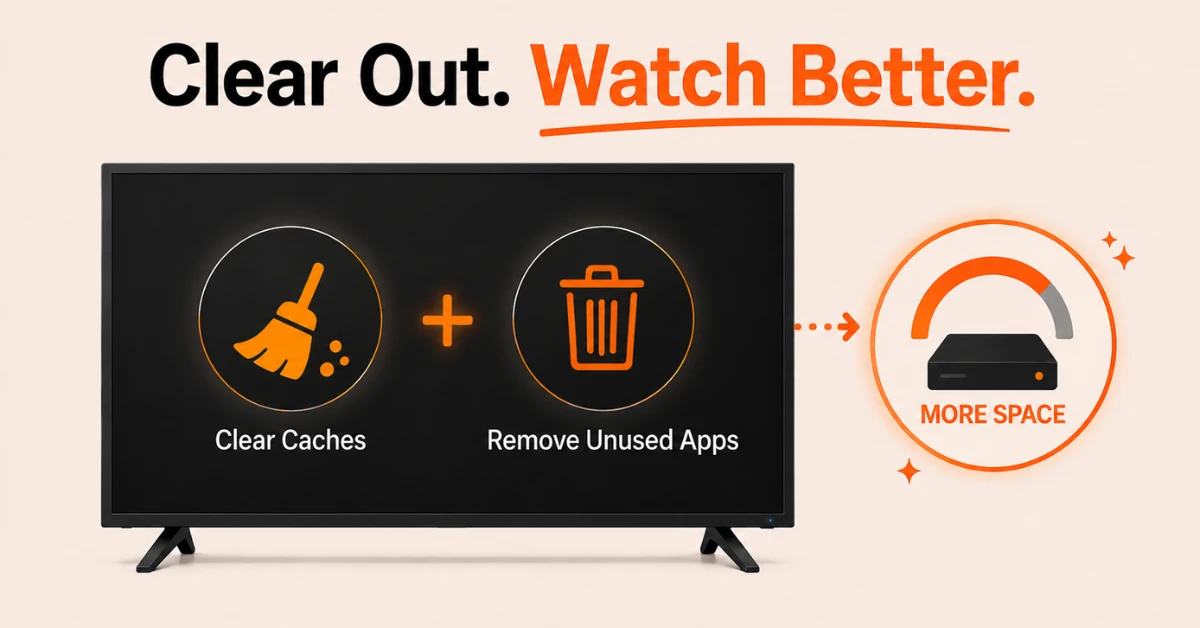
Clear Caches, Update Apps and Free Up Storage
-
Go to Settings, then Applications and select Clear All Application Caches
-
Go to Settings, then My Fire TV, then About and select Check for Updates
-
Go to Settings, then Applications, then Appstore and set Automatic Updates to On
-
Go back to Applications and uninstall any apps that are no longer in use to free up storage
Step 04
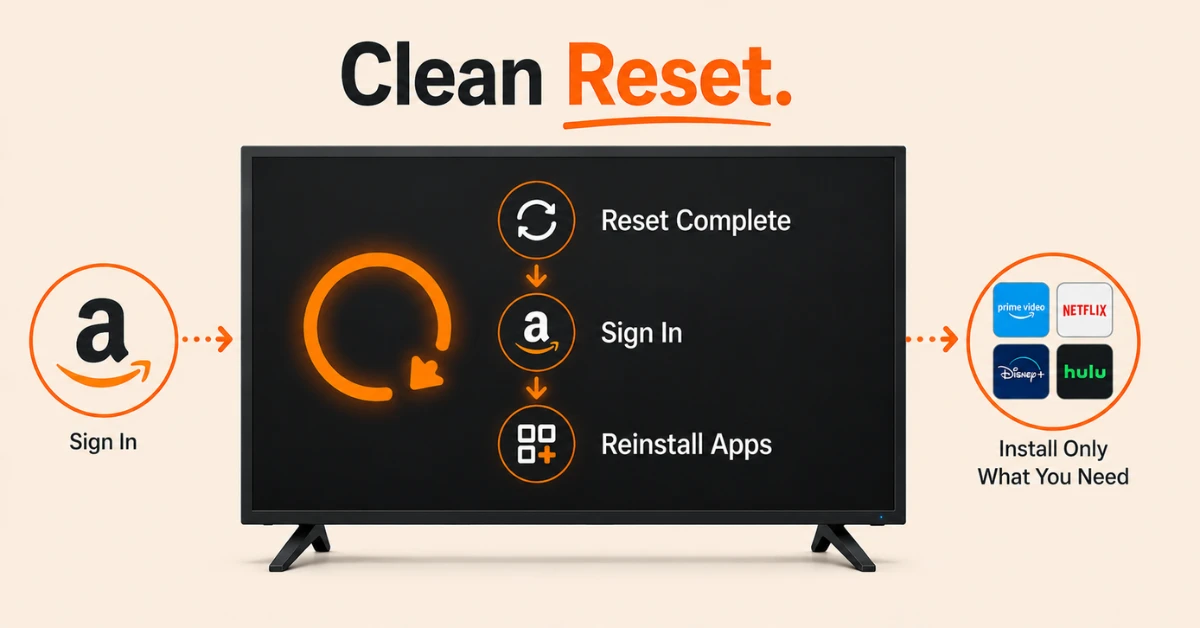
Factory Reset Your Firestick
-
Go to Settings, then My Fire TV and select Reset to Factory Defaults
-
The device will restart and return to its original out of box settings
-
Sign back into your Amazon account once the reset is complete
-
Reinstall only the apps needed to keep the device running smoothly
Quick Comparison
Side-by-side comparison of top Fire Stick VPNs
| VPN | Price | Servers | Speed | Devices | Rating | Actions |
|---|---|---|---|---|---|---|
|
NordVPN
|
$4.39/mo | 6,998+ | Blazing Fast | 8 | 4.8 | Get Deal |
 Proton VPN
|
$3.99/mo | 14,999+ | Blazing Fast | 7 | 4.8 | Get Deal |
 EXPRESS VPN
|
$2.79/mo | 3,000+ | Blazing Fast | 8 | 5 | Get Deal |
|
|
$1.88/mo | 3,200+ | Blazing Fast | 8 | 4.7 | Get Deal |
 Pure VPN
|
$3.55/mo | — | Blazing Fast | 6 | 4 | Get Deal |
 PrivadoVPN
|
$1.99/mo | — | Blazing Fast | 5 | 4 | Get Deal |
Frequently Asked Questions
How much internet speed do I need to fix Firestick buffering issues?
You need a minimum of 5 Mbps for HD streaming and at least 15 to 25 Mbps for 4K content. If your speed falls below these levels, you are likely to experience regular buffering.
What is the quickest Fire TV buffering fix?
The quickest Fire TV buffering fix is to restart both your Firestick and your router. Unplug your Firestick from power, wait 10 seconds and plug it back in. Then restart your router using the reset button on the device. This clears temporary glitches and refreshes the connection.
Why does my Firestick keep buffering even with fast internet?
Fast internet alone does not always prevent buffering. A weak Wi-Fi signal between your Firestick and router, too many devices connected to the network, overloaded app caches, or apps running in the background can all cause buffering even when your overall internet speed is high. Try connecting to the 5 GHz band on your router and clearing your app caches to improve performance.
How do I stop buffering on Firestick when streaming?
To stop buffering on Firestick, connect to the 5 GHz band on your router for a faster and more stable signal. Reducing the video quality setting within your streaming app can also help by lowering the bandwidth required to play content.
Can overheating cause Firestick buffering?
Yes, when a Firestick overheats it reduces its processing speed to cool down, which can lead to buffering and lag. This is more likely after several hours of continuous use. Place your Firestick in an open area with good airflow and away from other devices that generate heat.
Will a VPN stop buffering on Firestick?
A VPN can help stop buffering on Firestick if your internet service provider is throttling your streaming traffic. By masking your activity, a VPN can prevent your provider from detecting and slowing down video streams.
How can I check my internet speed?
You can check your speed directly on the Firestick by going to Settings, then Network and holding the Home and Play buttons on your remote to run the built-in speed test.