Firestick vs Chromecast: Full Comparison
Editor's Choice
#1 Pick
Editor's Choice
 Proton VPN
$3.99/month
Save 20%
Blazing Fast
14,999+
214
7
Step by Step Instructions
Step 01
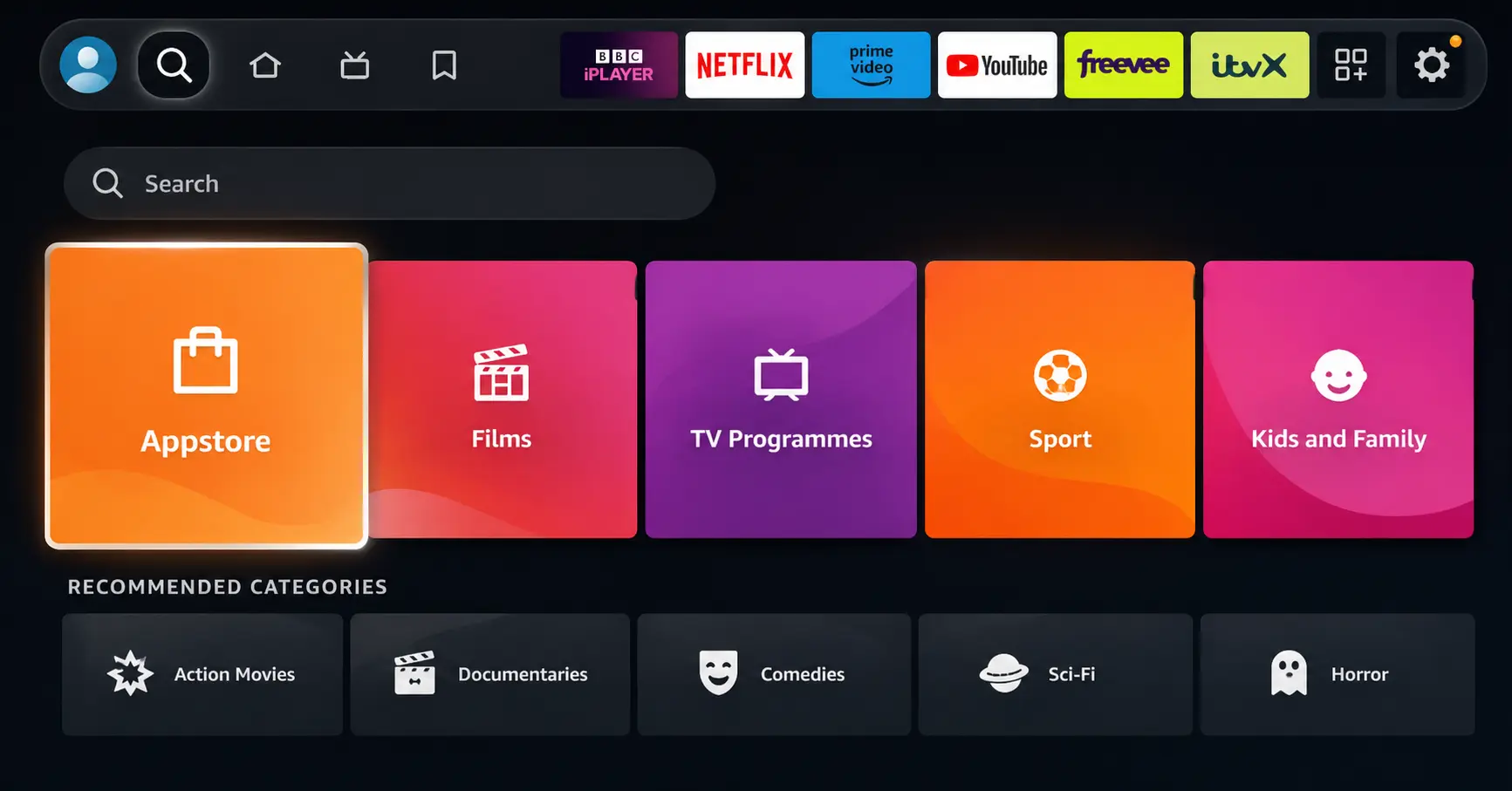
Open Search on Fire TV
Go to the Find (Search) option from your Fire TV home screen.
Step 02
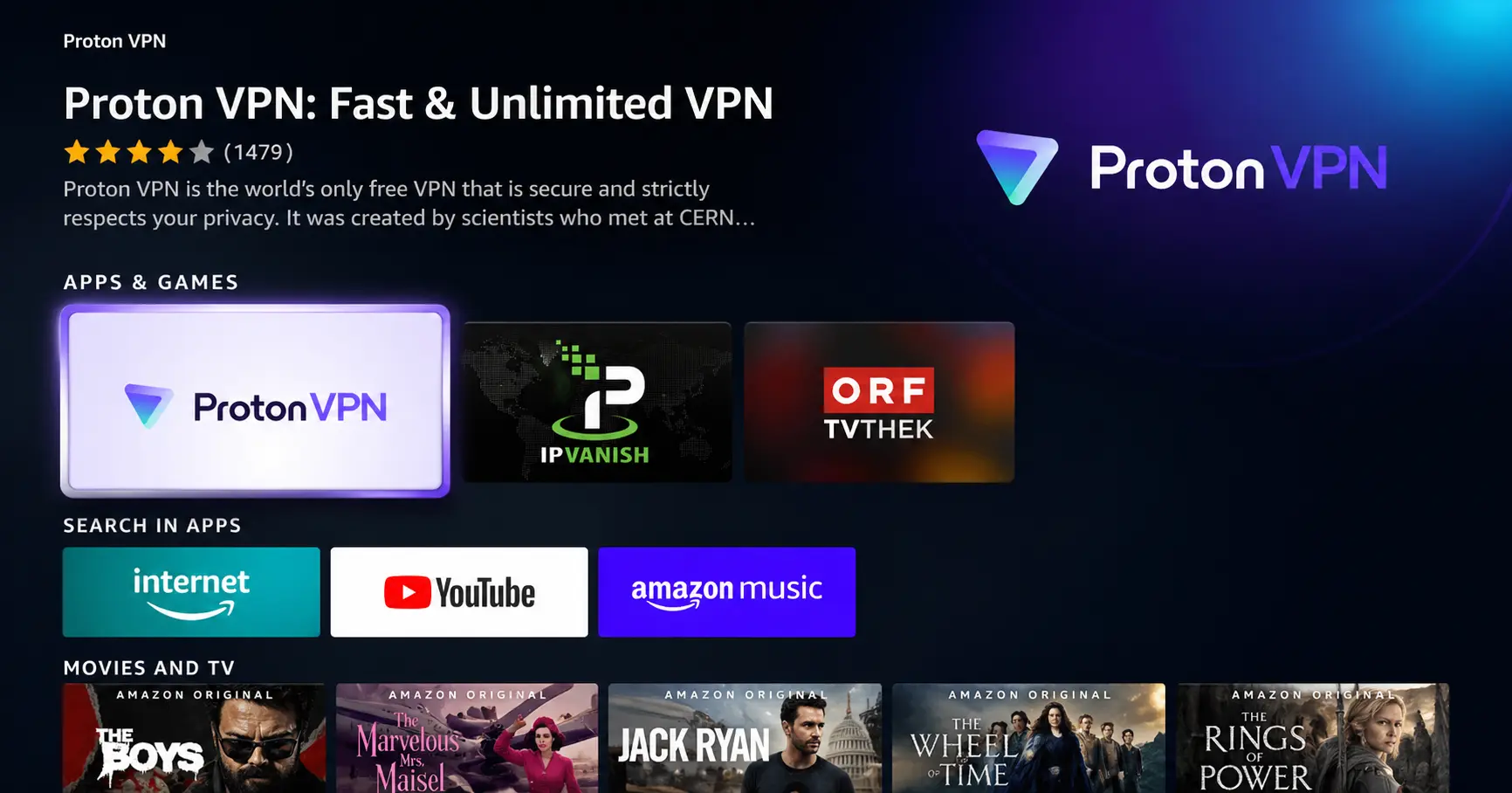
Search for ProtonVPN
Type ProtonVPN using your remote and select the app from the results.
Step 03
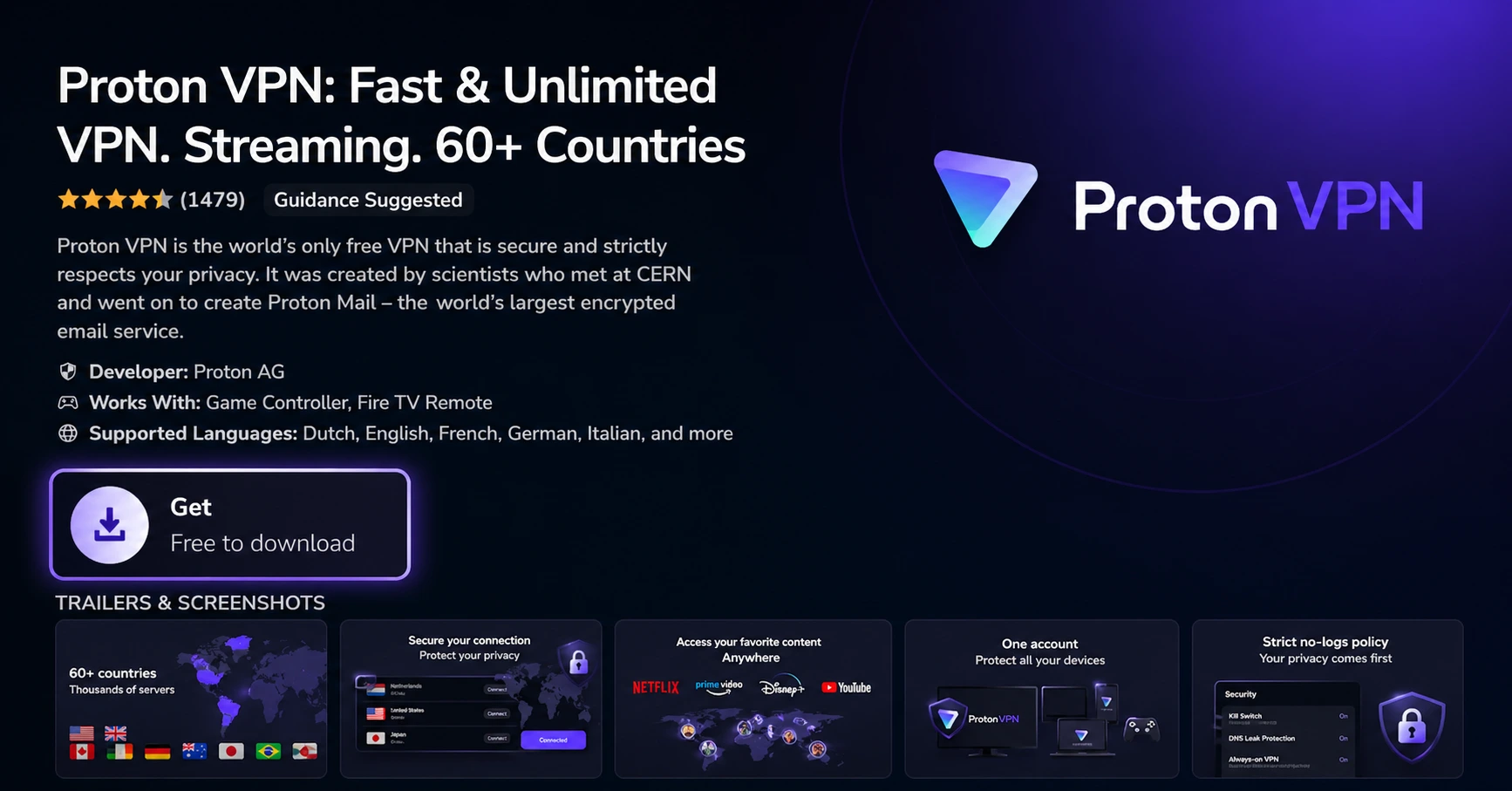
Install the App
Click on Get or Download to install ProtonVPN on your Fire TV.
Step 04
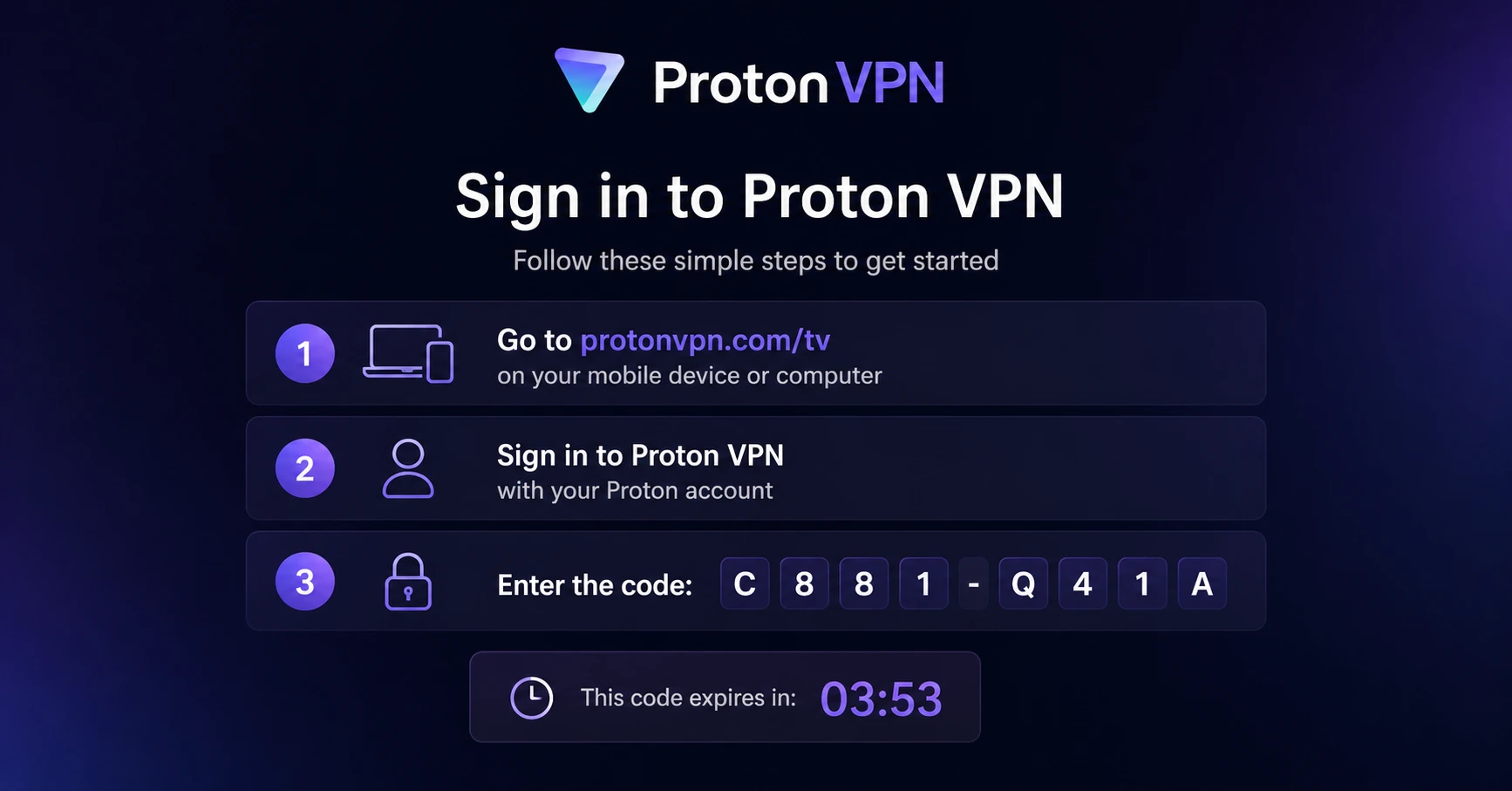
Sign In & Connect
Open the app, sign in using your Proton account (QR or code method), and connect to a server.
Firestick vs Chromecast: Full Comparison
Not sure which streaming device to pick? Here is everything you need to know
Step 01
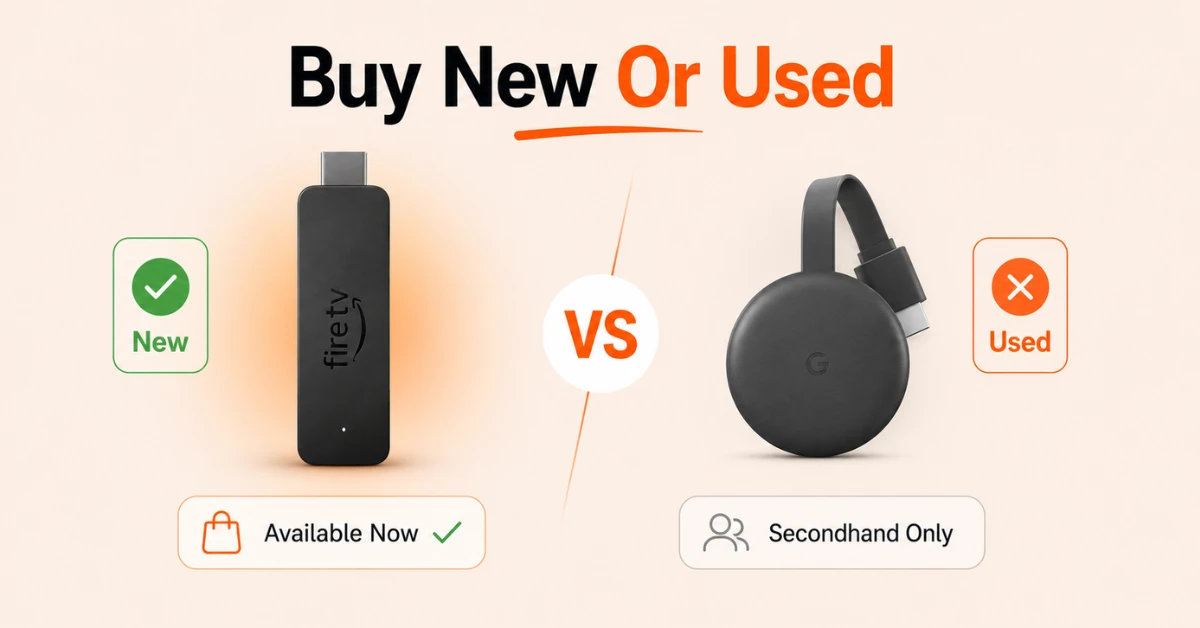
Consider Price and Availability
-
Firestick is available brand new with multiple models to choose from at different price points
-
Chromecast was discontinued in 2024 and is only available secondhand
-
If buying brand new matters to you, Firestick is the clear choice
Step 02
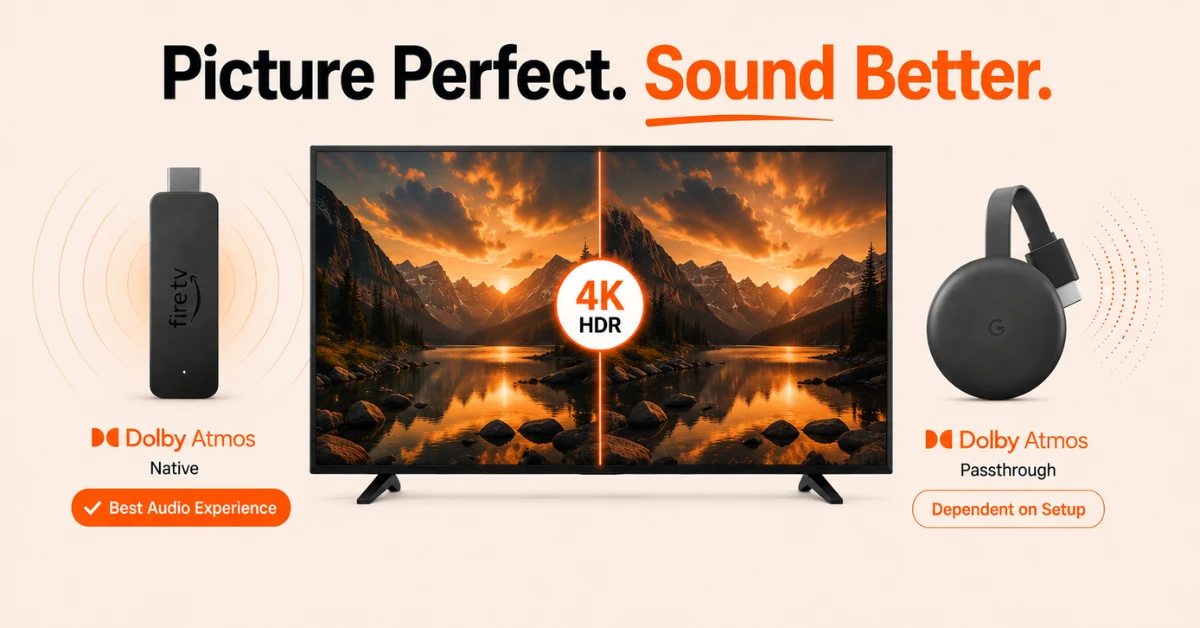
Compare Picture and Sound Quality
-
Both offer HD and 4K models with HDR10 and Dolby Vision support on higher end models
-
Firestick 4K Plus and 4K Max offer native Dolby Atmos while Chromecast supports it in passthrough mode only
-
For the best audio experience out of the box, Firestick holds the advantage
Get Proton VPN — 20% Off
Step 03
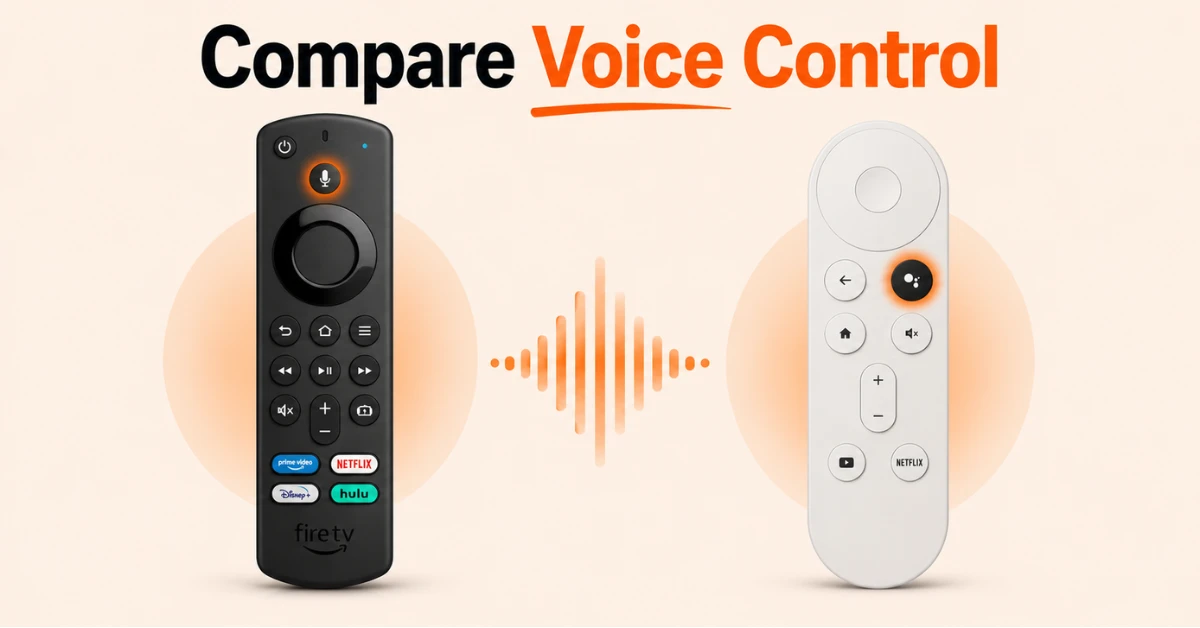
Compare Remotes and Voice Control
-
Both remotes include voice control, Alexa on Firestick and Google Assistant on Chromecast
-
The Alexa remote includes four dedicated app buttons and a menu button making it more feature rich
-
If you already use Echo devices choose Firestick and if you use Google Nest devices choose Chromecast
Step 04
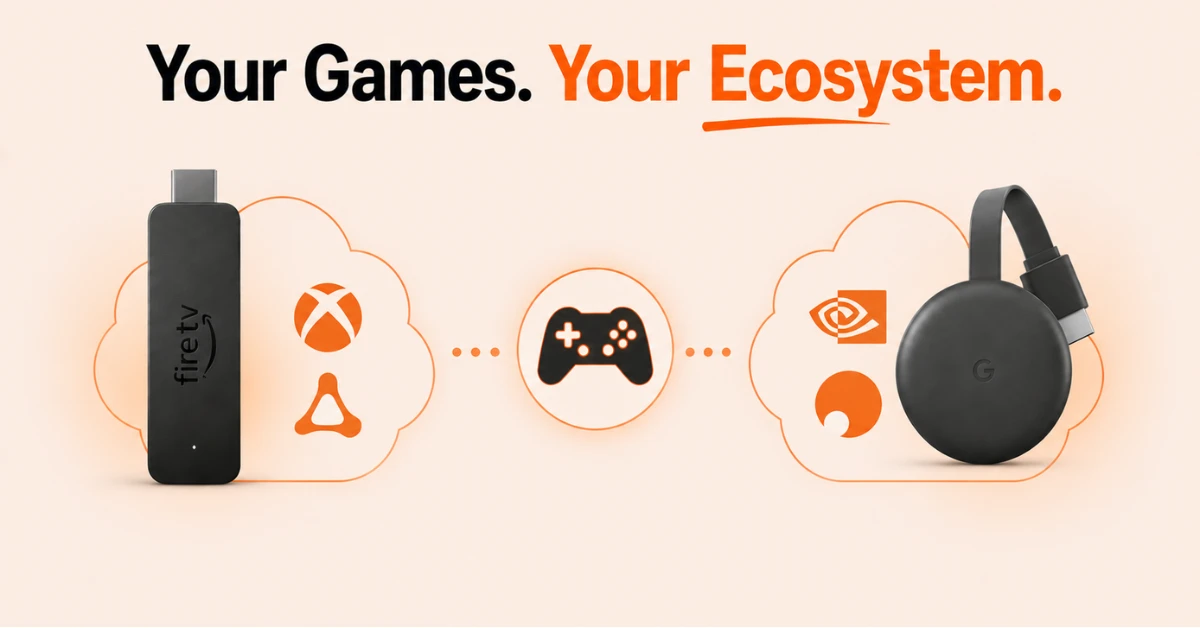
Think About Cloud Gaming and Ecosystem
-
Firestick natively supports Xbox Game Pass and Amazon Luna
-
Chromecast natively supports GeForce Now and Shadow
-
Pick the device that matches the ecosystem and gaming services you already use
Quick Comparison
Side-by-side comparison of top Fire Stick VPNs
| VPN | Price | Servers | Speed | Devices | Rating | Actions |
|---|---|---|---|---|---|---|
|
Proton VPN
|
$3.99/mo | 14,999+ | Blazing Fast | 7 | 4.8 | Get Deal |
 NordVPN
|
$4.39/mo | 6,998+ | Blazing Fast | 8 | 4.8 | Get Deal |
 EXPRESS VPN
|
$2.79/mo | 3,000+ | Blazing Fast | 8 | 5 | Get Deal |
|
|
$1.88/mo | 3,200+ | Blazing Fast | 8 | 4.7 | Get Deal |
 IPVanish
|
$2.49/mo | 3,100+ | Blazing Fast | 6 | 4 | Get Deal |
 PrivadoVPN
|
$1.99/mo | — | Blazing Fast | 5 | 4 | Get Deal |
Frequently Asked Questions
Is Firestick easier to use than Chromecast?
Both devices are beginner friendly and have a similar learning curve. The main difference is the interface with Firestick using Fire TV and Chromecast using Google TV, and the choice often comes down to personal preference.
Does Chromecast have Alexa like Firestick?
No, Chromecast uses Google Assistant instead of Alexa. If you already use Amazon Echo devices Firestick will feel more natural while Chromecast pairs better with Google Nest devices.
Is Chromecast still worth buying over Firestick?
Chromecast is only available secondhand since it was discontinued in 2024. If you are already in the Google ecosystem with Nest devices it can still be a good value pick secondhand but Firestick is the more practical choice for most buyers today.
How does Fire Stick vs Chromecast compare for streaming quality?
Both devices offer comparable streaming quality with HD and 4K models available. The key difference is that higher end Firestick models offer native Dolby Atmos and better WiFi and Bluetooth connectivity than equivalent Chromecast models.
Can I use Amazon Fire TV Stick and Chromecast on the same TV?
Yes, you can connect both devices to different HDMI ports on the same TV and switch between them. This is useful if you want to access both the Amazon and Google ecosystems depending on what you want to watch or which voice assistant you prefer to use.
Which has a better remote, Chromecast or Firestick?
The Alexa voice remote on Firestick is more feature rich with four dedicated streaming app buttons, a menu button, and live TV controls. The Google remote is sleeker but offers fewer shortcut options compared to the Alexa remote.
Which should I buy, Amazon Fire TV Stick or Chromecast?
If you use Amazon Echo or Alexa devices at home, Firestick is the natural choice. If you use Google Nest devices, a secondhand Chromecast is worth considering. For most buyers today though, Firestick is the more practical and future proof option as it is still actively sold and supported.