How to Use Firestick On Mobile Hotspot? Step-by-Step Guide
 NordVPN
Step by Step Instructions

Go to Search on Fire TV
On your Fire TV home screen, select the Search (Find) option at the top.

Type “NordVPN”
Use your remote to type NordVPN and choose the app when it appears in the results.

Install the App
Click on Get or Download to install NordVPN on your Fire TV.

Log In & Connect
Open the app, sign in to your account, and press the connect button to start using the VPN.
How to Use Firestick on Mobile Hotspot?
Step by step instructions to use Firestick On Mobile Network. Takes about 10 minutes.
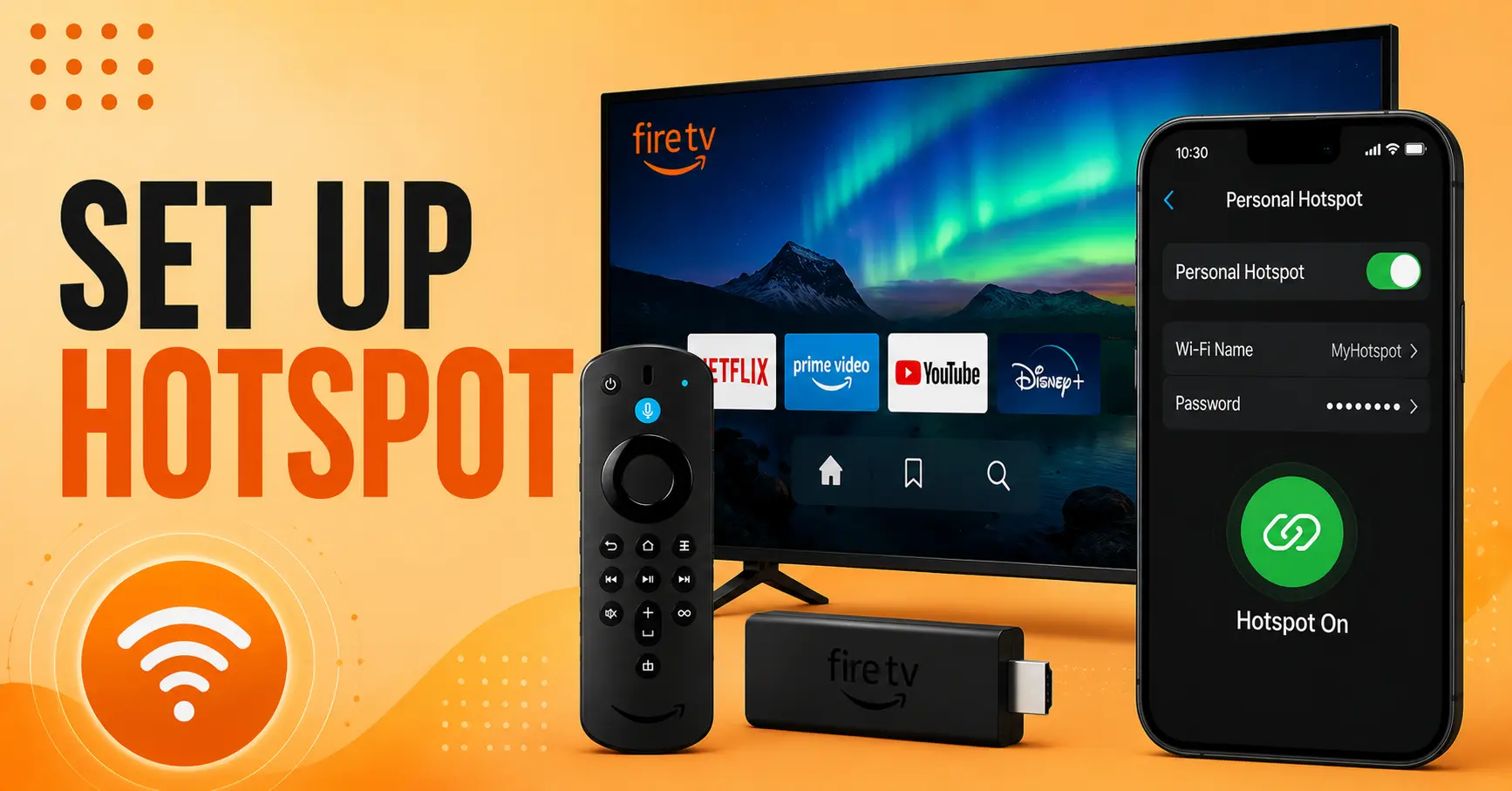
Enable Mobile Hotspot
-
Open hotspot settings on your smartphone's device.
-
Turn on personal hotspot or tethering feature.
-
Set a secure hotspot name or password
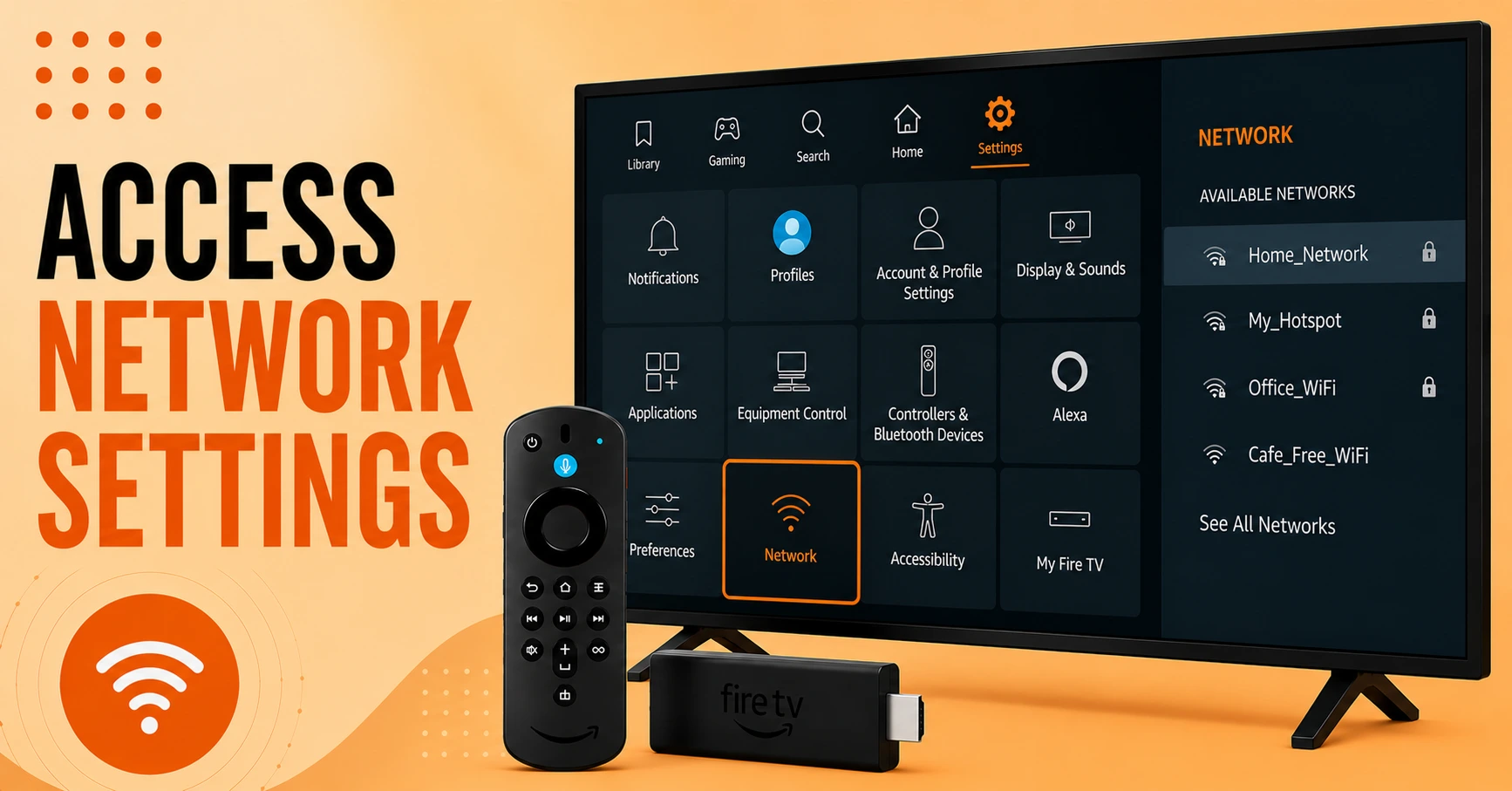
Open Firestick Network Settings
-
Go to Firestick. Settings from home screen menu
-
Select Network from available settings options
-
View nearby wireless networks avaialble for connection
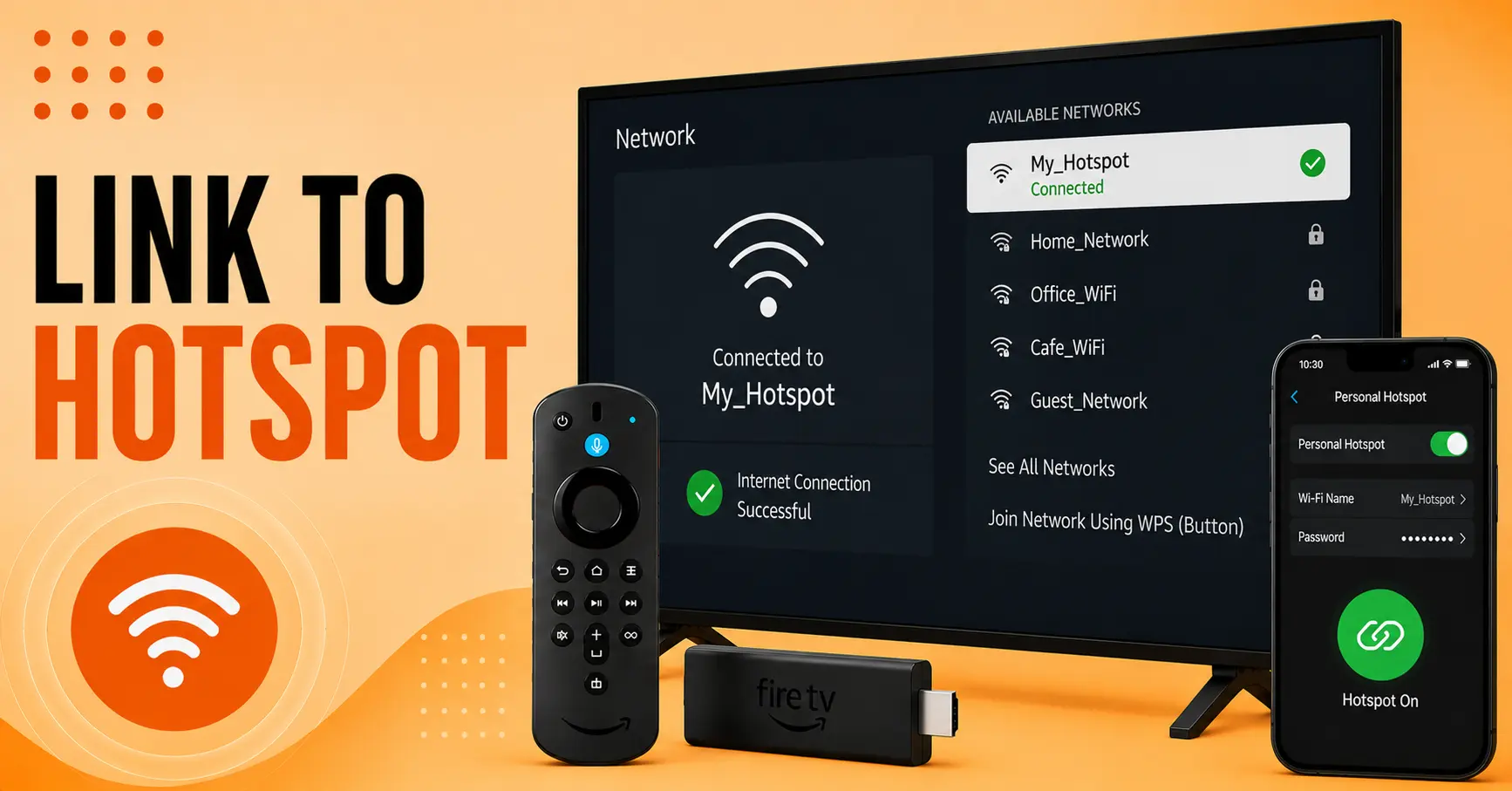
Connect to Mobile Hospot
-
Select your phone hotspot from network list
-
Enter hotspot password correctly when prompted
-
Wait for successful internet connection confirmation message.
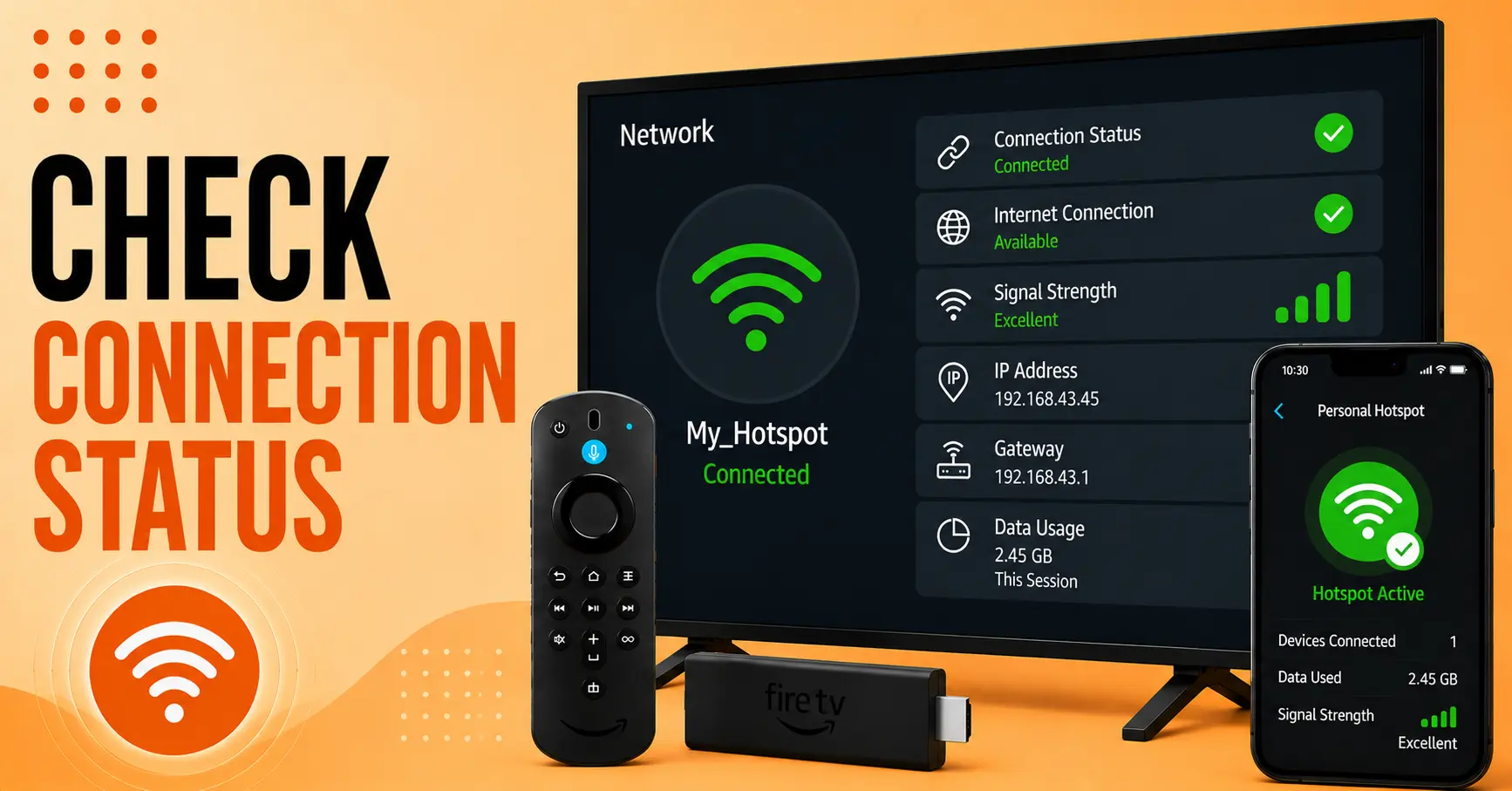
Verify Internet Connection
-
Open network status section on Firestick device
-
Check connection strength and internet availability
-
Ensure hotspot data is working properly
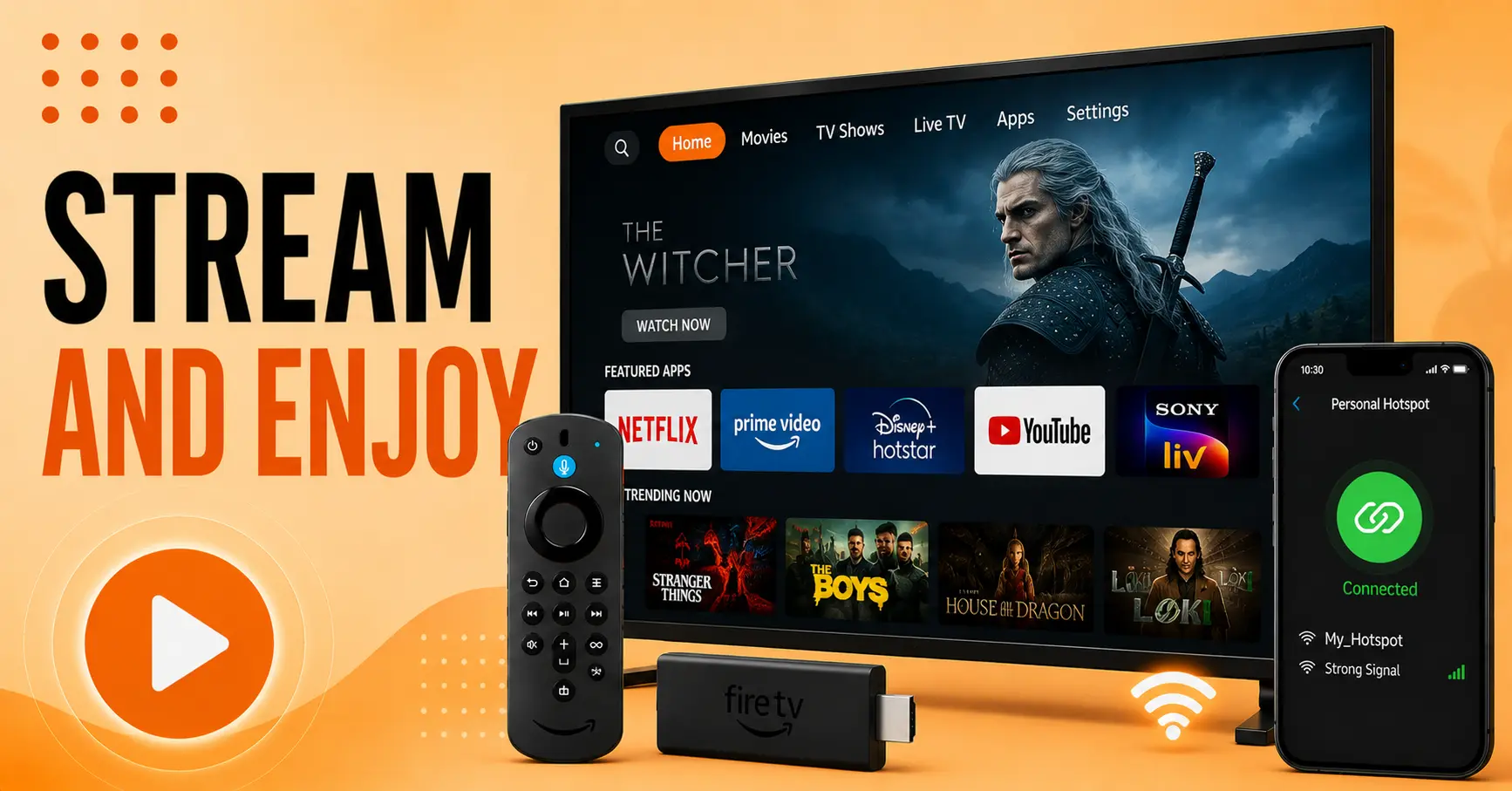
Start Streaming Content
-
Launch preferred streaming applications on Firestick device.
-
Browse movies, shows, or live content easily
-
Enjoy streaming using your mobile data connection
Quick Comparison
Side-by-side comparison of top Fire Stick VPNs
| VPN | Price | Servers | Speed | Devices | Rating | Actions |
|---|---|---|---|---|---|---|
|
NordVPN
|
$4.39/mo | 6,998+ | Blazing Fast | 8 | 4.8 | Get Deal |
 EXPRESS VPN
|
$2.79/mo | 3,000+ | Blazing Fast | 8 | 5 | Get Deal |
 IPVanish
|
$2.49/mo | 3,100+ | Blazing Fast | 6 | 4 | Get Deal |
 Pure VPN
|
$3.55/mo | — | Blazing Fast | 6 | 4 | Get Deal |
|
|
$1.88/mo | 3,200+ | Blazing Fast | 8 | 4.7 | Get Deal |
Frequently Asked Questions
Yes, Firestick can connect to a smartphone hotspot like regular WiFi.
Yes, all streaming and internet activity will use mobile data.
Check if the hotspot is enabled and visible to nearby devices.
Yes, faster mobile data provides smoother streaming performance.
Yes, Firestick supports both Android and iPhone hotspots.
Yes, using a secure password-protected hotspot is generally safe.