Which Firestick Model Should You Buy in 2026?
Editor's Choice
#1 Pick
Editor's Choice
 NordVPN
$4.39/month
Save 20%
Blazing Fast
6,998+
214
8
Step by Step Instructions
Step 01

Go to Search on Fire TV
On your Fire TV home screen, select the Search (Find) option at the top.
Step 02

Type “NordVPN”
Use your remote to type NordVPN and choose the app when it appears in the results.
Step 03

Install the App
Click on Get or Download to install NordVPN on your Fire TV.
Step 04

Log In & Connect
Open the app, sign in to your account, and press the connect button to start using the VPN.
Which Firestick Model Should You Buy in 2026?
A simple breakdown to help you pick the right Fire TV device for your needs
Step 01
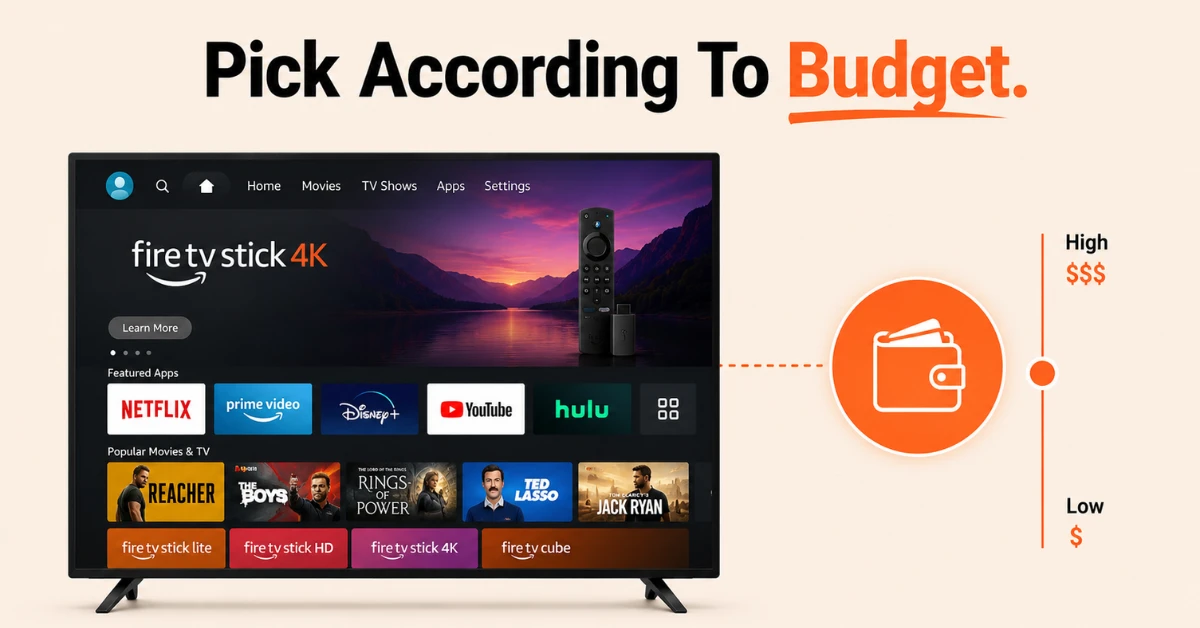
Start With Your TV and Budget
-
If your TV is HD only, the Fire TV Stick HD or Stick Lite is all you need
-
If you have a 4K TV, go with the Fire TV Stick 4K Plus, 4K Max, or Cube
-
Pick the model that fits your needs from within your budget
Step 02
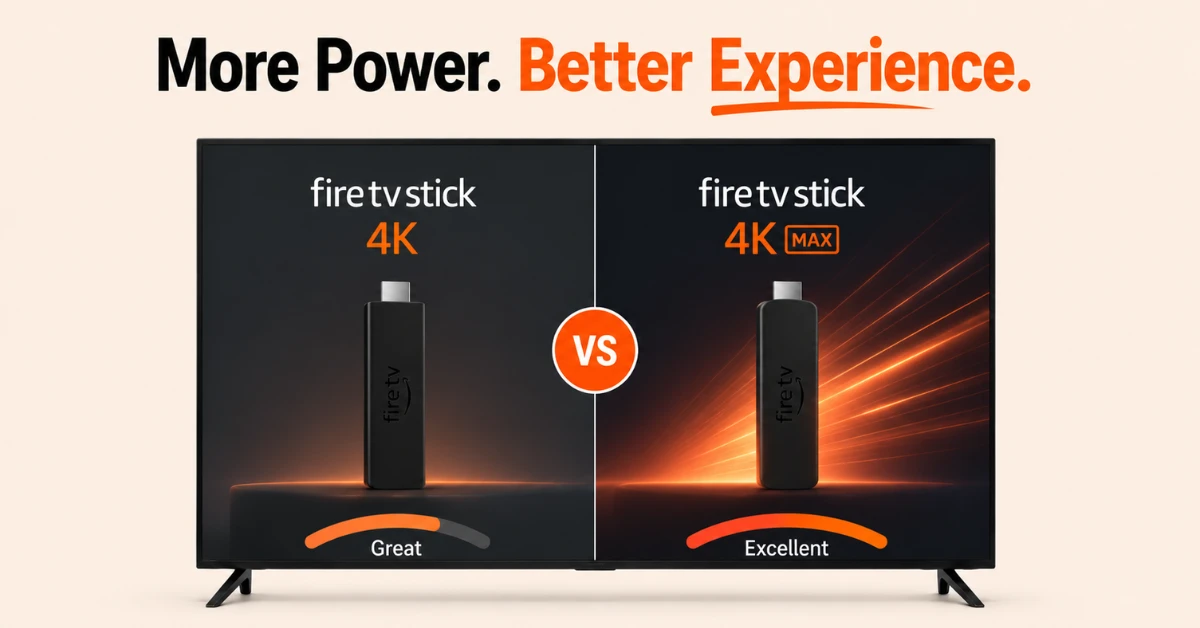
Choose Between the 4K Models
-
Fire TV Stick 4K Plus is the mid tier option with 4K, Dolby Vision, and Dolby Atmos at a lower price
-
Fire TV Stick 4K Max adds WiFi 6E, a faster processor, 16GB storage, and the Ambient Experience feature
-
If you want the best streaming stick, the 4K Max is the top pick
Get NordVPN — 20% Off
Step 03
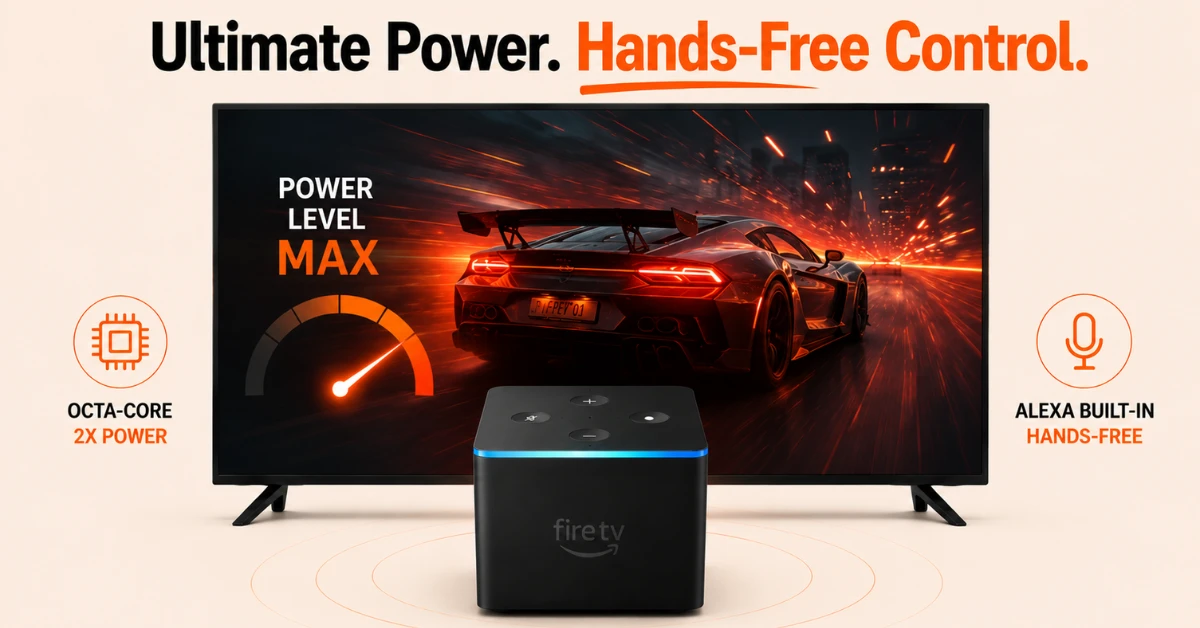
Consider the Fire TV Cube for Power Users
-
Fire TV Cube has an octa-core processor which is twice as powerful as the 4K Max
-
It includes a built in Alexa speaker, Ethernet port, and HDMI input for full hands free control
-
If you want the most powerful Fire TV device available and hands free Alexa from across the room, the Cube is worth the investment
Step 04
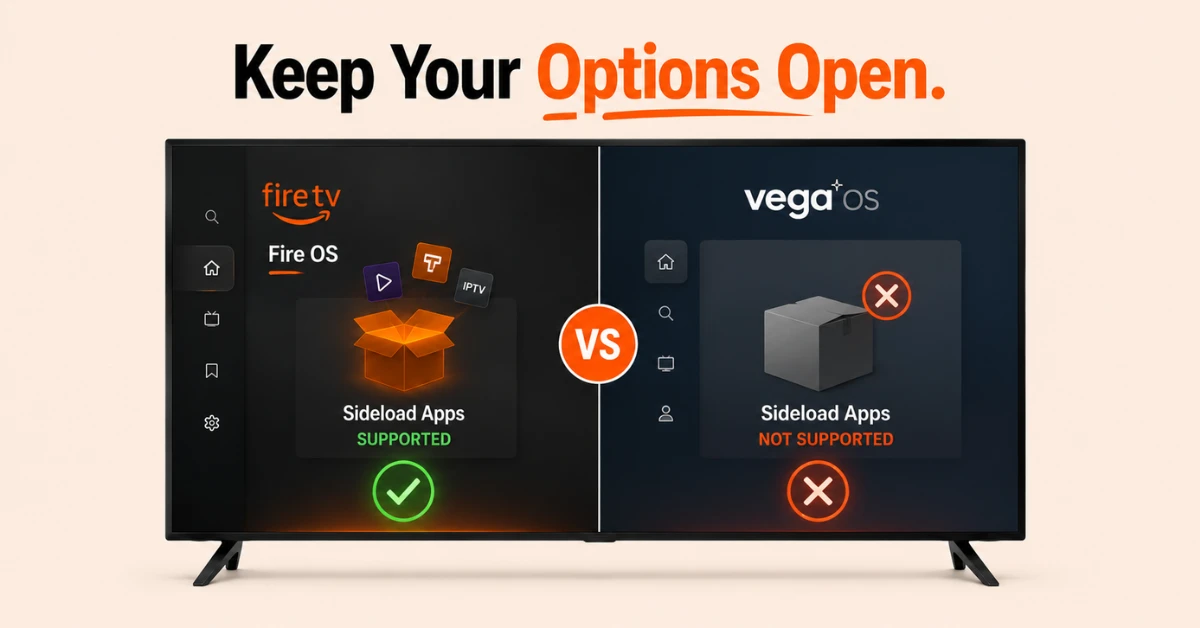
Think About Sideloading Before You Buy
-
All current Fire TV Stick models still support sideloading apps through Fire OS
-
Avoid the Fire TV Stick 4K Select as it runs Vega OS which does not support sideloading
-
Amazon has confirmed that future devices will move to Vega OS so if third party app flexibility matters to you, buy a current Fire OS model now
Quick Comparison
Side-by-side comparison of top Fire Stick VPNs
| VPN | Price | Servers | Speed | Devices | Rating | Actions |
|---|---|---|---|---|---|---|
|
NordVPN
|
$4.39/mo | 6,998+ | Blazing Fast | 8 | 4.8 | Get Deal |
 EXPRESS VPN
|
$2.79/mo | 3,000+ | Blazing Fast | 8 | 5 | Get Deal |
 Proton VPN
|
$3.99/mo | 14,999+ | Blazing Fast | 7 | 4.8 | Get Deal |
|
|
$1.88/mo | 3,200+ | Blazing Fast | 8 | 4.7 | Get Deal |
 IPVanish
|
$2.49/mo | 3,100+ | Blazing Fast | 6 | 4 | Get Deal |
 Pure VPN
|
$3.55/mo | — | Blazing Fast | 6 | 4 | Get Deal |
 PrivadoVPN
|
$1.99/mo | — | Blazing Fast | 5 | 4 | Get Deal |
Frequently Asked Questions
Which Firestick model should you buy in 2026?
The Fire TV Stick 4K Max is the best all round choice for most buyers in 2026 thanks to its fast processor, 16GB storage, WiFi 6E, and Ambient Experience. If budget is a concern the Fire TV Stick 4K delivers excellent streaming at a lower price.
What is the best budget Firestick model in 2026?
The Fire TV Stick HD is the best budget model in 2026 at under thirty five dollars. It supports all major streaming apps and delivers reliable 1080p HD streaming without any of the premium features you pay extra for on the 4K models.
Is the Fire TV Stick 4K Plus still a good model to buy in 2026?
Yes, the Fire TV Stick 4K Plus remains a strong choice in 2026 for anyone who wants 4K streaming with Dolby Vision and Dolby Atmos at a more affordable price than the Max. It is slightly less powerful but covers all the essentials for a great streaming experience.
Which Amazon Fire Stick should I buy if I use a lot of apps?
The Fire TV Stick 4K Max is the best Amazon Fire Stick to buy if you install many apps as it comes with 16GB of storage compared to 8GB on most other models. The extra space means you can keep more apps installed without constantly managing storage.
What is the best Fire TV Stick to buy for streaming in 2026?
The best Fire TV Stick to buy for streaming in 2026 is the Fire TV Stick 4K Max which delivers the fastest performance, best connectivity, and most storage of any stick in Amazon's current lineup. It is the safest choice for anyone who wants a future proof streaming experience.
Which Firestick model should you buy for cloud gaming?
The Fire TV Stick 4K Max is the best model to buy for cloud gaming as its faster processor and 2GB of RAM handle Xbox Cloud Gaming and Amazon Luna more smoothly than lower end models.
Which Firestick model should you buy if you have an HD TV?
If your TV only supports HD resolution, the Fire TV Stick HD is the most practical choice. It covers all major streaming apps and delivers solid 1080p performance without paying extra for 4K features you cannot use.