How to Set Up Firestick on a Hotel WiFi?
Editor's Choice
#1 Pick
Editor's Choice
 Surfshark
$1.88/month
Save 20%
Blazing Fast
3,200+
214
8
Step by Step Instructions
Step 01

Open Search on Fire TV
From your Fire TV home screen, go to the Find (Search) option.
Step 02

Search for Surfshark
Type Surfshark using your remote and select the app from the results.
Step 03

Install the App
Click on Download or Get to install Surfshark on your device.
Step 04

Sign In & Start VPN
Open the app, log in to your account, and connect to a server to start using the VPN.
How to Set Up Firestick on a Hotel WiFi?
A simple guide to getting your Firestick connected and streaming in any hotel room
Step 01
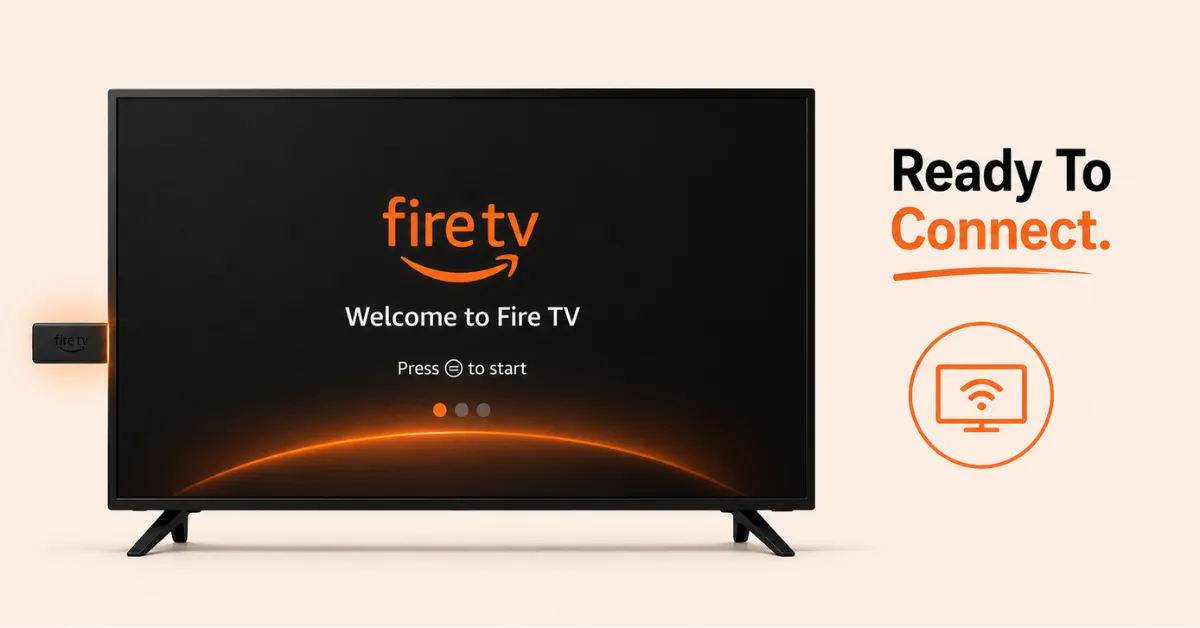
Plug In and Boot Up Your Firestick
-
Plug your Firestick into the hotel TV's HDMI port and connect the power adapter
-
Turn on the TV and switch to the correct HDMI input
-
Let the Firestick boot up fully before attempting to connect to WiFi
Step 02
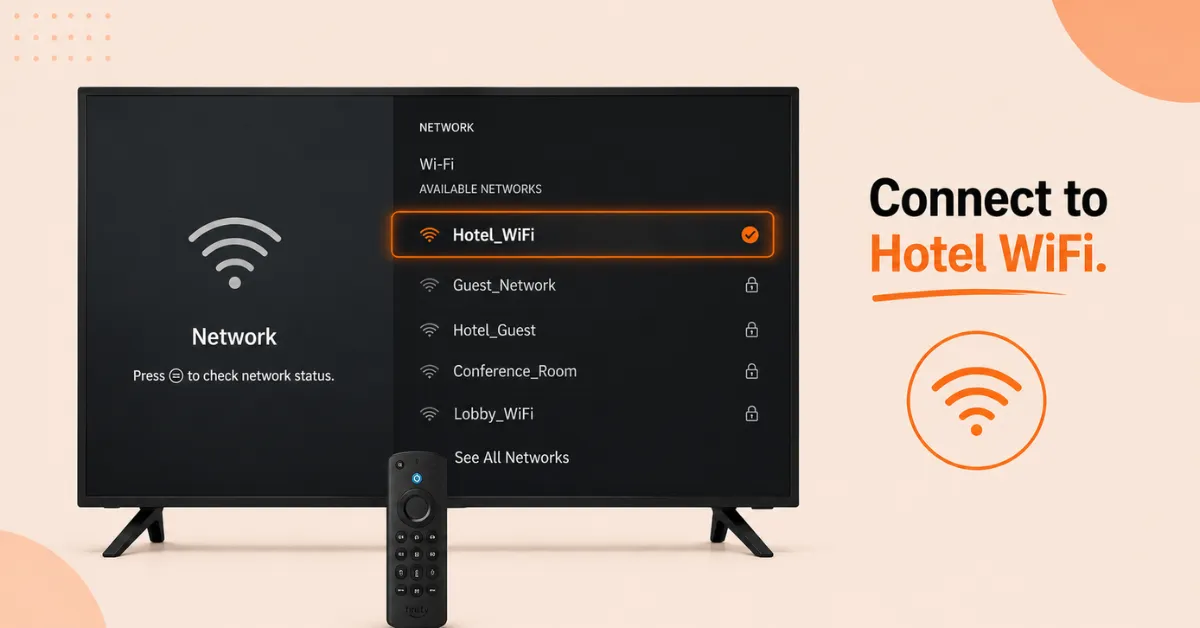
Connect to the Hotel WiFi Network
-
Go to Settings and select Network
-
Choose the hotel WiFi network from the list and attempt to connect
-
If a sign in page appears on screen, use the Firestick remote to enter the hotel credentials or accept the terms
Get Surfshark — 20% Off
Step 03
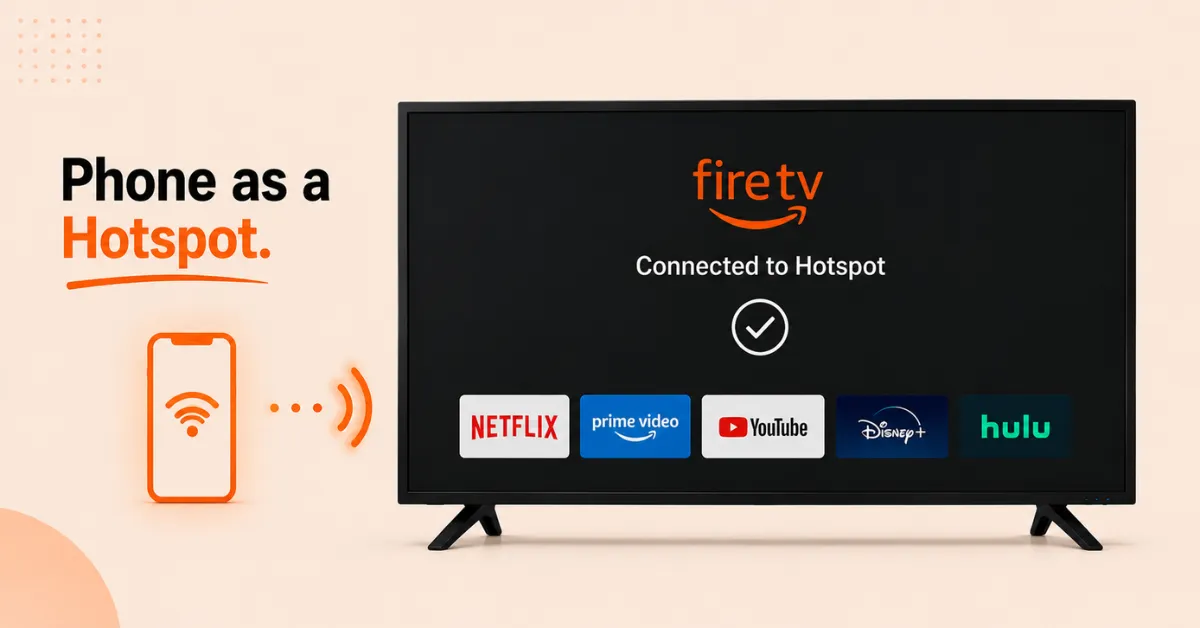
Use Your Phone as a Hotspot if the Portal Does Not Load
-
If the hotel login page does not appear on your Firestick, connect your phone to the hotel WiFi first
-
Complete the login or accept the terms on your phone
-
Turn on your phone's mobile hotspot and connect your Firestick to it instead
Step 04
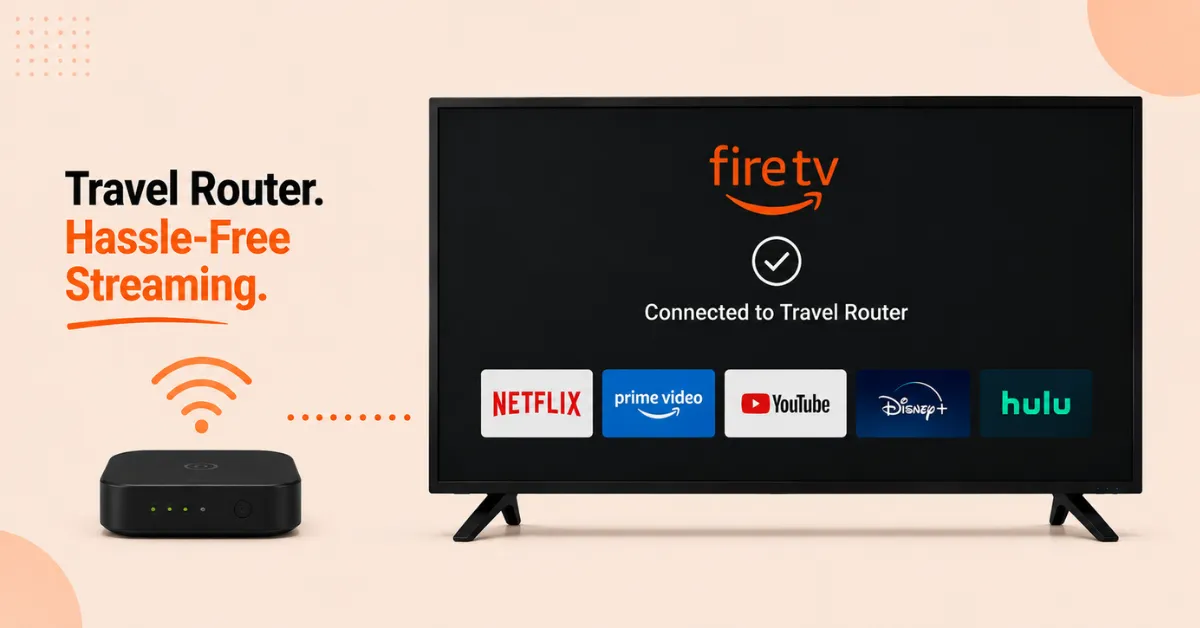
Alternatively Use a Travel Router
-
If you travel frequently, a portable travel router is a more convenient long term solution
-
It connects to the hotel WiFi on your behalf and creates its own private network for your devices
-
Simply connect your Firestick to the travel router's network and you are good to go
Quick Comparison
Side-by-side comparison of top Fire Stick VPNs
| VPN | Price | Servers | Speed | Devices | Rating | Actions |
|---|---|---|---|---|---|---|
|
|
$1.88/mo | 3,200+ | Blazing Fast | 8 | 4.7 | Get Deal |
 EXPRESS VPN
|
$2.79/mo | 3,000+ | Blazing Fast | 8 | 5 | Get Deal |
 Proton VPN
|
$3.99/mo | 14,999+ | Blazing Fast | 7 | 4.8 | Get Deal |
 NordVPN
|
$4.39/mo | 6,998+ | Blazing Fast | 8 | 4.8 | Get Deal |
 PrivadoVPN
|
$1.99/mo | — | Blazing Fast | 5 | 4 | Get Deal |
 Pure VPN
|
$3.55/mo | — | Blazing Fast | 6 | 4 | Get Deal |
Frequently Asked Questions
Why won't my Firestick connect to hotel WiFi?
Most hotel WiFi networks use a captive portal which requires you to accept terms or enter credentials through a browser. Firestick cannot always display these pages so using your phone as a hotspot is the most reliable workaround.
Is it safe to use hotel WiFi with my Fire Stick?
Hotel WiFi is a public network which means your data can potentially be seen by others on the same network. Using a VPN on your Firestick encrypts your traffic and keeps your streaming activity private while connected to hotel WiFi.
Can I set up Firestick on hotel WiFi without a laptop?
Yes, you only need your phone to set up Firestick on hotel WiFi. Connect your phone to the hotel network, complete the login, turn on your mobile hotspot, and connect your Firestick to that hotspot instead.
Can I use the Silk Browser to log in to hotel WiFi on my Fire Stick?
Yes, if the captive portal does not appear automatically you can open the Silk Browser on your Firestick and try navigating to any website. This often triggers the hotel login page to appear so you can complete the sign in directly.
Can I use my Fire Stick on hotel WiFi without any extra devices?
If the hotel login page loads on your Firestick screen you can complete it directly using your remote. However if it does not load you will need a phone, laptop, or travel router to bridge the connection.
How do I set up Fire TV Stick on hotel WiFi using my phone?
Connect your phone to the hotel WiFi and complete the login or accept the terms through the captive portal. Then turn on your phone's mobile hotspot, give it a name and password, and connect your Fire TV Stick to that hotspot.
How do I set up Firestick on hotel WiFi if the network is blocked?
Some hotels block streaming devices to manage bandwidth. If your Firestick cannot connect even after completing the portal, use your phone as a mobile hotspot or a travel router to bypass the block and stream normally.