How to Change Firestick Country or Region (Step-by-Step)
Editor's Choice
#1 Pick
Editor's Choice
 Proton VPN
$3.99/month
Save 20%
Blazing Fast
14,999+
214
7
Step by Step Instructions
Step 01
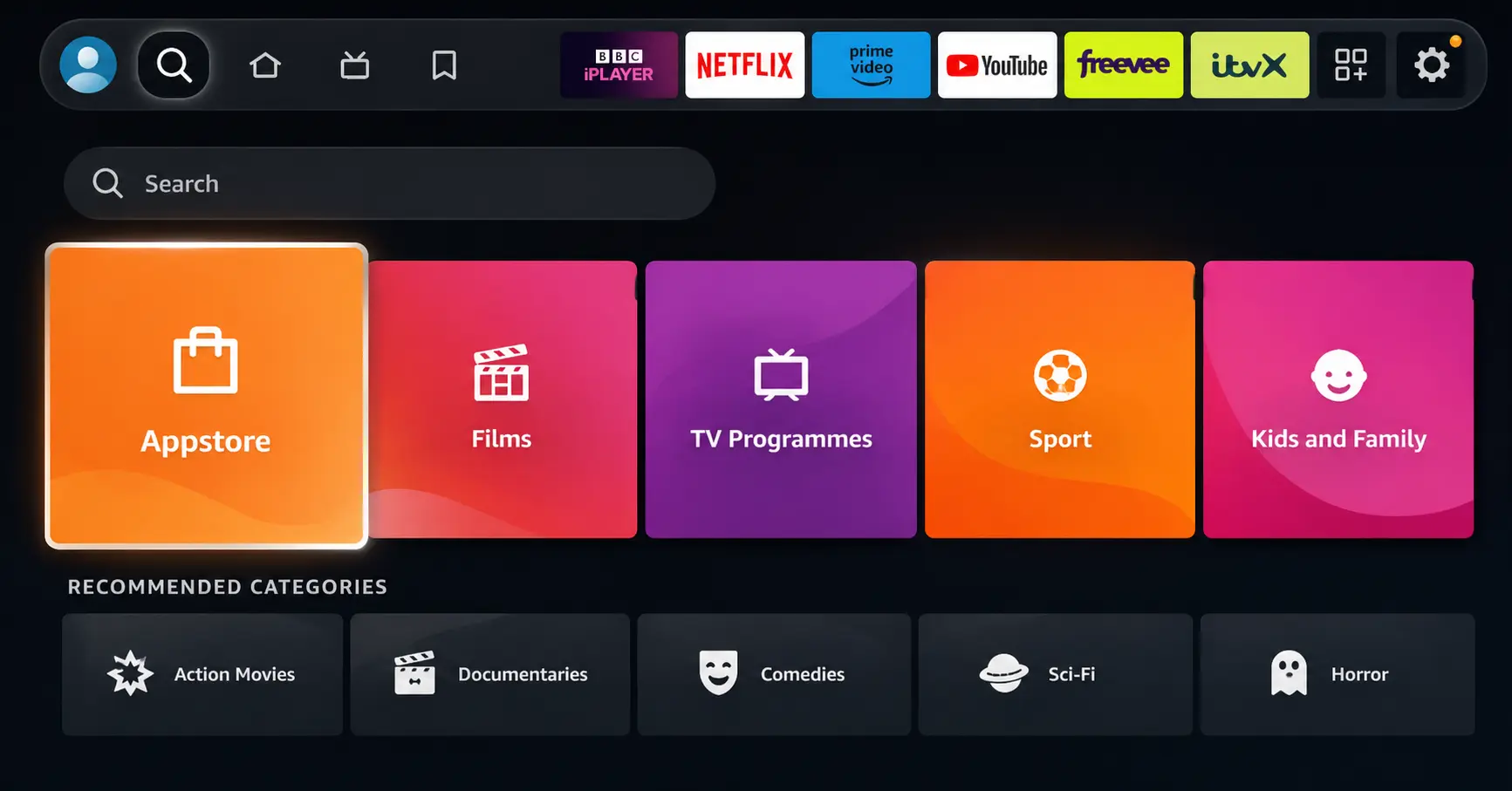
Open Search on Fire TV
Go to the Find (Search) option from your Fire TV home screen.
Step 02
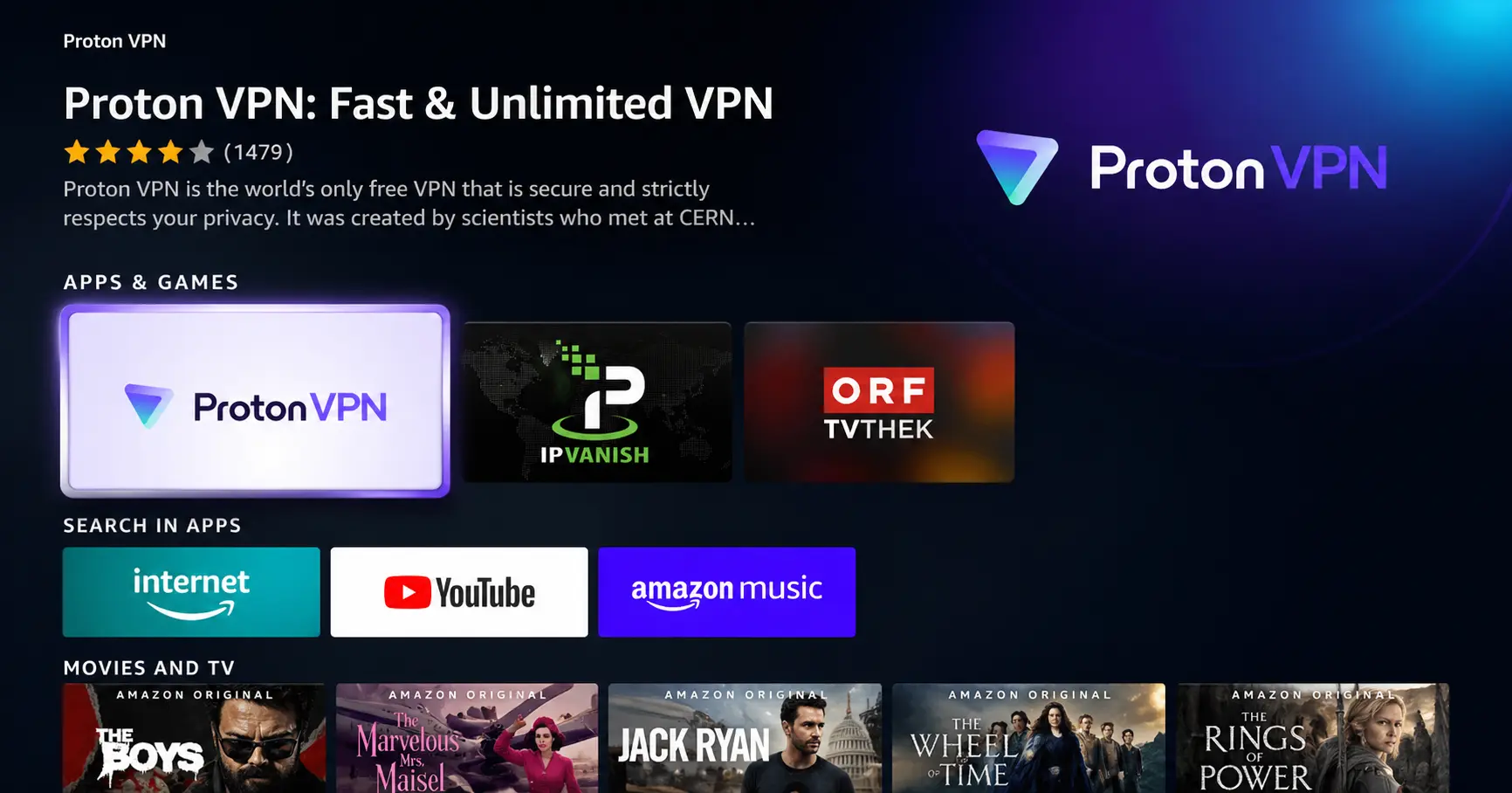
Search for ProtonVPN
Type ProtonVPN using your remote and select the app from the results.
Step 03
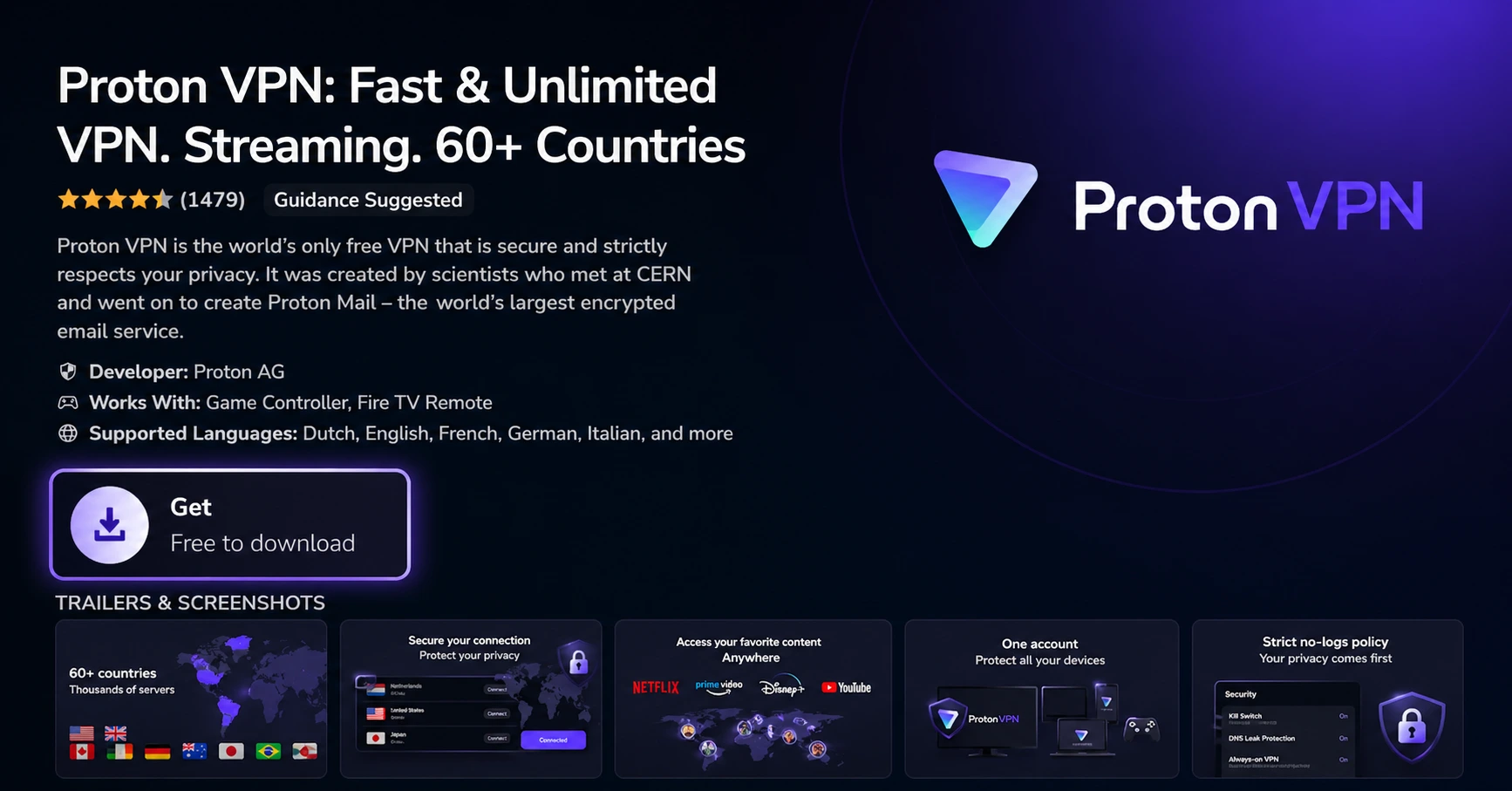
Install the App
Click on Get or Download to install ProtonVPN on your Fire TV.
Step 04
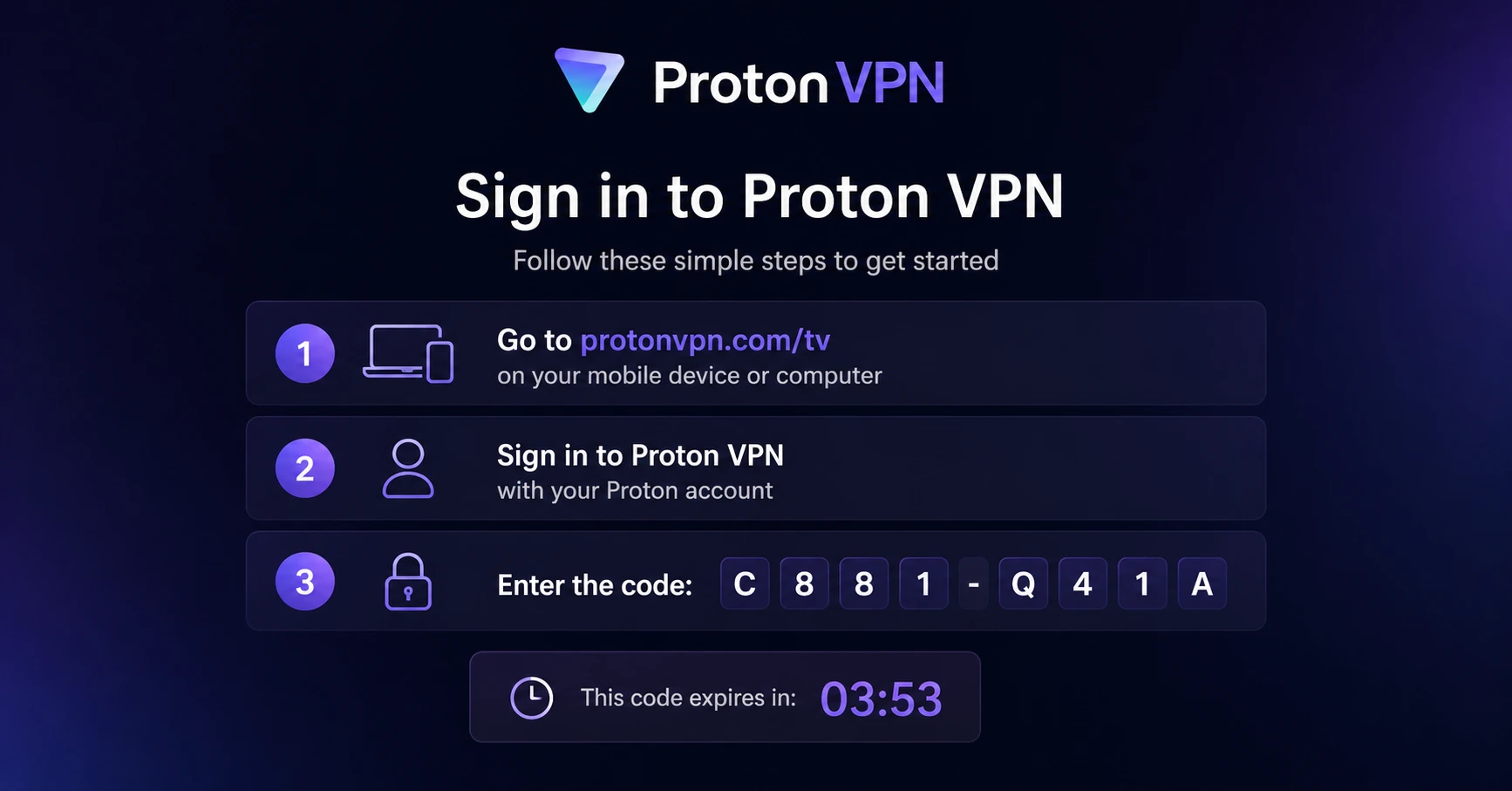
Sign In & Connect
Open the app, sign in using your Proton account (QR or code method), and connect to a server.
How to Change Firestick Country or Region?
Step by step guide to change Fire TV region and unlock region-specific content. Takes about 10 minutes.
Step 01
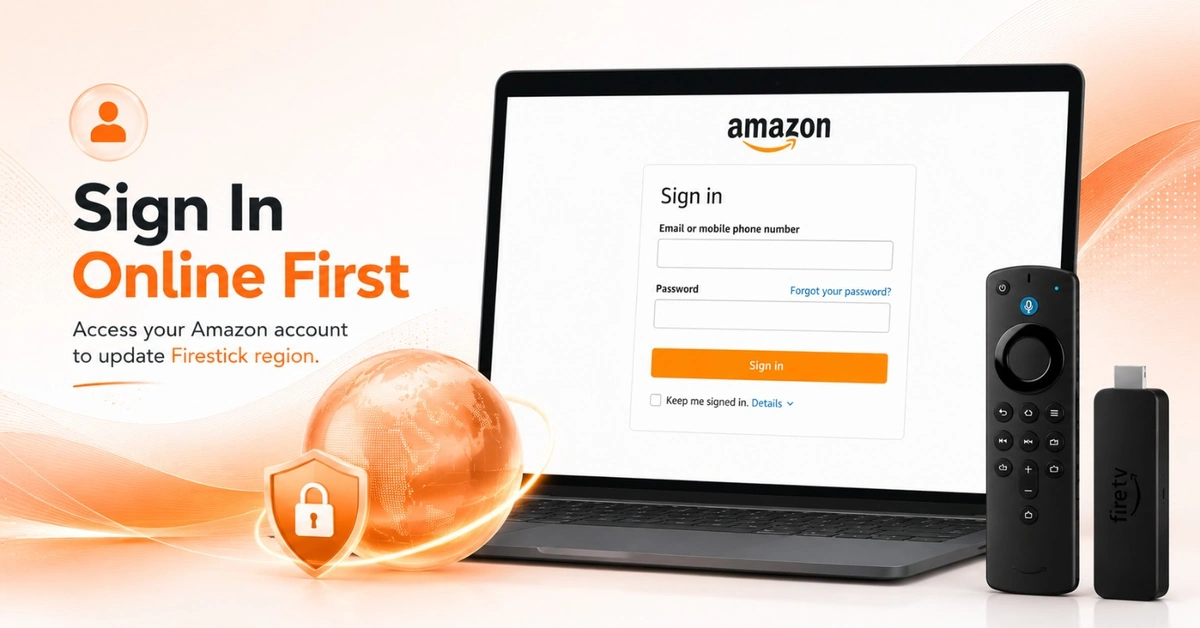
Log In to Your Amazon Account Online
-
Open a browser and go to Amazon.com (or your regional Amazon site).
-
Sign in using the account linked to your Firestick country settings.
-
All region and country changes must be made at the account level online.
Step 02
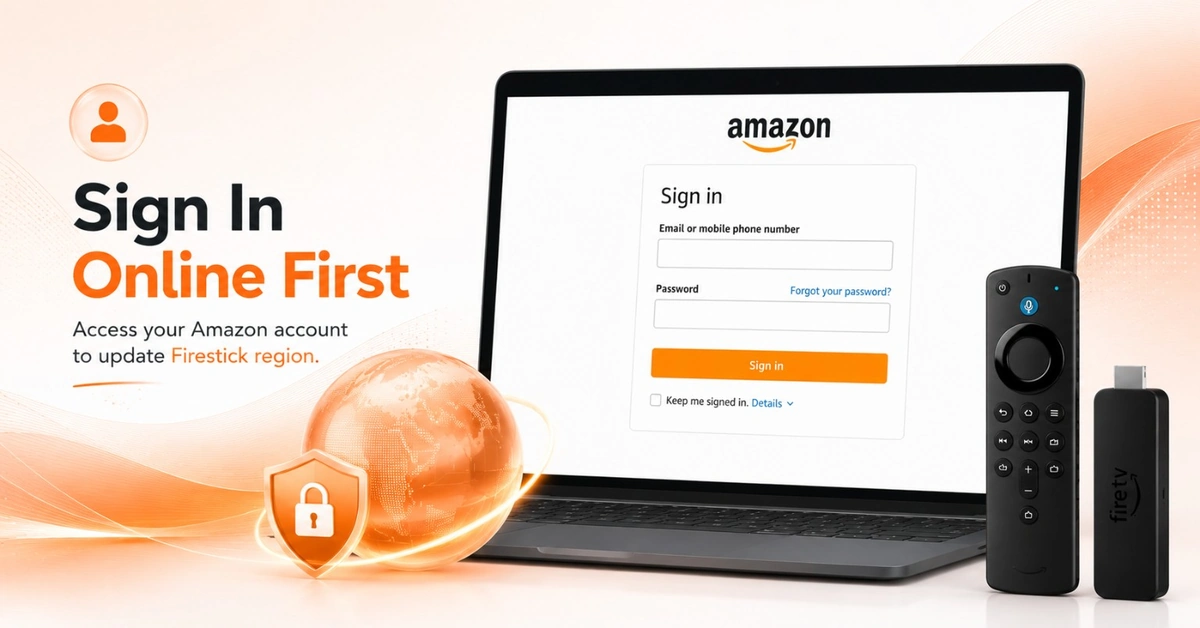
Update Your Country or Region in Account Settings
-
Go to Account & Lists > Manage Your Content and Devices.
-
Select Preferences and then click "Change" under Country/Region Settings.
-
Enter your new address to change firestick country to your target region.
Get Proton VPN — 20% Off
Step 03
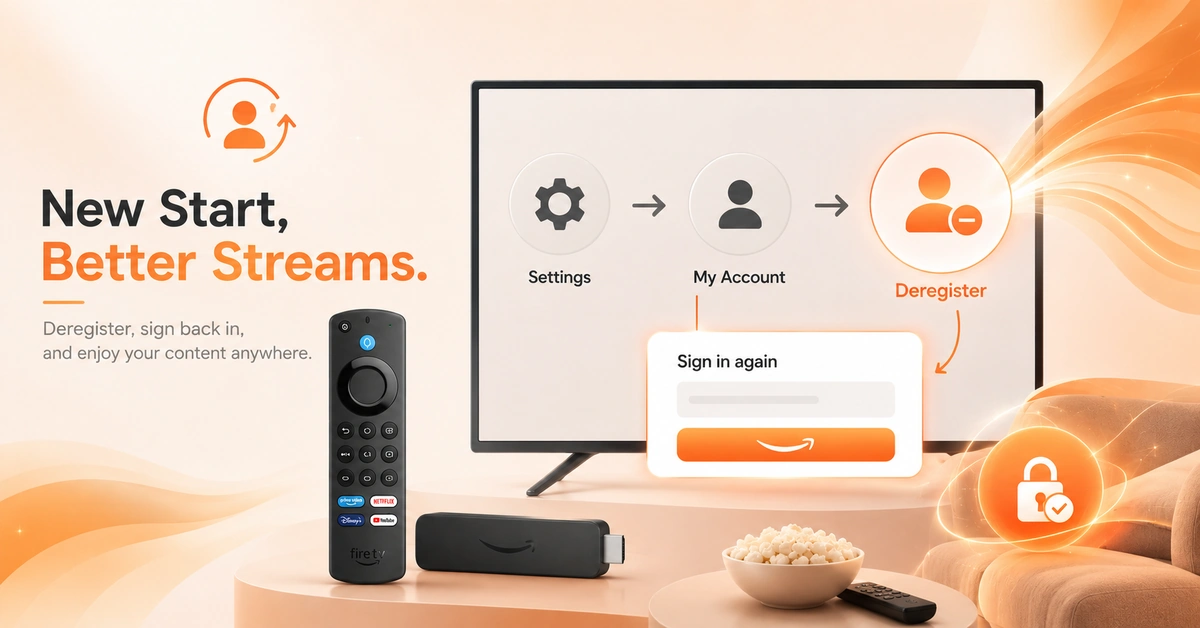
Deregister and Re-register Your Device
-
On your Firestick go to Settings > My Fire TV > Reset to Factory Defaults or simply deregister.
-
Go to Settings > My Account > Amazon Account and select Deregister.
-
Sign back in with your Amazon account to change amazon fire tv location on device.
Step 04
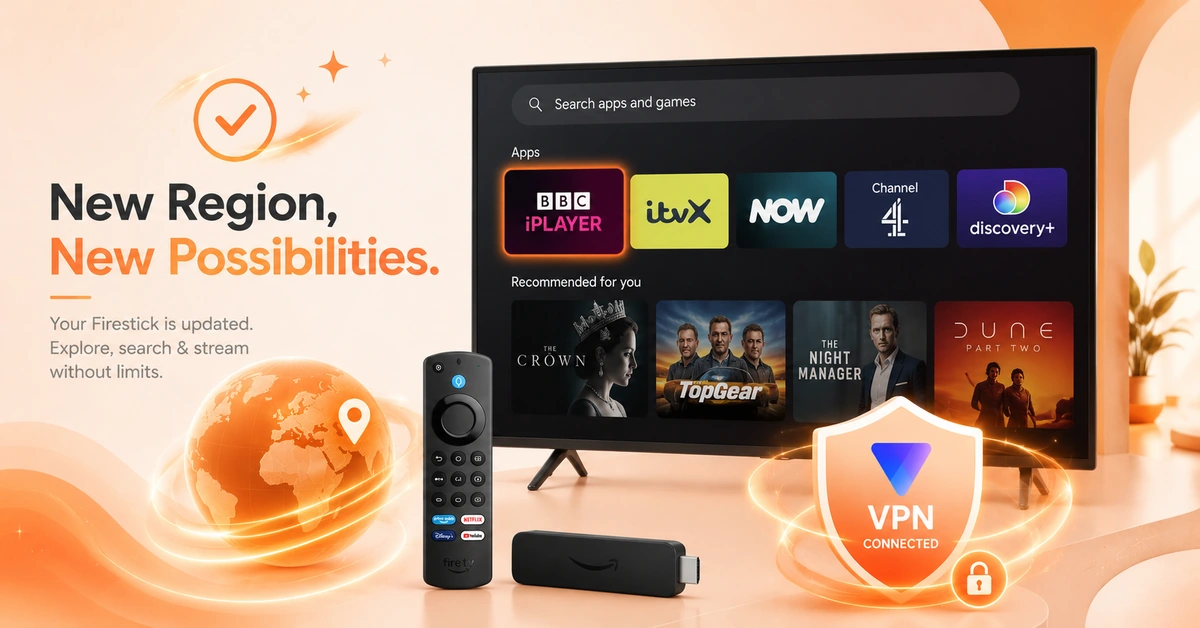
Verify the Region Change on Your Firestick
-
After re-registering, your App Store will refresh to reflect firestick app country content.
-
Search for a region-specific app to confirm the change fire tv region was successful.
-
Use a VPN like Proton to access geo-restricted content in your new target region.
Quick Comparison
Side-by-side comparison of top Fire Stick VPNs
| VPN | Price | Servers | Speed | Devices | Rating | Actions |
|---|---|---|---|---|---|---|
|
Proton VPN
|
$3.99/mo | 14,999+ | Blazing Fast | 7 | 4.8 | Get Deal |
 EXPRESS VPN
|
$2.79/mo | 3,000+ | Blazing Fast | 8 | 5 | Get Deal |
|
Norton VPN
|
$4.99/mo | 1,999+ | Ultra Fast | 4 | 3.8 | Get Deal |
 NordVPN
|
$4.39/mo | 6,998+ | Blazing Fast | 8 | 4.8 | Get Deal |
 ProtonVPN
|
$0.66/mo | 250+ | Blazing Fast | 4 | 3.5 | Get Deal |
 Private Internet Access
|
$1.99/mo | — | Blazing Fast | 5 | 4 | Get Deal |
 Cyberghost vpn
|
$12.99/mo | 9,700+ | Fast | 6 | 4.2 | Get Deal |
 IPVanish
|
$2.49/mo | 3,100+ | Blazing Fast | 6 | 4 | Get Deal |
 Pure VPN
|
$3.55/mo | — | Blazing Fast | 6 | 4 | Get Deal |
Frequently Asked Questions
How do I change Firestick country?
You must update your country via your Amazon account online at Manage Your Content and Devices. After saving the new address to change firestick country, deregister and re-register your device. The App Store will then reflect your new region's content library.
How do I change Fire TV region?
To change fire tv region, go to Amazon.com > Account > Manage Your Content and Devices > Preferences and update your country setting. Then deregister and re-register your Firestick to activate the change on your device.
What happens to my apps when I change Firestick region?
When you change firestick country, some apps tied to your old region may disappear from the App Store. Apps already installed on the device typically remain functional. You may need to redownload region-specific apps after switching.
Can I change Firestick country settings without a VPN?
You can change firestick country settings by updating your Amazon account address without a VPN. However, a VPN like Surfshark is recommended to actually access geo-blocked content after the region change and avoid IP detection by streaming services.
Can I change Firestick country settings without a VPN?
You can change firestick country settings by updating your Amazon account address without a VPN. However, a VPN like Proton is recommended to actually access geo-blocked content after the region change and avoid IP detection by streaming services.
How do I change Firestick app country?
Firestick app country is determined by the Amazon account region linked to your device. Change the country on your Amazon account online, then re-register your Firestick. The App Store will update to show apps available in your new country.
Do I lose purchased content when I change Amazon Fire TV location?
Some digital purchases (movies, apps, subscriptions) may become inaccessible after you change amazon fire tv location due to regional licensing restrictions. Content libraries and prices also vary by country, so review your existing purchases before switching.
Why is my Firestick showing apps from the wrong country?
Your firestick app country is tied to your Amazon account's registered region. If apps appear from the wrong country, your account region likely does not match your physical location. Update the country in Manage Your Content and Devices to fix this.
Can I switch between regions frequently on Firestick?
Amazon limits how frequently you can change fire tv region — typically to once every 12 months. Frequent switching may trigger account flags. Using a VPN is a more flexible alternative for accessing content from multiple regions without changing your account settings.