How to Install HDHomeRun on Firestick? Easy Guide
Editor's Choice
#1 Pick
Editor's Choice
 NordVPN
$4.39/month
Save 20%
Blazing Fast
6,998+
214
8
Step by Step Instructions
Step 01

Go to Search on Fire TV
On your Fire TV home screen, select the Search (Find) option at the top.
Step 02

Type “NordVPN”
Use your remote to type NordVPN and choose the app when it appears in the results.
Step 03

Install the App
Click on Get or Download to install NordVPN on your Fire TV.
Step 04

Log In & Connect
Open the app, sign in to your account, and press the connect button to start using the VPN.
How to Install HDHomeRun on Firestick?
Bring free over-the-air channels to your Firestick by installing HDHomeRun
Step 01
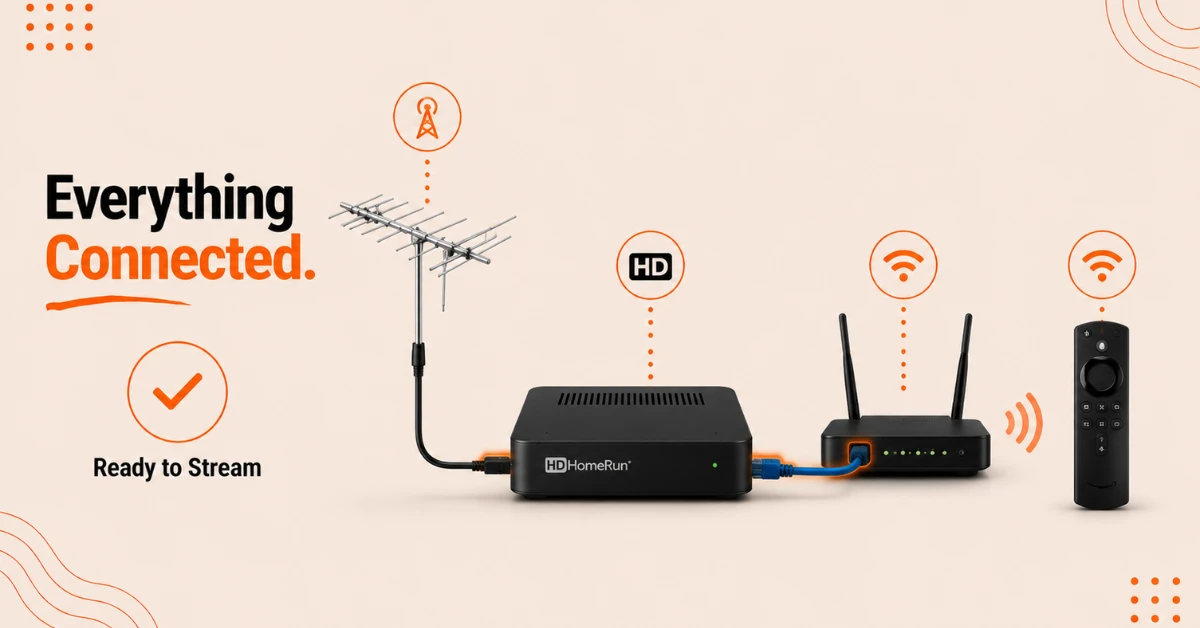
Set Up Your HDHomeRun Device
-
Connect your TV antenna cable to the HDHomeRun unit
-
Plug an Ethernet cable from the HDHomeRun into your WiFi router
-
Make sure your Firestick is connected to the same home network
Step 02
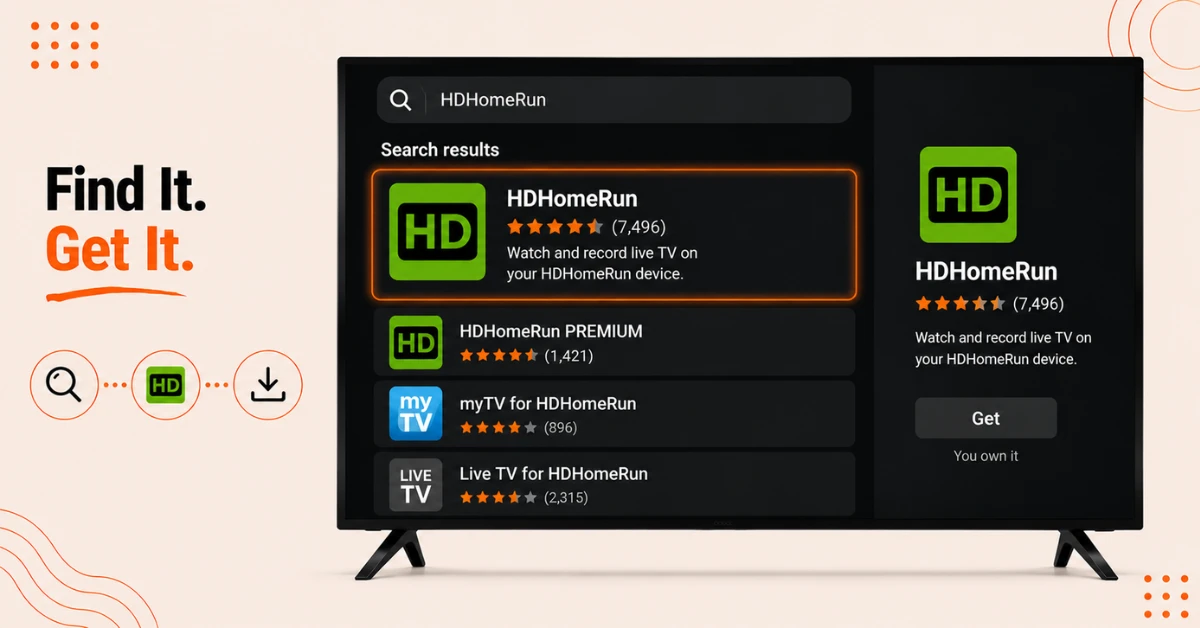
Search for the App
-
On your Firestick home screen, launch the App Store
-
Search for HDHomeRun using the on screen keyboard
-
Select the official app from the results
Get NordVPN — 20% Off
Step 03
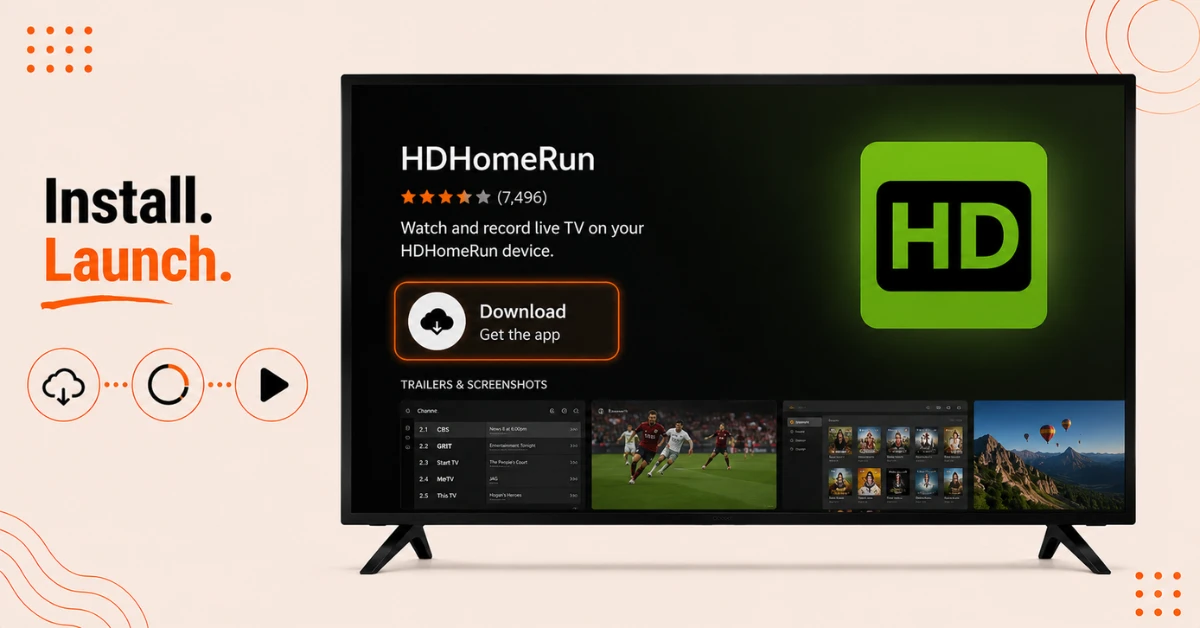
Download and Install
-
Click Download or Get to install the app on your Firestick
-
Wait for the installation to finish
-
Open the app once it has been installed
Step 04
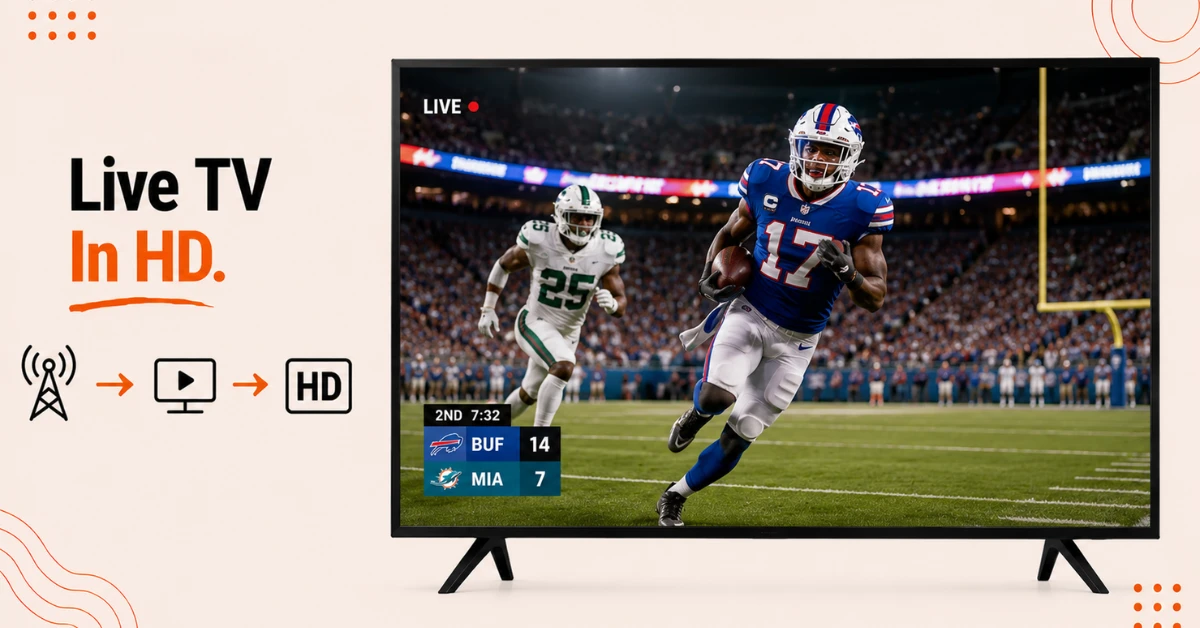
Start Watching Live TV
-
The app will automatically detect and pull in your local channels
-
No sign in or activation is required to start watching
-
Browse the unique live channel guide that runs along the side of the screen while you watch
Quick Comparison
Side-by-side comparison of top Fire Stick VPNs
| VPN | Price | Servers | Speed | Devices | Rating | Actions |
|---|---|---|---|---|---|---|
|
NordVPN
|
$4.39/mo | 6,998+ | Blazing Fast | 8 | 4.8 | Get Deal |
 Proton VPN
|
$3.99/mo | 14,999+ | Blazing Fast | 7 | 4.8 | Get Deal |
 EXPRESS VPN
|
$2.79/mo | 3,000+ | Blazing Fast | 8 | 5 | Get Deal |
|
|
$1.88/mo | 3,200+ | Blazing Fast | 8 | 4.7 | Get Deal |
 IPVanish
|
$2.49/mo | 3,100+ | Blazing Fast | 6 | 4 | Get Deal |
 Pure VPN
|
$3.55/mo | — | Blazing Fast | 6 | 4 | Get Deal |
Frequently Asked Questions
Do I need a HDHomeRun device to use the app on Firestick?
Yes, you need a physical HDHomeRun tuner connected to a TV antenna, since the app streams the signal from that device over your home network.
What channels can I get with HDHomeRun on Firestick?
Depending on your location, you can access channels like ABC, CBS, FOX, NBC, Telemundo, The CW, and Univision for free.
Is HDHomeRun free on Firestick?
The app is free, but you need to purchase the HDHomeRun hardware separately to receive any channels.
Do I need to sign in to use the HDHomeRun Fire TV app?
No, the app automatically detects your channels once your HDHomeRun device is set up, so no sign in or activation is needed.
How many devices can stream from the HDHomeRun app on Firestick at once?
This depends on your specific HDHomeRun model, with some supporting two simultaneous streams and others supporting four.
Can the HDHomeRun app on Firestick replace cable?
Yes, many users use it to cut ties with cable companies while still accessing live local channels for free.
Can I watch live TV with HDHomeRun on Firestick?
Yes, once your HDHomeRun device is connected to an antenna and router, you can watch unlimited free TV based on what your antenna can pick up.