How to Install Emby on Firestick? Installation Guide
Editor's Choice
#1 Pick
Editor's Choice
 NordVPN
$4.39/month
Save 20%
Blazing Fast
6,998+
214
8
Step by Step Instructions
Step 01

Go to Search on Fire TV
On your Fire TV home screen, select the Search (Find) option at the top.
Step 02

Type “NordVPN”
Use your remote to type NordVPN and choose the app when it appears in the results.
Step 03

Install the App
Click on Get or Download to install NordVPN on your Fire TV.
Step 04

Log In & Connect
Open the app, sign in to your account, and press the connect button to start using the VPN.
How to Install Emby on Firestick?
Bring all your personal media together and stream it through your Firestick with Emby
Step 01
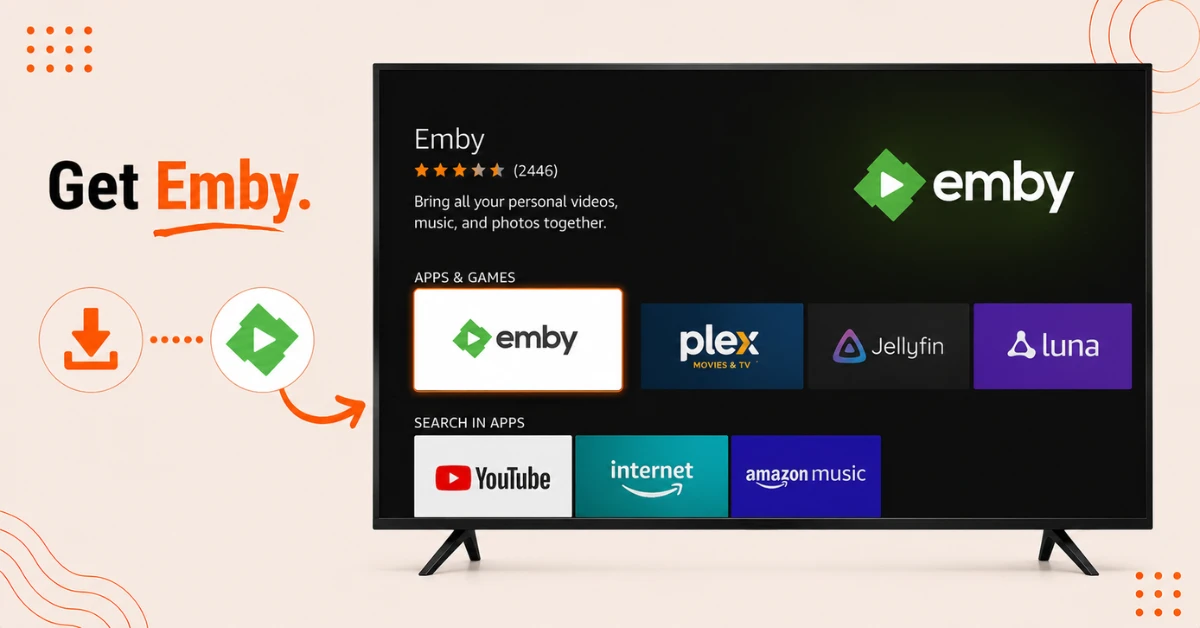
Download Emby From the Appstore
-
On your Firestick home screen, select Find and scroll down to Search
-
Enter Emby as the search term and select the first suggestion
-
Select the Emby tile and click Get to start the download
Step 02
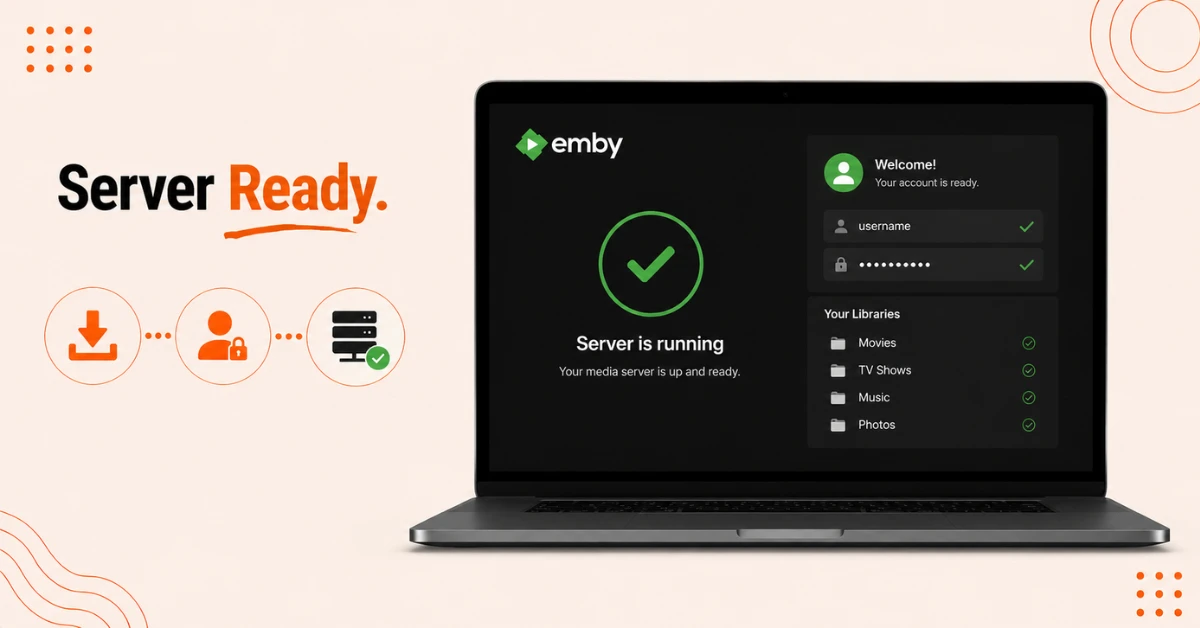
Set Up Your Emby Server
-
On a computer, visit emby.media and download the server software for your operating system
-
Install the server and follow the setup screens to create a username and password
-
Accept the terms and finish the setup to get your server running
Get NordVPN — 20% Off
Step 03
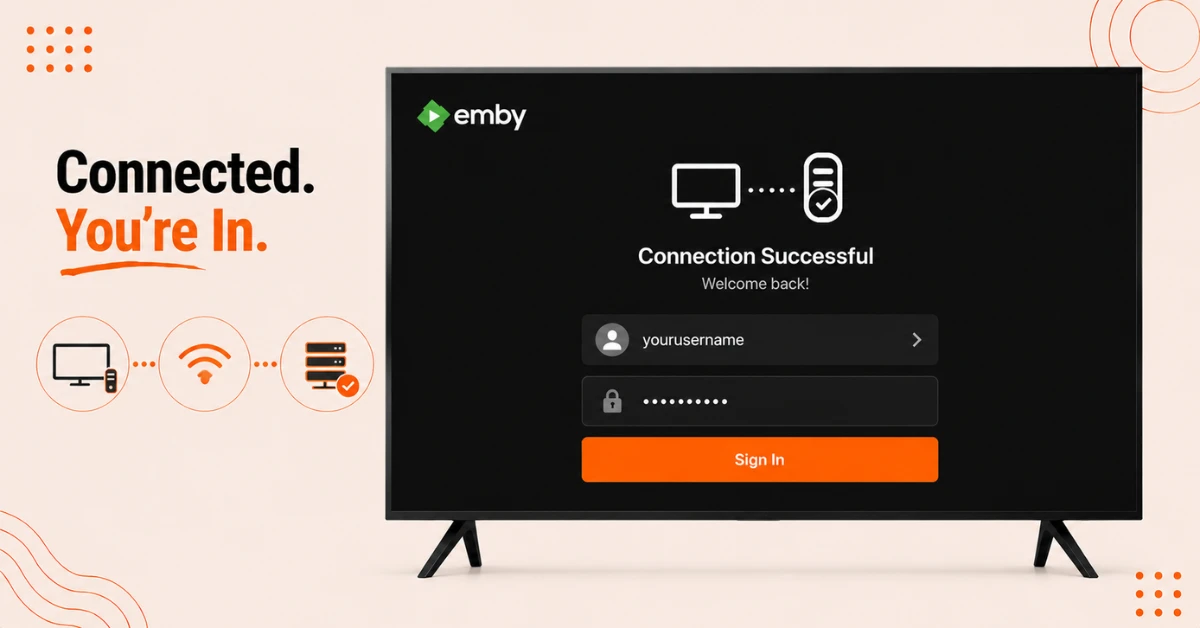
Connect the App to Your Server
-
Make sure your Firestick is on the same network as the computer running your Emby server
-
Open Emby on your Firestick and it should detect the server automatically
-
Select your username, enter your password, and you'll land on your Emby home screen
Step 04
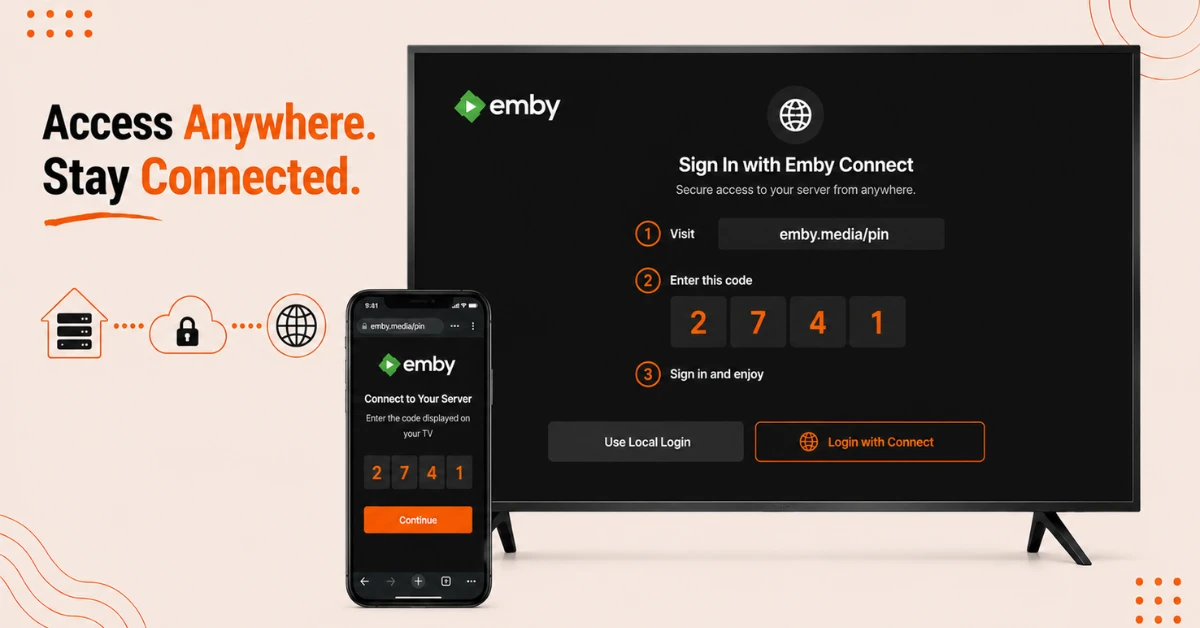
Sign In Remotely With Emby Connect if Needed
-
Create a free account at app.emby.media if you want to access your server away from home
-
On your Firestick, log out of your local profile and select Login with Connect instead
-
Visit emby.media/pin on another device, enter your Connect details and the pin shown, and you'll be signed in
Quick Comparison
Side-by-side comparison of top Fire Stick VPNs
| VPN | Price | Servers | Speed | Devices | Rating | Actions |
|---|---|---|---|---|---|---|
|
NordVPN
|
$4.39/mo | 6,998+ | Blazing Fast | 8 | 4.8 | Get Deal |
 EXPRESS VPN
|
$2.79/mo | 3,000+ | Blazing Fast | 8 | 5 | Get Deal |
|
|
$1.88/mo | 3,200+ | Blazing Fast | 8 | 4.7 | Get Deal |
 Proton VPN
|
$3.99/mo | 14,999+ | Blazing Fast | 7 | 4.8 | Get Deal |
 IPVanish
|
$2.49/mo | 3,100+ | Blazing Fast | 6 | 4 | Get Deal |
 Pure VPN
|
$3.55/mo | — | Blazing Fast | 6 | 4 | Get Deal |
Frequently Asked Questions
Is Emby free to use on Firestick?
The Emby app itself is free, along with the basic server software. Some advanced features like hardware transcoding require a paid Emby Premiere subscription.
Do I need my own media files to use Emby on Firestick?
Yes, Emby is designed to organise and stream content you already own, such as your personal photos, videos, music, and recorded TV, rather than offering its own content library.
What should I do if Emby won't install properly?
Check your available storage under Settings, then My Fire TV, then About, and free up space if needed. Restarting your Firestick before trying again often helps too.
Can I use the Emby Fire TV app without setting up a server first?
No, you need a working Emby server with your media added before the app on Firestick has anything to display or stream.
Can I run an Emby media server on something other than a computer?
Yes, Emby server software is also available for certain routers and NAS devices, though the setup steps will look a little different from installing it on a PC or Mac.
Do I need to keep my computer running for the Emby media server to work on Firestick?
Yes, since the server needs to stay active and connected to the network for your Firestick app to access and stream your media.
Why does the Emby app keep losing connection to my server on Firestick?
This is usually caused by an unstable WiFi connection or your computer going to sleep. Keeping the server computer awake and your network stable should resolve it.