FireStick Tips, Tricks and Hidden Features Most Users Miss
Editor's Choice
#1 Pick
Editor's Choice
 NordVPN
$4.39/month
Save 20%
Blazing Fast
6,998+
214
8
Step by Step Instructions
Step 01

Go to Search on Fire TV
On your Fire TV home screen, select the Search (Find) option at the top.
Step 02

Type “NordVPN”
Use your remote to type NordVPN and choose the app when it appears in the results.
Step 03

Install the App
Click on Get or Download to install NordVPN on your Fire TV.
Step 04

Log In & Connect
Open the app, sign in to your account, and press the connect button to start using the VPN.
FireStick Tips, Tricks and Hidden Features Most Users Miss
An easy guide on Firestick tips, tricks and hidden features worth setting up
Step 01
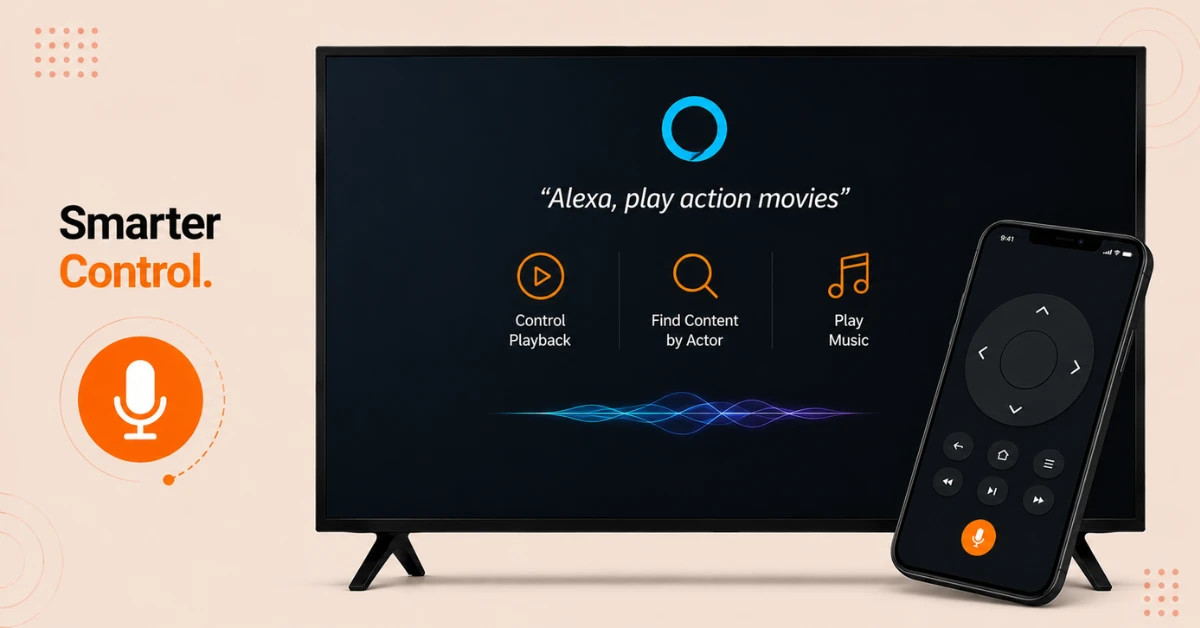
Get More Out of Voice and Remote Control
-
Go to Settings, then Alexa, then Things to Try for command ideas
-
Ask Alexa to control playback, find content by actor, or play music
-
Install the Fire TV app on your phone if you misplace the physical remote
Step 02
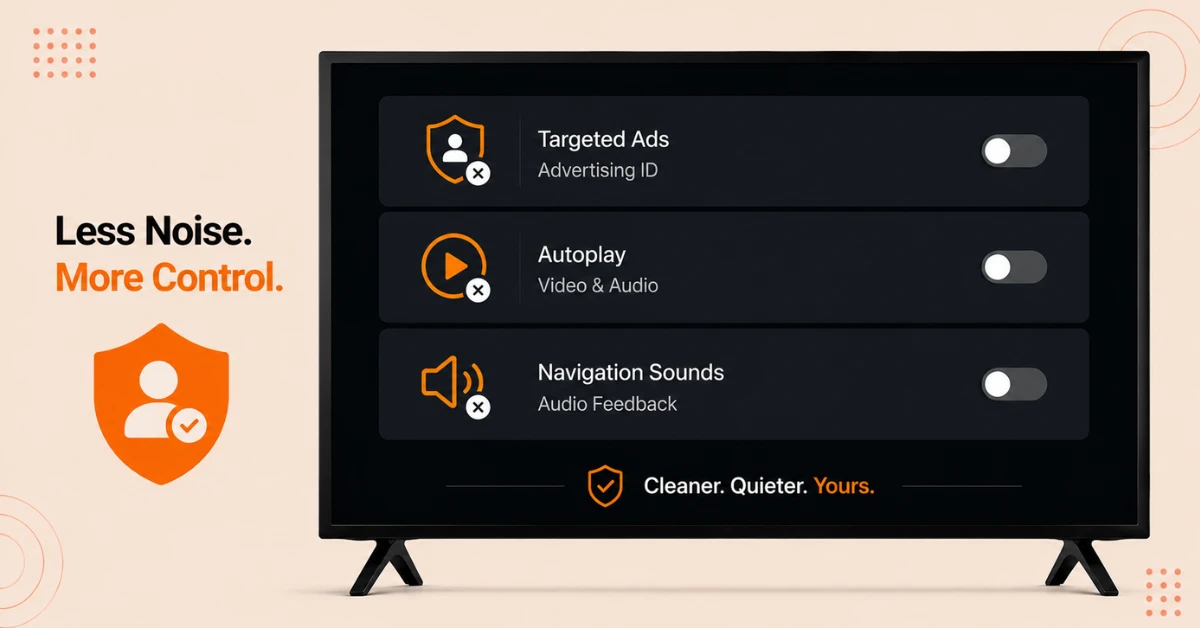
Adjust Privacy Settings
-
Go to Settings, then Preferences, then Advertising ID to turn off targeted ads
-
Go to Settings, then Preferences, then Featured Content to disable video and audio autoplay
-
Go to Settings, then Display & Sounds, then Audio to turn off navigation sounds
Get NordVPN — 20% Off
Step 03
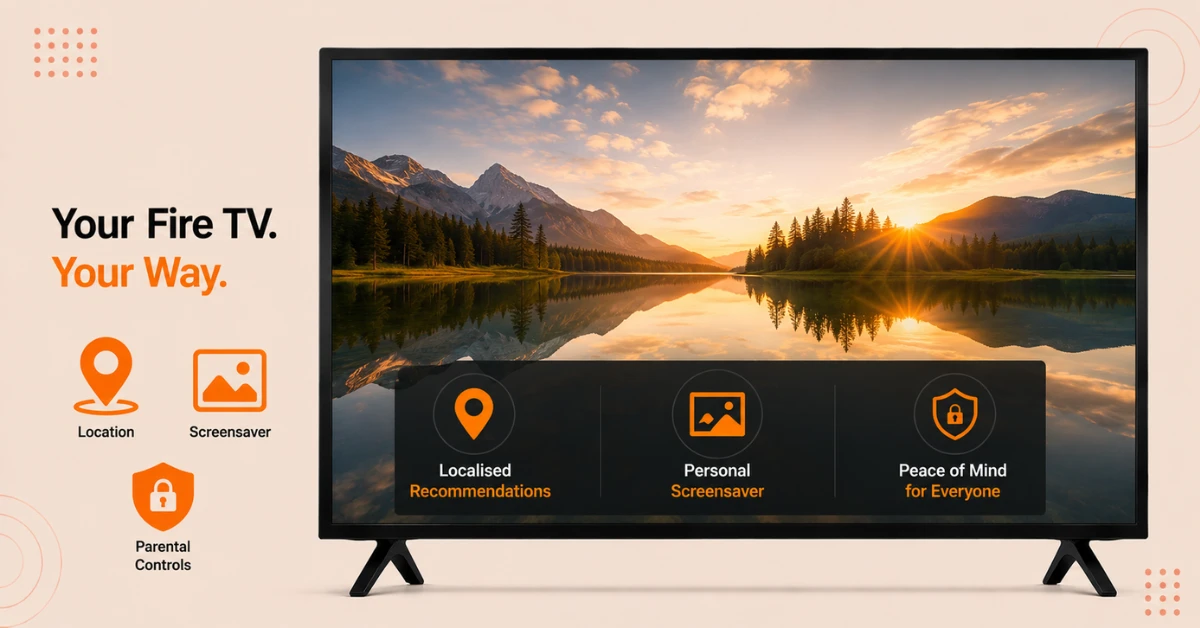
Personalise Your Experience
-
Go to Settings, then Preferences, then Location to update your postcode after moving
-
Go to Settings, then Display & Sounds, then Screensaver to set personal photos from Prime Photos
-
Go to Settings, then Preferences, then Parental Controls to set a PIN and restriction level
Step 04
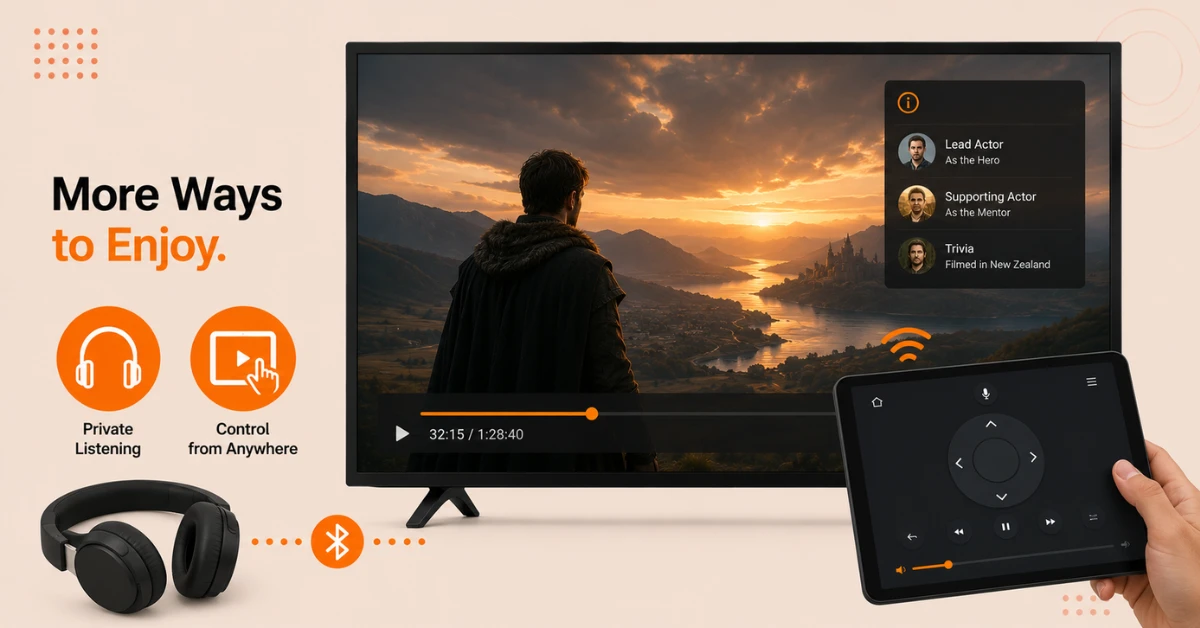
Unlock Hidden Viewing Features
-
Press Up on the remote during playback to bring up X-Ray cast and trivia details
-
Pair Bluetooth headphones under Settings, then Controllers and Bluetooth Devices for private listening
-
Use Second Screen on a Fire tablet to control playback and view X-Ray without leaving your seat
Get NordVPN — 20% Off
Step 05
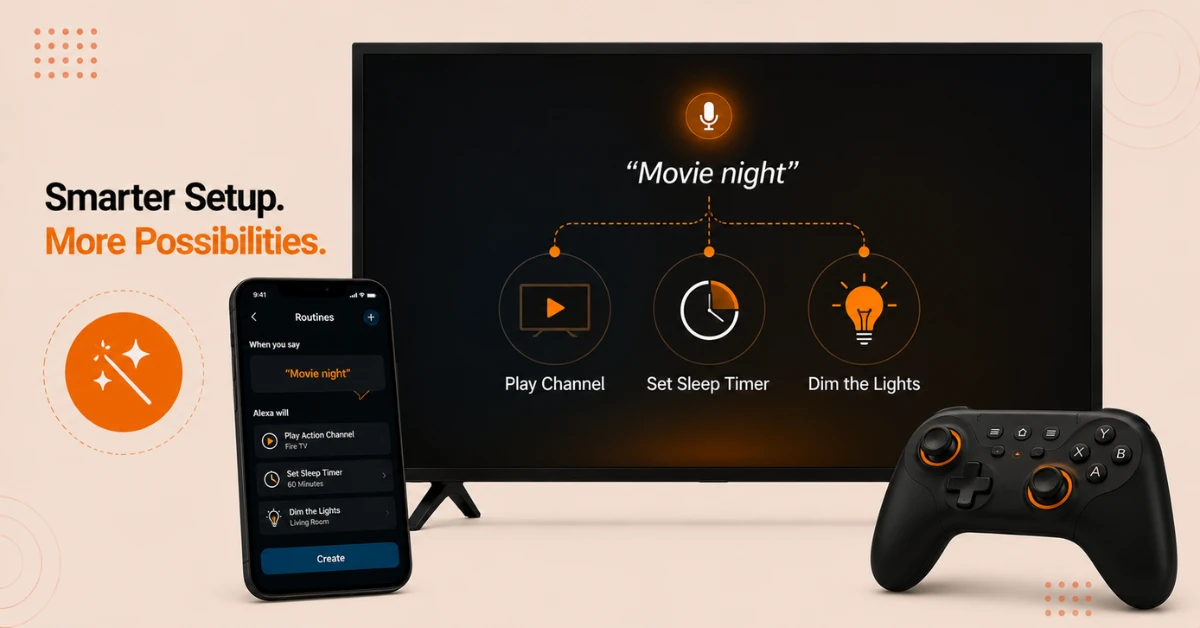
Automate and Expand Your Setup
-
Open the Alexa app, go to More, then Routines, and tap the plus button to create one
-
Set a key phrase to trigger actions like playing a channel or setting a sleep timer
-
Consider the Fire TV Game Controller if you play more involved games regularly
Quick Comparison
Side-by-side comparison of top Fire Stick VPNs
| VPN | Price | Servers | Speed | Devices | Rating | Actions |
|---|---|---|---|---|---|---|
|
NordVPN
|
$4.39/mo | 6,998+ | Blazing Fast | 8 | 4.8 | Get Deal |
 EXPRESS VPN
|
$2.79/mo | 3,000+ | Blazing Fast | 8 | 5 | Get Deal |
 Proton VPN
|
$3.99/mo | 14,999+ | Blazing Fast | 7 | 4.8 | Get Deal |
|
|
$1.88/mo | 3,200+ | Blazing Fast | 8 | 4.7 | Get Deal |
 IPVanish
|
$2.49/mo | 3,100+ | Blazing Fast | 6 | 4 | Get Deal |
 PrivadoVPN
|
$1.99/mo | — | Blazing Fast | 5 | 4 | Get Deal |
Frequently Asked Questions
What are some good Firestick tips and tricks for beginners?
A few easy starting points are checking Settings, then Alexa, then Things to Try for command ideas, and turning off autoplay under Featured Content. These small adjustments make the device feel less cluttered right away.
Are there Firestick tips and tricks for gaming?
Yes, the Fire TV Game Controller adds a proper D-pad and joysticks for more involved games that a basic remote struggles with. It also includes all the same Alexa functions as the standard remote, so switching between gaming and shows is seamless.
What is the most useful Firestick hidden feature?
X-Ray is widely considered one of the best Firestick hidden features, since pressing Up during playback pulls up cast details, trivia, and music information instantly. It saves you from pausing the show to search elsewhere.
What Firestick hidden features help with privacy?
Turning off targeted advertising under Settings, then Preferences, then Advertising ID stops ads from being based on your activity. You'll still see ads, but they won't be tailored to anything you've clicked.
What Fire TV tricks help reduce interruptions while browsing?
Can Fire TV tricks help automate daily routines?
Yes, the Routines feature in the Alexa app lets you trigger actions with a key phrase, such as playing a specific channel each morning. You'll find it under More, then Routines, with a plus button to create a new one.
What firestick beginner tips help if the remote goes missing?
Installing the Fire TV app on a phone is the simplest fix, since it replicates everything the physical remote does. It also adds a real keyboard, which makes typing passwords considerably faster.