What Is Amazon FireStick and How Does It Work?
Editor's Choice
#1 Pick
Editor's Choice
 Proton VPN
$3.99/month
Save 20%
Blazing Fast
14,999+
214
7
Step by Step Instructions
Step 01
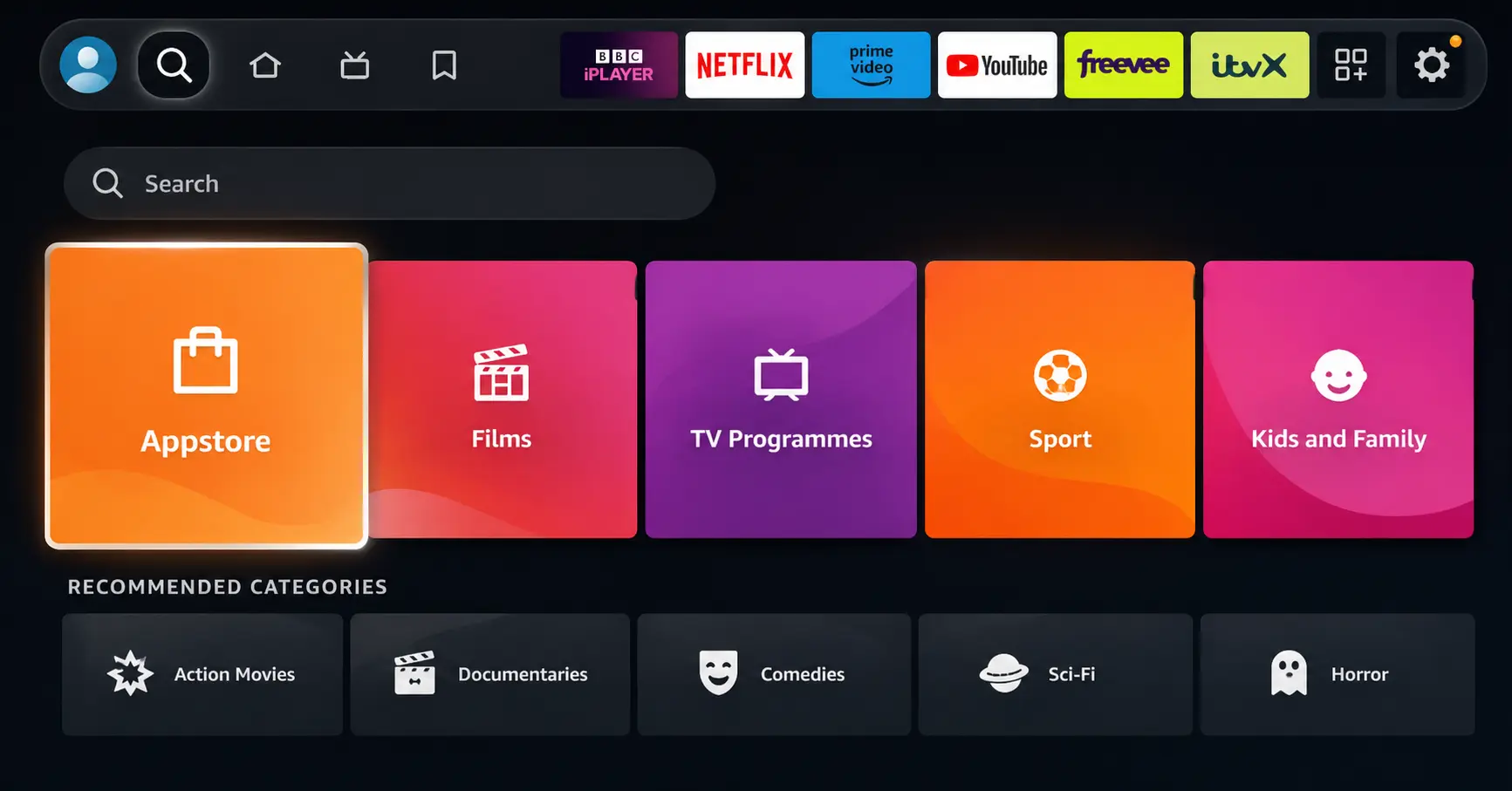
Open Search on Fire TV
Go to the Find (Search) option from your Fire TV home screen.
Step 02
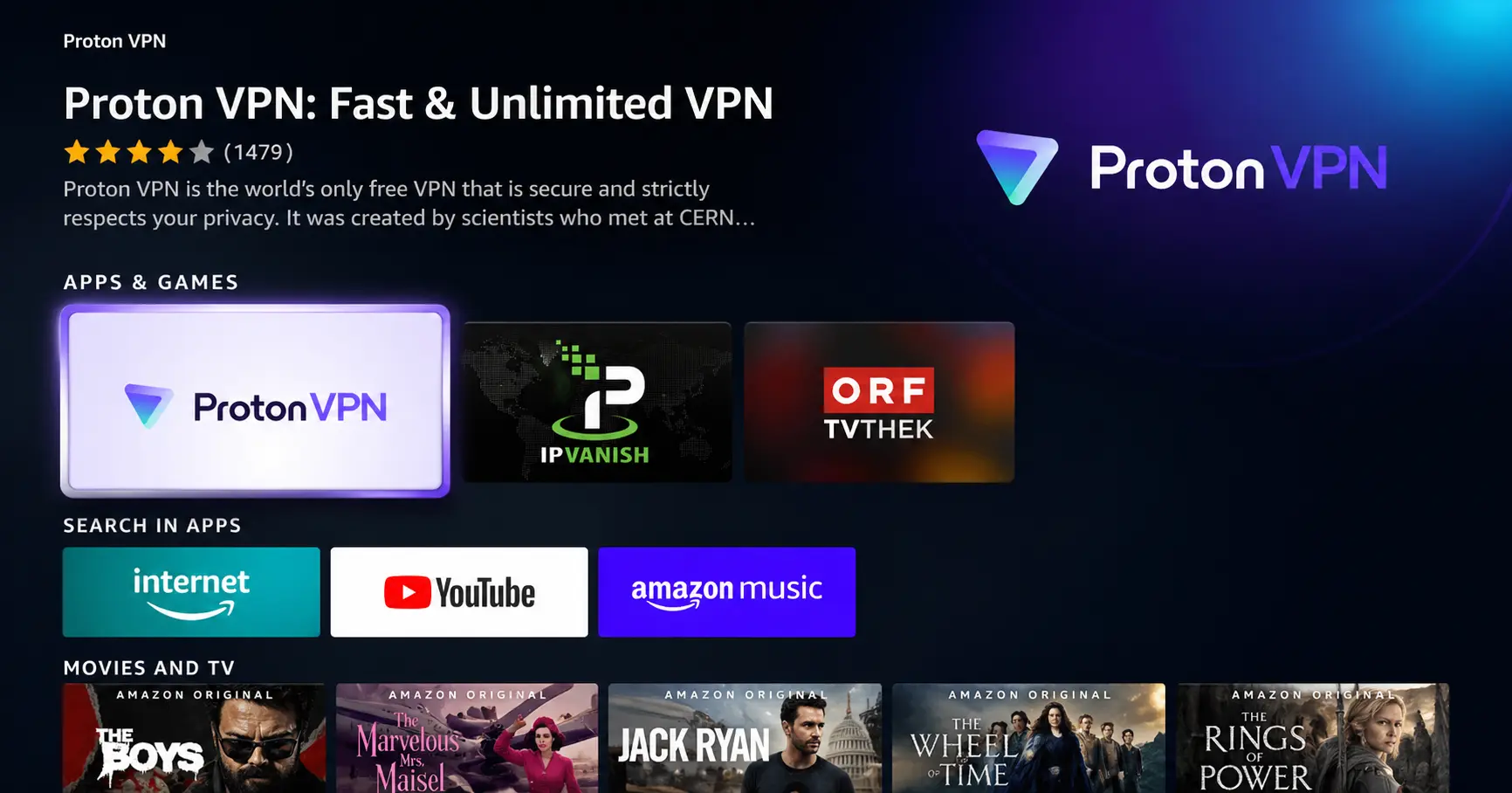
Search for ProtonVPN
Type ProtonVPN using your remote and select the app from the results.
Step 03
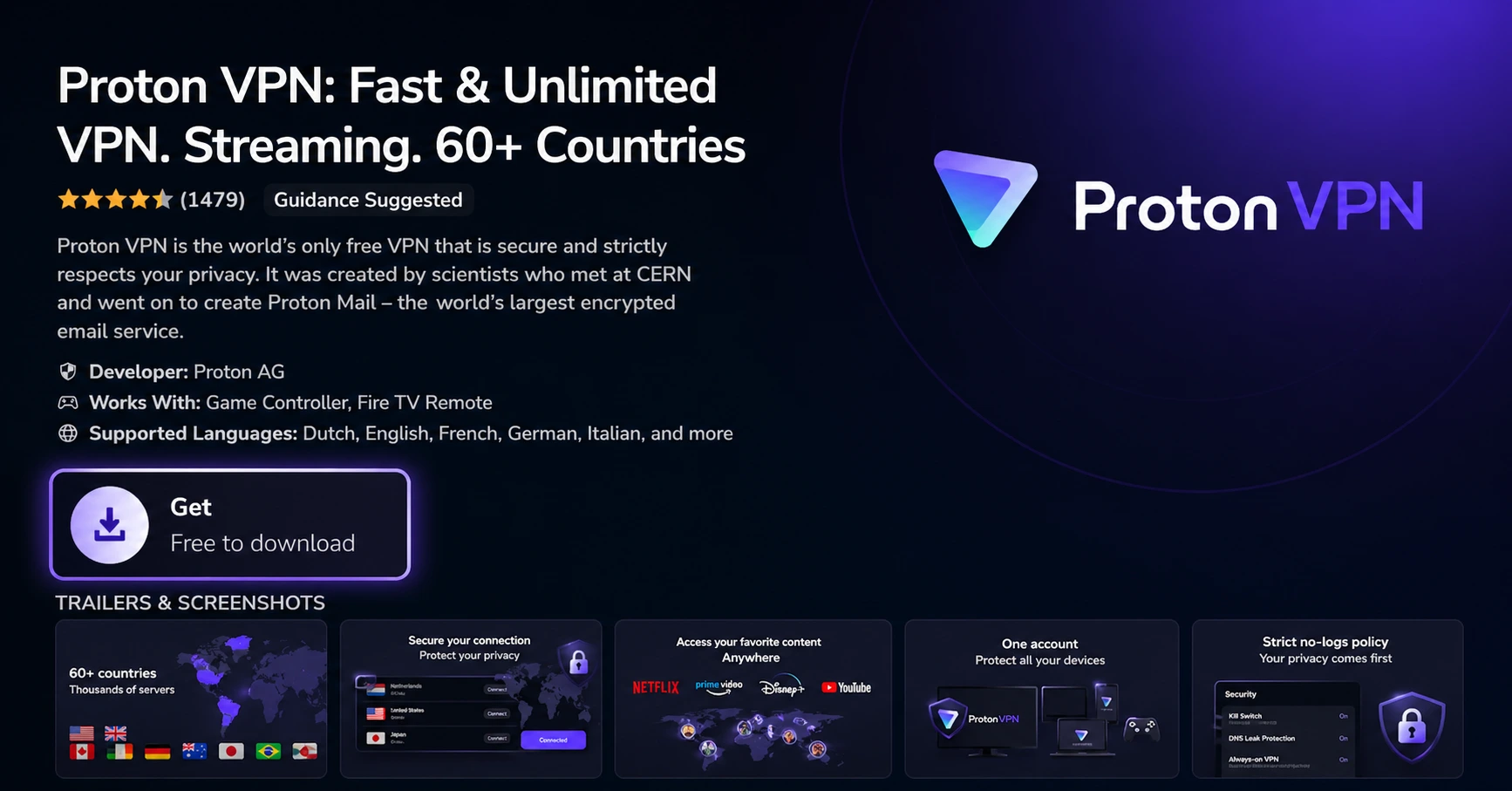
Install the App
Click on Get or Download to install ProtonVPN on your Fire TV.
Step 04
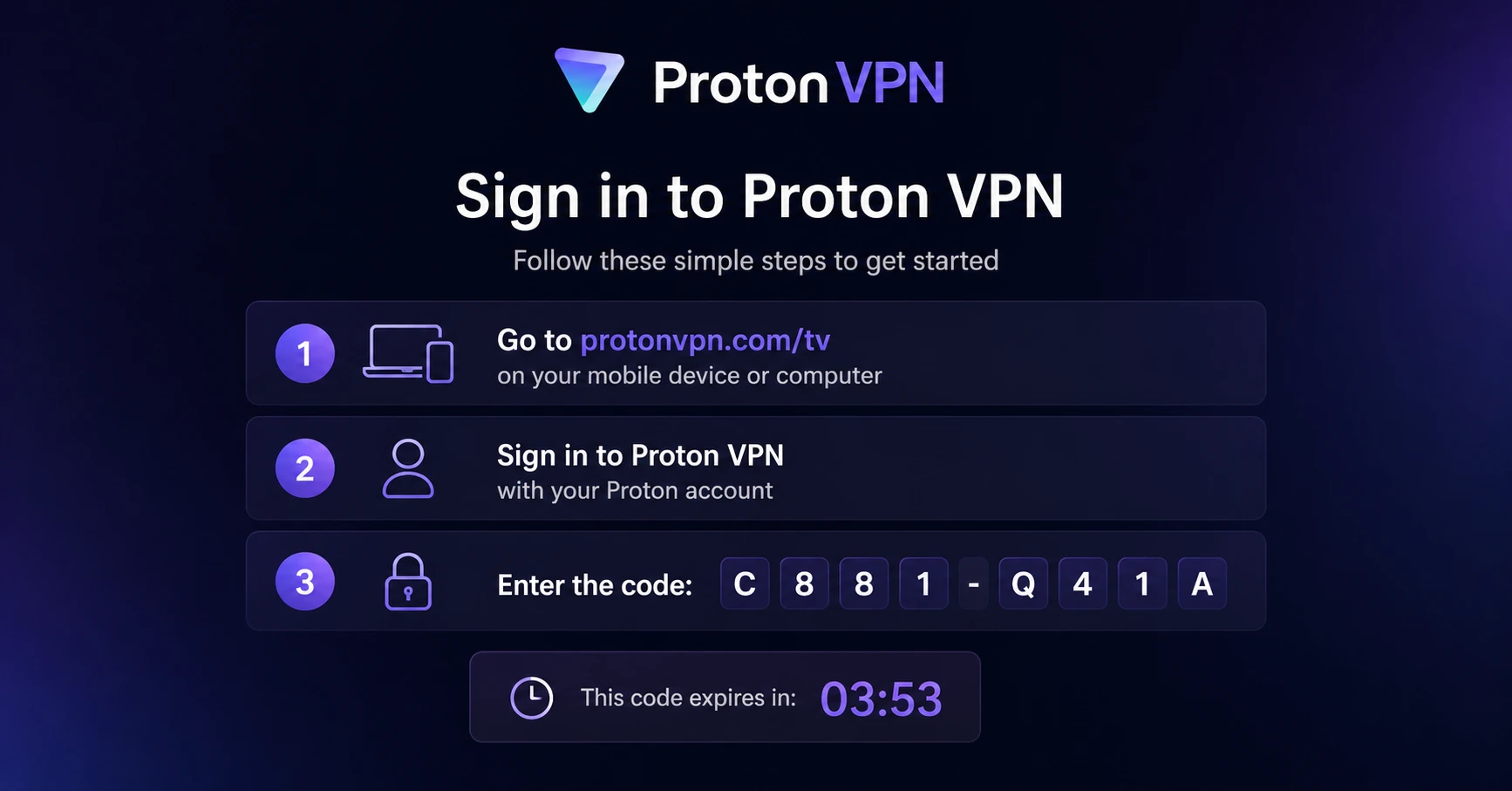
Sign In & Connect
Open the app, sign in using your Proton account (QR or code method), and connect to a server.
What Is Amazon FireStick and How Does It Work?
A clear explanation of what Amazon FireStick is and how it works for everyday streaming
Step 01
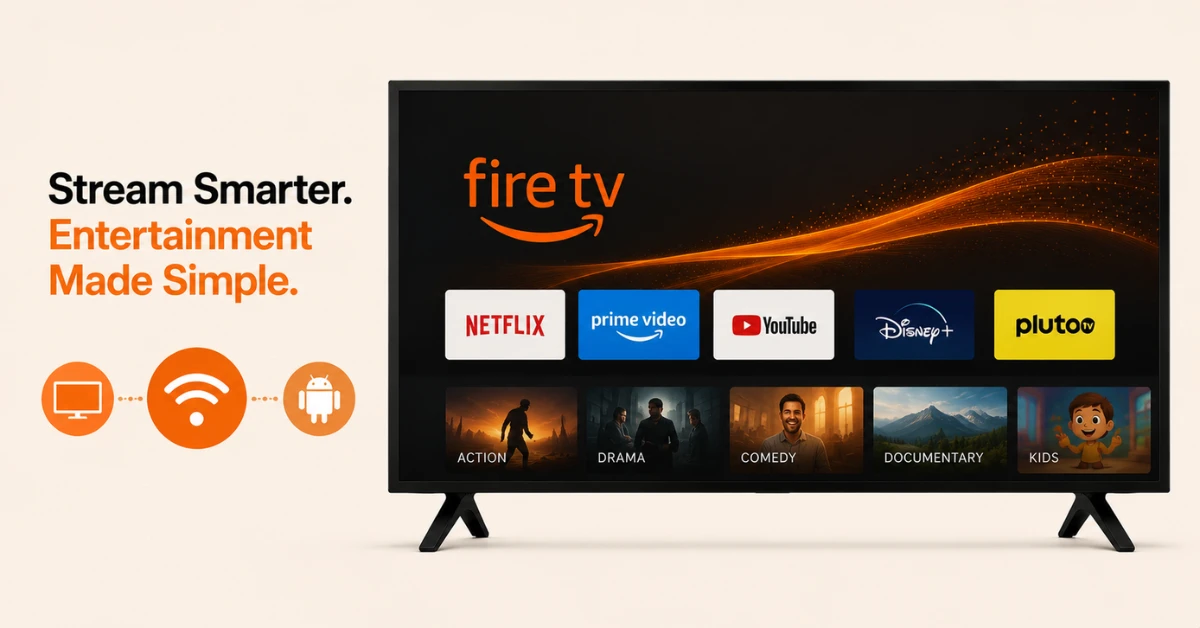
Know What FireStick Is
-
FireStick is the popular name for the Amazon Fire TV Stick
-
It plugs into your TV and streams content over the internet
-
It runs a modified version of Android with no Google Play Services
Step 02
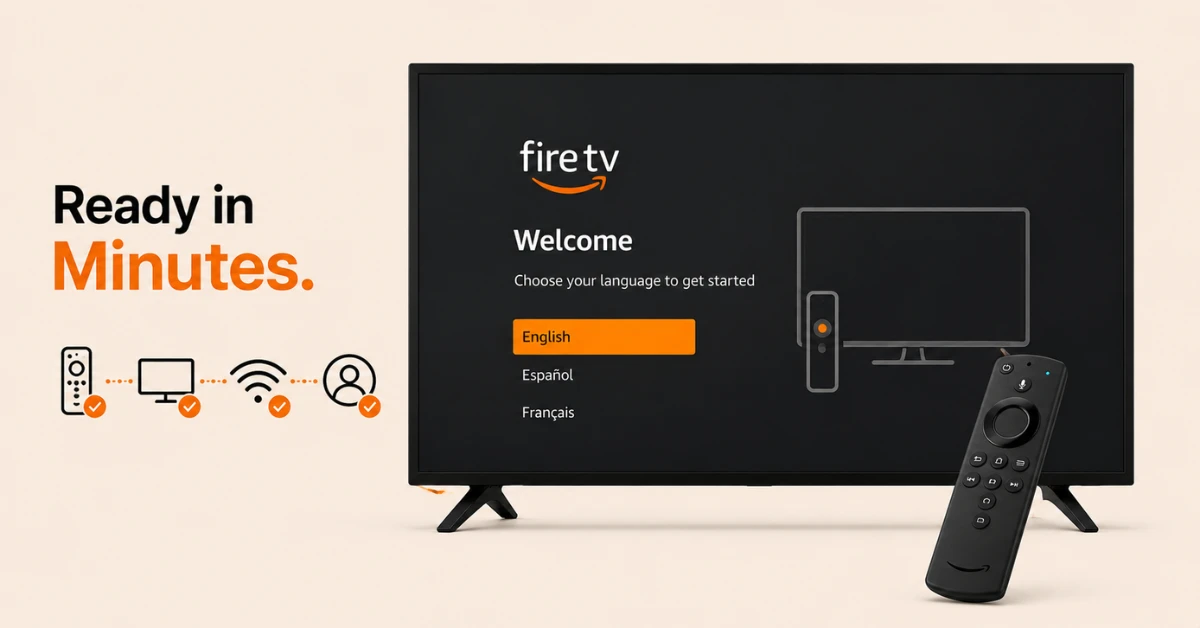
Set It Up the First Time
-
Insert batteries into the remote and plug the stick into your TV's HDMI port
-
Switch your TV input and connect the power adapter
-
Connect to WiFi and sign in with an Amazon account
Get Proton VPN — 20% Off
Step 03
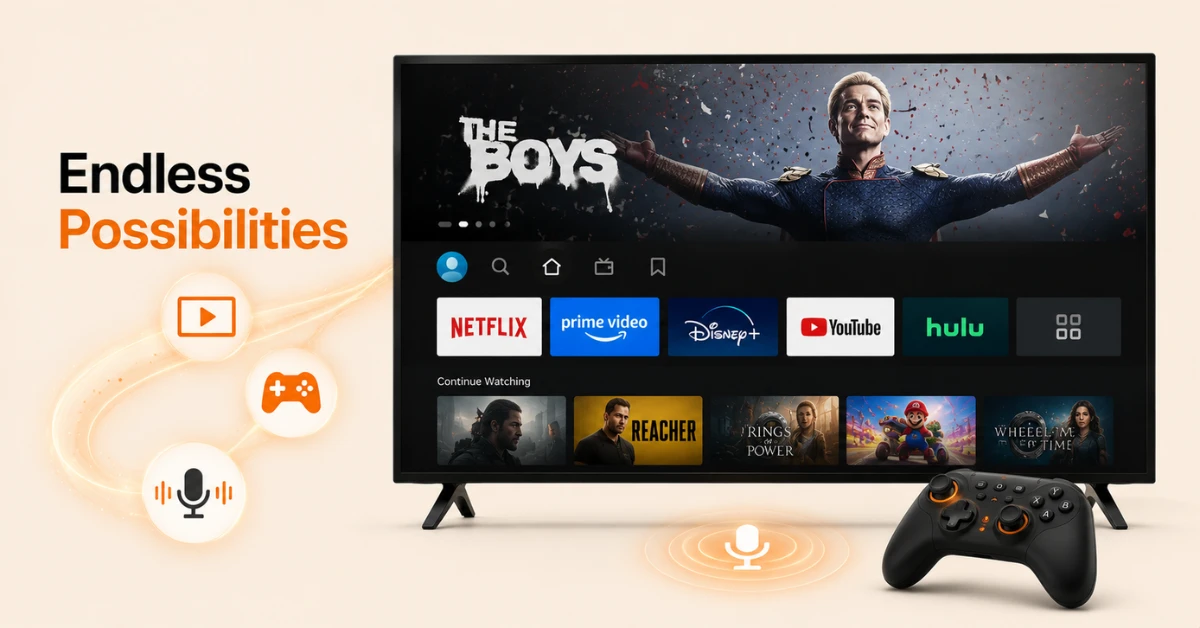
See What It Can Do
-
Stream movies, shows, and live TV through apps like Netflix and Prime Video
-
Play games, though most need the separately sold Game Controller
-
Use Alexa by pressing the mic button for searches and quick answers
Step 04
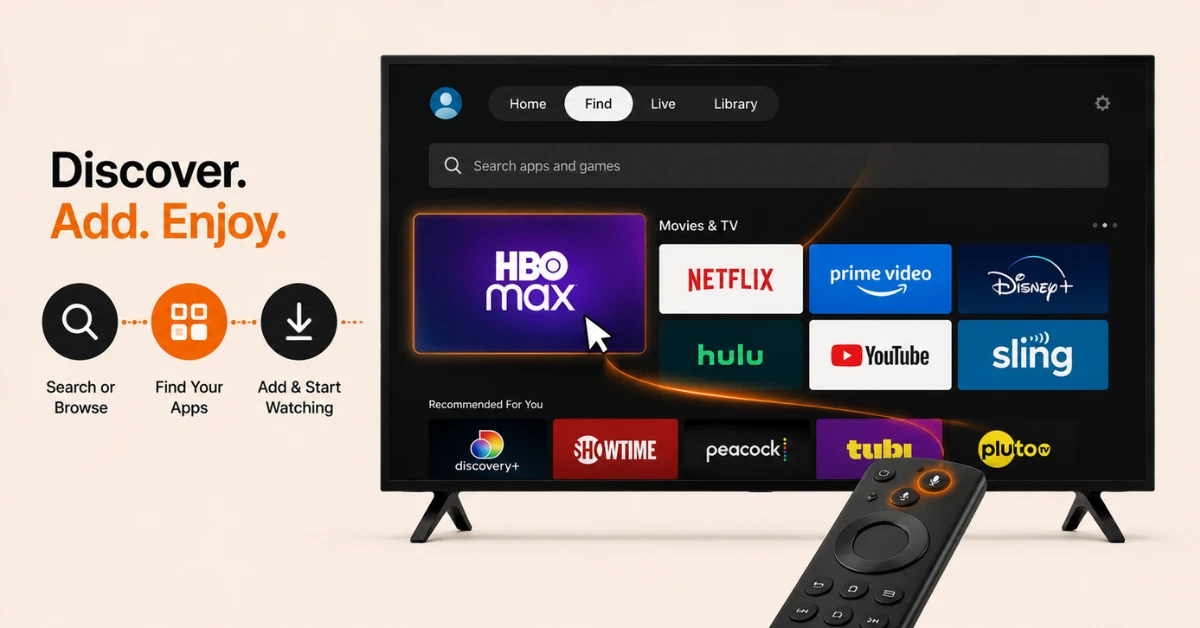
Add the Apps You Want
-
Select Find, then Search to look up a specific app by name
-
Or select Find, then Appstore to browse by category instead
-
Choose a category like Movies & TV to find related channels
Quick Comparison
Side-by-side comparison of top Fire Stick VPNs
| VPN | Price | Servers | Speed | Devices | Rating | Actions |
|---|---|---|---|---|---|---|
|
Proton VPN
|
$3.99/mo | 14,999+ | Blazing Fast | 7 | 4.8 | Get Deal |
 EXPRESS VPN
|
$2.79/mo | 3,000+ | Blazing Fast | 8 | 5 | Get Deal |
|
|
$1.88/mo | 3,200+ | Blazing Fast | 8 | 4.7 | Get Deal |
 NordVPN
|
$4.39/mo | 6,998+ | Blazing Fast | 8 | 4.8 | Get Deal |
 PrivadoVPN
|
$1.99/mo | — | Blazing Fast | 5 | 4 | Get Deal |
 Pure VPN
|
$3.55/mo | — | Blazing Fast | 6 | 4 | Get Deal |
Frequently Asked Questions
How does FireStick work once it's plugged in?
After connecting to your TV's HDMI port and power source, it boots up and walks you through connecting to WiFi and signing into an Amazon account. From there, you can start downloading apps and streaming right away.
What is FireStick capable of beyond streaming shows?
Alongside movies and TV, it can play certain games, stream music, and answer questions through Alexa. Some games need the separately sold Fire TV Game Controller to play properly.
How does FireStick work without an Amazon account?
It doesn't, since setup specifically requires linking to an Amazon account. If you don't have one already, you can create a free account through Amazon before continuing setup.
How does FireStick work if I want apps outside the Amazon Store?
This is where sideloading comes in, letting you install apps that aren't listed in the Amazon Store. The process involves a separate setting and isn't part of the standard setup flow.
Amazon Fire TV Stick explained, does it need internet to function?
Yes, a stable internet connection is required for it to work correctly, since all streaming happens over the network. Without WiFi, the device essentially can't load apps or content.
What's the first thing firestick for beginners should know about setup?
The setup itself is fairly guided, starting with plugging it into your TV and connecting to WiFi before signing into an Amazon account. Following the on screen prompts covers most of what's needed for a first time setup.
Is firestick for beginners a good choice over Roku or Chromecast?
This often comes down to personal preference, but many find FireStick's interface among the most straightforward to navigate. It also benefits from a large app library and built in Alexa support.
Can firestick for beginners use it without Amazon Prime?
Yes, having a Prime membership isn't required to use the device at all. However, if you already have Prime, signing in with that same Amazon account unlocks the full Prime Video catalogue alongside everything else.