Freevee Ending on Firestick: What Happens to Free Content?
Editor's Choice
#1 Pick
Editor's Choice
 NordVPN
$4.39/month
Save 20%
Blazing Fast
6,998+
214
8
Step by Step Instructions
Step 01

Go to Search on Fire TV
On your Fire TV home screen, select the Search (Find) option at the top.
Step 02

Type “NordVPN”
Use your remote to type NordVPN and choose the app when it appears in the results.
Step 03

Install the App
Click on Get or Download to install NordVPN on your Fire TV.
Step 04

Log In & Connect
Open the app, sign in to your account, and press the connect button to start using the VPN.
How to Continue Watching Free Content on FireStick?
Easy steps to find Freevee content on Firestick and keep streaming free.
Step 01
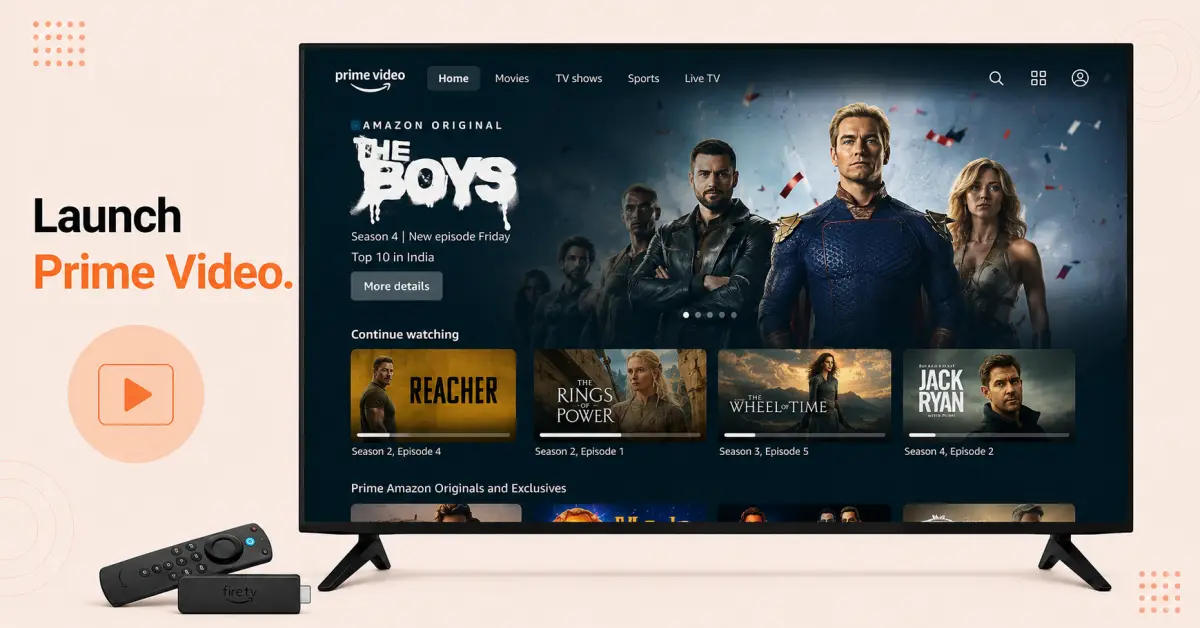
Open the Prime Video App
-
Start the FireStick device and wait for the loading of its Home screen
-
Proceed to the Apps tab or open the Prime Video application from the Home screen if it is pinned
-
Launch the app and log in with your Amazon account if required
-
Once you reach the Prime Video homepage, give some time for it to load new contents and suggestions
Step 02
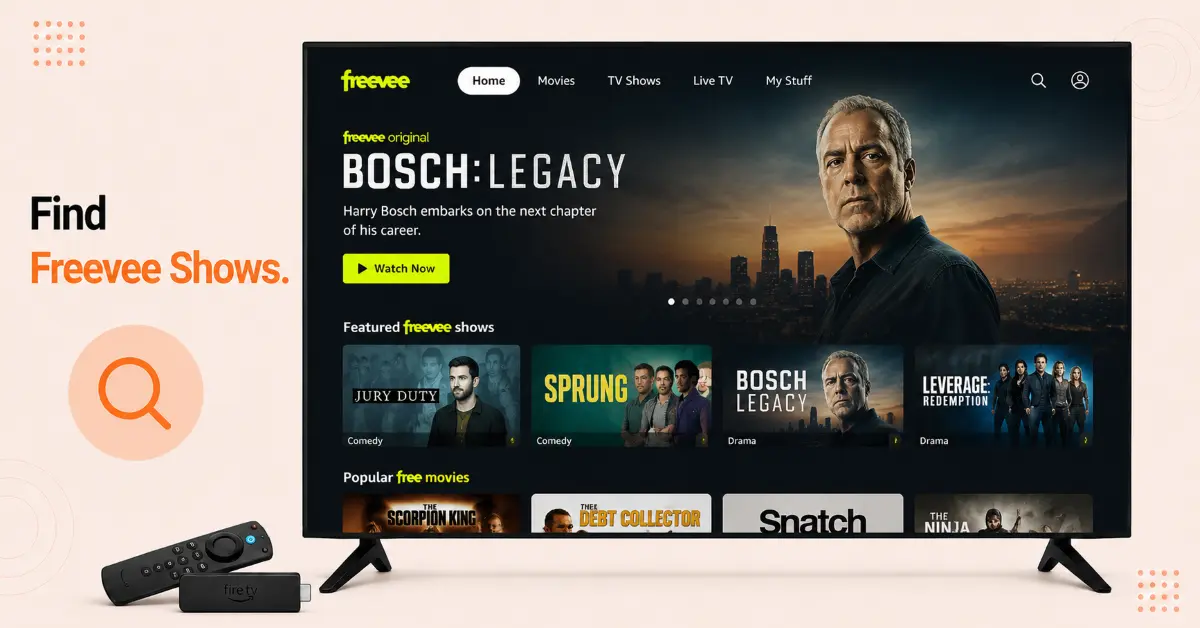
Find Freevee Content
-
Browse the Prime Video homepage until you find sections named Watch for Free or Free with Ads
-
Access the Search feature and search for any movie, TV show or live TV channel that used to stream on Freevee previously
-
Launch the desired content maked as Free with Ads, and therefore, you can stream it for free without a Prime subscription
-
Add your preferred free content titles to your Watchlist for quick access in future
Get NordVPN — 20% Off
Step 03
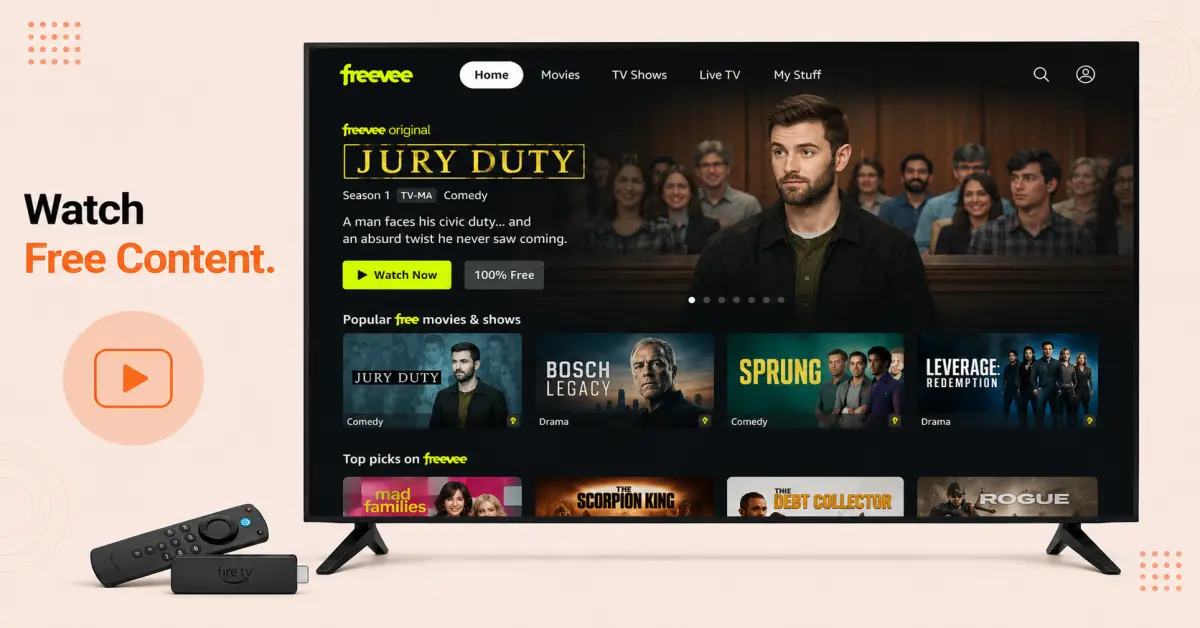
Start Watching Free Content
-
Pick a movie or series that’s tagged Free with Ads
-
Play the movie or series, even when you don’t have a Prime subscription
-
Stream the video with ads here and there, similar to Freevee
-
Login using your Amazon account to ensure seamless playback at a later time
Step 04
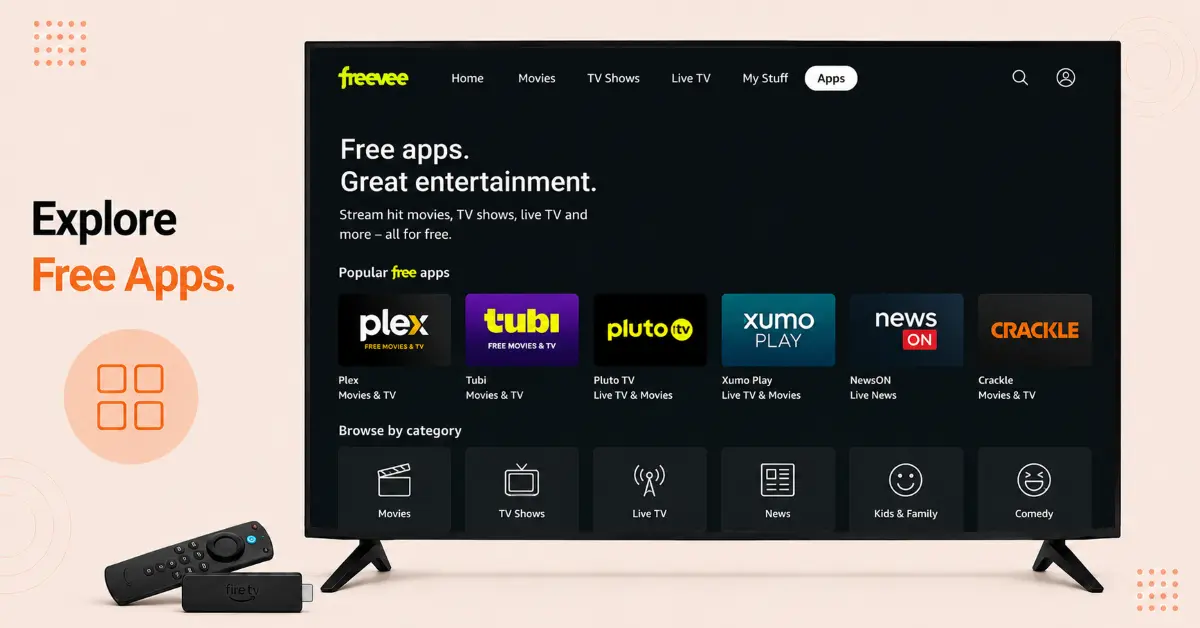
Explore Other Free Streaming Apps
-
Download apps such as Pluto TV, Tubi, Plex, or Xumo Play from the Amazon Appstore
-
Explore the free movies, TV series, and live television from these applications with ads
-
Log into your account to store your watch list and synchronize your watch history if applicable
-
Fix these apps to your Home screen for convenient access
Quick Comparison
Side-by-side comparison of top Fire Stick VPNs
| VPN | Price | Servers | Speed | Devices | Rating | Actions |
|---|---|---|---|---|---|---|
|
NordVPN
|
$4.39/mo | 6,998+ | Blazing Fast | 8 | 4.8 | Get Deal |
 EXPRESS VPN
|
$2.79/mo | 3,000+ | Blazing Fast | 8 | 5 | Get Deal |
|
|
$1.88/mo | 3,200+ | Blazing Fast | 8 | 4.7 | Get Deal |
 Proton VPN
|
$3.99/mo | 14,999+ | Blazing Fast | 7 | 4.8 | Get Deal |
 Pure VPN
|
$3.55/mo | — | Blazing Fast | 6 | 4 | Get Deal |
Frequently Asked Questions
Is Freevee ending on Firestick?
Yes, the Freevee app is no longer available in Firestick. However, the ad-supported movies, TV shows, and channels of Freevee are still available in the Prime Video app.
Why is Amazon shutting down Freevee?
The reason why Amazon ended the Freevee service is that the company wanted to simplify their streaming platform by bringing all contents to one place.
Where did Freevee content move after the shutdown?
Almost all of Freevee original series, movies, TV shows, and free ad-supported TV channels are now available in the Prime Video app under the Free with Ads or Watch for Free section.
Do I need a Prime membership to watch former Freevee content?
No, a Prime membership is not required for watching Freevee content on Firestick; however, you will need an Amazon account.
Will my Firestick automatically switch from Freevee to Prime Video?
In case your Firestick is updated, you will only access the free content via the Prime Video app. The older Freevee app may no longer work automatically.
What are the best alternatives for Freevee on Firestick?
Some of the best free streaming alternatives include Tubi, Pluto TV, Plex, Xumo Play, and The Roku Channel. These services offer free, ad-supported movies, TV shows, and live channels.
Can I still watch Freevee Originals after the shutdown?
Yes, many of the Freevee Originals have been moved to Prime Video. These are available under the "Free with Ads" section.