How to Cast from My Laptop to Firestick: A Quick Guide
Editor's Choice
#1 Pick
Editor's Choice
 EXPRESS VPN
$2.79/month
Save 20% today!
Blazing Fast
3,000+
214
8
Step by Step Instructions
Step 01

Open the Amazon App Store
From your Firestick home screen, navigate to the “Find” or search icon and open the Amazon App Store.
Step 02

Search for ExpressVPN
Type “ExpressVPN” in the search bar using your remote. Select the official ExpressVPN app from the results.
Step 03

Download & Install the App
Click on the “Download” or “Get” button to install the app on your Firestick. Wait for the installation to complete.
Step 04

Sign In & Connect
Open the app, sign in with your ExpressVPN account, and tap the power button to connect to a server.
How do I cast from my laptop to Firestick?
Connect your laptop to Firestick wirelessly for effortless screen sharing today.
Step 01
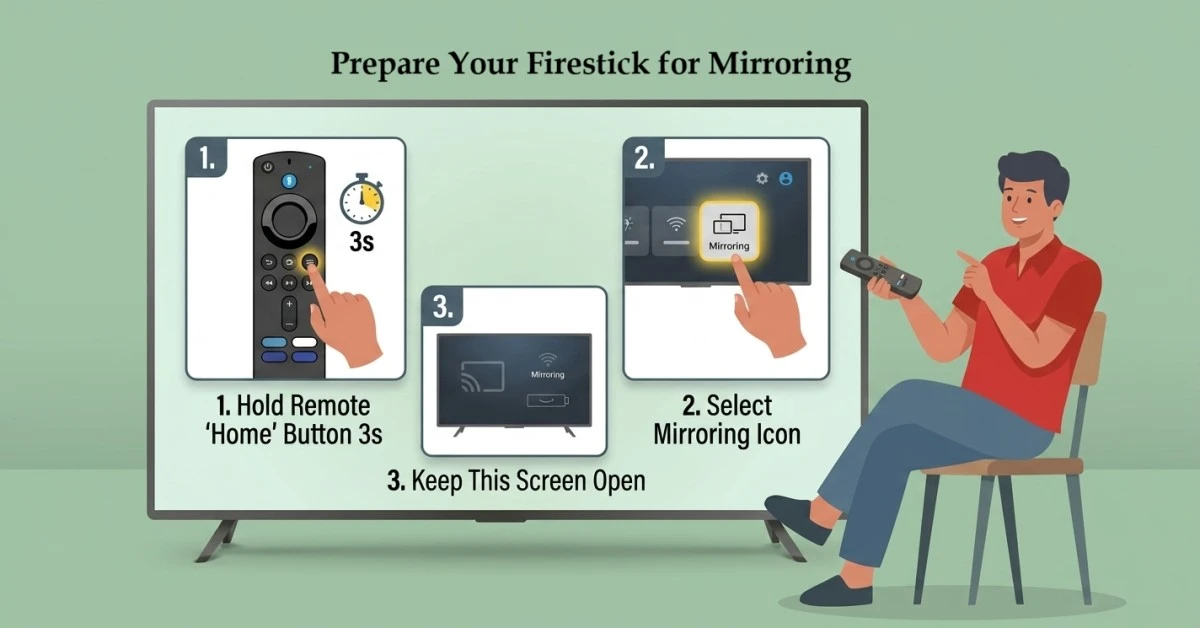
Prepare Your Firestick for Mirroring
-
Hold the Home button on your Fire TV remote for 3 seconds.
-
Select the Mirroring icon from the pop-up menu.
-
Keep this screen open; your Firestick is now ready to receive a signal.
Step 02
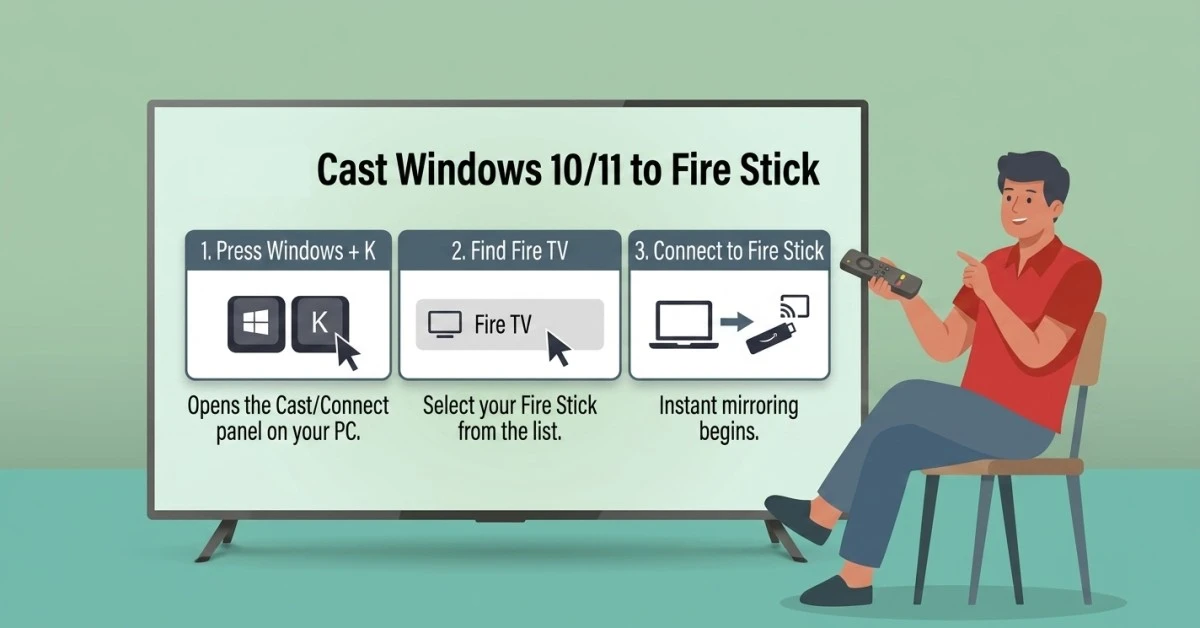
Cast Windows 10/11 to Fire Stick
-
Press Windows Key + K on your keyboard to open the Cast panel.
-
Locate your Fire TV device from the list of available wireless displays.
-
Click the device name to start the mirror pc to fire stick process instantly.
Get EXPRESS VPN — 20% Off
Best VPN for Fire Stick streaming. Save 20% today!
Step 03
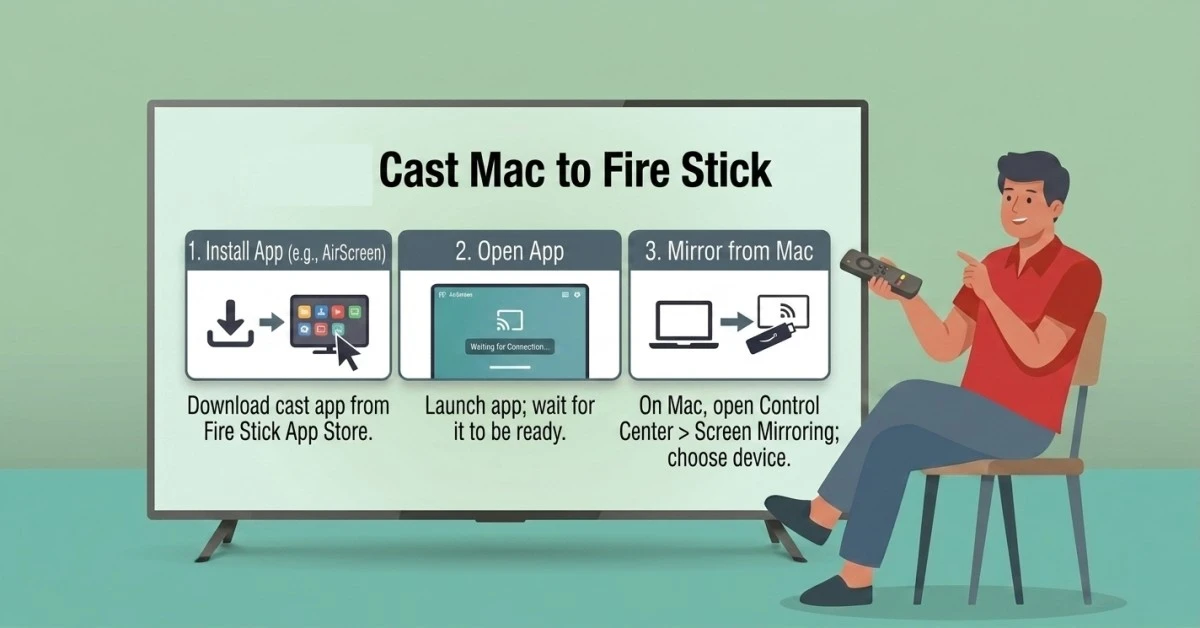
Cast Mac to Fire Stick
-
Download an app like AirScreen or Replica from the Firestick Appstore.
-
Open the app on your Firestick and ensure it is "Waiting for Connection".
-
On your Mac, click the Control Center icon and select Screen Mirroring.
-
Choose the app's name to successfully cast laptop to fire stick.
Quick Comparison
Side-by-side comparison of top Fire Stick VPNs
| VPN | Price | Servers | Speed | Devices | Rating | Actions |
|---|---|---|---|---|---|---|
|
EXPRESS VPN
|
$2.79/mo | 3,000+ | Blazing Fast | 8 | 5 | Get Deal |
|
|
$1.88/mo | 3,200+ | Blazing Fast | 8 | 4.7 | Get Deal |
 NordVPN
|
$4.39/mo | 6,998+ | Blazing Fast | 8 | 4.8 | Get Deal |
 Proton VPN
|
$3.99/mo | 14,999+ | Blazing Fast | 7 | 4.8 | Get Deal |
 Pure VPN
|
$3.55/mo | — | Blazing Fast | 6 | 4 | Get Deal |
Frequently Asked Questions
Can I cast Windows 10/11 to fire stick without any extra cables?
Yes, you can use the built-in "Connect" feature. By pressing Windows+K, you initiate a Miracast to Fire TV connection that transmits your entire desktop screen over your home Wi-Fi.
What is the best Chromecast to fire stick alternative for browser casting?
The best Chromecast to Fire TV alternative is using the "Cast" feature in Google Chrome. Select your Fire TV Stick after enabling mirroring to project specific browser tabs or your full desktop.
How do I screen mirror laptop to fire stick with high quality?
To screen mirror a laptop to a Fire TV Stick in high definition, ensure your Wi-Fi signal is strong. Using the 5GHz band reduces lag and prevents pixelation during video playback or presentations.
Is it possible to mirror pc to fire stick for gaming?
You can mirror pc to fire stick, but slight input lag may occur. For gaming, a wired connection is better, but for casual gameplay, the wireless Miracast protocol works sufficiently well.
Does every Mac allow me to cast mac to fire stick?
Most modern Macs can cast Mac to Fire TV using third-party apps like AirScreen. These apps act as an AirPlay receiver, allowing your Mac to see the Fire TV Stick as a compatible display.
How do I cast laptop to fire stick if they are on different networks?
Both devices must be connected to the exact same Wi-Fi network. Without a shared local connection, your laptop cannot discover the wireless display fire stick signal for mirroring.