How to Fix Firestick Remote Buttons Not Working: Easy Solutions
Editor's Choice
#1 Pick
Editor's Choice
 EXPRESS VPN
$2.79/month
Save 20%
Blazing Fast
3,000+
214
8
Step by Step Instructions
Step 01

Open the Amazon App Store
From your Firestick home screen, navigate to the “Find” or search icon and open the Amazon App Store.
Step 02

Search for ExpressVPN
Type “ExpressVPN” in the search bar using your remote. Select the official ExpressVPN app from the results.
Step 03

Download & Install the App
Click on the “Download” or “Get” button to install the app on your Firestick. Wait for the installation to complete.
Step 04

Sign In & Connect
Open the app, sign in with your ExpressVPN account, and tap the power button to connect to a server.
How to Fix Firestick Remote Buttons Not Working?
Follow these easy steps to fix Firestick remote buttons and restore full functionality.
Step 01
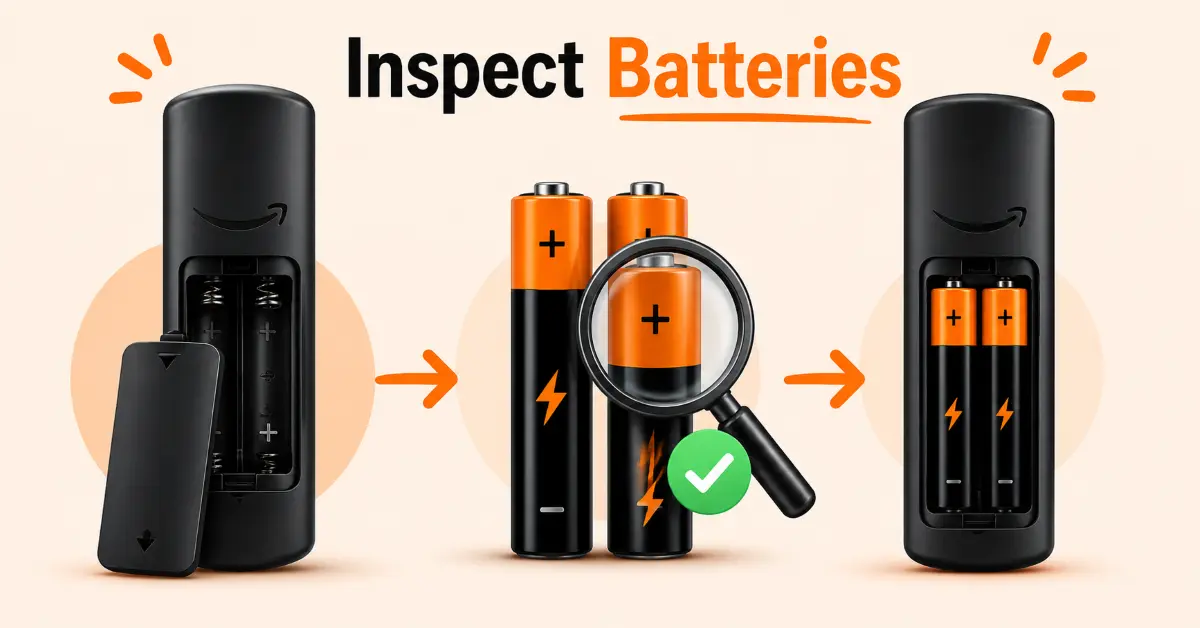
Check and Replace the Batteries
-
Remove the batteries from the Firestick remote
-
Inspect the battery compartment for dust, corrosion, or loose contacts
-
Insert a fresh pair of high-quality alkaline batteries
-
Test all remote buttons to see if the issue has been resolved
Step 02
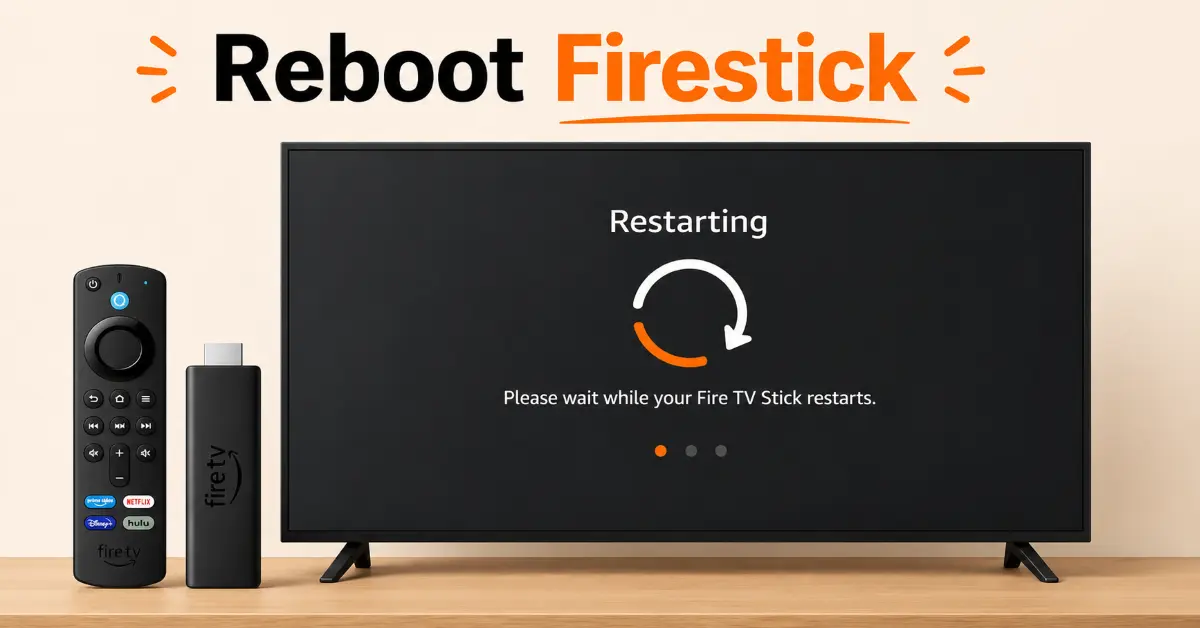
Restart Your Fire TV Device
-
Unplug your Fire TV Stick from the power source
-
Wait for at least 60 seconds before reconnecting it
-
Plug the device back in and allow it to fully boot up
-
Check whether the remote buttons respond normally after the restart
Get EXPRESS VPN — 20% Off
Step 03
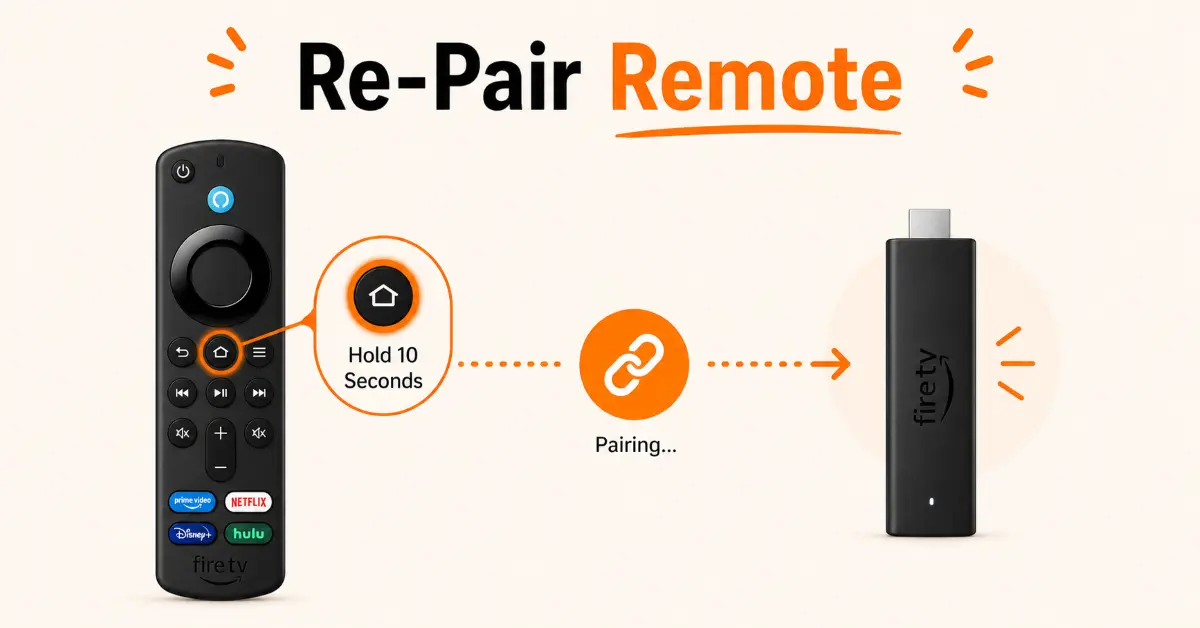
Re-Pair the Firestick Remote
-
Move the remote within 10 feet of your Fire TV Stick
-
Press and hold the Home button for 10 seconds
-
Wait for the on-screen confirmation that the remote has paired
-
Test the affected buttons to confirm they are working
Step 04
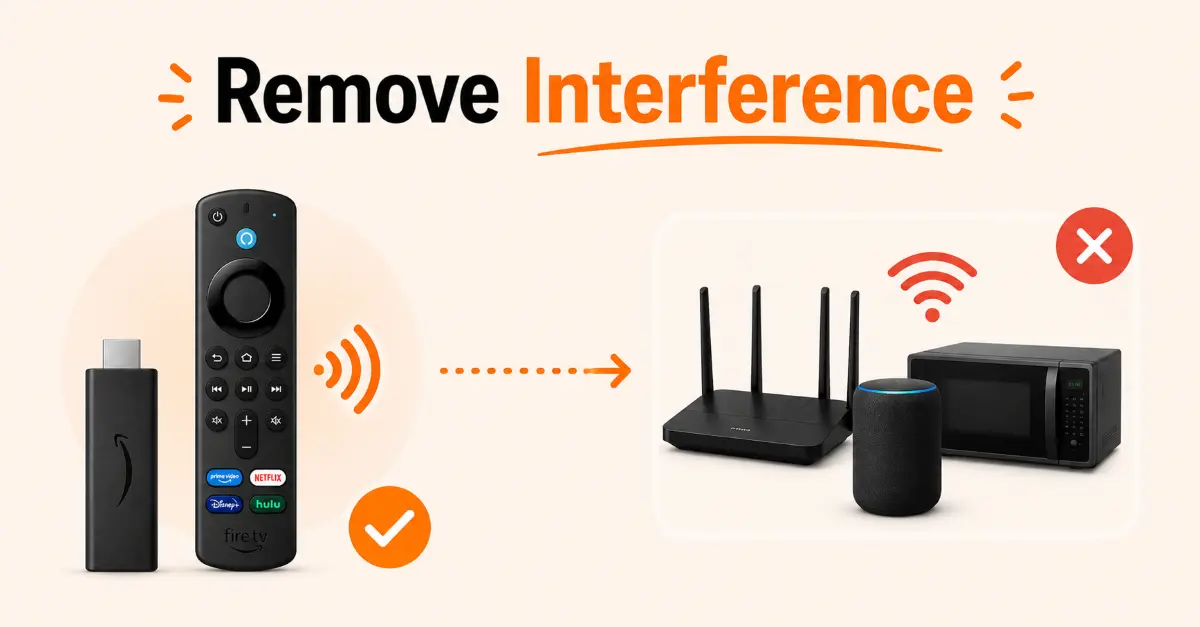
Remove Signal Interference
-
Ensure there are no large electronic devices between the remote and Fire TV Stick
-
Move Wi-Fi routers or Bluetooth devices farther away if possible
-
Point the remote directly at the Fire TV device
-
Check if the buttons respond better after reducing interference
Get EXPRESS VPN — 20% Off
Step 05
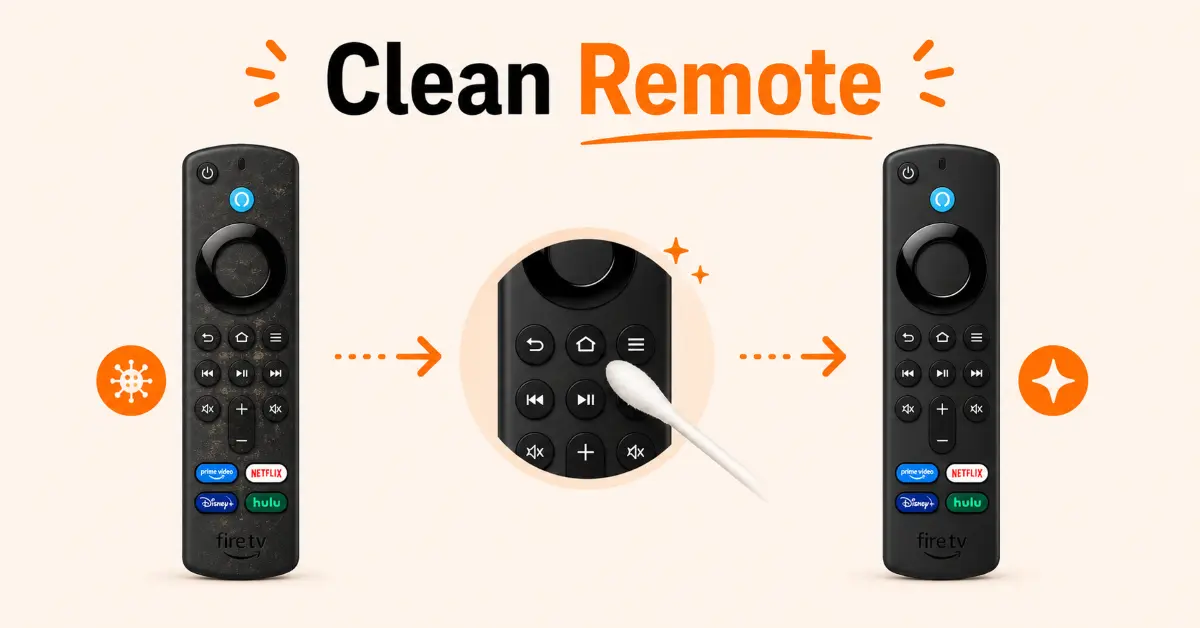
Clean the Remote Buttons
-
Turn the remote over and gently shake out any debris
-
Use a soft microfiber cloth to wipe the button surface
-
Clean around the buttons with a cotton swab and rubbing alcohol
-
Allow the remote to dry completely before using it again
Step 06
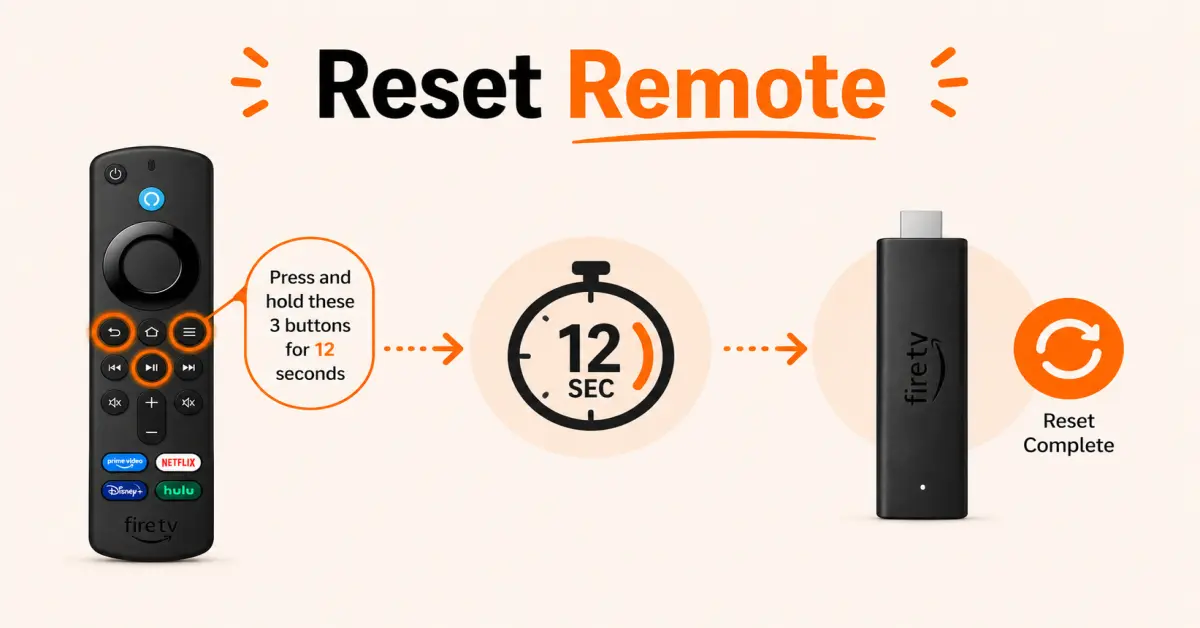
Reset the Firestick Remote
-
Unplug the Fire TV Stick from power
-
Press and hold the Left, Menu, and Back buttons simultaneously for about 12 seconds
-
Remove the batteries and wait for 60 seconds
-
Reconnect the Fire TV Stick, insert the batteries, and pair the remote again
Quick Comparison
Side-by-side comparison of top Fire Stick VPNs
| VPN | Price | Servers | Speed | Devices | Rating | Actions |
|---|---|---|---|---|---|---|
|
EXPRESS VPN
|
$2.79/mo | 3,000+ | Blazing Fast | 8 | 5 | Get Deal |
 NordVPN
|
$4.39/mo | 6,998+ | Blazing Fast | 8 | 4.8 | Get Deal |
|
|
$1.88/mo | 3,200+ | Blazing Fast | 8 | 4.7 | Get Deal |
 Proton VPN
|
$3.99/mo | 14,999+ | Blazing Fast | 7 | 4.8 | Get Deal |
 PrivadoVPN
|
$1.99/mo | — | Blazing Fast | 5 | 4 | Get Deal |
 IPVanish
|
$2.49/mo | 3,100+ | Blazing Fast | 6 | 4 | Get Deal |
Frequently Asked Questions
Why are my Firestick remote buttons not working?
There can be several reasons for Firestic remote buttons not working, including dead batteries, pairing issues, signal interface, software glitches, and physical damage.
How do I fix Firestick remote buttons that are unresponsive?
To fix unresponsive Firestick remote buttons, replace the batteries, restart the Firestick, re-pair the remote, clean, and check for physical damage.
How do I re-pair my Firestick remote?
Move your remote close to Firestick, press and hold the Home button for about 10 seconds. Wait for the pairing confirmation before testing the buttons again.
Why is my Firestick remote connected but not responding?
A connected remote may still become unresponsive due to software glitches, interference from other wireless devices, or outdated Fire TV software.
Does resetting fix the Fire TV remote buttons not working problem?
Yes, resetting can fix multiple issues, including software glitches, pairing errors, and other issues that prevent buttons from working properly.
Why are only some Fire TV remote buttons not working?
If only certain buttons fail to respond, dirt buildups, worn-out button contacts, or physical damage inside the remote may be the cause.
Can Wi-Fi or Bluetooth devices interfere with Firestick remote buttons?
Yes, nearby routers, Bluetooth speakers, gaming consoles, and other wireless devices can interfere with the remote signal.