New Fire TV Stick HD 2026 Review: Is It Worth Buying ?
Editor's Choice
#1 Pick
Editor's Choice
 Proton VPN
$3.99/month
Save 20%
Blazing Fast
14,999+
214
7
Step by Step Instructions
Step 01
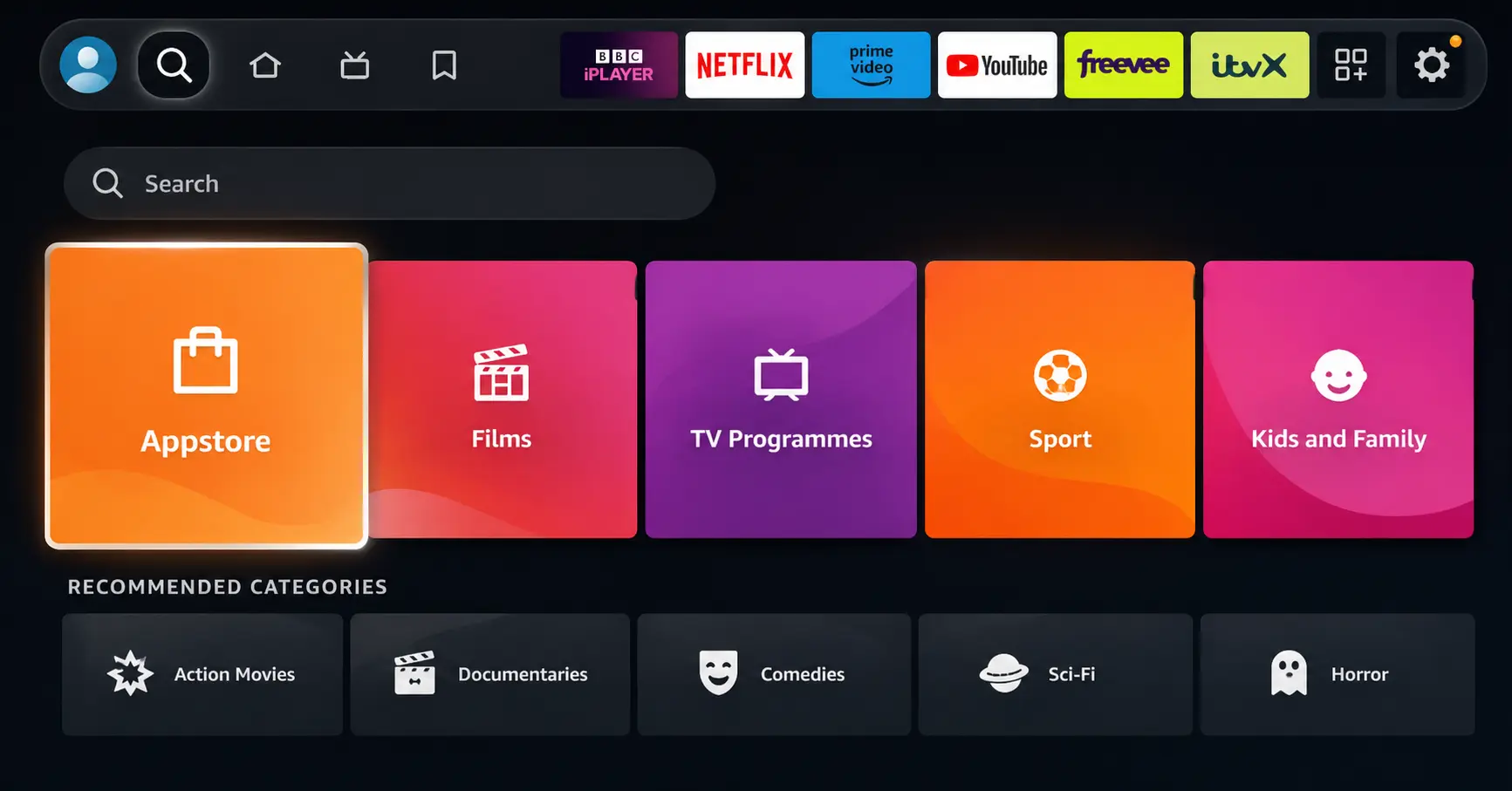
Open Search on Fire TV
Go to the Find (Search) option from your Fire TV home screen.
Step 02
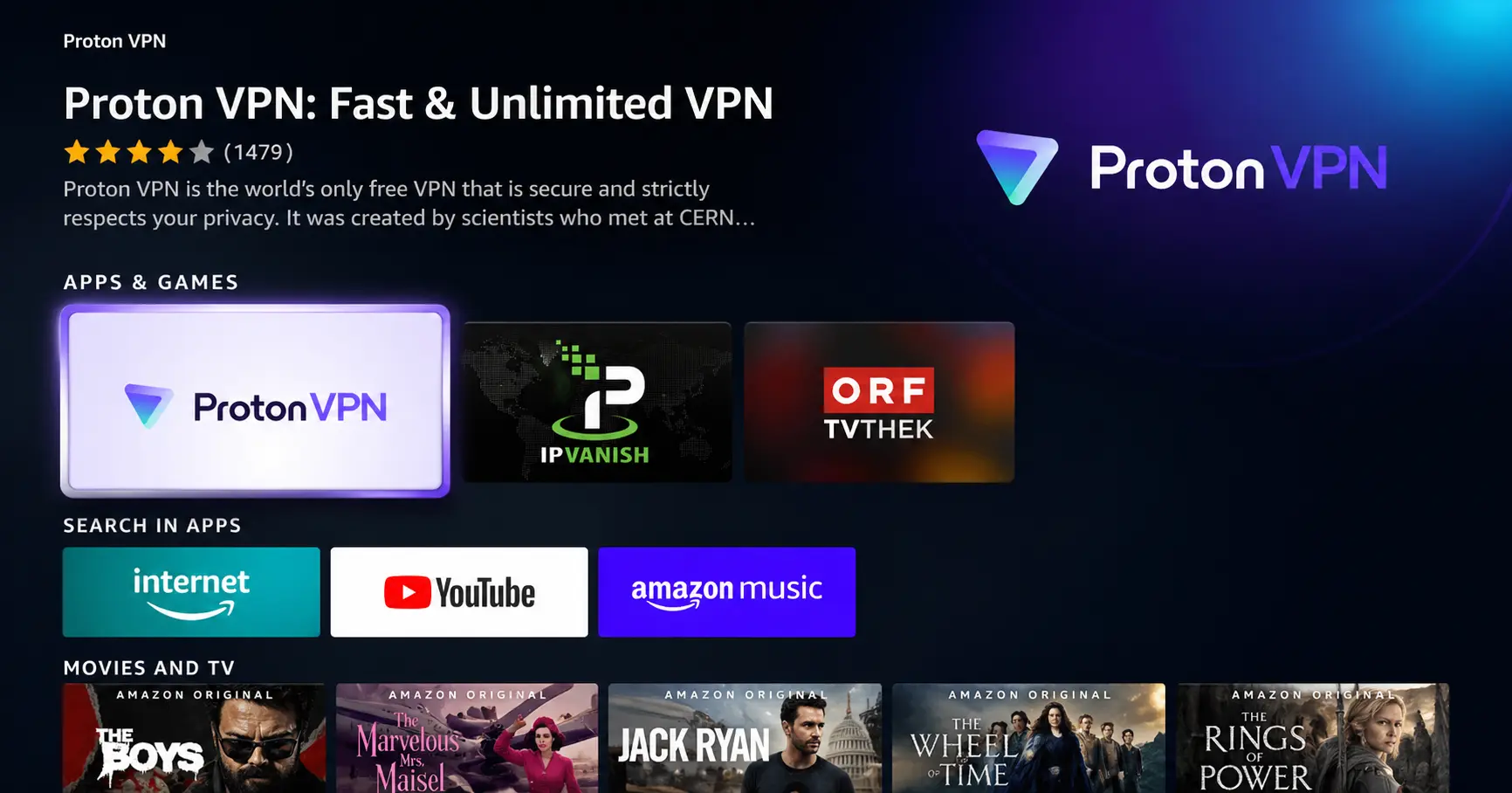
Search for ProtonVPN
Type ProtonVPN using your remote and select the app from the results.
Step 03
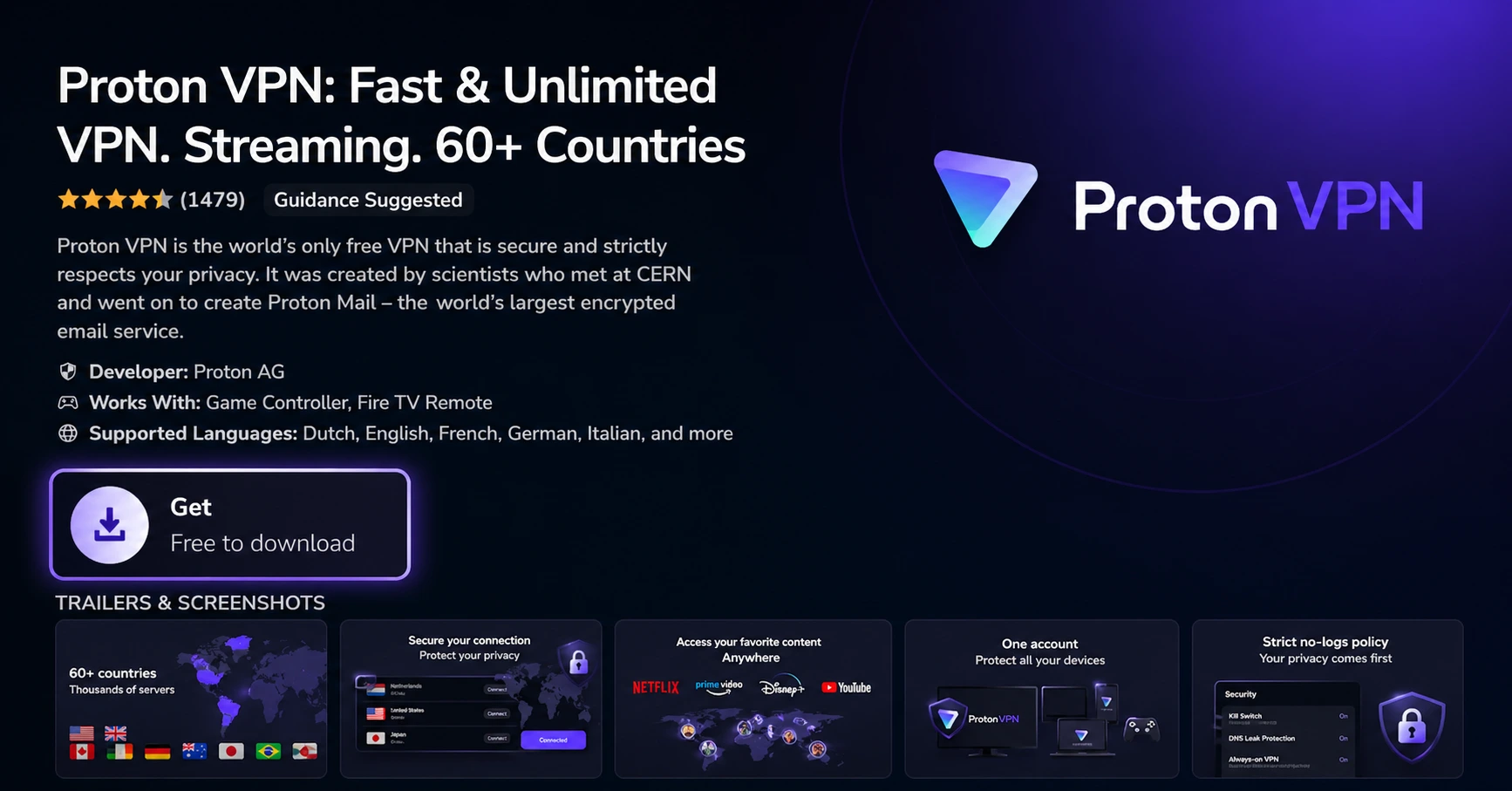
Install the App
Click on Get or Download to install ProtonVPN on your Fire TV.
Step 04
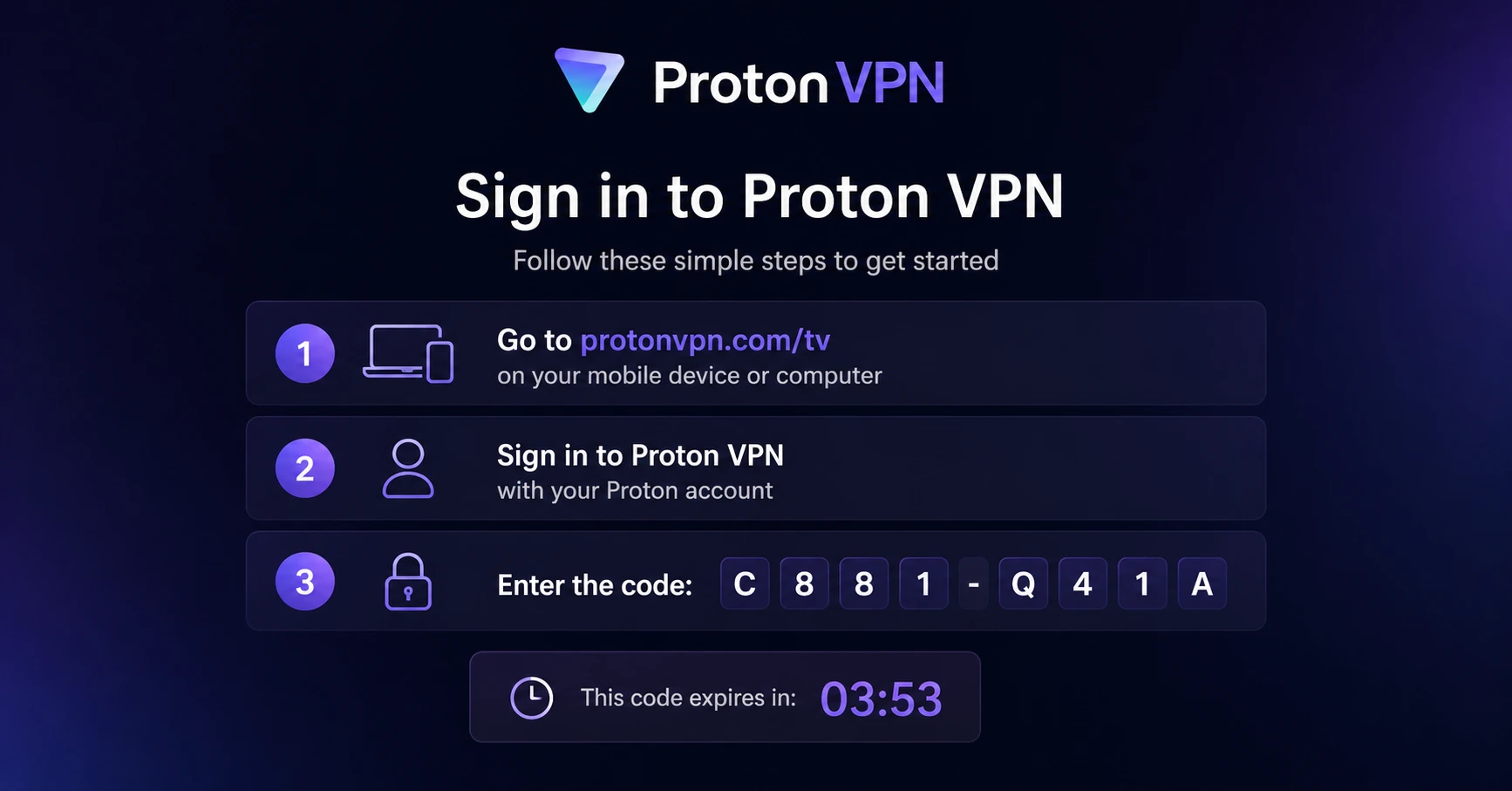
Sign In & Connect
Open the app, sign in using your Proton account (QR or code method), and connect to a server.
New Fire TV Stick HD 2026 Review: Is It Worth Buying?
A guide on Fire TV Stick HD 2026 review and whether it justifies the upgrade
Step 01
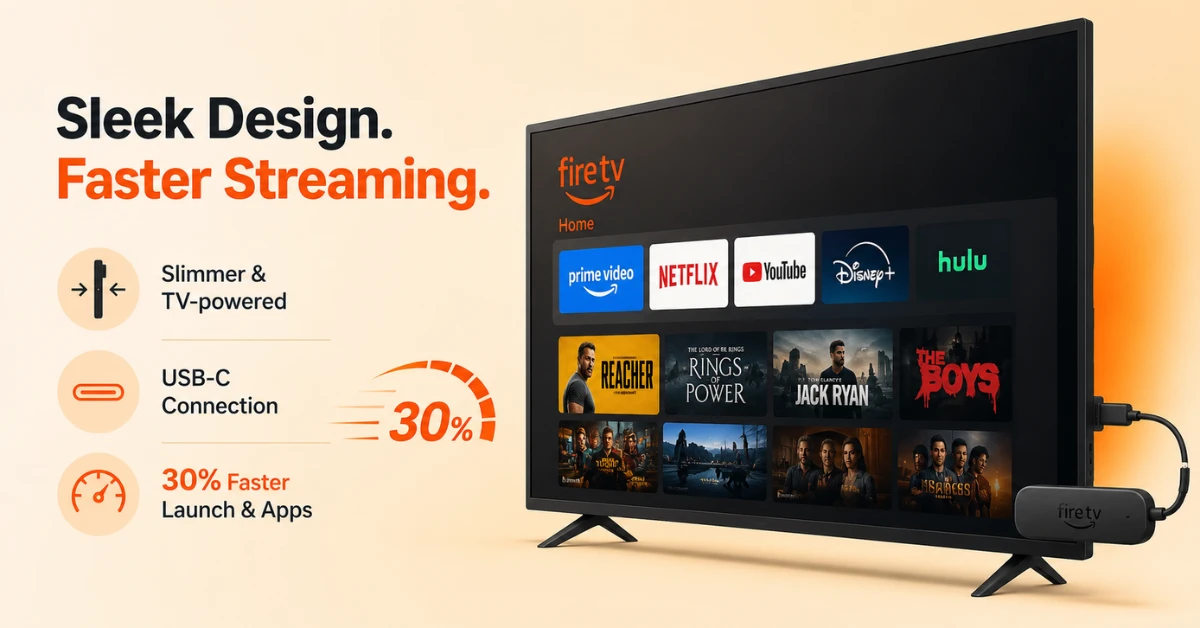
Check the Design and Speed Gains
-
It is slimmer than the previous model and draws power directly from the TV
-
No separate power outlet is needed, though it now requires a USB-C cable instead of micro-USB
-
Amazon claims it is 30% faster at turning on and opening apps
Step 02
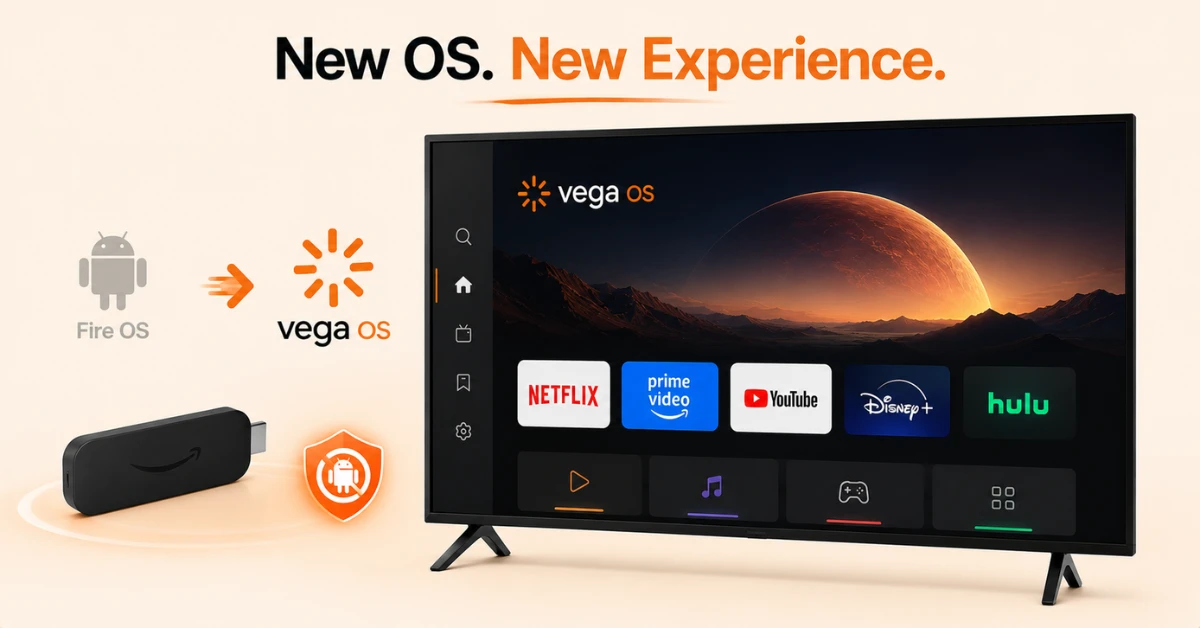
Understand the Operating System Shift
-
It runs Vega OS, a Linux based system replacing the older Fire OS
-
This is the second device after the Fire TV Stick 4K Select to adopt Vega OS
-
Sideloading is not supported, since Vega OS does not run Android based apps
Get Proton VPN — 20% Off
Step 03
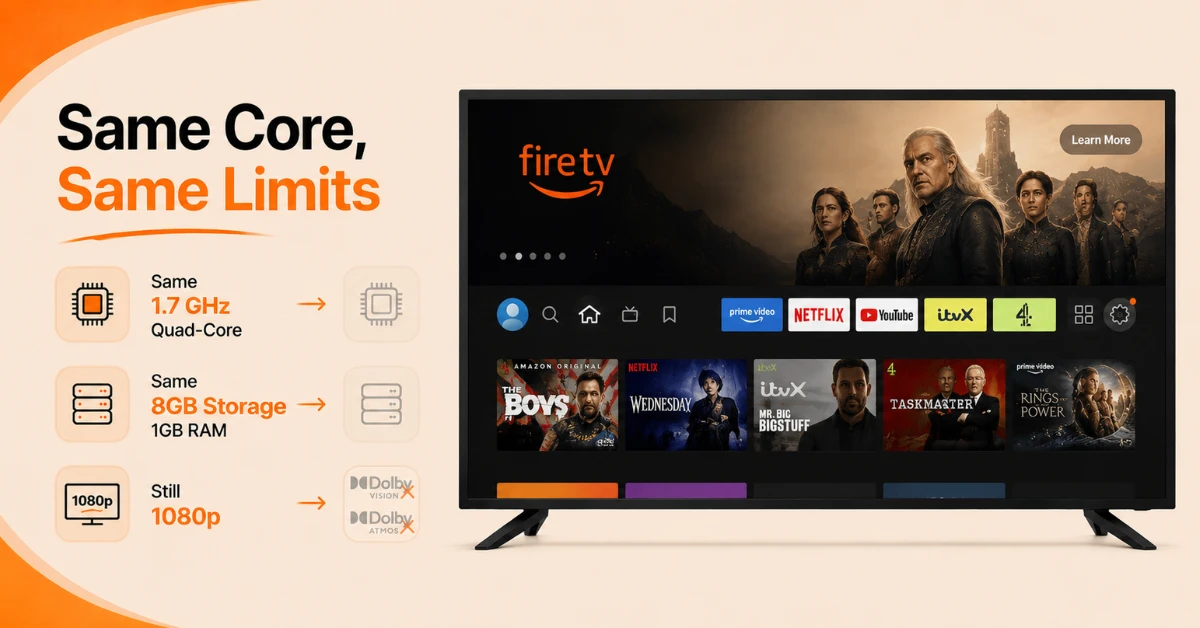
Know What Stayed the Same
-
It keeps the same 1.7 GHz quad-core processor as the previous generation
-
Storage remains at 8GB with 1GB of RAM
-
Picture quality is still capped at 1080p, with no Dolby Vision or Dolby Atmos support
Step 04
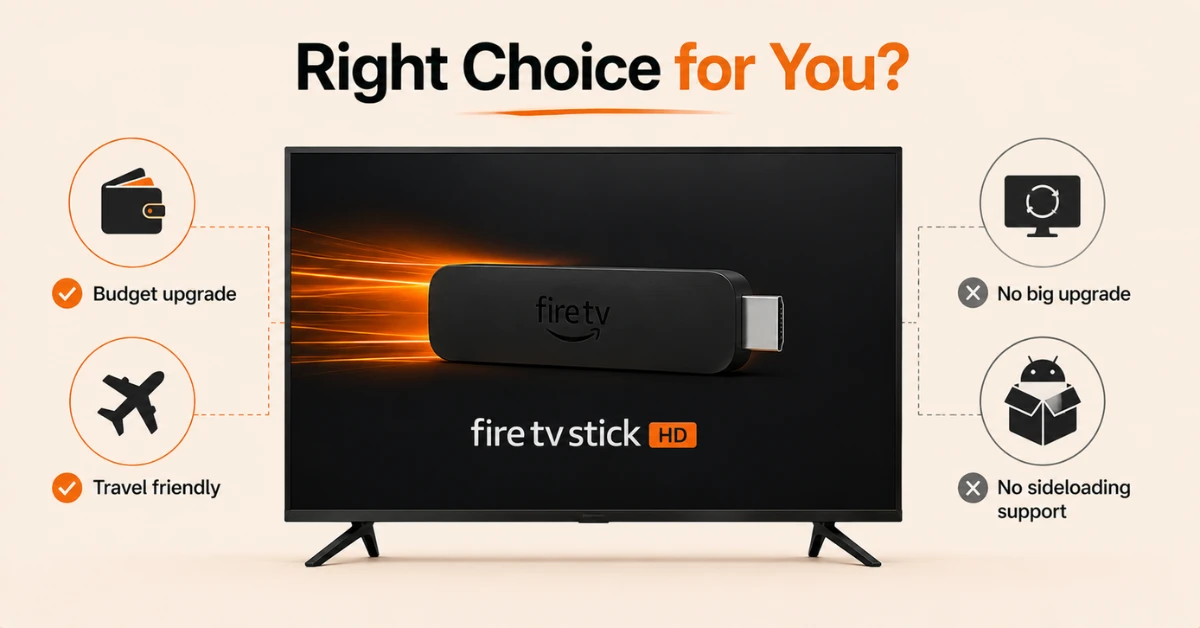
Decide If It Is Worth Buying
-
It suits budget buyers upgrading an older HD TV or travellers wanting a familiar setup
-
Existing 1st generation owners will not see enough improvement to justify switching
-
Anyone relying on sideloading should stick with a Fire OS model instead
Quick Comparison
Side-by-side comparison of top Fire Stick VPNs
| VPN | Price | Servers | Speed | Devices | Rating | Actions |
|---|---|---|---|---|---|---|
|
Proton VPN
|
$3.99/mo | 14,999+ | Blazing Fast | 7 | 4.8 | Get Deal |
|
|
$1.88/mo | 3,200+ | Blazing Fast | 8 | 4.7 | Get Deal |
 EXPRESS VPN
|
$2.79/mo | 3,000+ | Blazing Fast | 8 | 5 | Get Deal |
 NordVPN
|
$4.39/mo | 6,998+ | Blazing Fast | 8 | 4.8 | Get Deal |
 PrivadoVPN
|
$1.99/mo | — | Blazing Fast | 5 | 4 | Get Deal |
 Pure VPN
|
$3.55/mo | — | Blazing Fast | 6 | 4 | Get Deal |
Frequently Asked Questions
What stands out most in this Fire TV Stick HD 2026 review?
The shift to Vega OS is the most notable change, since it removes sideloading support entirely. This is a meaningful trade off for anyone who values installing apps outside the official store.
Is the picture quality covered in this Fire TV Stick HD 2026 review still HD only?
Yes, it remains capped at 1080p with 720p available depending on your TV. It does not support Dolby Vision or Dolby Atmos either.
Is Alexa+ included according to this firestick hd review?
Yes, the device includes Alexa+, an AI powered version that gives recommendations and controls connected devices. It is currently limited to a handful of countries, with more expected to follow.
Does the new Fire TV Stick HD support WiFi 6?
Yes, it upgrades to WiFi 6 from the previous WiFi 5, along with Bluetooth 5.3. These changes help support stable full HD streaming at up to 60fps.
Is the new Fire TV Stick HD good for travel?
Yes, its slimmer design and direct TV power source make it convenient for hotel rooms or wall mounted TVs. It avoids needing a separate power outlet altogether.
What are the core firestick hd 2026 specs for storage and RAM?
It comes with 8GB of storage paired with 1GB of RAM, identical to the previous generation. This is generally sufficient for casual, everyday streaming use.
Do the firestick hd 2026 specs confirm sideloading support?
No, since it runs Vega OS, which is Linux based and does not support Android apps. This effectively removes sideloading as an option on this model.