Can Alexa Turn on My TV With Firestick? A Step by Step Guide
Editor's Choice
#1 Pick
Editor's Choice
 Surfshark
$1.88/month
Blazing Fast
3,200+
214
8
Step by Step Instructions
Step 01

Open Search on Fire TV
From your Fire TV home screen, go to the Find (Search) option.
Step 02

Search for Surfshark
Type Surfshark using your remote and select the app from the results.
Step 03

Install the App
Click on Download or Get to install Surfshark on your device.
Step 04

Sign In & Start VPN
Open the app, log in to your account, and connect to a server to start using the VPN.
Can Alexa Turn on My TV With Firestick ?
Follow the below steps to set up your Firestick TV with Alexa
Step 01
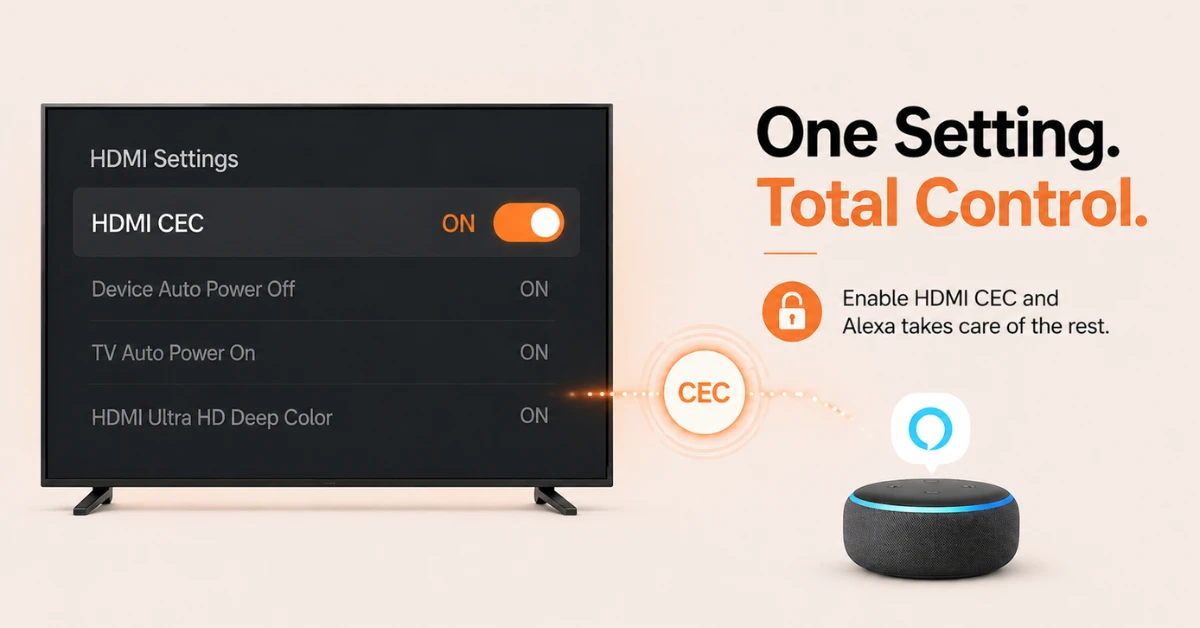
Enable HDMI CEC on Your TV
-
For Alexa to turn your TV on and off, your TV must support HDMI CEC.
-
Go to your TV settings and look for HDMI CEC, which may be labelled differently depending on your brand.
-
Common names include Anynet+ on Samsung, Bravia Sync on Sony, and EasyLink on Philips.
-
Turn it on and make sure your Firestick is plugged into the correct HDMI port.
Step 02
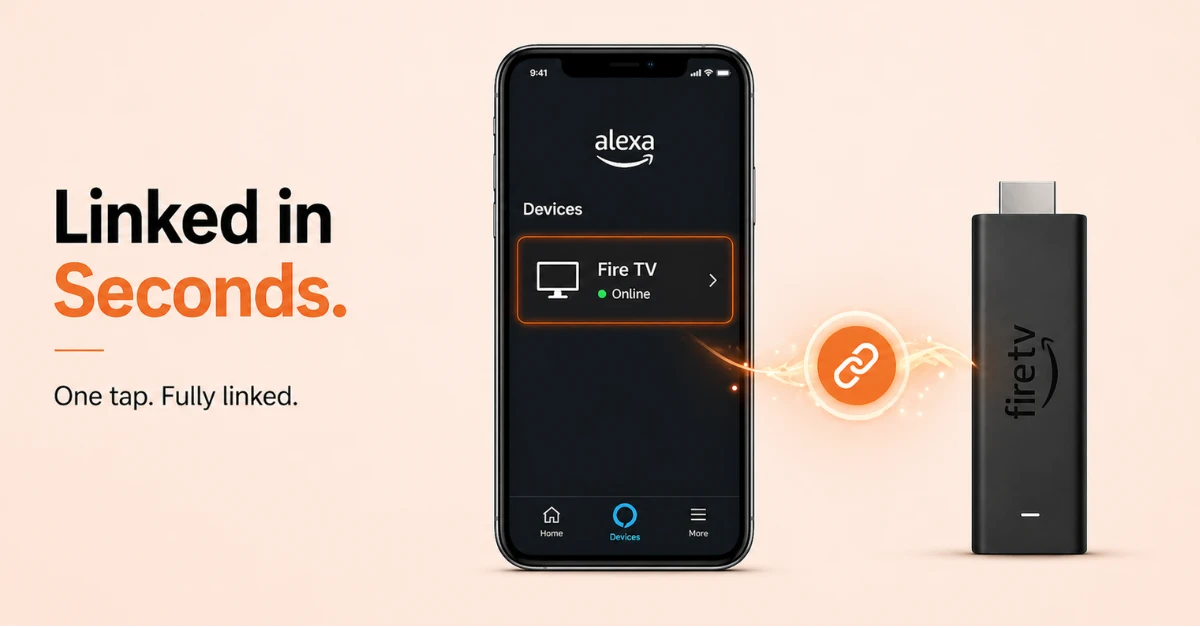
Link Your Firestick to Alexa
-
Open the Alexa app, tap More, go to Settings, then TV and Video, and select Fire TV.
-
Tap Link Your Alexa Device and your Firestick will appear automatically on the next page.
-
Select your Firestick and tap Link Devices to complete the connection.
Get Surfshark
Step 03
Pair an Echo Device to Your Firestick
-
In the Alexa app, tap the Echo and Alexa icon at the top of the home screen.
-
Select the Echo device you want to use and choose the Firestick you want it to control.
-
Once linked, your Echo and Firestick will work together for voice commands.
Step 04
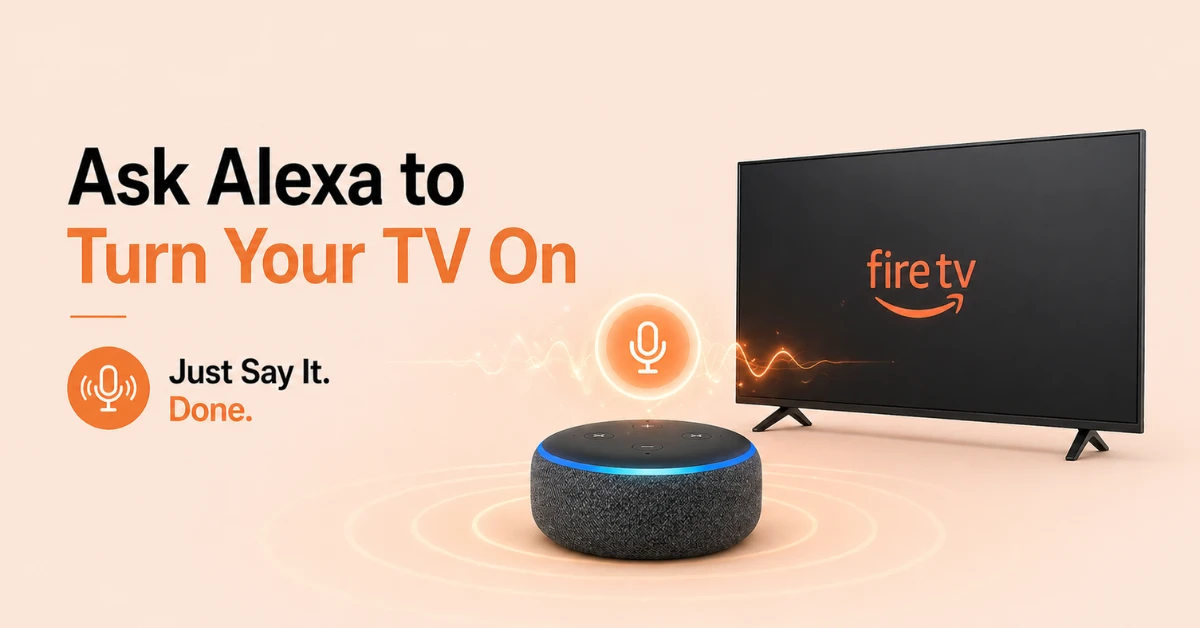
Ask Alexa to Turn Your TV On
-
Say "Alexa, turn on the TV" or "Alexa, turn off the TV" to your Echo device.
-
You can also say "Alexa, pause" to control playback with your voice.
-
If the TV does not respond, confirm HDMI CEC is enabled and your devices are properly linked.
Quick Comparison
Side-by-side comparison of top Fire Stick VPNs
| VPN | Price | Servers | Speed | Devices | Rating | Actions |
|---|---|---|---|---|---|---|
|
|
$1.88/mo | 3,200+ | Blazing Fast | 8 | 4.7 | Get Deal |
 NordVPN
|
$4.39/mo | 6,998+ | Blazing Fast | 8 | 4.8 | Get Deal |
 EXPRESS VPN
|
$2.79/mo | 3,000+ | Blazing Fast | 8 | 5 | Get Deal |
 Proton VPN
|
$3.99/mo | 14,999+ | Blazing Fast | 7 | 4.8 | Get Deal |
 Pure VPN
|
$3.55/mo | — | Blazing Fast | 6 | 4 | Get Deal |
 PrivadoVPN
|
$1.99/mo | — | Blazing Fast | 5 | 4 | Get Deal |
Frequently Asked Questions
What command do I use to get Alexa to turn on my TV with Fire TV Stick?
Simply say "Alexa, turn on the TV" and your Echo device will send the power on command through your linked Fire TV Stick. Make sure HDMI CEC is enabled on your TV for this to work correctly.
Does Alexa turn on the TV automatically when I give a streaming command?
Yes, if HDMI CEC is enabled and your Fire Stick is linked to Alexa, saying commands like "Alexa, open Netflix" will wake your TV and launch the app at the same time.
How does Fire TV power control work with Alexa?
Alexa controls Fire TV power by sending commands through your linked Echo device to your Firestick, which then uses HDMI CEC to power your TV on or off.
Can I control other equipment like a soundbar through Fire TV and Alexa?
Yes, if your soundbar is connected via HDMI ARC and supports HDMI CEC, Alexa can control its volume and power through your Fire TV setup.
How do I enable HDMI CEC for Fire TV?
Go to your TV settings and look for HDMI CEC, which may be labelled Anynet+ on Samsung, Bravia Sync on Sony, or EasyLink on Philips. Turn it on and make sure your Fire TV Stick is connected to the correct HDMI port on your TV.
How do I pair my Echo with Fire TV?
Open the Alexa app, tap the Echo and Alexa icon on the home screen, select your Echo device, and choose the Fire TV you want it to control. Once paired, your Echo will be ready to send voice commands directly to your Fire TV.
How do I get Alexa to turn off my TV using Fire Stick?
Simply say "Alexa, turn off the TV" to your paired Echo device and Alexa will send the power off command through your Fire Stick using HDMI CEC. Make sure HDMI CEC is enabled on your TV for this command to work.
How do I fix Alexa not responding to TV power commands on Fire TV?
Restart both your Echo device and Fire TV Stick, then recheck that HDMI CEC is enabled on your TV. If the issue continues, unlink and relink your Fire TV in the Alexa app under Settings, then TV and Video, then Fire TV.
What is the difference between the IR blaster on Fire TV Cube and Fire TV Stick?
The Fire TV Cube has a built-in IR blaster that lets Alexa control TVs, soundbars, and AV receivers that do not support HDMI CEC. The Fire TV Stick does not have an IR blaster, so it relies entirely on HDMI CEC for TV power control through Alexa.