Can I Control Firestick From Another Room? Easy Setup Guide
Editor's Choice
#1 Pick
Editor's Choice
 NordVPN
$4.39/month
Save 20%
Blazing Fast
6,998+
214
8
Step by Step Instructions
Step 01

Go to Search on Fire TV
On your Fire TV home screen, select the Search (Find) option at the top.
Step 02

Type “NordVPN”
Use your remote to type NordVPN and choose the app when it appears in the results.
Step 03

Install the App
Click on Get or Download to install NordVPN on your Fire TV.
Step 04

Log In & Connect
Open the app, sign in to your account, and press the connect button to start using the VPN.
Can I Control Firestick From Another Room?
Use the Fire TV app to control your Firestick from anywhere in your home
Step 01
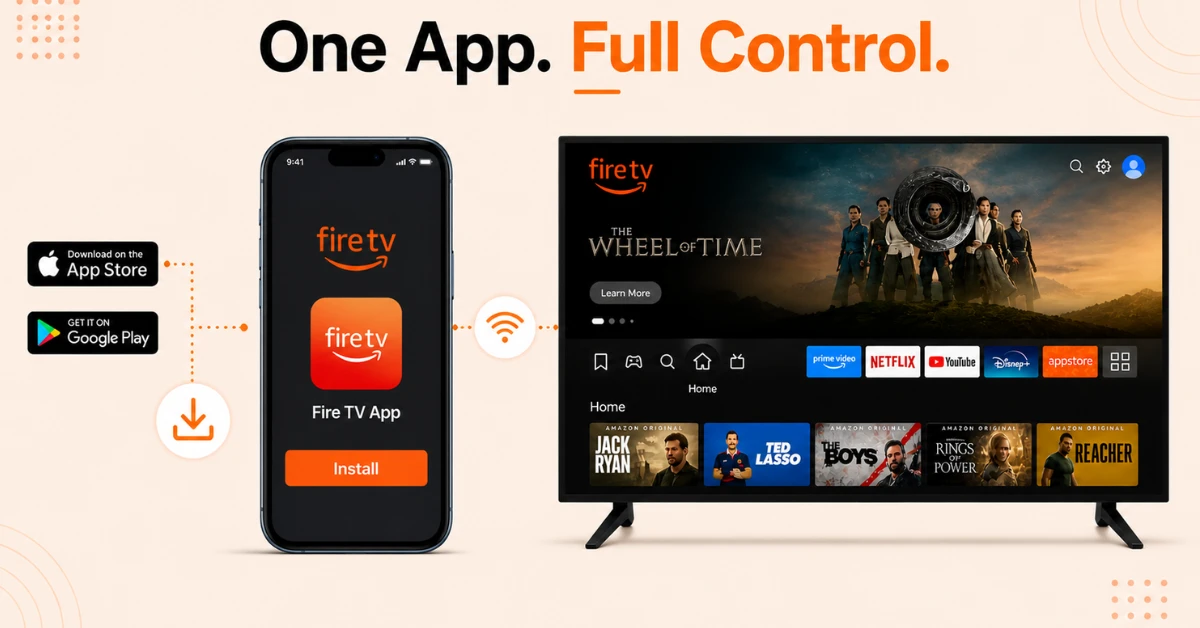
Download the Fire TV App
-
Download the Fire TV app from the App Store on iPhone or Google Play Store on Android
-
Make sure your phone and Firestick are connected to the same Wi-Fi network
-
Open the app once installed and sign in with your Amazon account
Step 02
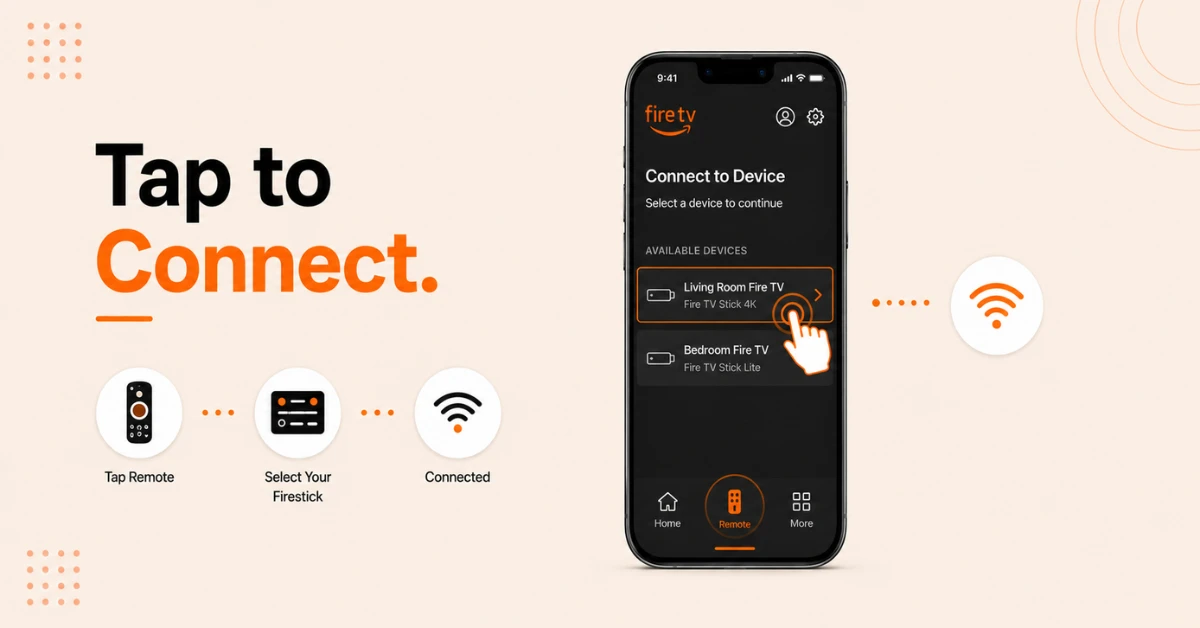
Find and Connect to Your Firestick
-
On the app home screen, tap the Remote icon at the bottom of the screen
-
Your Firestick should appear automatically in the list of available devices
-
Tap on your Firestick name to connect to it
Get NordVPN — 20% Off
Step 03
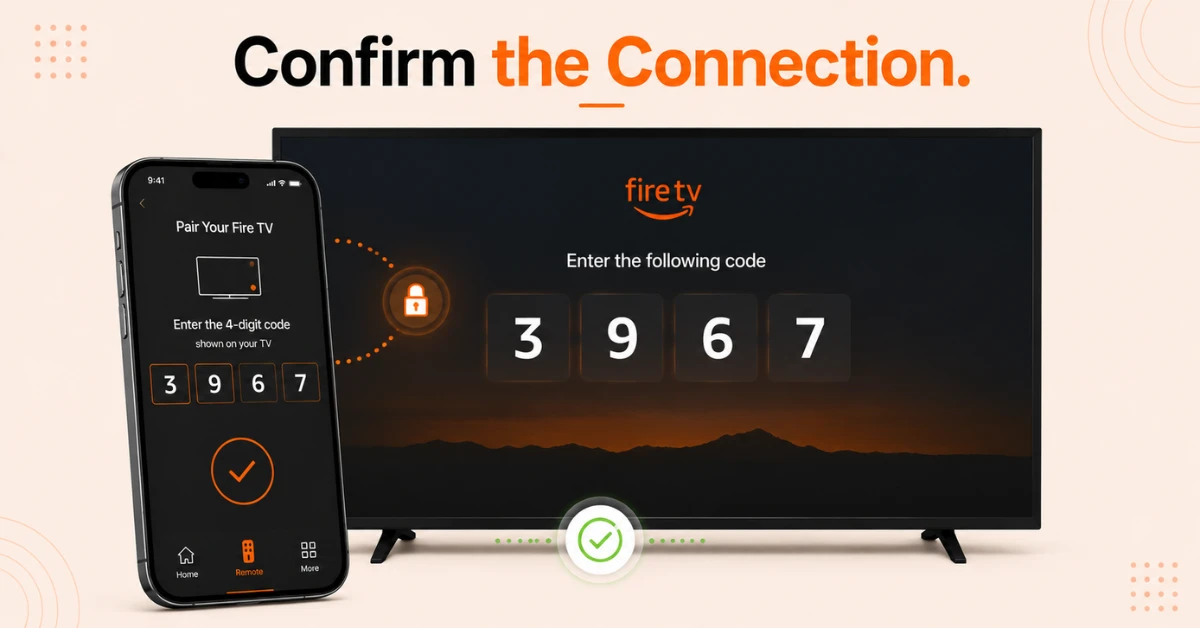
Pair the App With Your Firestick
-
A four digit code will appear on your TV screen
-
Enter that code in the Fire TV app on your phone to confirm the pairing
-
Once confirmed, your phone is now connected and ready to use as a remote
Step 04
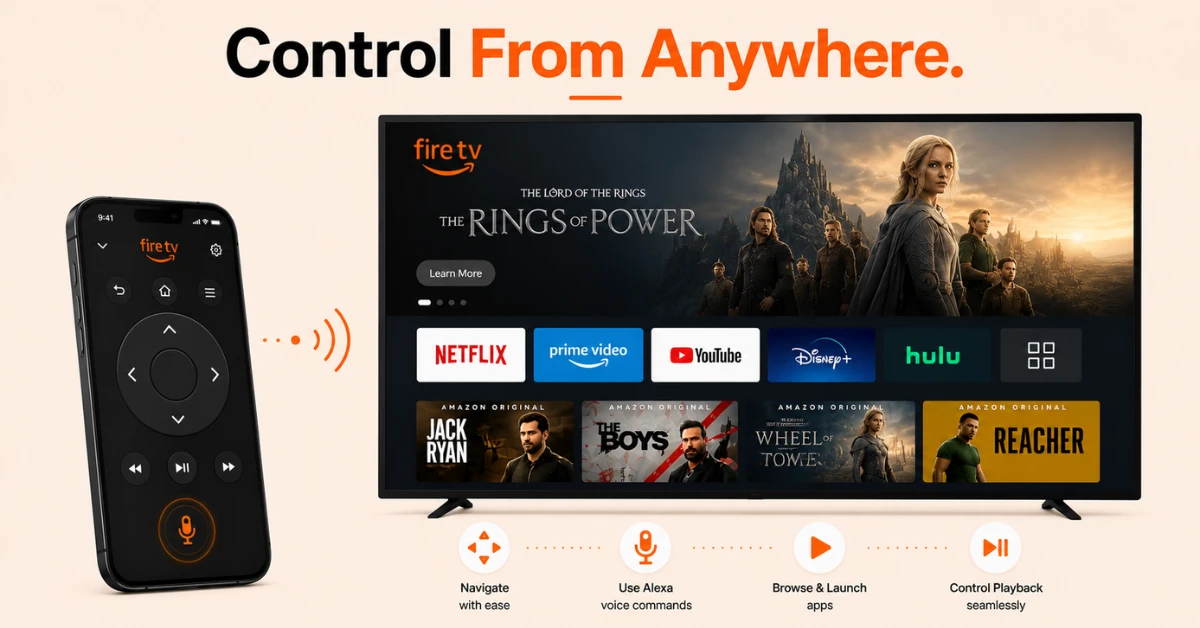
Control Your Firestick From Another Room
-
Use the on-screen directional pad to navigate your Firestick just like a physical remote
-
Tap the microphone icon in the app to use Alexa voice commands from your phone
-
You can browse content, launch apps, and control playback entirely from your phone without being in the same room as your TV
Quick Comparison
Side-by-side comparison of top Fire Stick VPNs
| VPN | Price | Servers | Speed | Devices | Rating | Actions |
|---|---|---|---|---|---|---|
|
NordVPN
|
$4.39/mo | 6,998+ | Blazing Fast | 8 | 4.8 | Get Deal |
 Proton VPN
|
$3.99/mo | 14,999+ | Blazing Fast | 7 | 4.8 | Get Deal |
 EXPRESS VPN
|
$2.79/mo | 3,000+ | Blazing Fast | 8 | 5 | Get Deal |
|
|
$1.88/mo | 3,200+ | Blazing Fast | 8 | 4.7 | Get Deal |
 Pure VPN
|
$3.55/mo | — | Blazing Fast | 6 | 4 | Get Deal |
 IPVanish
|
$2.49/mo | 3,100+ | Blazing Fast | 6 | 4 | Get Deal |
Frequently Asked Questions
Do I need any special equipment to control Fire Stick from another room?
No special equipment is needed to control Fire Stick from another room. Simply download the free Fire TV app on your phone, connect to the same Wi-Fi as your Firestick, and you are ready to go.
How do I remote control Fire Stick from another room?
Download the Fire TV app on your phone and make sure both your phone and Firestick are on the same Wi-Fi network. Open the app, select your Firestick from the device list, enter the pairing code shown on your TV, and you can control it from any room.
Can I control Fire TV remotely from outside my home?
Full remote control of Fire TV from outside your home is not officially supported by Amazon as the Fire TV app only works over the same Wi-Fi network. A limited workaround is the Alexa Echo Drop In feature which allows basic voice commands to be sent remotely.
Can I use Fire Stick remotely if my phone is on mobile data instead of Wi-Fi?
No, the Fire TV app requires both your phone and Firestick to be on the same Wi-Fi network to work. If your phone is on mobile data it will not be able to detect or connect to your Firestick.
Is there an official Amazon solution for Fire Stick long distance control?
No, Amazon does not currently offer an official solution for Fire Stick long distance control from outside the home network. The Fire TV app is limited to the same Wi-Fi network.
Can I set up Fire Stick long distance control for an elderly family member?
Yes, a way to help elderly family members is using the Alexa Echo Drop In feature. If they have an Echo device paired to their Firestick, you can drop in remotely and speak voice commands through their Echo to control basic functions on their Firestick.
How do I use Fire Stick remotely through my phone?
Download the Fire TV app, sign in with your Amazon account, and connect your phone to the same Wi-Fi network as your Firestick. Once paired, you can navigate, search, launch apps, and control playback on your Fire Stick remotely from anywhere in your home.