Can I Replace Cable TV Completely With Firestick?
Editor's Choice
#1 Pick
Editor's Choice
 Proton VPN
$3.99/month
Save 20%
Blazing Fast
14,999+
214
7
Step by Step Instructions
Step 01
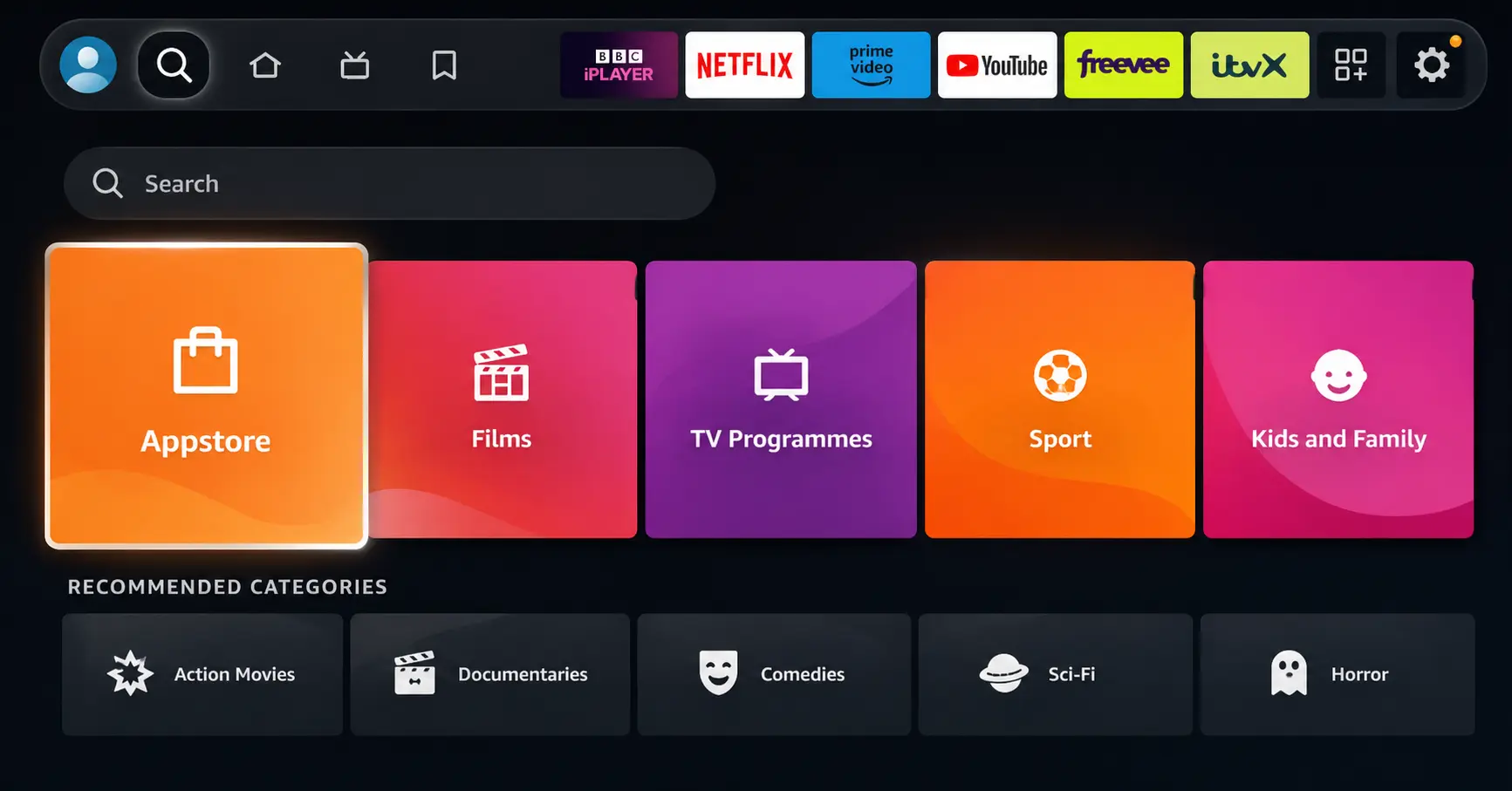
Open Search on Fire TV
Go to the Find (Search) option from your Fire TV home screen.
Step 02
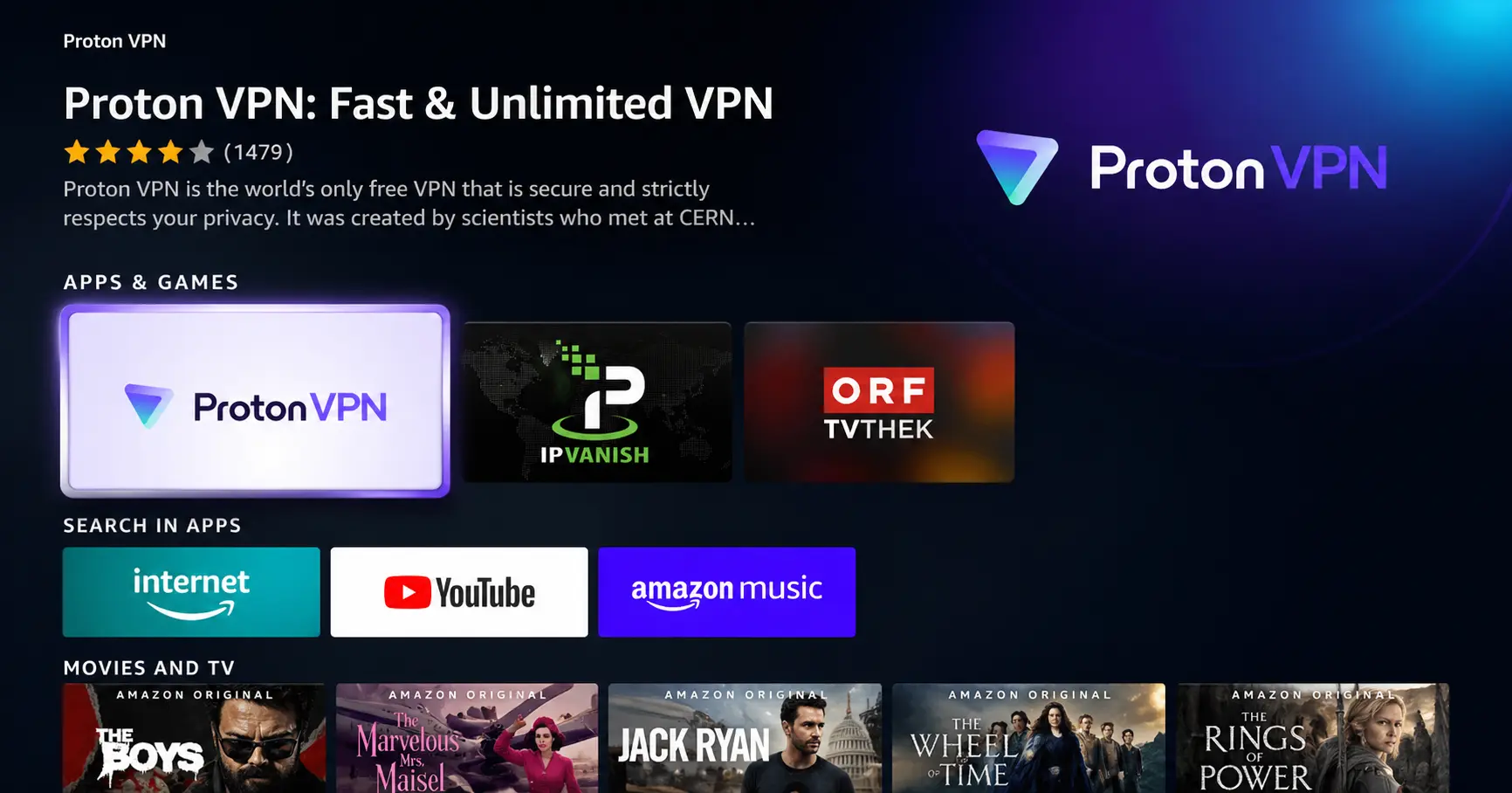
Search for ProtonVPN
Type ProtonVPN using your remote and select the app from the results.
Step 03
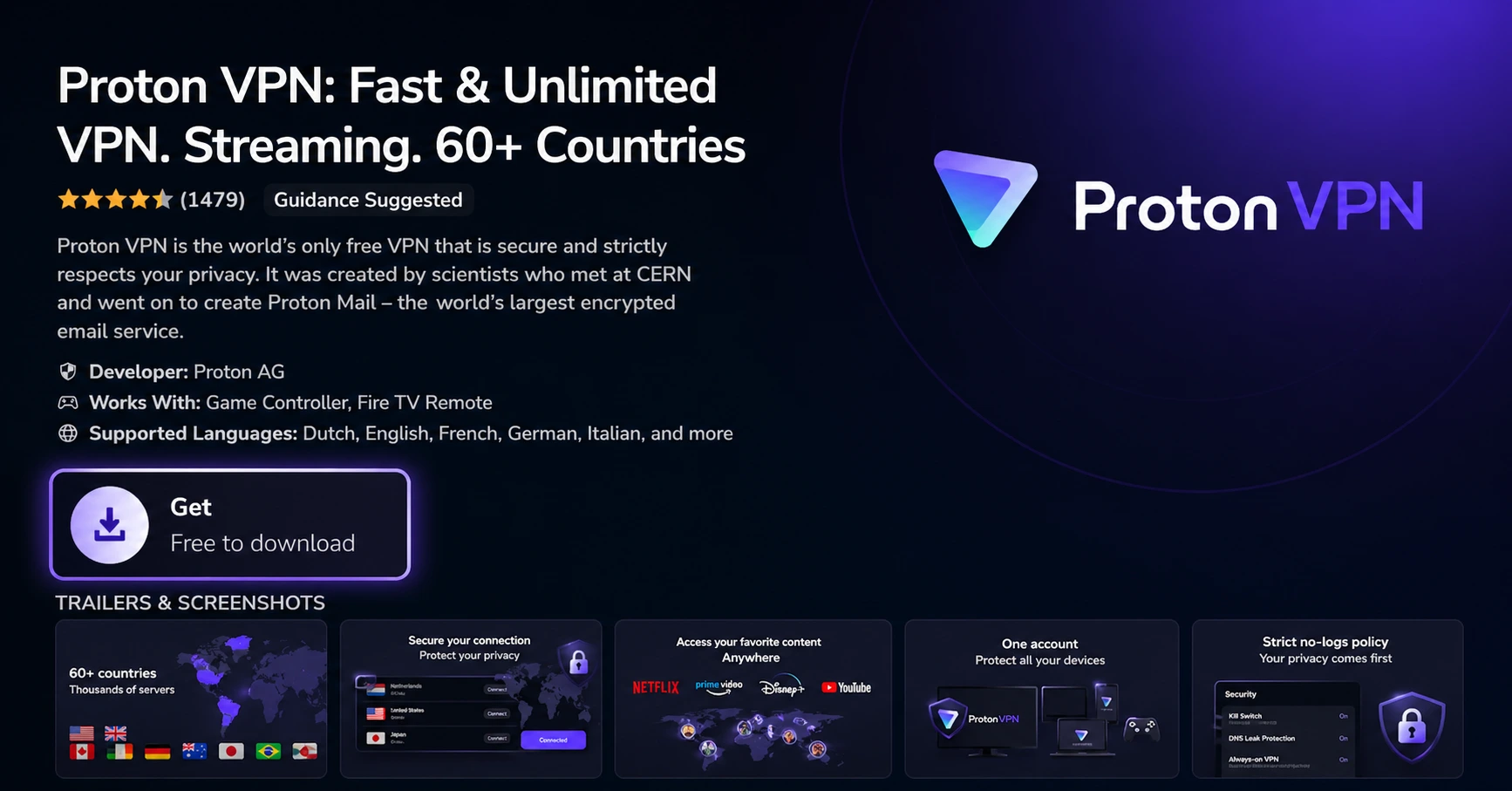
Install the App
Click on Get or Download to install ProtonVPN on your Fire TV.
Step 04
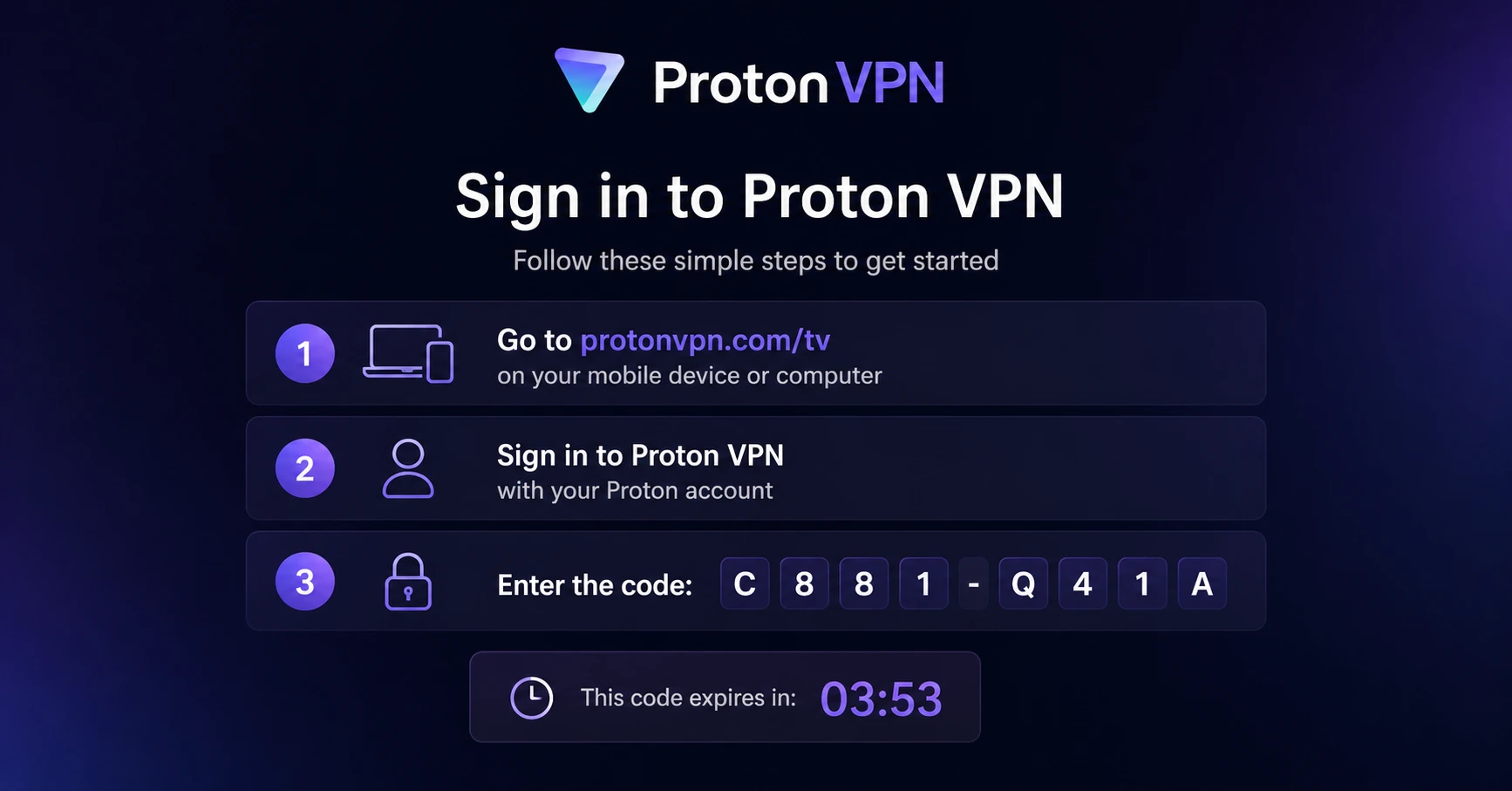
Sign In & Connect
Open the app, sign in using your Proton account (QR or code method), and connect to a server.
Can I Replace Cable TV Completely With Firestick?
Everything you need to make the switch from cable to Firestick
Step 01
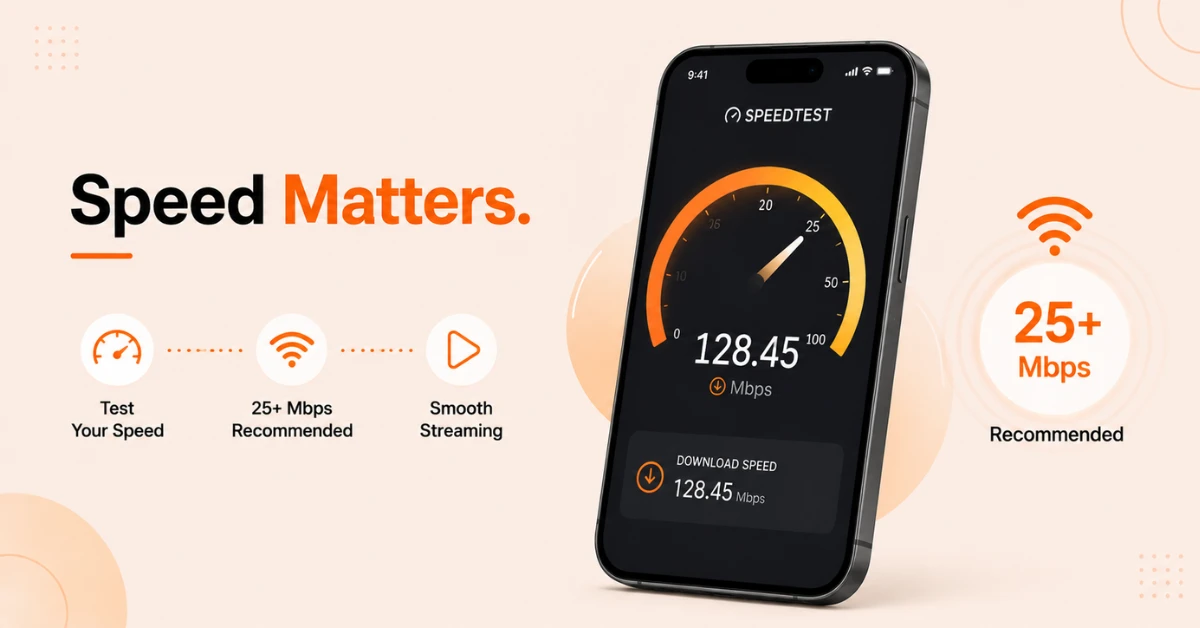
Check Your Internet Speed
-
Open a browser on your phone or laptop and go to Speedtest.net
-
Run the test and check your download speed
-
You need at least 25 Mbps for smooth HD streaming on Firestick
-
If multiple people will stream at the same time, a faster connection is recommended
Step 02
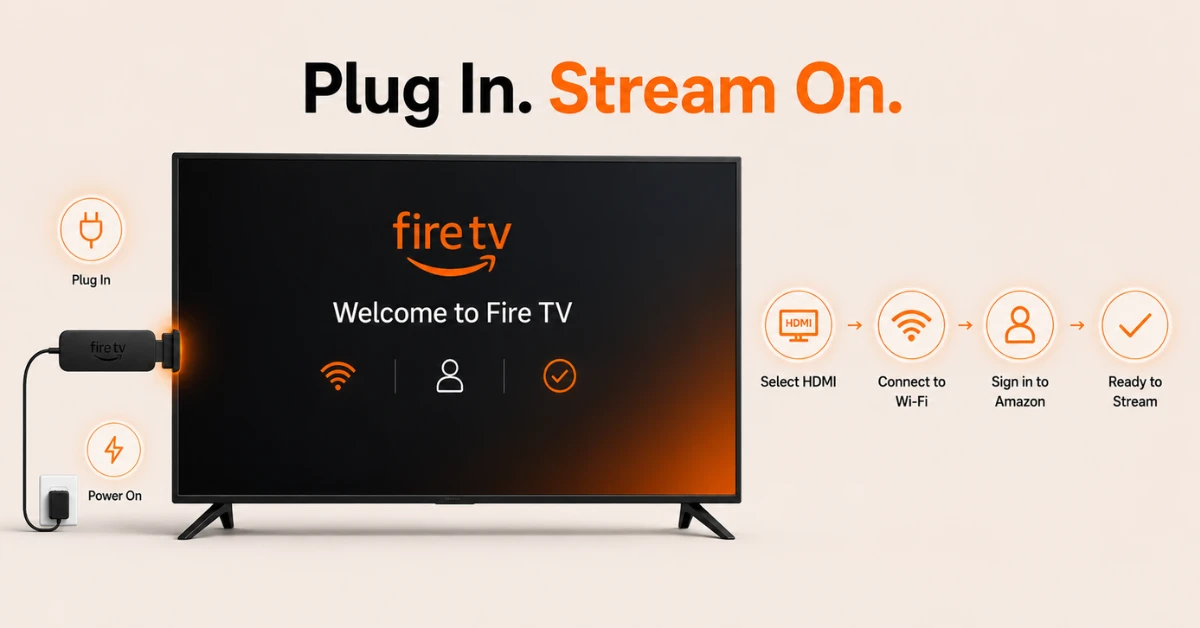
Set Up Your Firestick
-
Plug your Firestick into your TV's HDMI port and connect the power cable
-
Switch your TV to the correct HDMI input
-
Follow the on-screen setup instructions and connect to your Wi-Fi network
-
Sign in with your Amazon account to complete the setup
Get Proton VPN — 20% Off
Step 03
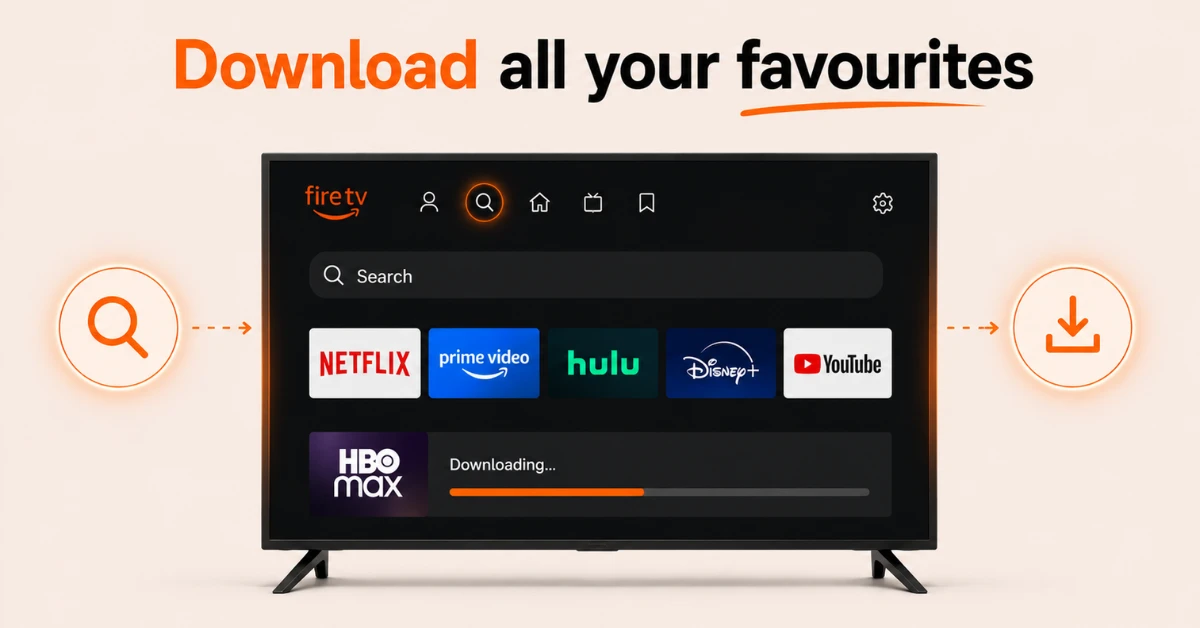
Download Your Streaming Apps
-
From the Firestick home screen, go to Find and select Search
-
Search for your preferred streaming service such as YouTube TV, Prime video etc.
-
Select Get to download and install the app
-
Open the app, sign in or create an account, and select a plan that covers your must-have channels
Step 04
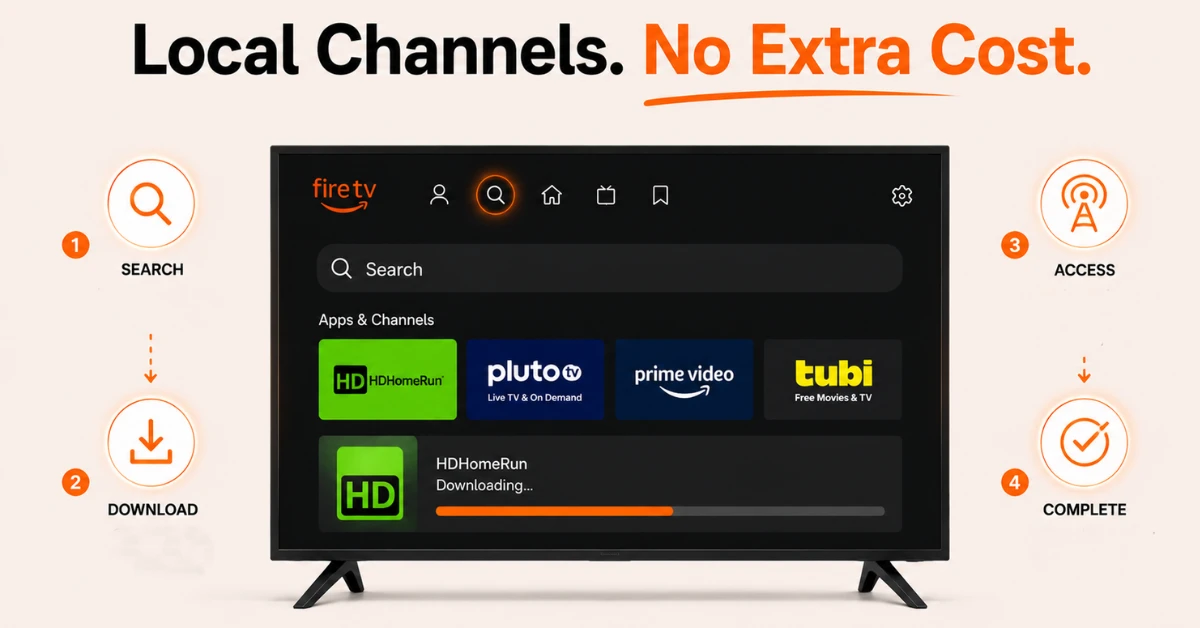
Set Up Local Channels
-
Check if your streaming service includes local channels in your area
-
If not, go to Find and search for an antenna companion app like HDHomeRun
-
Download and set up the app to access free local broadcasts from channels like ABC, NBC, CBS etc.
-
Once done your Firestick is fully set up as a complete cable replacement
Quick Comparison
Side-by-side comparison of top Fire Stick VPNs
| VPN | Price | Servers | Speed | Devices | Rating | Actions |
|---|---|---|---|---|---|---|
|
Proton VPN
|
$3.99/mo | 14,999+ | Blazing Fast | 7 | 4.8 | Get Deal |
 EXPRESS VPN
|
$2.79/mo | 3,000+ | Blazing Fast | 8 | 5 | Get Deal |
|
|
$1.88/mo | 3,200+ | Blazing Fast | 8 | 4.7 | Get Deal |
 NordVPN
|
$4.39/mo | 6,998+ | Blazing Fast | 8 | 4.8 | Get Deal |
 Pure VPN
|
$3.55/mo | — | Blazing Fast | 6 | 4 | Get Deal |
 PrivadoVPN
|
$1.99/mo | — | Blazing Fast | 5 | 4 | Get Deal |
Frequently Asked Questions
What do I need before I replace cable TV completely with a Fire Stick?
You need a stable internet connection, a Fire Stick plugged into your TV, and at least one live TV streaming app installed. Most services offer free trials so you can test them out before fully cancelling your cable subscription.
Is replacing cable with Fire Stick cheaper?
In most cases yes, replacing cable with Fire Stick is significantly cheaper. Cable bills can run well over a hundred dollars a month while streaming services on Fire Stick start from around forty dollars and you only pay for the services you actually use.
How do I cut the cord with Fire TV Stick?
Start by checking your internet speed at Speedtest.net to confirm you have at least 25 Mbps. Then set up your Fire TV Stick, download a live TV streaming service, and test it using a free trial before cancelling your cable subscription.
Can I use Fire Stick instead of cable for live sports?
Yes, you can use Fire Stick instead of cable for live sports through services like YouTube TV, Hulu Live TV, and Sling TV which carry major sports networks. For specific sports packages, dedicated apps like ESPN and DAZN are also available on Fire Stick.
Can Fire Stick replace cable for a whole household?
Yes, Fire Stick can replace cable for a whole household as long as your internet connection is strong enough to handle multiple streams at once. Most live TV streaming services support streaming on multiple devices simultaneously under one subscription.
How long does it take to set up Fire Stick to replace cable?
Setting up Fire Stick to replace cable takes around 15 to 30 minutes from start to finish. This includes plugging in the device, connecting to Wi-Fi, downloading your streaming apps, and signing in to your chosen services.
Is the experience of using Fire Stick instead of cable the same?
It is very similar but with some differences. Channel browsing works slightly differently and cloud DVR on streaming services may have limitations compared to a cable box. However most streaming services now offer grid style channel guides that feel close to a traditional cable experience.