Fire TV Channels Explained: Free FAST Channels on Firestick
Editor's Choice
#1 Pick
Editor's Choice
 EXPRESS VPN
$2.79/month
Save 20%
Blazing Fast
3,000+
214
8
Step by Step Instructions
Step 01

Open the Amazon App Store
From your Firestick home screen, navigate to the “Find” or search icon and open the Amazon App Store.
Step 02

Search for ExpressVPN
Type “ExpressVPN” in the search bar using your remote. Select the official ExpressVPN app from the results.
Step 03

Download & Install the App
Click on the “Download” or “Get” button to install the app on your Firestick. Wait for the installation to complete.
Step 04

Sign In & Connect
Open the app, sign in with your ExpressVPN account, and tap the power button to connect to a server.
Fire TV Channels Explained: Free FAST Channels on Firestick
A complete fire tv channels explained guide to the free FAST content available on your Firestick
Step 01
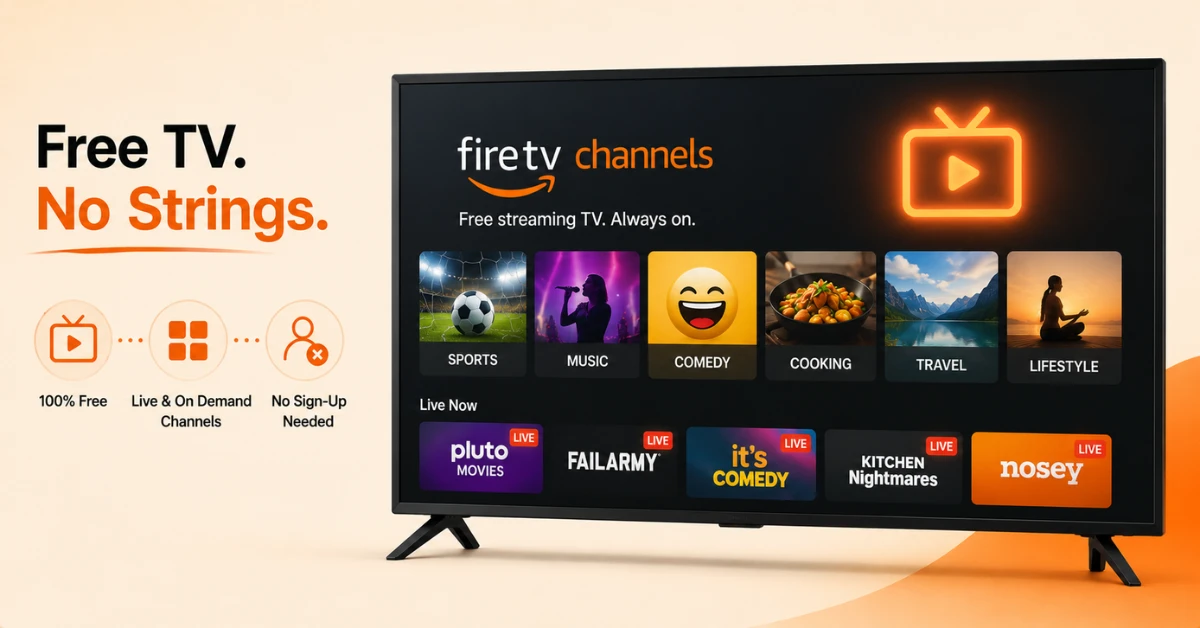
Know What Fire TV Channels Actually Is
-
It is Amazon's own hub for free, ad-supported streaming TV channels
-
Categories include sports, music videos, comedy, cooking, travel, and lifestyle
-
No download, sign-up, or subscription is needed to start watching
Step 02
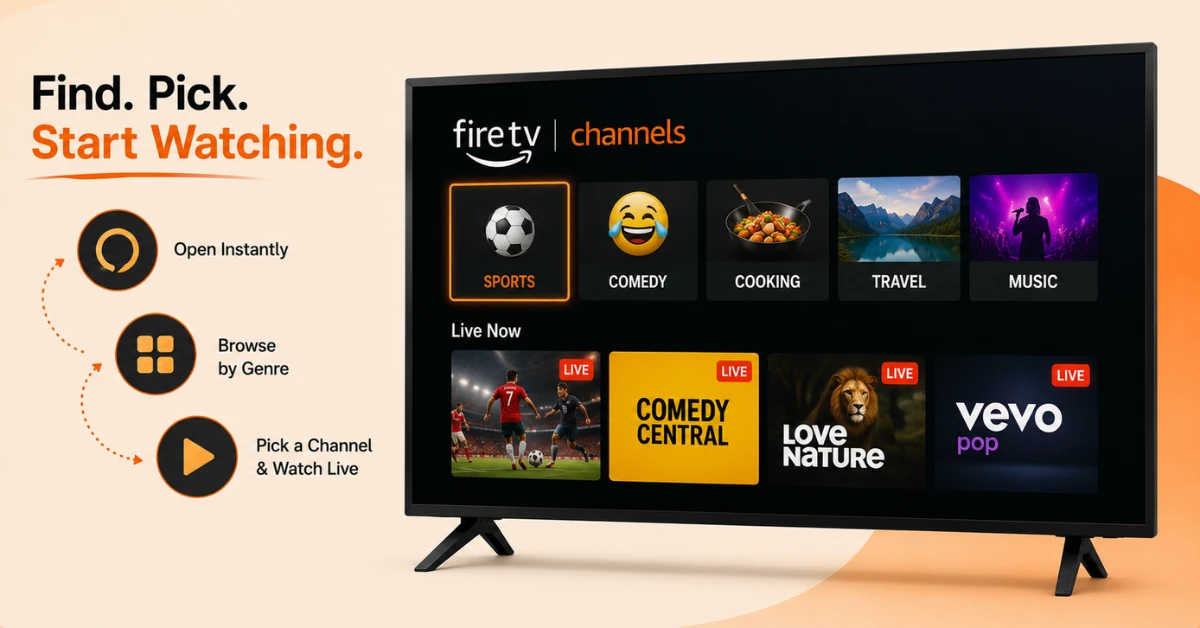
Open the App and Start Browsing
-
Say "Alexa, play Fire TV Channels" to open it directly
-
Or go to Your Apps and Channels and select the Fire TV Channels app
-
Pick a genre, then choose a channel to start watching live
Get EXPRESS VPN — 20% Off
Step 03
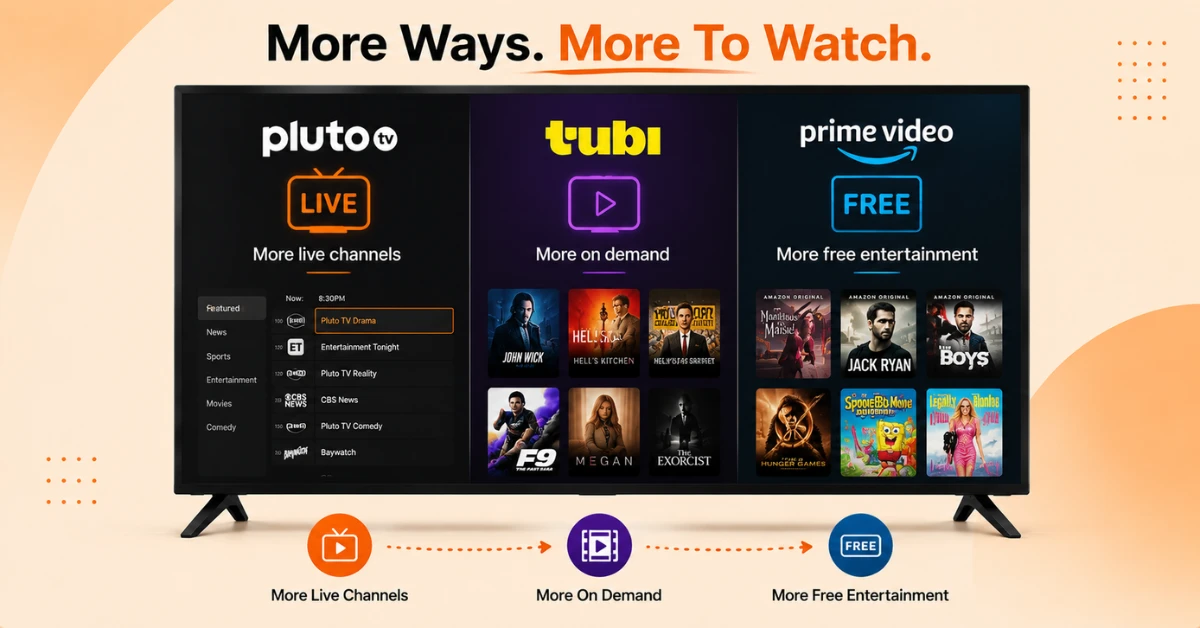
Look Beyond Fire TV Channels for More Variety
-
Install Pluto TV separately if you want a larger live channel lineup with its own dedicated guide
-
Install Tubi if on-demand movies and shows matter more to you than live channels
-
Check the Free tab inside Prime Video for Amazon's own ad-supported titles
Step 04
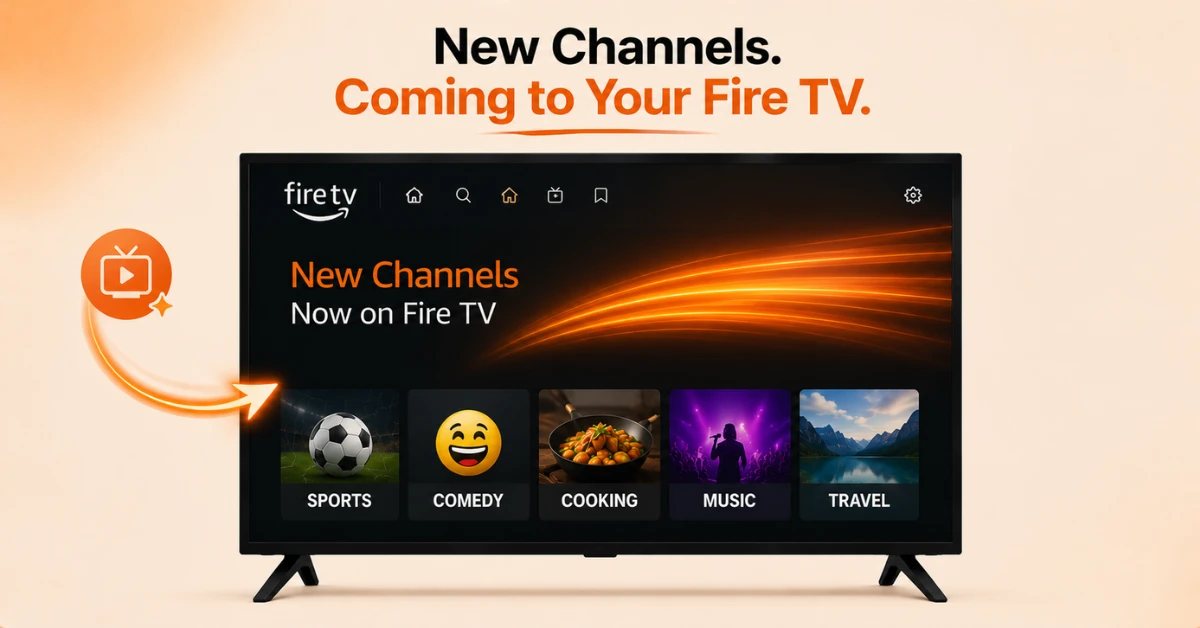
Know What Is Changing Going Forward
-
New Fire TV Channels content is rolling out as part of the wider 2026 Fire TV interface update
-
These new channels appear within the interface but not inside the separate live TV guide
-
The rollout reaches the new Fire TV Stick HD and Ember Artline TV first, before expanding to older devices
Quick Comparison
Side-by-side comparison of top Fire Stick VPNs
| VPN | Price | Servers | Speed | Devices | Rating | Actions |
|---|---|---|---|---|---|---|
|
EXPRESS VPN
|
$2.79/mo | 3,000+ | Blazing Fast | 8 | 5 | Get Deal |
 NordVPN
|
$4.39/mo | 6,998+ | Blazing Fast | 8 | 4.8 | Get Deal |
|
|
$1.88/mo | 3,200+ | Blazing Fast | 8 | 4.7 | Get Deal |
 Proton VPN
|
$3.99/mo | 14,999+ | Blazing Fast | 7 | 4.8 | Get Deal |
 PrivadoVPN
|
$1.99/mo | — | Blazing Fast | 5 | 4 | Get Deal |
 Pure VPN
|
$3.55/mo | — | Blazing Fast | 6 | 4 | Get Deal |
Frequently Asked Questions
What exactly are fire tv fast channels?
Fire tv fast channels are free, ad-supported streaming channels that behave like traditional live TV, just delivered over the internet instead of an aerial or satellite dish.
Which apps offer the most fire tv fast channels?
Pluto TV is one of the strongest options, offering more than 250 live channels covering news, comedy, and classic shows. Tubi and the Roku Channel also add a wide range of channels on top of their on-demand libraries.
How do I get free fast channels firestick access for the first time?
Go to Find, then Search on your FireStick, and search for Pluto TV, Tubi, or any other FAST app you want. Select Get to install it, then open the app to start browsing channels immediately.
Do fire tv fast channels require a subscription?
No, all of the major FAST apps including Pluto TV, Tubi, and Fire TV Channels are completely free to use. You only need an internet connection and the app installed on your device.
Are fire tv fast channels the same in every country?
No, channel lineups often vary by region due to licensing agreements. Pluto TV, for example, has a noticeably different channel list depending on which country you're streaming from.
Can I watch firestick live channels alongside paid subscriptions?
Yes, FAST apps and paid subscriptions like Netflix or Disney Plus work completely independently of one another. You can switch between free live channels and your paid services without any conflict.
What does fire tv channels explained actually mean?
Fire tv channels explained simply refers to Amazon's own collection of free, ad-supported live channels built directly into the Fire TV interface. It covers genres like sports, comedy, cooking, and music videos with no sign-up needed.