Firestick 4K vs Firestick 4K Max: Differences Explained
Editor's Choice
#1 Pick
Editor's Choice
 Surfshark
$1.88/month
Save 20%
Blazing Fast
3,200+
214
8
Step by Step Instructions
Step 01

Open Search on Fire TV
From your Fire TV home screen, go to the Find (Search) option.
Step 02

Search for Surfshark
Type Surfshark using your remote and select the app from the results.
Step 03

Install the App
Click on Download or Get to install Surfshark on your device.
Step 04

Sign In & Start VPN
Open the app, log in to your account, and connect to a server to start using the VPN.
Firestick 4K vs Firestick 4K Max: Differences Explained
Not sure which model to buy? Here is what sets them apart
Step 01
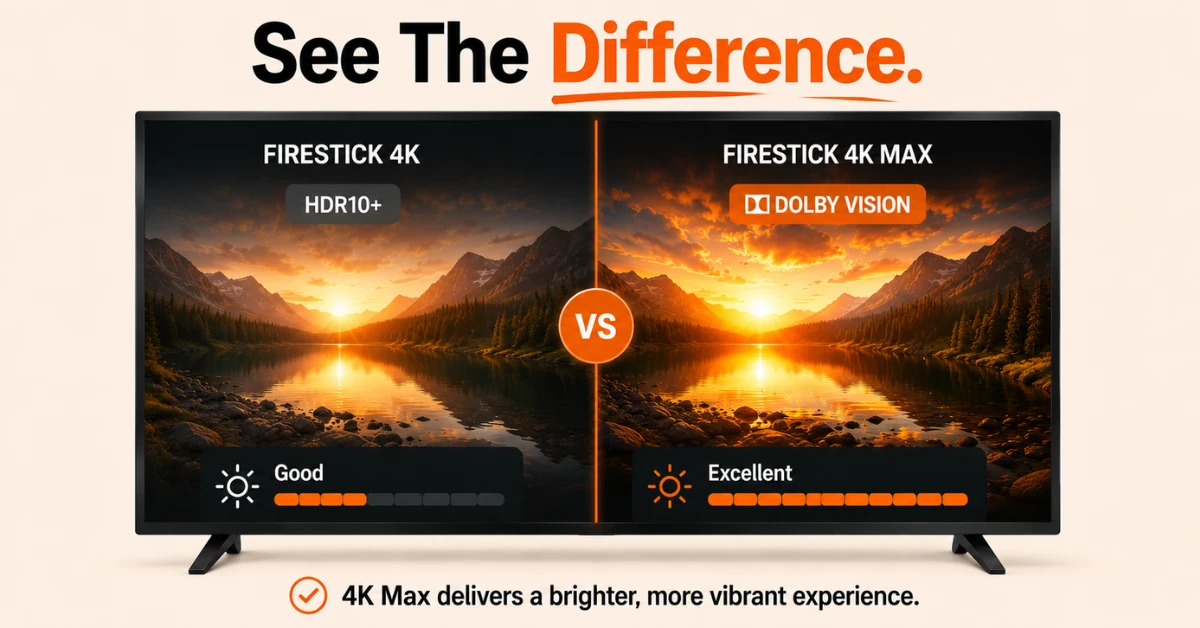
Picture and Sound Quality
-
Both support 4K UHD, HDR10, HDR10 Plus, and HLG
-
Firestick 4K Max adds Dolby Vision for brighter and more vibrant picture quality
-
If picture quality is a priority, the 4K Max has the edge with Dolby Vision support
Step 02
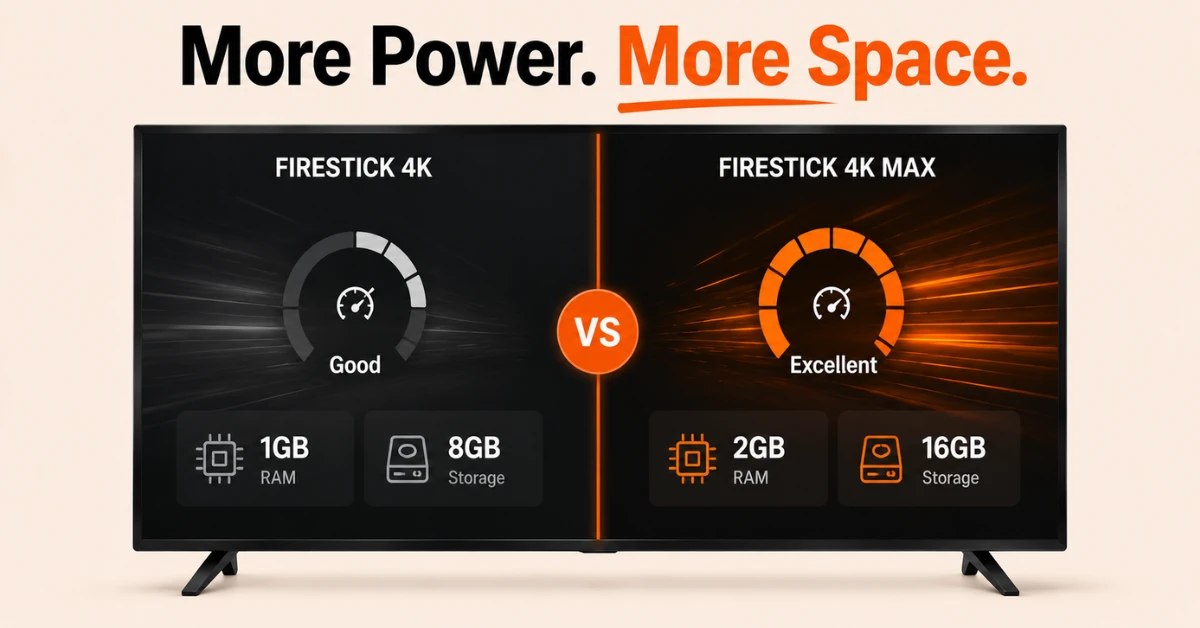
Performance and Storage
-
Firestick 4K Max has 2GB of RAM and 16GB of storage
-
Firestick 4K has 1GB of RAM and 8GB of storage
-
If you install many apps or want smoother performance, the Max is the better choice
Get Surfshark — 20% Off
Step 03
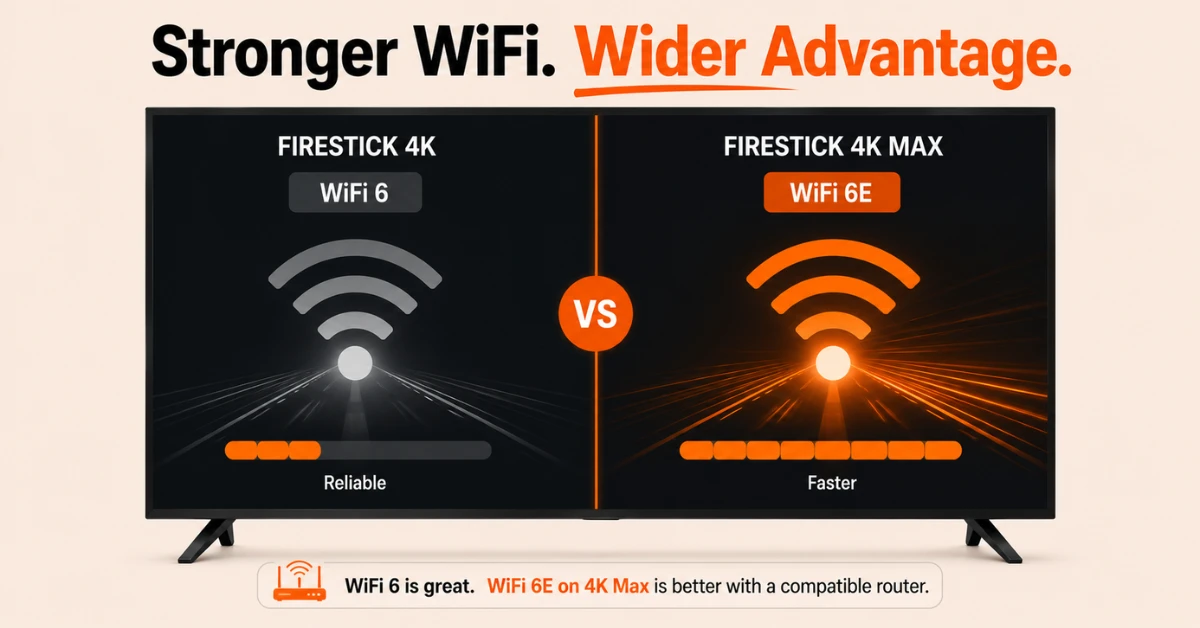
WiFi and Connectivity
-
Firestick 4K Max supports WiFi 6E for faster and wider channel access
-
Firestick 4K supports WiFi 6 which is still reliable for most home networks
-
For most users the difference will be minimal but the Max has the advantage with a capable router
Step 04
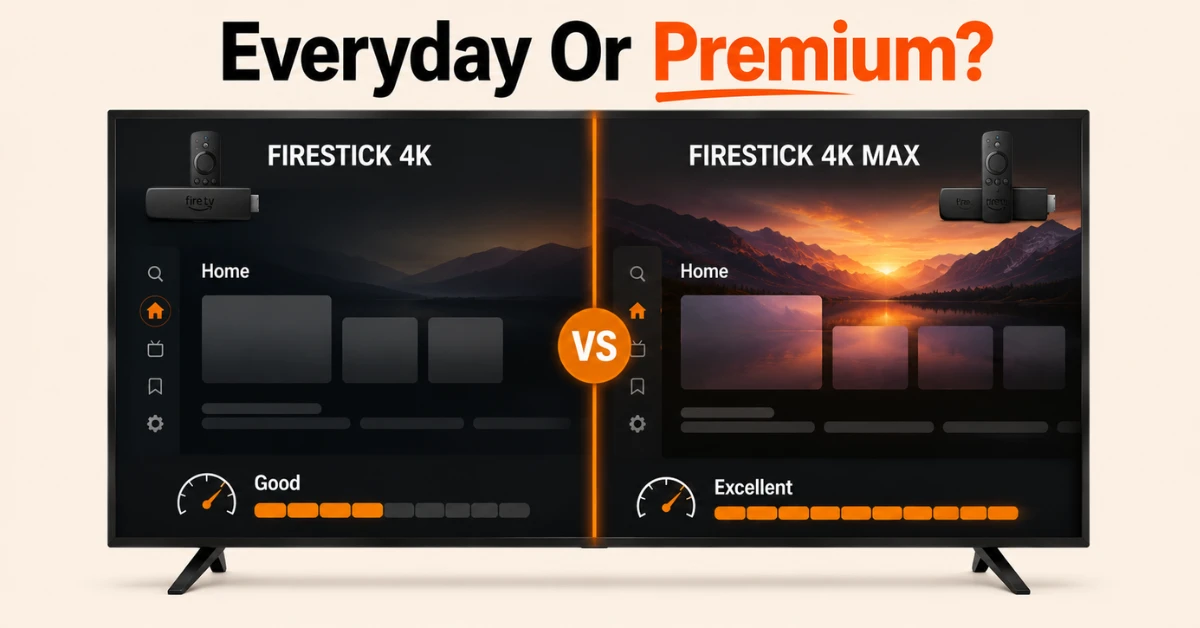
Operating System and Which to Choose
-
Firestick 4K runs on Vega OS, Amazon's newer operating system designed for fast app launches
-
Firestick 4K Max runs on Fire OS, Amazon's established and well optimised platform
-
For casual streaming, Firestick 4K offers great value while the Max suits those wanting premium performance
Quick Comparison
Side-by-side comparison of top Fire Stick VPNs
| VPN | Price | Servers | Speed | Devices | Rating | Actions |
|---|---|---|---|---|---|---|
|
|
$1.88/mo | 3,200+ | Blazing Fast | 8 | 4.7 | Get Deal |
 Proton VPN
|
$3.99/mo | 14,999+ | Blazing Fast | 7 | 4.8 | Get Deal |
 EXPRESS VPN
|
$2.79/mo | 3,000+ | Blazing Fast | 8 | 5 | Get Deal |
 NordVPN
|
$4.39/mo | 6,998+ | Blazing Fast | 8 | 4.8 | Get Deal |
 IPVanish
|
$2.49/mo | 3,100+ | Blazing Fast | 6 | 4 | Get Deal |
 PrivadoVPN
|
$1.99/mo | — | Blazing Fast | 5 | 4 | Get Deal |
Frequently Asked Questions
Is Firestick 4K Max better for gaming than Firestick 4K?
Yes, Firestick 4K Max handles cloud gaming more comfortably thanks to its faster processor and more RAM. Both devices support Xbox Cloud Gaming but the Max delivers a smoother experience during intensive gaming sessions.
Is Firestick 4K good enough or do I need the 4K Max?
Firestick 4K is more than good enough for casual streaming with excellent picture and audio quality. The 4K Max is worth considering if you want faster performance, more storage for apps, or plan to use cloud gaming.
In an Amazon Fire TV Stick 4K vs Amazon Fire TV Stick 4K Max comparison, which should a casual streamer buy?
For casual streaming, Amazon Fire TV Stick 4K is the better choice in this comparison as it offers identical picture and audio quality at a lower price. The 4K Max upgrades are more relevant for power users who need faster performance and more storage.
In a Fire Stick 4K vs Fire Stick 4K Max comparison, which is better value?
This comparison depends on your needs. Fire Stick 4K offers excellent streaming at a lower price point making it better value for casual users. Fire Stick 4K Max is better value for those who want top performance, more storage, and cloud gaming support.
Is the Firestick 4K Max noticeably faster than the Firestick 4K?
Yes, the Firestick 4K Max is faster in everyday use thanks to its higher processor speed and 2GB of RAM compared to the standard 4K. The difference is most noticeable when switching between apps or running cloud gaming sessions.
Does Firestick 4K support Dolby Atmos like the 4K Max?
Yes, both Firestick 4K and Firestick 4K Max support Dolby Atmos audio. Picture and sound quality are identical on both models so neither has an advantage purely on audio or visual performance.
Should I upgrade from Amazon Fire TV Stick 4K to Amazon Fire TV Stick 4K Max?
If your current Amazon Fire TV Stick 4K is running smoothly and meets your needs, an upgrade may not be necessary right now. However if you are experiencing lag, running low on storage, or want to use cloud gaming more seriously, the 4K Max is a worthwhile step up.