No More Sideloading on Firestick: What Vega OS Means for Users
Editor's Choice
#1 Pick
Editor's Choice
 NordVPN
$4.39/month
Save 20%
Blazing Fast
6,998+
214
8
Step by Step Instructions
Step 01

Go to Search on Fire TV
On your Fire TV home screen, select the Search (Find) option at the top.
Step 02

Type “NordVPN”
Use your remote to type NordVPN and choose the app when it appears in the results.
Step 03

Install the App
Click on Get or Download to install NordVPN on your Fire TV.
Step 04

Log In & Connect
Open the app, sign in to your account, and press the connect button to start using the VPN.
No More Sideloading on FireStick: What Vega OS Means for Users
A breakdown of what no more sideloading on Firestick actually changes for current and future device owners
Step 01
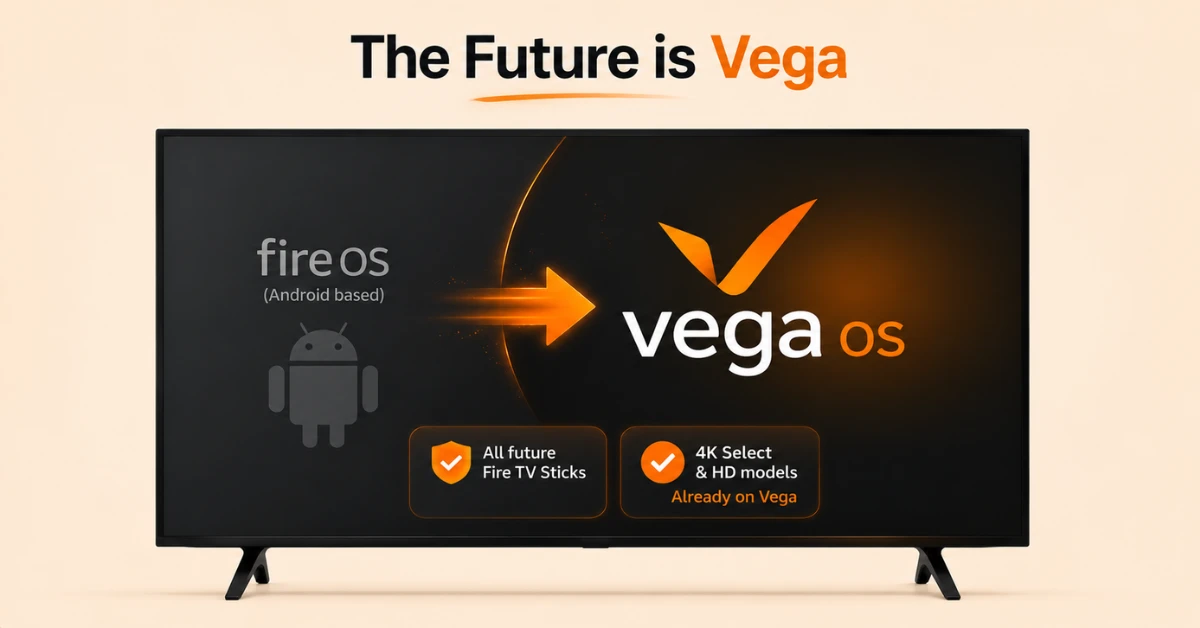
Confirm the Shift to Vega OS
-
Amazon has confirmed all future Fire TV Sticks will run on Vega
-
Vega OS replaces the Android based Fire OS used previously
-
The Fire TV Stick 4K Select and the new Fire TV Stick HD already run it
Step 02
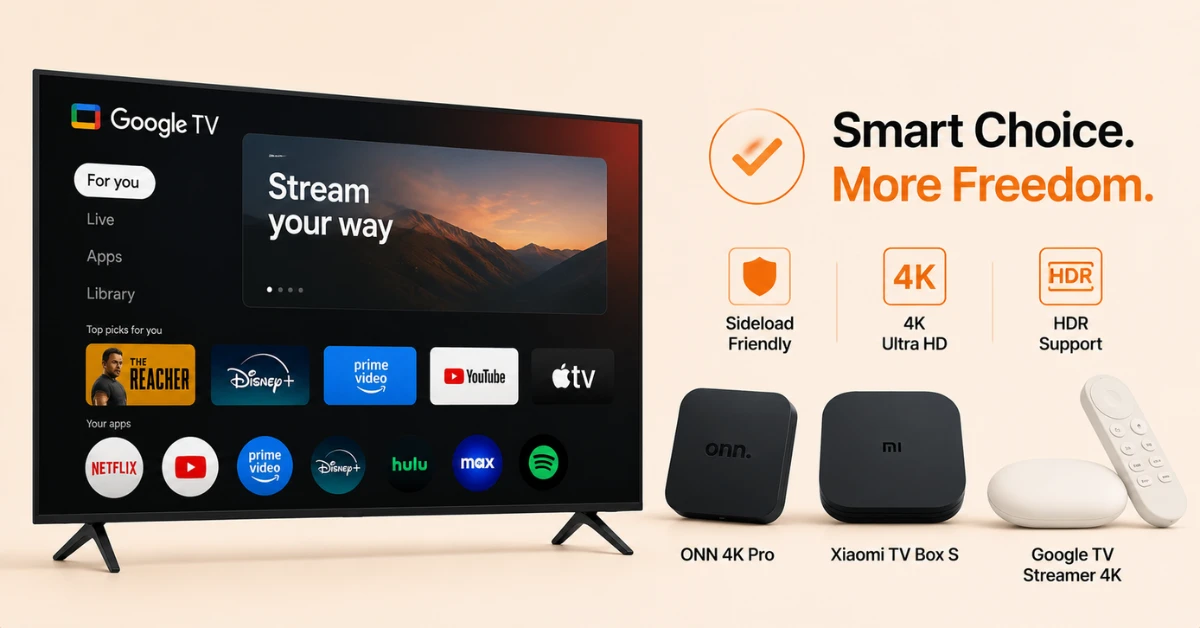
Understand What Gets Blocked
-
Vega OS only allows installation through the Amazon Appstore
-
Some listings for affected devices show a direct warning about this
-
Android apps cannot run natively on Vega OS without rebuilding
Get NordVPN — 20% Off
Step 03
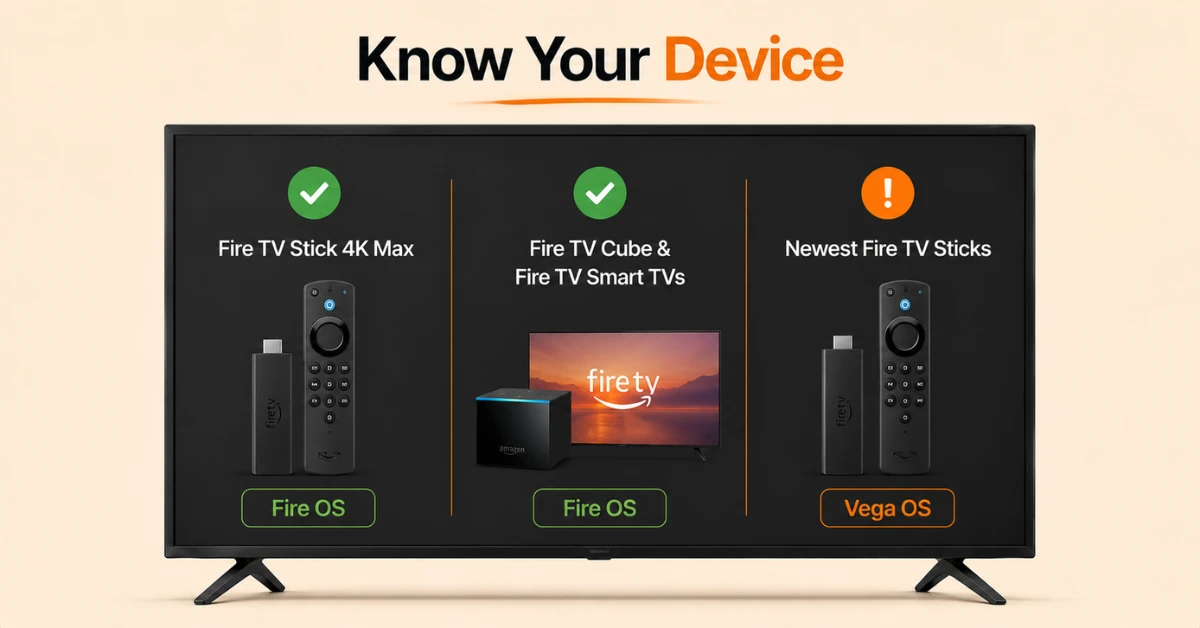
Check Whether Your Device Is Affected
-
The Fire TV Stick 4K Max still runs Fire OS and supports sideloading
-
Fire TV Cube and Fire TV smart TVs are expected to stay on Fire OS for now
-
Only the newest Stick releases currently run Vega OS
Step 04
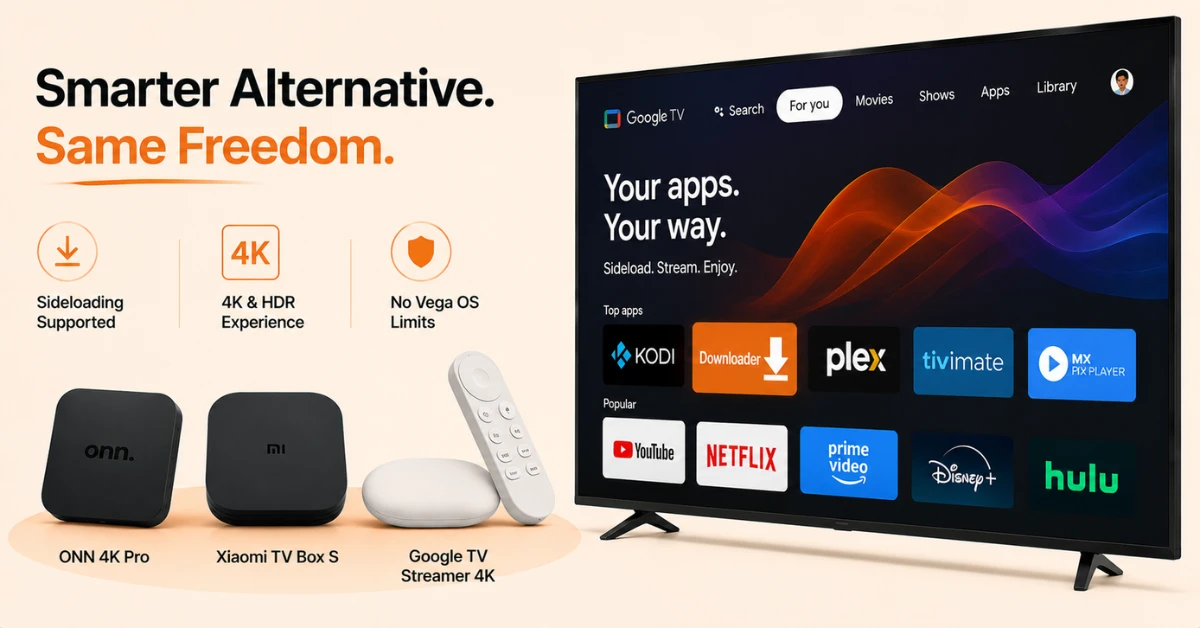
Consider a Google TV Device Instead
-
Android TV and Google TV both still support sideloading
-
Options include the ONN 4K Pro, Xiaomi TV Box S, and Google TV Streamer 4K
-
These offer similar 4K and HDR support without the Vega OS restriction
Quick Comparison
Side-by-side comparison of top Fire Stick VPNs
| VPN | Price | Servers | Speed | Devices | Rating | Actions |
|---|---|---|---|---|---|---|
|
NordVPN
|
$4.39/mo | 6,998+ | Blazing Fast | 8 | 4.8 | Get Deal |
 EXPRESS VPN
|
$2.79/mo | 3,000+ | Blazing Fast | 8 | 5 | Get Deal |
 Proton VPN
|
$3.99/mo | 14,999+ | Blazing Fast | 7 | 4.8 | Get Deal |
|
|
$1.88/mo | 3,200+ | Blazing Fast | 8 | 4.7 | Get Deal |
 IPVanish
|
$2.49/mo | 3,100+ | Blazing Fast | 6 | 4 | Get Deal |
 PrivadoVPN
|
$1.99/mo | — | Blazing Fast | 5 | 4 | Get Deal |
Frequently Asked Questions
Why is there no more sideloading on Firestick now?
Amazon has moved its newest Fire TV Sticks to Vega OS, which only permits installing apps through the Amazon Appstore. This means devices running this platform no longer support adding apps from outside sources.
Does no more sideloading on Firestick apply to all models?
No, only the newest releases, the Fire TV Stick 4K Select and the new Fire TV Stick HD, currently run Vega OS. Existing models like the Fire TV Stick 4K Max still run Fire OS and continue to support sideloading.
Which devices run Vega OS Firestick today?
The two confirmed Vega OS Firestick models are the Fire TV Stick 4K Select, released in October 2025, and the new Fire TV Stick HD, launched in April 2026. Amazon has stated all future releases will follow the same platform.
Is Vega OS Firestick faster than the older system?
Amazon describes Vega OS as enabling fast app launches and smooth interfaces without sacrificing the existing Fire TV experience. This performance improvement is part of the stated reasoning behind the platform shift.
Do Firestick sideloading changes affect existing installs?
This depends on the device, since the Vega OS restriction mainly affects what can be installed from the point of purchase onward. Some Fire OS updates have separately introduced limits that can stop certain unverified apps from continuing to run properly.
Should I avoid the Fire TV Vega OS update if I sideload apps?
Yes, choosing a current Fire OS model such as the Fire TV Stick 4K Max, or a Google TV alternative, avoids the restrictions introduced by Vega OS. Devices like the Xiaomi TV Box S and Google TV Streamer 4K both continue to support sideloading.
Is the Fire TV Vega OS update something I can undo?
No, current documentation does not suggest this restriction can be reversed by the user. The limitation is built into the operating system itself rather than being a setting that can be switched off.