How Do I Search for Movies Using Alexa on Firestick? Simple Guide
Editor's Choice
#1 Pick
Editor's Choice
 NordVPN
$4.39/month
Save 20%
Blazing Fast
6,998+
214
8
Step by Step Instructions
Step 01

Go to Search on Fire TV
On your Fire TV home screen, select the Search (Find) option at the top.
Step 02

Type “NordVPN”
Use your remote to type NordVPN and choose the app when it appears in the results.
Step 03

Install the App
Click on Get or Download to install NordVPN on your Fire TV.
Step 04

Log In & Connect
Open the app, sign in to your account, and press the connect button to start using the VPN.
How Do I Search for Movies Using Alexa on Firestick?
A simple guide to finding movies on Firestick using just your voice
Step 01
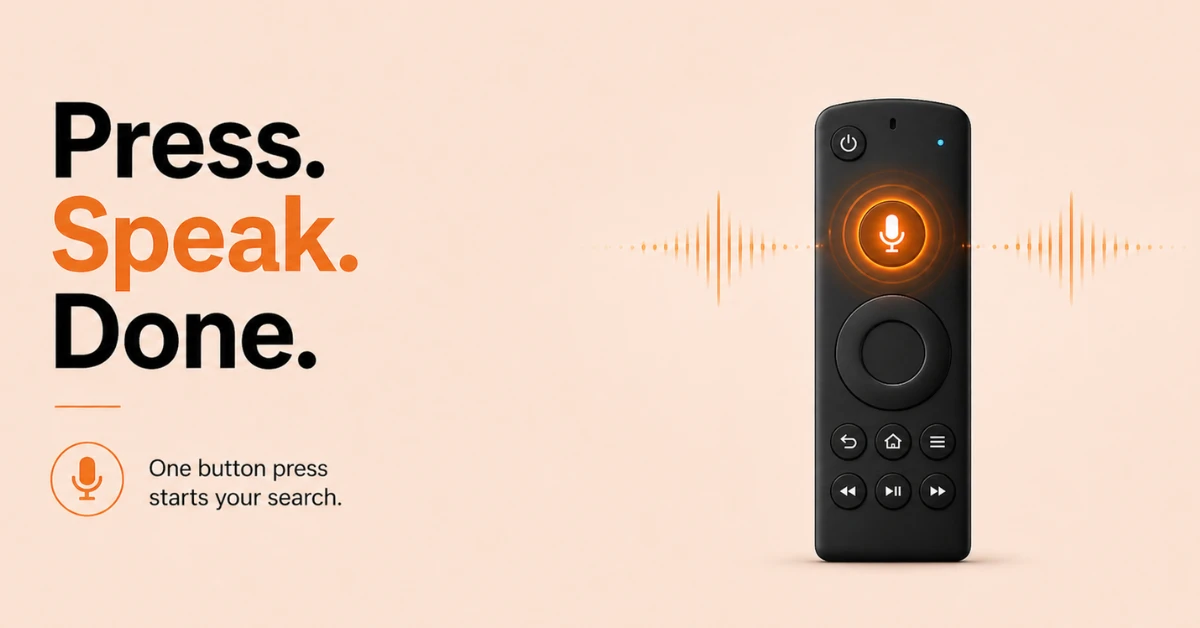
Use the Alexa Voice Button on Your Remote
-
Press and hold the microphone button at the top of your Firestick remote.
-
Wait for the prompt tone, then speak your command clearly.
-
You do not need to say "Alexa" when using the voice button on the remote.
Step 02
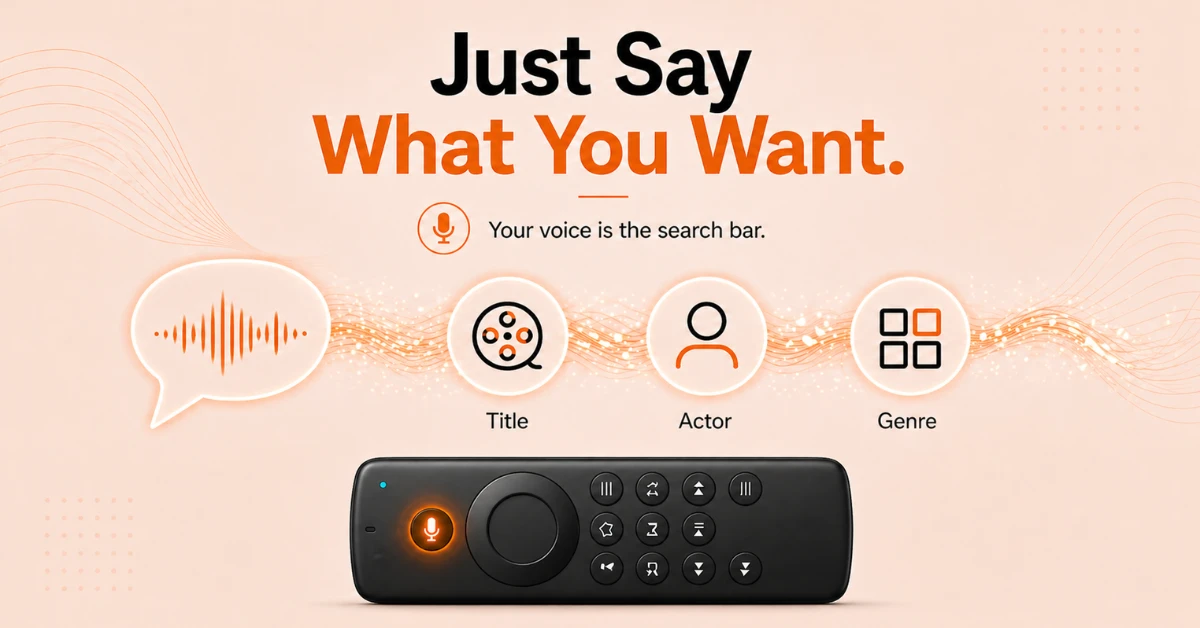
Search by Title, Actor, or Genre
-
Say "Watch [movie title] on Fire TV" to search for a specific film.
-
Say "Show me titles with [actor name] on Fire TV" to browse by actor.
-
Say "Show me [genre] movies on Fire TV" to explore by category.
Get NordVPN — 20% Off
Step 03
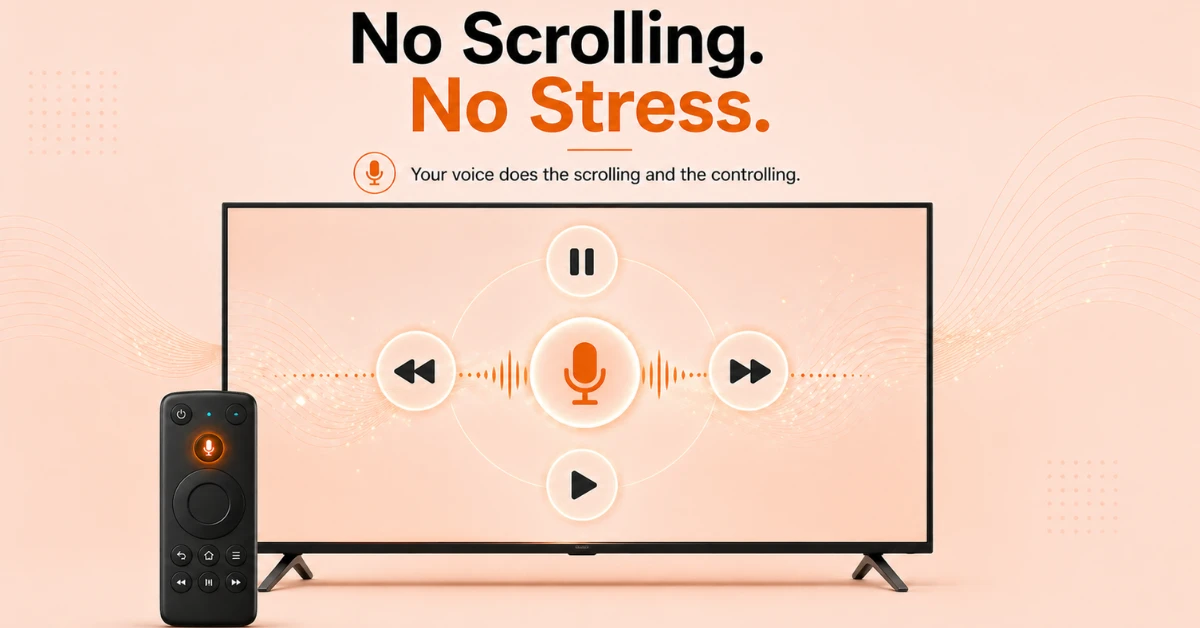
Browse Results and Control Playback
-
Alexa will display results from across all your installed streaming apps.
-
Say "Scroll down" or "Select number 2" to navigate results entirely by voice.
-
Once playing, use voice commands like "Pause", "Rewind", or "Next Episode" to control playback hands-free.
Step 04
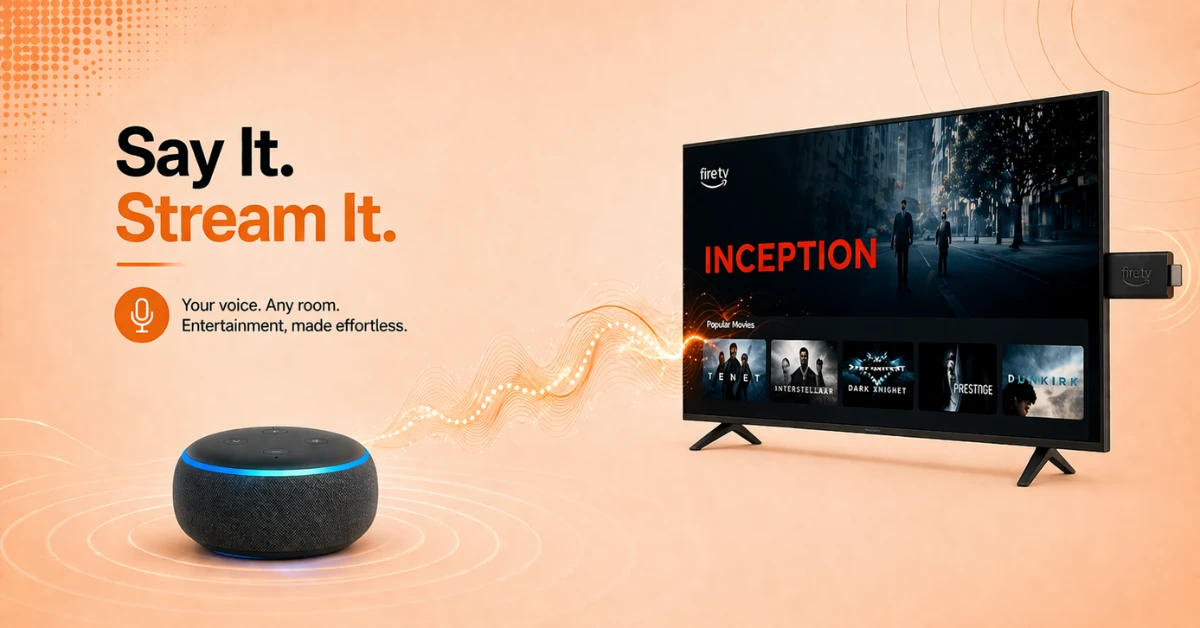
Search Using an Echo Device
-
If you have an Echo device linked to your Firestick, say "Alexa, watch [movie title] on Fire TV" from across the room.
-
Make sure your Echo and Firestick are registered to the same Amazon account for this to work.
-
Your Echo will send the command directly to your Firestick without any additional setup.
Quick Comparison
Side-by-side comparison of top Fire Stick VPNs
| VPN | Price | Servers | Speed | Devices | Rating | Actions |
|---|---|---|---|---|---|---|
|
NordVPN
|
$4.39/mo | 6,998+ | Blazing Fast | 8 | 4.8 | Get Deal |
 EXPRESS VPN
|
$2.79/mo | 3,000+ | Blazing Fast | 8 | 5 | Get Deal |
|
|
$1.88/mo | 3,200+ | Blazing Fast | 8 | 4.7 | Get Deal |
 Proton VPN
|
$3.99/mo | 14,999+ | Blazing Fast | 7 | 4.8 | Get Deal |
 Pure VPN
|
$3.55/mo | — | Blazing Fast | 6 | 4 | Get Deal |
 PrivadoVPN
|
$1.99/mo | — | Blazing Fast | 5 | 4 | Get Deal |
Frequently Asked Questions
Can I search for movies using Alexa on Fire Stick without a remote?
Yes, if you have an Echo device linked to your Firestick you can search for movies using Alexa on Fire Stick entirely hands-free. Just say "Alexa, watch [movie title] on Fire TV" from anywhere in the room.
Does Alexa search movies on Fire TV across all streaming apps?
Yes, Alexa searches movies on Fire TV universally across all catalog-integrated apps including Prime Video, Netflix, Disney Plus, and more. You can then choose which app to watch the content on from the results screen.
Is voice search on Fire TV Stick accurate?
Yes, voice search on Fire TV Stick is highly accurate and responds to natural language commands. You can search by title, actor name, genre, or even mood and Alexa will return relevant results instantly.
How do I find movies by actor on Fire TV?
Press the microphone button on your remote and say "Show me titles with [actor name] on Fire TV" to browse content featuring that actor. Alexa will pull up results from across all your installed apps.
Does Alexa search across all apps on Fire TV at once?
Yes, Alexa performs a universal search across apps on Fire TV, returning results from every catalog-integrated streaming service you have installed. This saves you from searching individually within each app.
Can Alexa find a specific episode of a TV show on Fire TV?
Yes, you can ask Alexa to find a specific episode by saying "Play Season 2 Episode 4 of [show title] on Fire TV." Alexa will locate and play the episode directly from your installed streaming apps.
Can Alexa play movies on Fire TV automatically without asking which app?
If you have a preferred app set up, Alexa will default to that app when playing movies on Fire TV. Otherwise Alexa will show you the available options and ask you to select one before playback begins.
How do I get better Alexa recommendations on Fire TV?
The more you use your Firestick, the better Alexa recommendations on Fire TV become as Alexa learns from your viewing habits over time. You can also improve recommendations by rating content and keeping your streaming apps up to date.