How to Fix Firestick Black Screen: Simple Steps, Big Results
Editor's Choice
#1 Pick
Editor's Choice
 EXPRESS VPN
$2.79/month
Save 20%
Blazing Fast
3,000+
214
8
Step by Step Instructions
Step 01

Open the Amazon App Store
From your Firestick home screen, navigate to the “Find” or search icon and open the Amazon App Store.
Step 02

Search for ExpressVPN
Type “ExpressVPN” in the search bar using your remote. Select the official ExpressVPN app from the results.
Step 03

Download & Install the App
Click on the “Download” or “Get” button to install the app on your Firestick. Wait for the installation to complete.
Step 04

Sign In & Connect
Open the app, sign in with your ExpressVPN account, and tap the power button to connect to a server.
How Do I Fix Firestick Black Screen?
Experiencing a black screen on your Fire TV Stick? Follow these simple troubleshooting steps.
Step 01
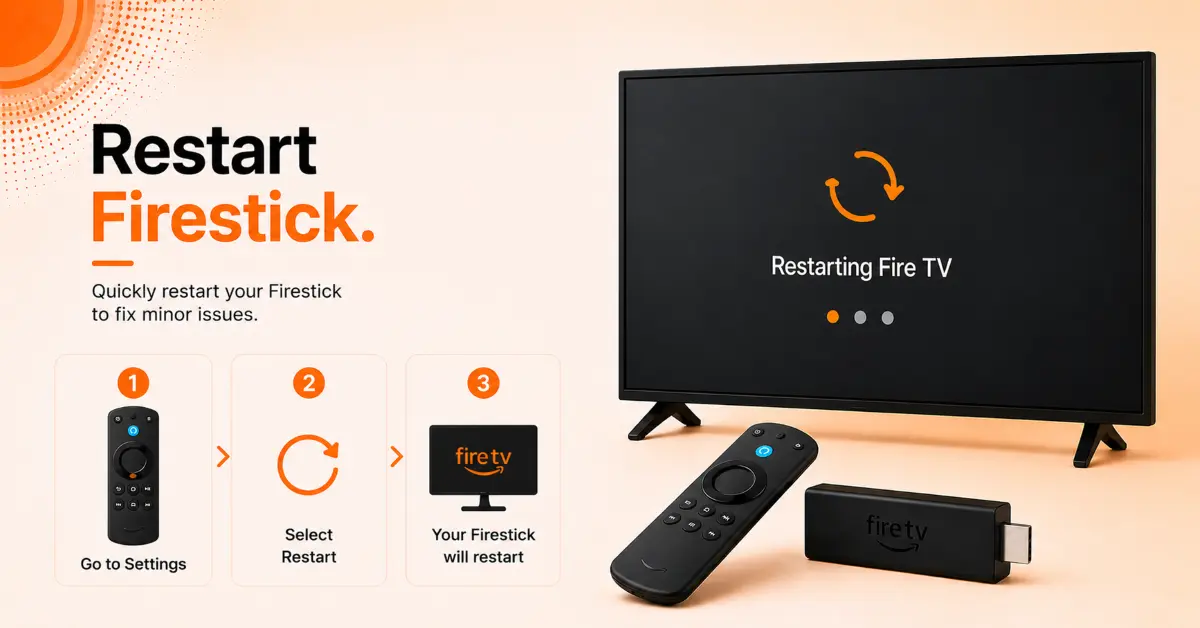
Restart Your Firestick
-
Disconnect the Firestick from its power source
-
Wait at least 30 seconds to clear temporary glitches
-
Plug it back in and allow the device to boot fully
-
Check whether the Fire TV logo or home screen appears
Step 02
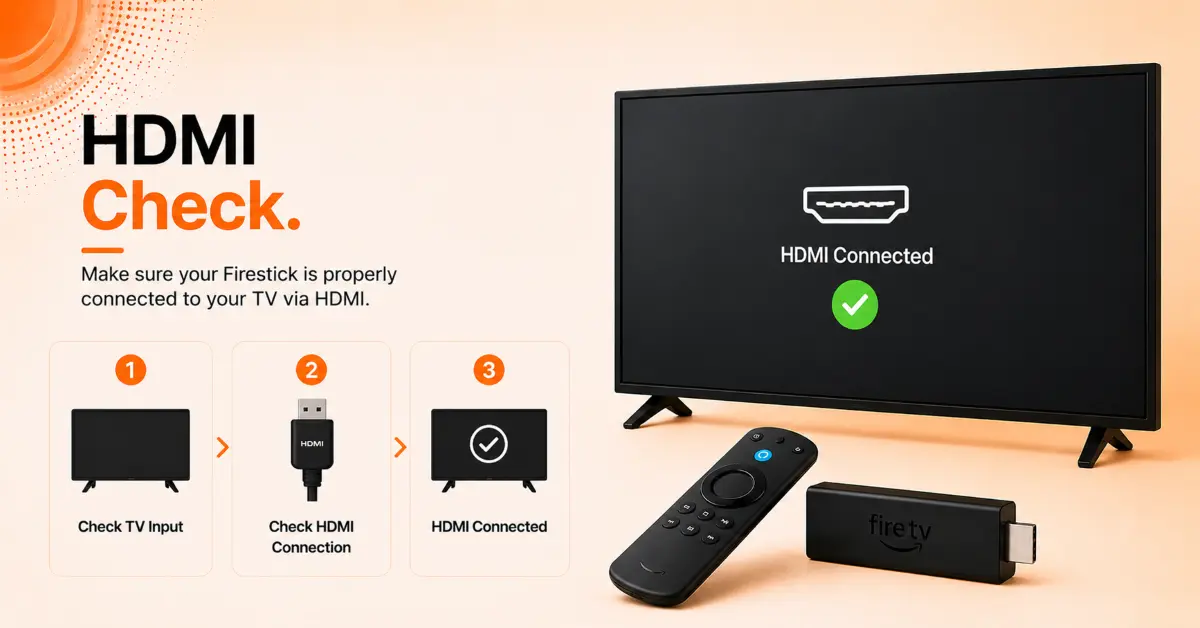
Check the HDMI Connection
-
Remove the Firestick from the current HDMI port
-
Reinsert it securely or switch to another HDMI port
-
Ensure the HDMI connector is not loose or damaged
-
Select the correct HDMI input on your TV and test the display
Get EXPRESS VPN — 20% Off
Step 03
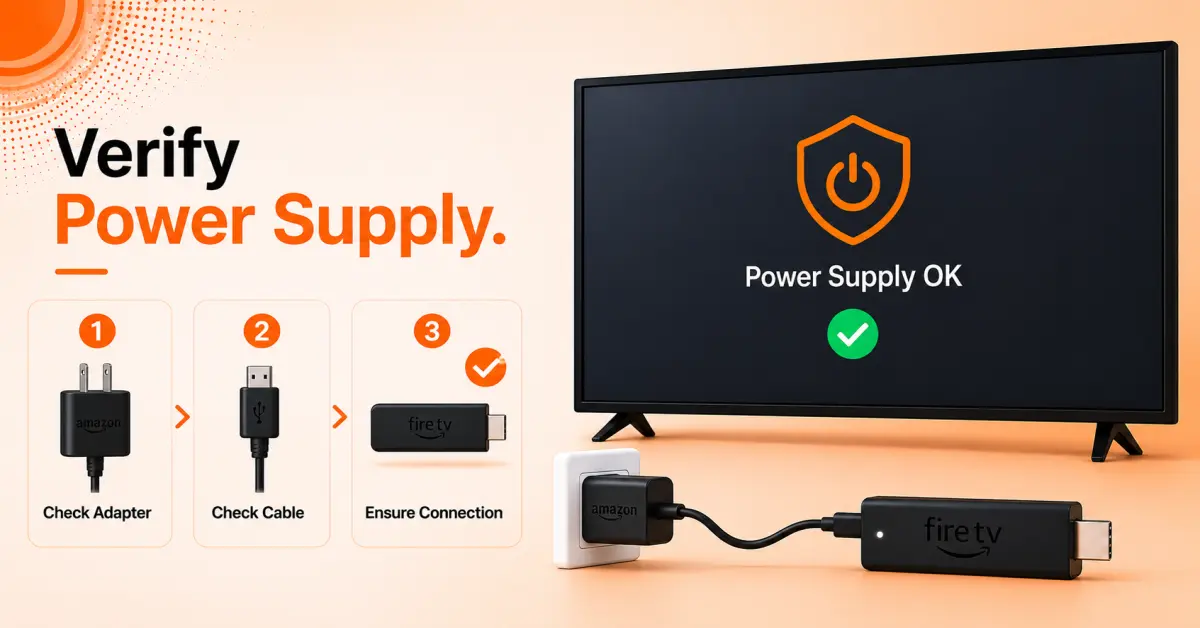
Use the Original Power Adapter
-
Verify that you're using the official Firestick power adapter and cable
-
Plug the adapter directly into a wall outlet instead of the TV's USB port
-
Insufficient power can cause startup issues and black screens
-
Restart the device after reconnecting the power source
Step 04
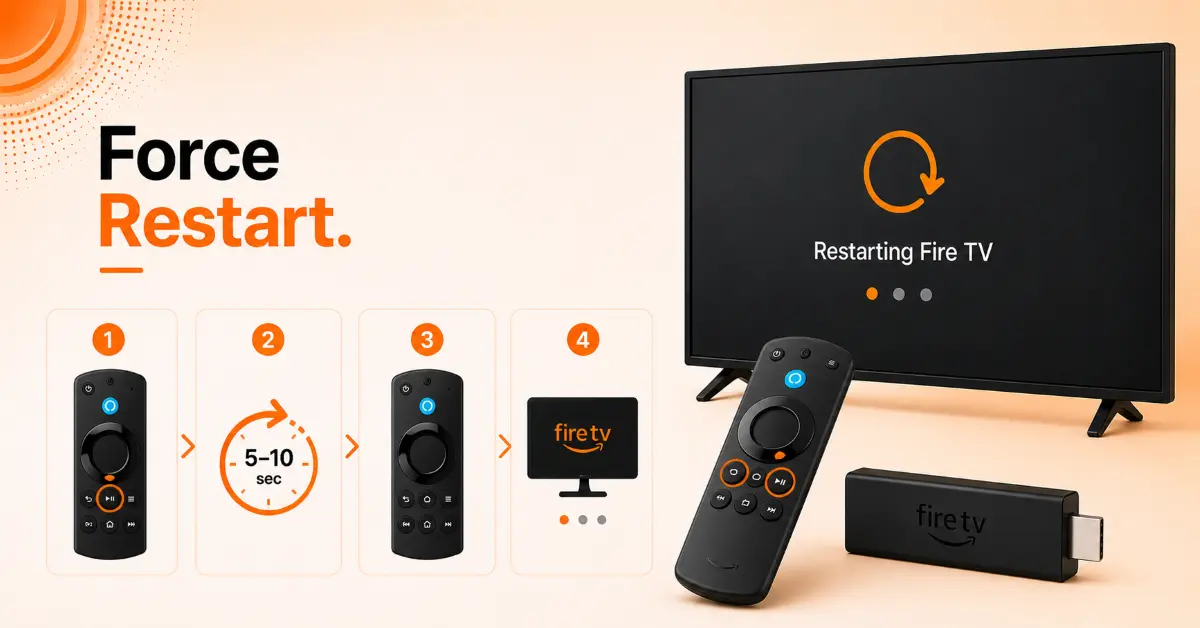
Force Restart with the Remote
-
Press and hold the Select and Play/Pause buttons together
-
Continue holding them for about 5–10 seconds
-
Wait for the Firestick to automatically restart
-
Check if the display returns after the reboot process completes
Get EXPRESS VPN — 20% Off
Step 05
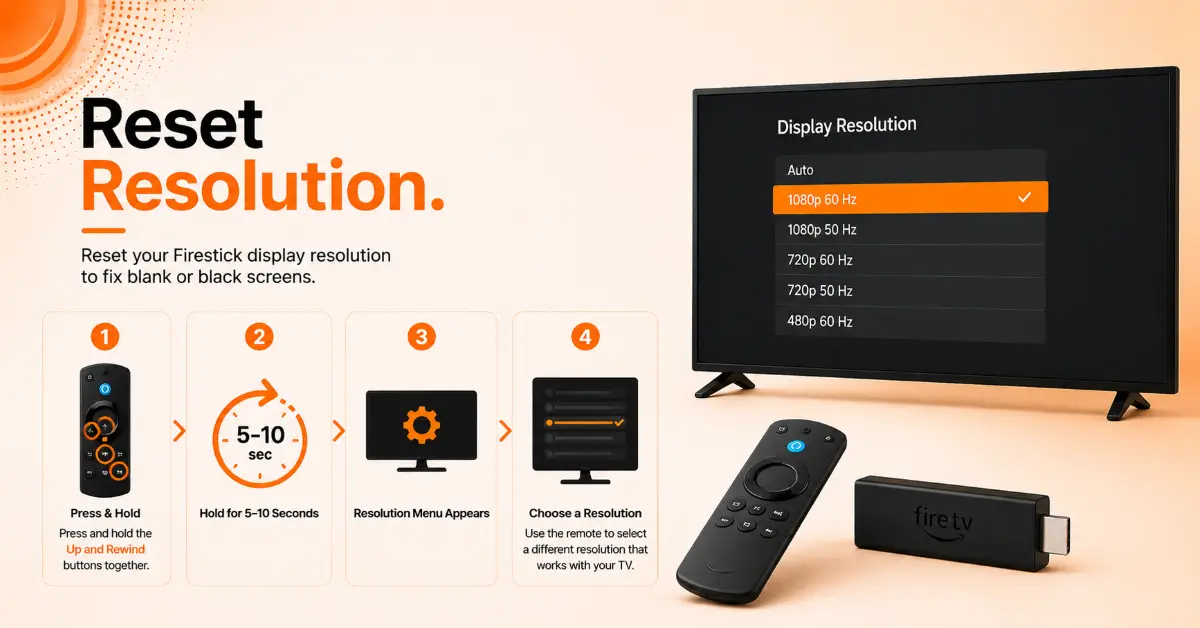
Reset the Display Resolution
-
Press and hold the Up and Rewind buttons simultaneously
-
Keep holding until resolution options appear on the screen
-
Cycle through the available display settings
-
Choose the resolution that works best with your TV
Step 06
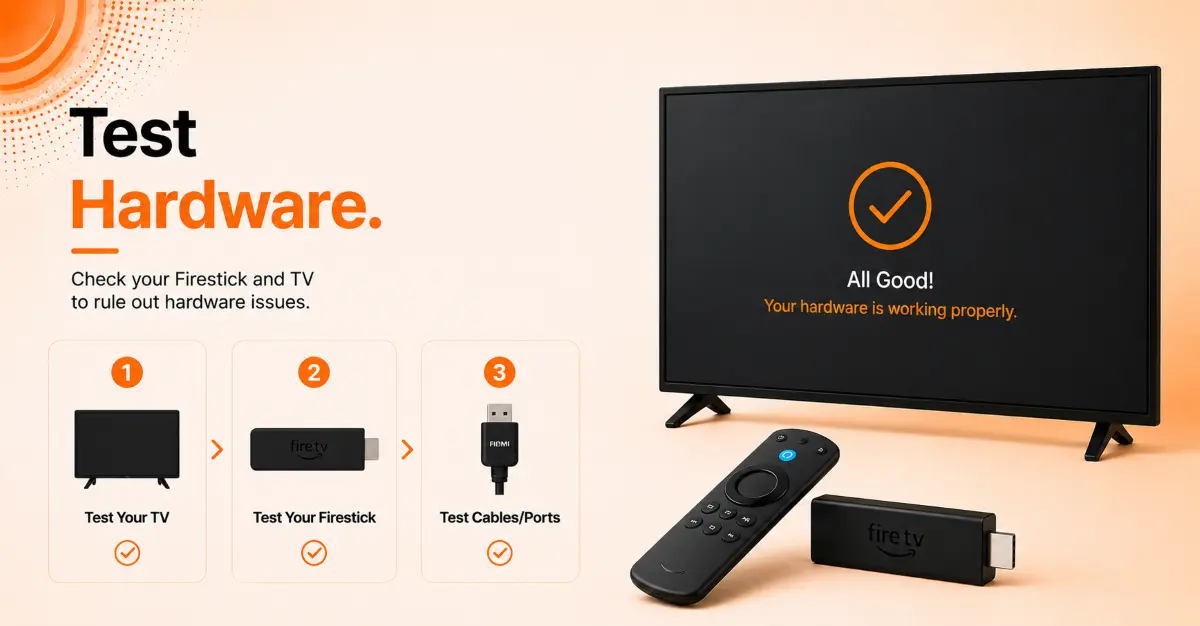
Rule Out TV or Hardware Issues
-
Connect the Firestick to another TV if available
-
Test a different HDMI cable or HDMI extender
-
Check whether other devices work on the same HDMI port
-
This helps determine whether the issue is with the TV or the Firestick itself
Get EXPRESS VPN — 20% Off
Step 07
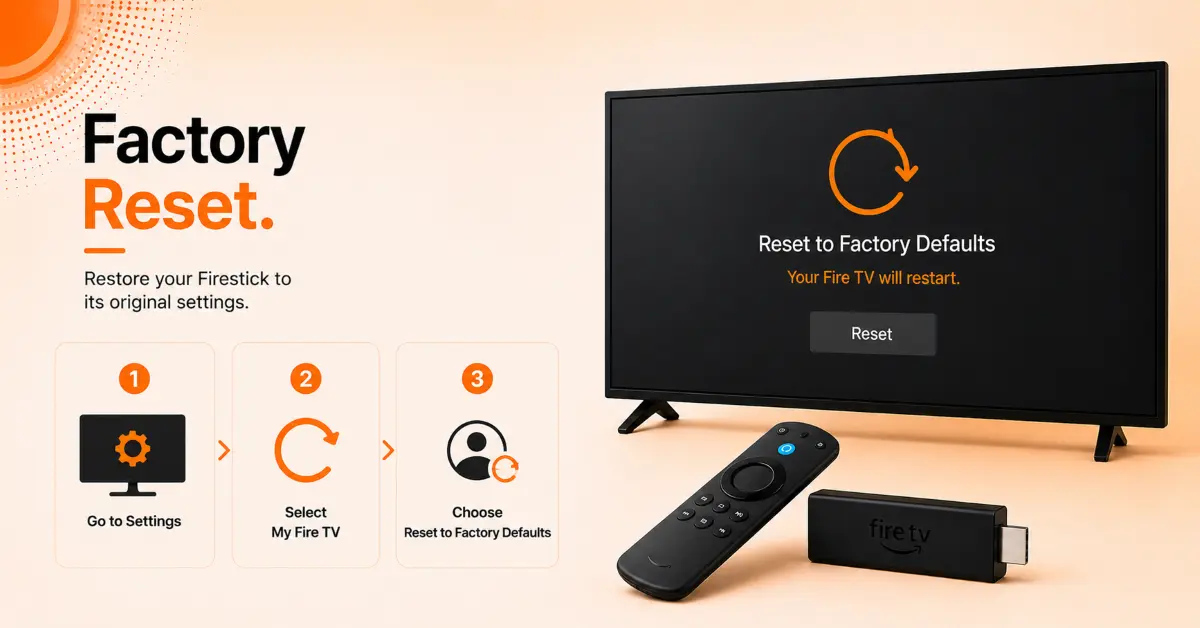
Perform a Factory Reset
-
As a last resort, press and hold the Back and Right Navigation buttons
-
Continue holding for approximately 10 seconds
-
Select Reset when the confirmation screen appears
-
Allow the Firestick to erase settings and complete the initial setup process again
Quick Comparison
Side-by-side comparison of top Fire Stick VPNs
| VPN | Price | Servers | Speed | Devices | Rating | Actions |
|---|---|---|---|---|---|---|
|
EXPRESS VPN
|
$2.79/mo | 3,000+ | Blazing Fast | 8 | 5 | Get Deal |
|
|
$1.88/mo | 3,200+ | Blazing Fast | 8 | 4.7 | Get Deal |
 NordVPN
|
$4.39/mo | 6,998+ | Blazing Fast | 8 | 4.8 | Get Deal |
 Proton VPN
|
$3.99/mo | 14,999+ | Blazing Fast | 7 | 4.8 | Get Deal |
 Pure VPN
|
$3.55/mo | — | Blazing Fast | 6 | 4 | Get Deal |
Frequently Asked Questions
Why is my Firestick showing a black screen but still has sound?
Firestick black screen with audio usually points towards an HDMI issue, incorrect display settings, or compatibility problem between the Fire TV device and your television.
Can a faulty HDMI port cause a Fire TV blank screen?
Yes, a faulty or damaged HDMI port can prevent video from displaying, resulting in a Fire TV blank screen even when the device is powered on.
Why does my Firestick black screen appear after an update?
In some cases, a software update can create temporary disruption to display settings or compatibility issues. Restarting the device or checking for additional updates can fix this issue.
What should I do if my Firestick stays black during startup?
Unplug the Firestick for a few seconds, reconnect it, and wait for it to fully boot. If the issue persists, try a different TV or HDMI port.
Can low power supply cause a Firestick black screen?
Yes, using an under-powered USB port instead of the original power adapter may cause display problems, freezing, or a complete black screen.
Does changing the display resolution help fix a Firestick black screen?
Yes, an unsupported resolution can prevent the picture from appearing. Adjust the resolution settings to restore the video output.
How to detect if my TV is causing the Firestick no-picture issue?
The simplest way is to connect Firestick to another TV. If it works normally, an HDMI port, resolution support, or hardware may be causing the problem.