How to Fix Firestick Downloading Slowly? Quick Fixes
Editor's Choice
#1 Pick
Editor's Choice
 NordVPN
$4.39/month
Save 20%
Blazing Fast
6,998+
214
8
Step by Step Instructions
Step 01

Go to Search on Fire TV
On your Fire TV home screen, select the Search (Find) option at the top.
Step 02

Type “NordVPN”
Use your remote to type NordVPN and choose the app when it appears in the results.
Step 03

Install the App
Click on Get or Download to install NordVPN on your Fire TV.
Step 04

Log In & Connect
Open the app, sign in to your account, and press the connect button to start using the VPN.
How to Fix Firestick Downloading Slowly?
Simple steps to speed up slow downloads and app installations on your Firestick
Step 01
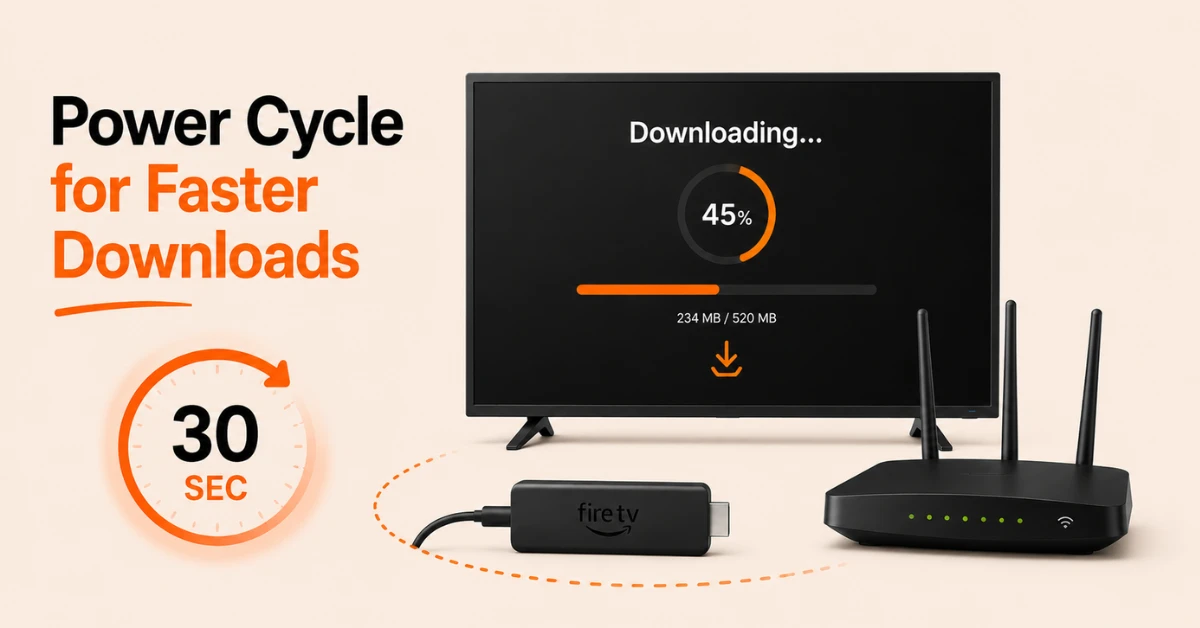
Restart Your Firestick and Router
-
Unplug your Firestick from power, wait 30 seconds, and plug it back in
-
Restart your router by unplugging it, waiting 30 seconds, and plugging it back in
-
Once both devices are back on, try your download again to see if speeds improve
Step 02
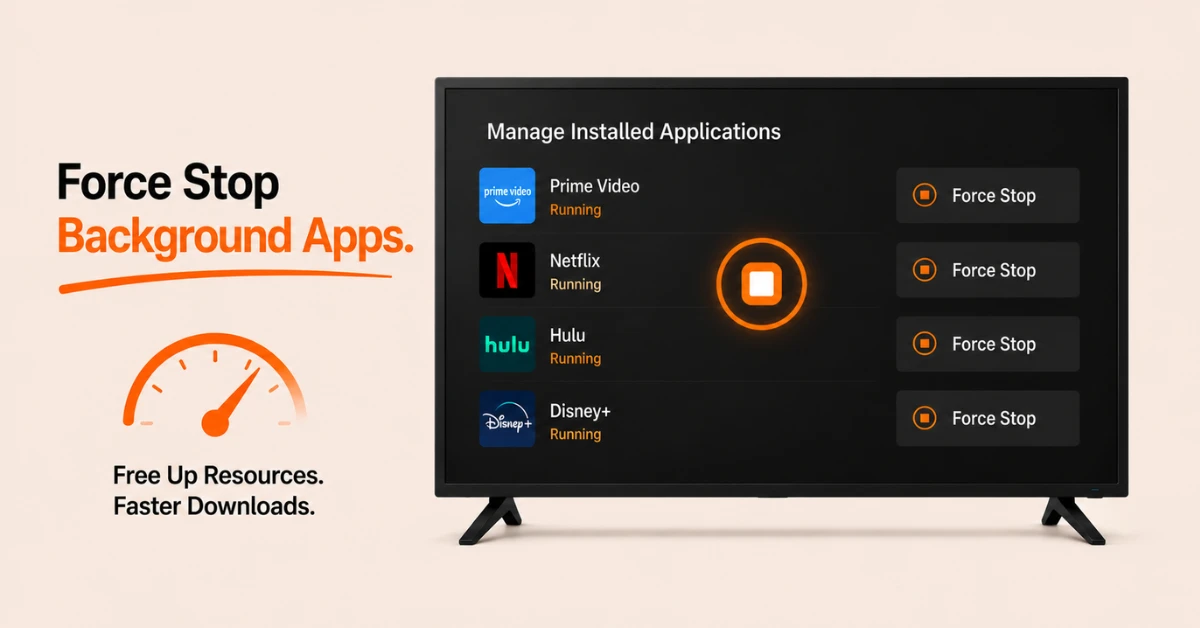
Force Stop Background Apps
-
Go to Settings, select Applications, then Manage Installed Applications
-
Go through each app and click Force Stop to close anything running in the background
-
Background apps consume memory and bandwidth which directly slows down downloads on your Firestick
Get NordVPN — 20% Off
Step 03
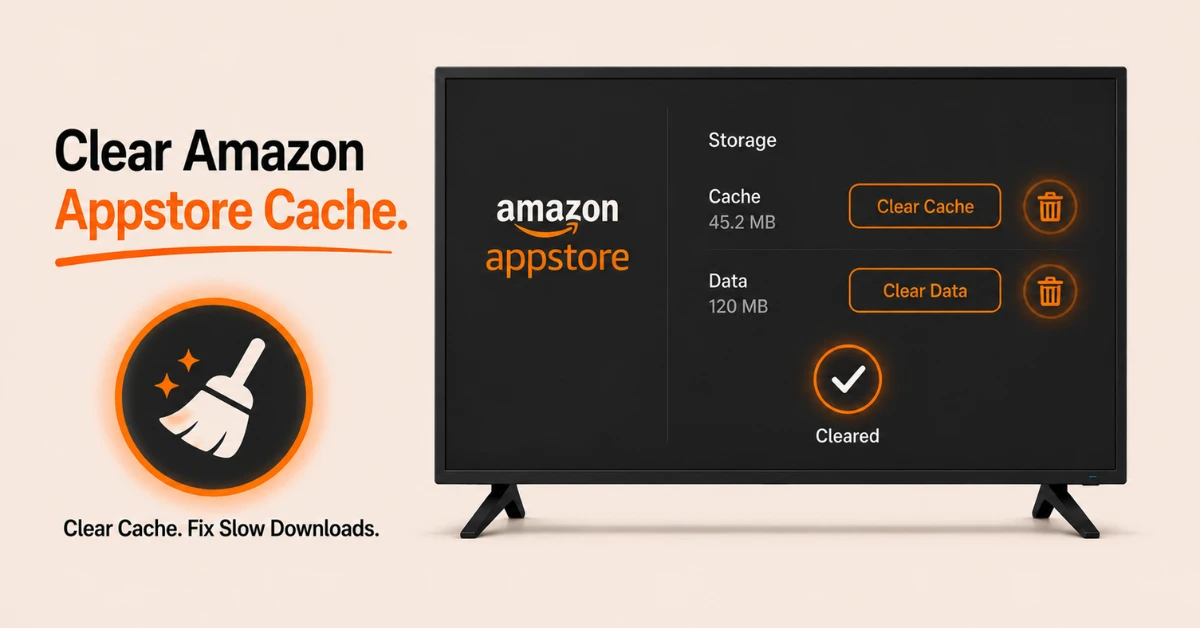
Clear the Amazon Appstore Cache
-
Go to Settings, select Applications, then Manage Installed Applications
-
Scroll down and select Amazon Appstore
-
Click Clear Cache and then Clear Data
-
Return to the home screen and try your download again
Step 04
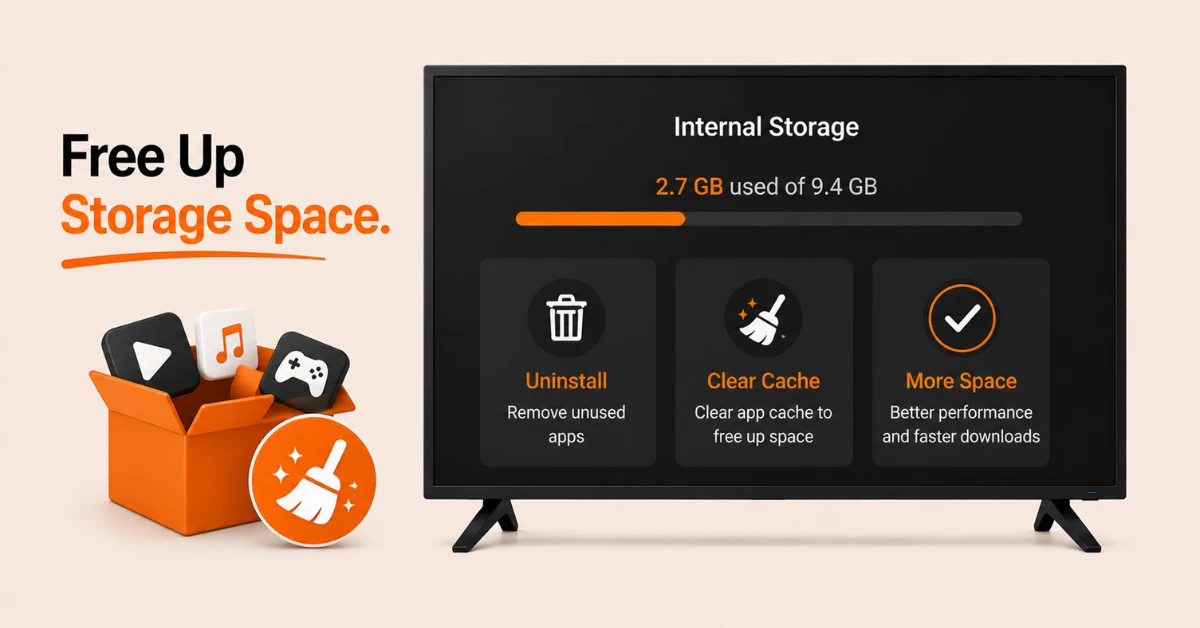
Free Up Storage Space
-
Go to Settings, select My Fire TV, then About, and check available storage
-
If storage is low, go to Manage Installed Applications and uninstall apps you no longer use
-
Clear the cache of any remaining apps to free up additional space
Get NordVPN — 20% Off
Step 05
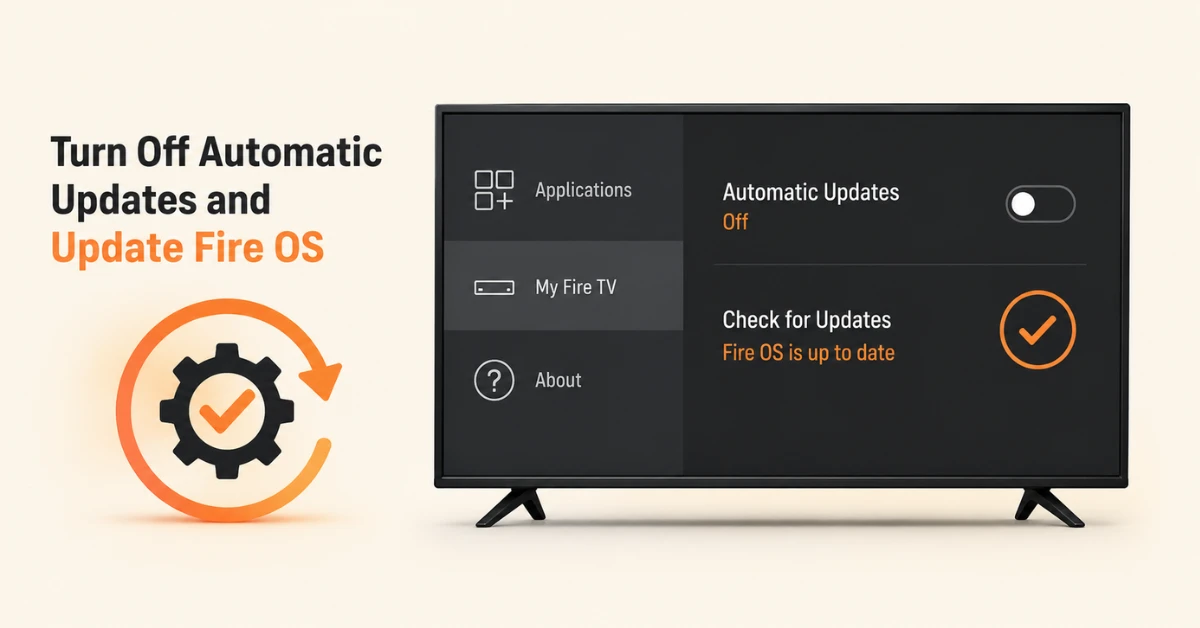
Turn Off Automatic Updates and Update Fire OS
-
Go to Settings, select Applications, then Appstore, and toggle off Automatic Updates
-
This stops background updates from competing with your active downloads
-
Go to Settings, select My Fire TV, then About, and click Check for Updates to ensure your Fire OS is current
Quick Comparison
Side-by-side comparison of top Fire Stick VPNs
| VPN | Price | Servers | Speed | Devices | Rating | Actions |
|---|---|---|---|---|---|---|
|
NordVPN
|
$4.39/mo | 6,998+ | Blazing Fast | 8 | 4.8 | Get Deal |
 EXPRESS VPN
|
$2.79/mo | 3,000+ | Blazing Fast | 8 | 5 | Get Deal |
 Proton VPN
|
$3.99/mo | 14,999+ | Blazing Fast | 7 | 4.8 | Get Deal |
|
|
$1.88/mo | 3,200+ | Blazing Fast | 8 | 4.7 | Get Deal |
 IPVanish
|
$2.49/mo | 3,100+ | Blazing Fast | 6 | 4 | Get Deal |
 Pure VPN
|
$3.55/mo | — | Blazing Fast | 6 | 4 | Get Deal |
Frequently Asked Questions
How do I speed up Firestick slow downloads?
Force stop all background apps, clear the Amazon Appstore cache, free up storage by uninstalling unused apps, and turn off automatic updates so they do not compete with your active downloads.
Is it normal for Firestick app downloads to take a long time?
Occasional slowdowns during downloads are normal especially during peak hours or when your Firestick storage is nearly full. However if downloads consistently take an unusually long time, clearing background apps and the Appstore cache should restore normal speeds.
Why is my Firestick downloading slowly?
The most common causes of Firestick downloading slowly are background apps consuming bandwidth, low storage space, a slow internet connection, or an outdated Fire OS. Addressing each of these in order usually restores normal download speeds.
How do I know if my internet is causing slow downloads on Firestick?
Open the Silk Browser on your Firestick, go to Speedtest.net, and run a speed test. If the result is significantly lower than your subscribed internet speed, the issue is with your connection rather than the Firestick itself.
Why are my Firestick downloads so slow even with fast internet?
Even with fast internet, Firestick slow downloads can be caused by background apps, a full app cache, or Amazon's content delivery servers being under heavy load. Clearing the Amazon Appstore cache and force stopping background apps usually resolves this.
Can my WiFi connection cause slow Fire TV app downloads?
Yes, a weak or unstable WiFi connection is a common cause of slow Fire TV app downloads. Check your signal strength under Settings then Network, and consider switching to a 5 GHz connection for faster and more stable download speeds.
Can updating Fire OS fix Firestick download speed issues?
Yes, an outdated Fire OS can cause performance issues including slow download speeds. Go to Settings, select My Fire TV, then About, and click Check for Updates to ensure your device is running the latest software.