How to Fix Firestick Keeps Restarting: Step-by-Step Instructions
Editor's Choice
#1 Pick
Editor's Choice
 NordVPN
$4.39/month
Save 20%
Blazing Fast
6,998+
214
8
Step by Step Instructions
Step 01

Go to Search on Fire TV
On your Fire TV home screen, select the Search (Find) option at the top.
Step 02

Type “NordVPN”
Use your remote to type NordVPN and choose the app when it appears in the results.
Step 03

Install the App
Click on Get or Download to install NordVPN on your Fire TV.
Step 04

Log In & Connect
Open the app, sign in to your account, and press the connect button to start using the VPN.
How Do I Fix If Firestick Keeps Restarting?
Fix your Firestick restart loop fast with these easy troubleshooting steps.
Step 01
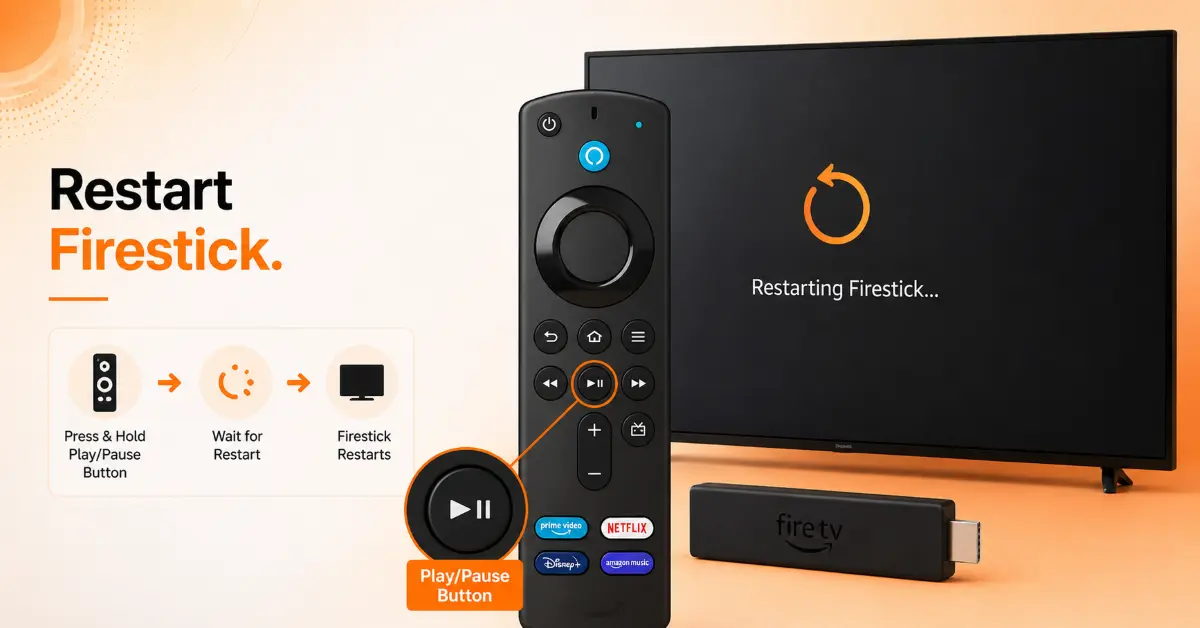
Restart Your Firestick Properly
-
Press and hold the Select and Play/Pause buttons together for about 5 seconds
-
Allow the Firestick to restart completely before pressing any buttons
-
Use the device for a few minutes to see if random restarts continue
-
Open multiple apps to determine whether the issue is system-wide or app-specific
Step 02
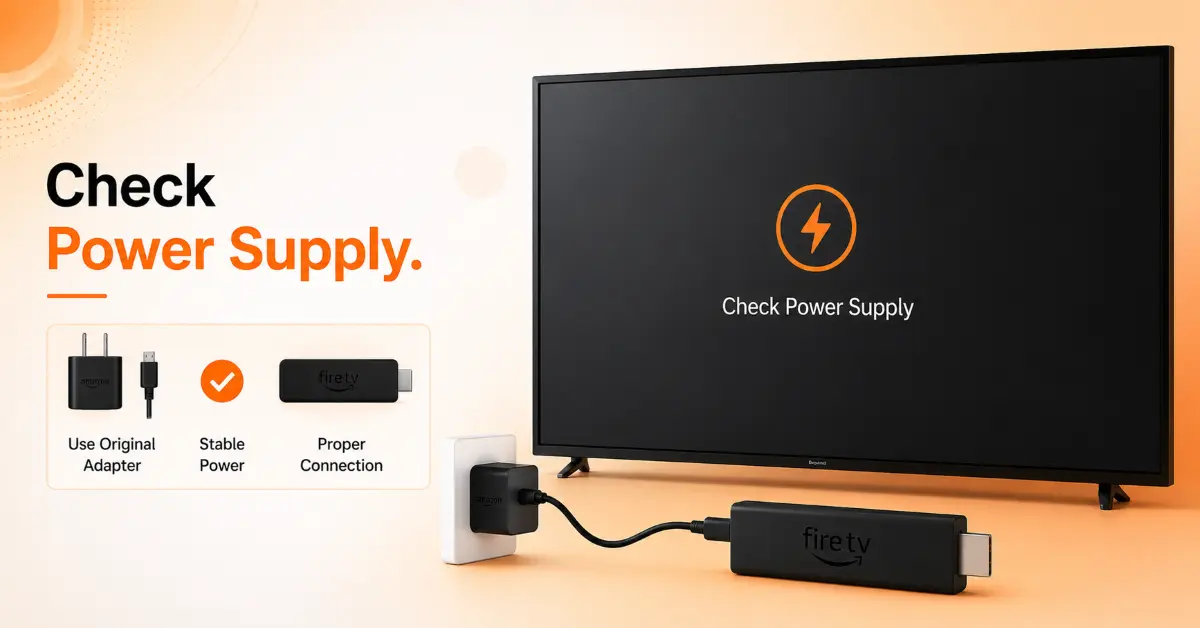
Check the Power Source
-
Always use the power adapter that came with your Firestick
-
Look for frayed, bent, or damaged cables that may interrupt power
-
Avoid powering the Firestick through your TV's USB port
-
Test with a compatible replacement adapter if available
Get NordVPN — 20% Off
Step 03
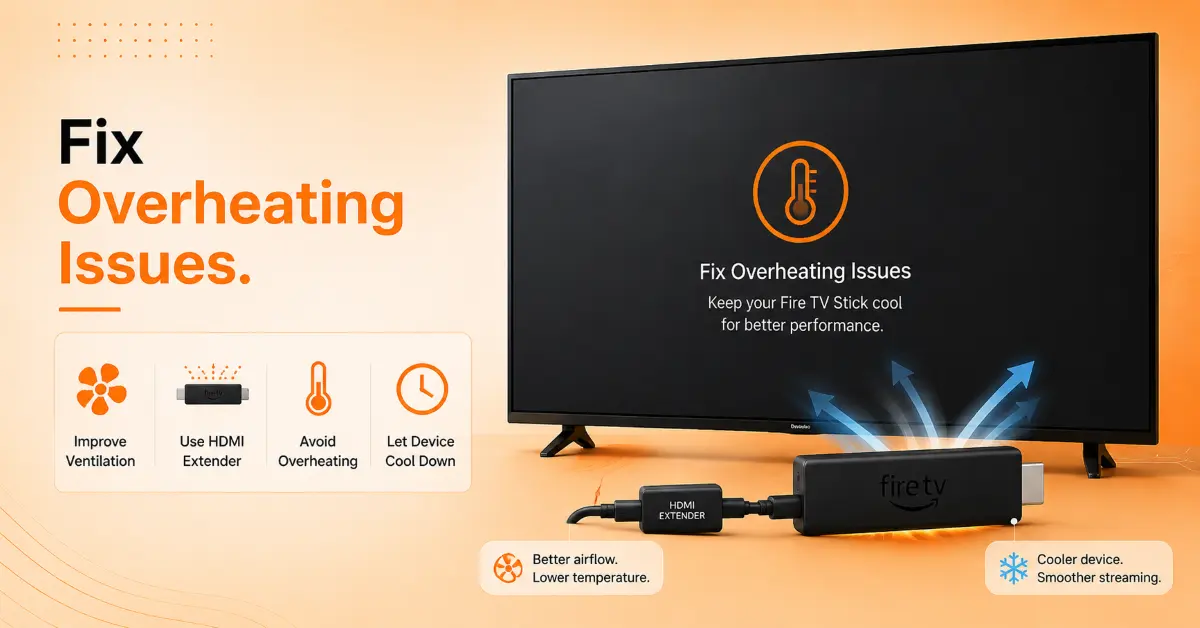
Check for Overheating
-
Carefully check whether the Firestick feels unusually hot
-
Move objects away from the Firestick and TV vents.
-
Increase distance from the TV to reduce heat buildup
-
Turn off the device for 15–20 minutes before using it again
Step 04
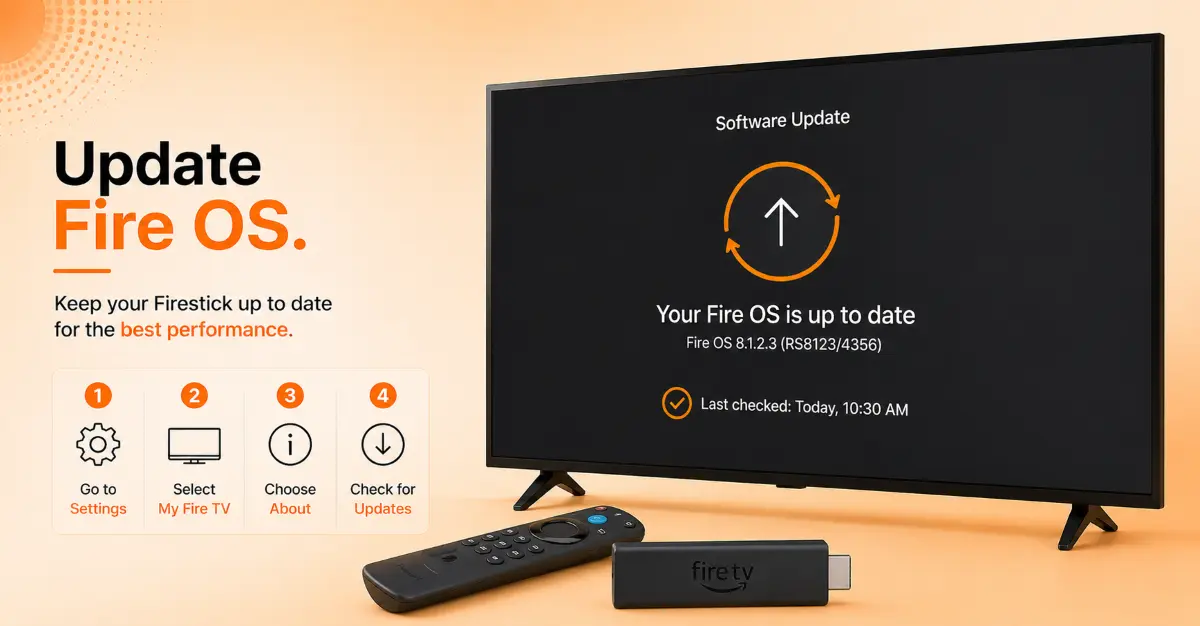
Update Fire OS
-
Navigate to Settings, then My Fire TV
-
Choose the About option from the menu
-
Click Check for Updates to search for available software
-
Download and install any pending updates, then restart the device
Get NordVPN — 20% Off
Step 05
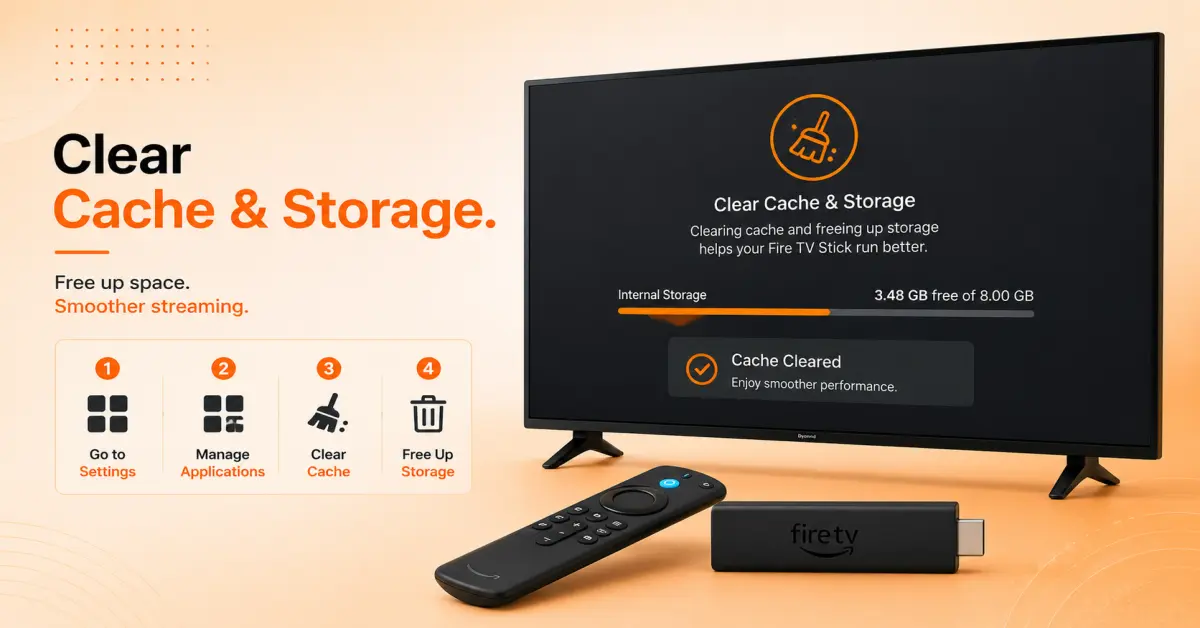
Clear App Cache
-
Go to Applications, then open Settings
-
Select Manage Installed Applications
-
Open apps that frequently crash or trigger restarts
-
Select Clear Cache and relaunch the app
Step 06
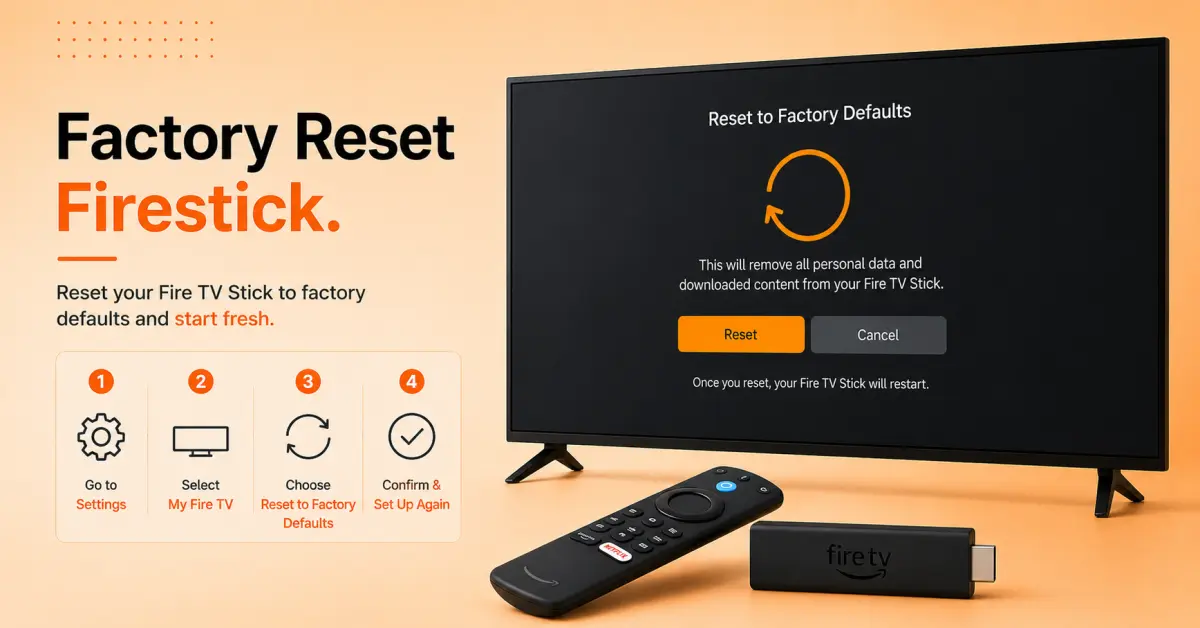
Reset Firestick to Factory Settings
-
Navigate to Settings, then My Fire TV
-
Choose Reset to Factory Defaults
-
Follow the on-screen prompts to proceed
-
Complete the initial setup after the reset finishes
Quick Comparison
Side-by-side comparison of top Fire Stick VPNs
| VPN | Price | Servers | Speed | Devices | Rating | Actions |
|---|---|---|---|---|---|---|
|
NordVPN
|
$4.39/mo | 6,998+ | Blazing Fast | 8 | 4.8 | Get Deal |
 EXPRESS VPN
|
$2.79/mo | 3,000+ | Blazing Fast | 8 | 5 | Get Deal |
|
|
$1.88/mo | 3,200+ | Blazing Fast | 8 | 4.7 | Get Deal |
 Proton VPN
|
$3.99/mo | 14,999+ | Blazing Fast | 7 | 4.8 | Get Deal |
 IPVanish
|
$2.49/mo | 3,100+ | Blazing Fast | 6 | 4 | Get Deal |
Frequently Asked Questions
Why does my Firestick keep restarting on its own?
This type of issue may rise because of power supply issue, overheating, corrupt app data, software glitches, or insufficient storage space.
How do I stop a Firestick restart loop?
Start by checking the power adapter, unplugging the device for a few minutes, clearing cache files, and installing any available Fire OS update.
Can a weak power source cause a Fire TV to keep rebooting?
Yes, using a low-power USB port on a TV instead of the official power adapter is one of the most common reasons a Fire TV keeps rebooting.
Does overheating make a Firestick restart repeatedly?
In some cases, if the device gets too hot, it may automatically restart to protect its hardware. Improving ventilation often resolves the issue.
Is a factory reset the best Firestick reboot loop fix?
If none of the troubleshooting tips work, then a factory reset can solve the issue. Factory reset is often used as a last option and can solve deep software issues. Remember, it erases all installed apps and settings.
Can low storage trigger constant Firestick restarts?
Yes, when storage is near full, the system may become unstable, leading to freezes, crashes, and repeated reboots.
Why does my Firestick restart only when streaming videos?
This issue can happen due to overheating, network instability, app-specific issues, or a power supply that cannot peak performance demands.