How to Fix Firestick Stuck on Logo Screen: Quick Fixes
Editor's Choice
#1 Pick
Editor's Choice
 Surfshark
$1.88/month
Save 20%
Blazing Fast
3,200+
214
8
Step by Step Instructions
Step 01

Open Search on Fire TV
From your Fire TV home screen, go to the Find (Search) option.
Step 02

Search for Surfshark
Type Surfshark using your remote and select the app from the results.
Step 03

Install the App
Click on Download or Get to install Surfshark on your device.
Step 04

Sign In & Start VPN
Open the app, log in to your account, and connect to a server to start using the VPN.
How Do I Fix Firestick Stuck on Logo Screen?
Follow this troubleshooting guide to fix Firestick stuck on the Amazon logo & restore normal startup.
Step 01
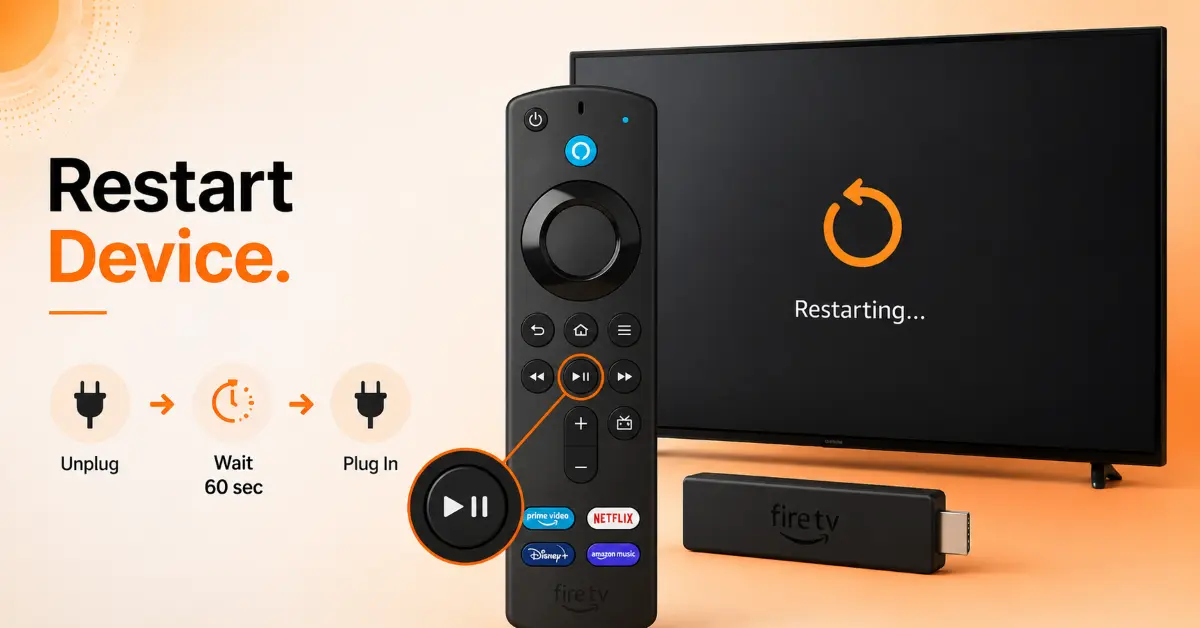
Restart the Firestick
-
Unplug the Firestick from the power source
-
Wait for 60 seconds
-
Plug the device back in
-
Allow it several minutes to boot up completely
-
Check whether the logo screen issue is resolved
Step 02
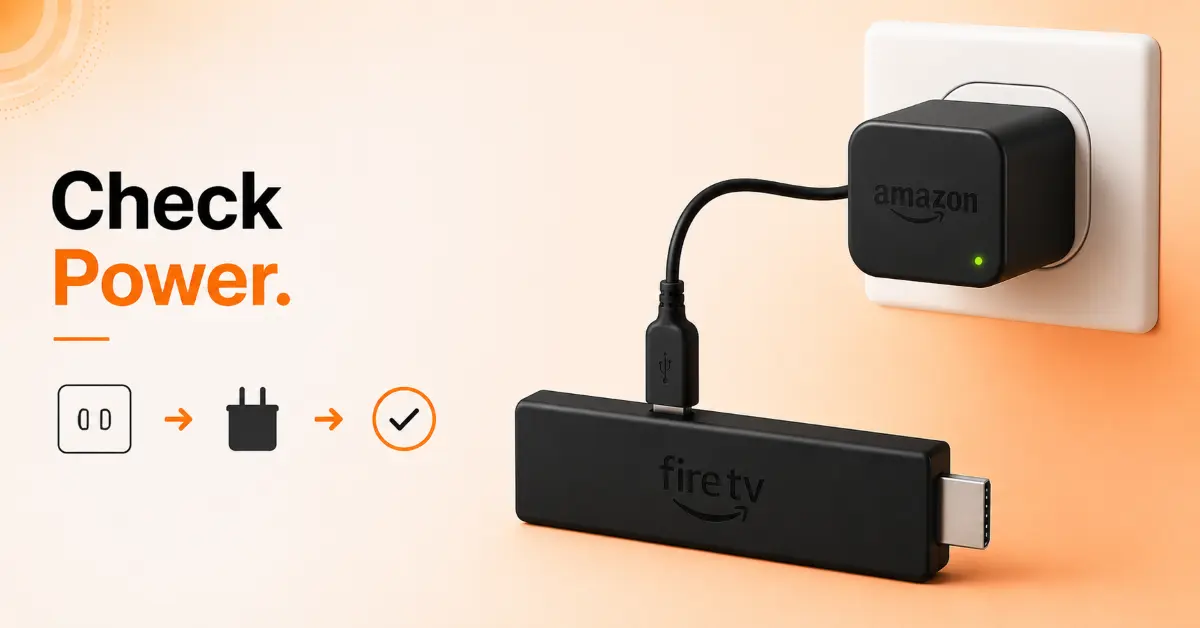
Verify the Power Supply
-
Use the original Amazon power adapter and USB cable
-
Avoid powering the Firestick through the TV’s USB port
-
Connect the adapter directly to a wall outlet
-
Ensure the cable is securely connected
-
Restart the Firestick after reconnecting the power supply
Get Surfshark — 20% Off
Step 03
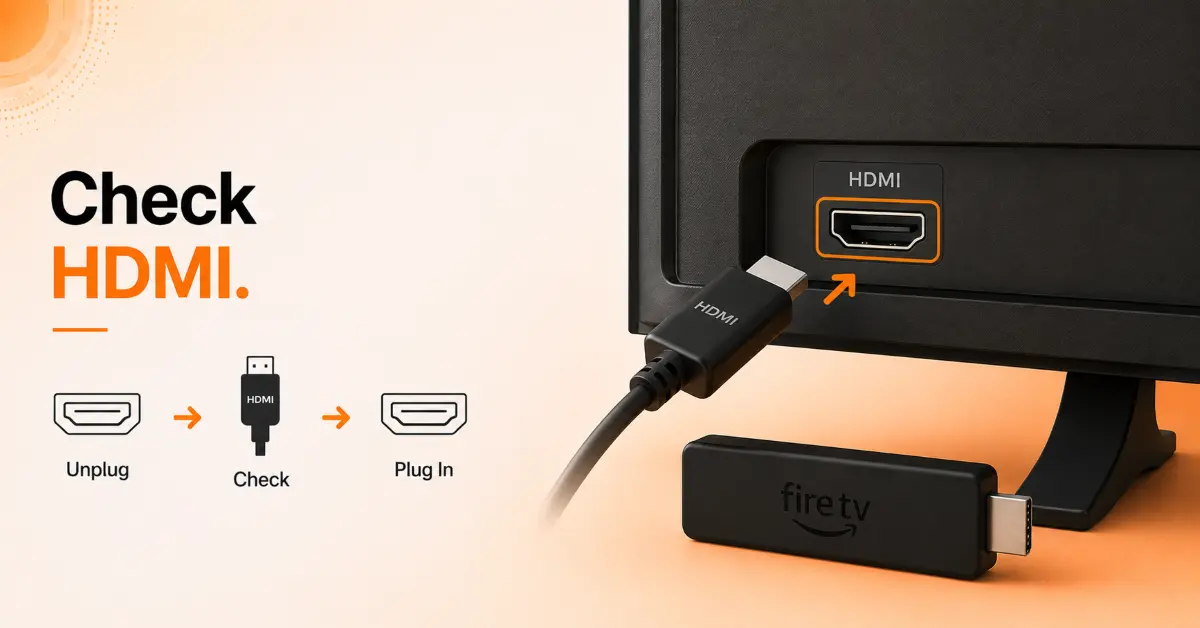
Check the HDMI Connection
-
Disconnect the Firestick from the HDMI port
-
Inspect the HDMI connector for damage
-
Connect the Firestick to a different HDMI port on the TV
-
If available, use the included HDMI extender
-
Turn the TV and Firestick back on and check the display
Step 04
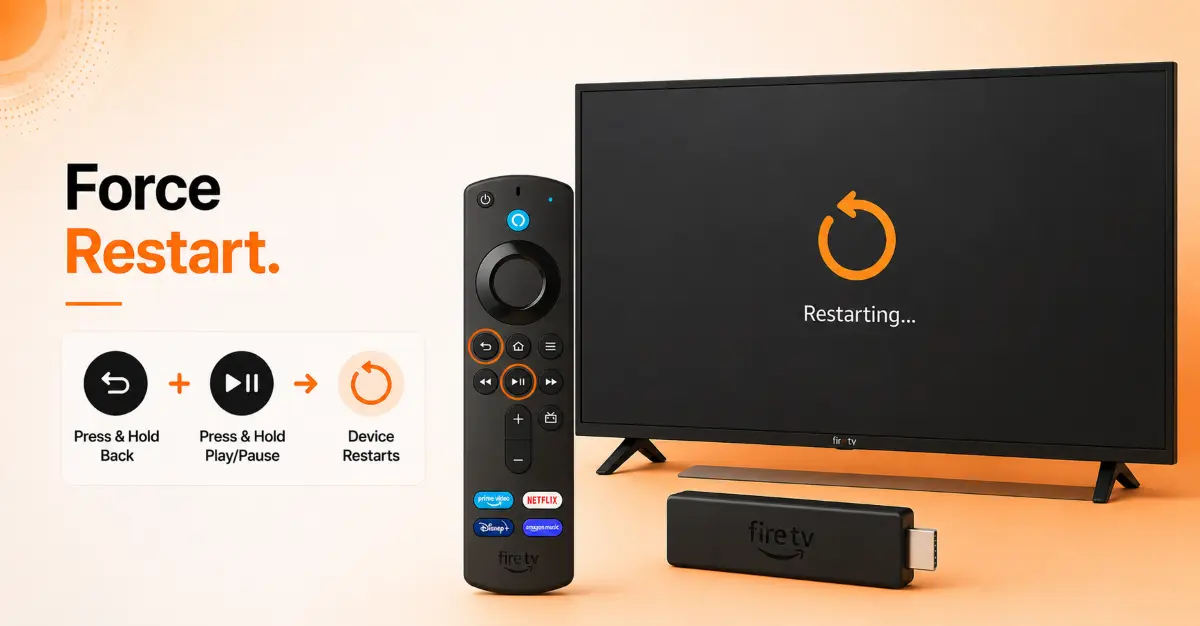
Perform a Forced Restart Using the Remote
-
Point the remote at the Firestick
-
Press and hold the Select and Play/Pause buttons together
-
Continue holding them for about 10 seconds
-
Wait for the Firestick to restart automatically
-
Check whether it boots normally
Get Surfshark — 20% Off
Step 05
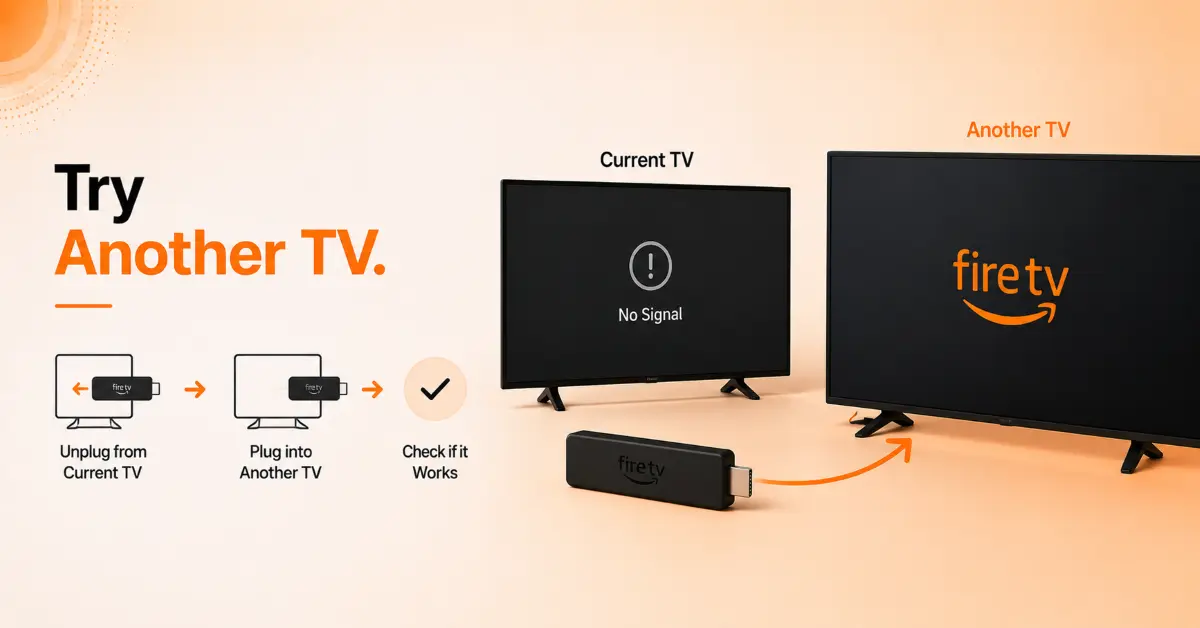
Test the Device on Another TV
-
Disconnect the Firestick from the current TV
-
Connect it to another television or monitor
-
Use the same power adapter and cable
-
Turn on the display device
-
Observe whether the Firestick moves past the logo screen
Step 06
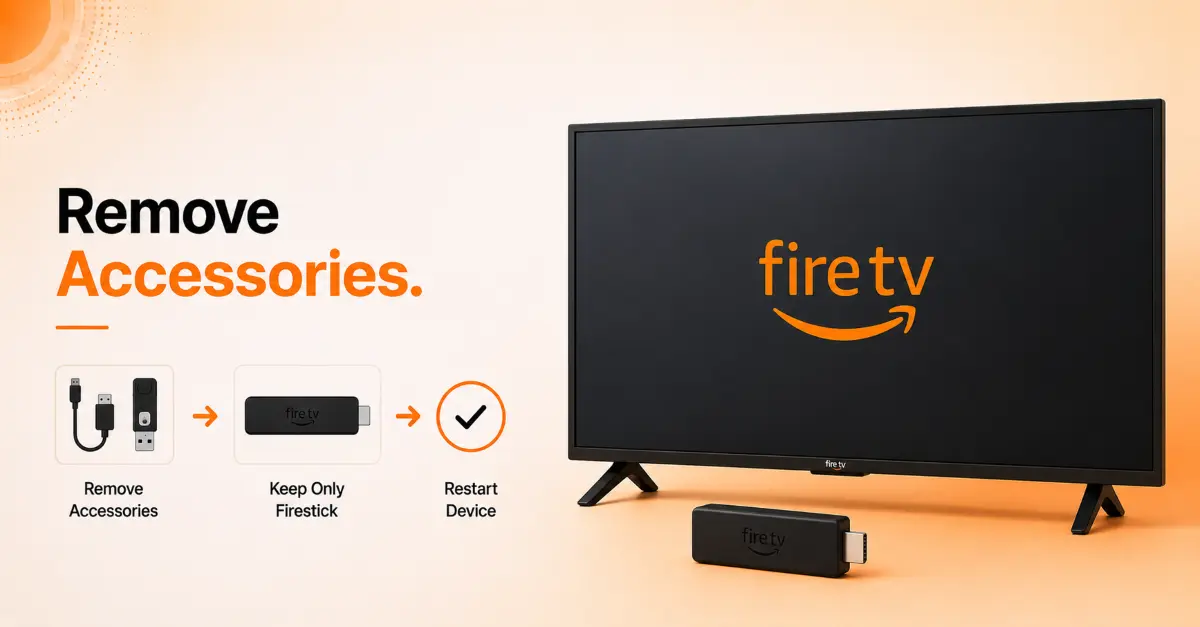
Remove Connected Accessories
-
Disconnect USB hubs, OTG adapters, and external storage devices
-
Leave only the Firestick, power cable, and HDMI connection attached
-
Restart the Firestick
-
Check if the device boots successfully
-
Reconnect accessories one at a time after startup
Get Surfshark — 20% Off
Step 07
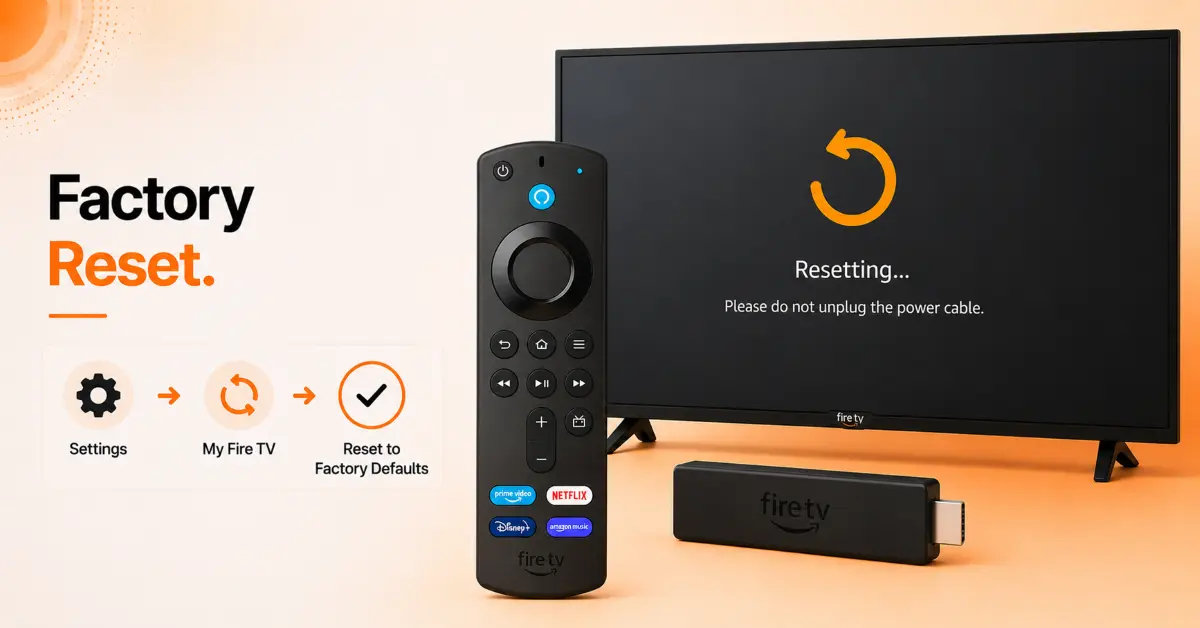
Factory Reset the Firestick
-
Press and hold the Back and Right Navigation buttons on the remote
-
Hold both buttons for approximately 10 seconds
-
Select Reset when the prompt appears
-
Wait for the reset process to complete
-
Set up the Firestick again as a new device
Quick Comparison
Side-by-side comparison of top Fire Stick VPNs
| VPN | Price | Servers | Speed | Devices | Rating | Actions |
|---|---|---|---|---|---|---|
|
|
$1.88/mo | 3,200+ | Blazing Fast | 8 | 4.7 | Get Deal |
 EXPRESS VPN
|
$2.79/mo | 3,000+ | Blazing Fast | 8 | 5 | Get Deal |
 NordVPN
|
$4.39/mo | 6,998+ | Blazing Fast | 8 | 4.8 | Get Deal |
 Proton VPN
|
$3.99/mo | 14,999+ | Blazing Fast | 7 | 4.8 | Get Deal |
 Pure VPN
|
$3.55/mo | — | Blazing Fast | 6 | 4 | Get Deal |
Frequently Asked Questions
Why is my Firestick stuck on the logo screen?
There can be several reasons behind a Firestick stuck on the logo screen, including power supply issues, corrupted software updates, faulty HDMI connections, or hardware problems.
How do I perform a Firestick logo screen fix without losing my data?
You can start by doing a restart, checking HDMI connections, inspecting the power source, using a force restart, and removing added accessories. These fixes can solve the logo screen freeze issue without requiring a factory reset.
Can a weak power supply cause a Fire TV stuck on logo problem?
Yes, always use the Amazon-provided power adapter, as a weak power supply is among the main causes for the Fire TV stuck on logo screen.
How long should I wait before troubleshooting a Firestick stuck on logo?
You should always wait for 10 to 15 minutes before trying to troubleshoot the problem, sometimes the device is installing updates.
Will a factory reset fix a Firestick stuck on logo screen?
Factory reset is performed as a last resort and can fix corrupt files and software glitches. But this fix erases all installed apps and custom settings.
Why is my Fire TV stuck on logo even after restarting it?
If the issue remains after a restart, the cause may be a damaged power cable, a faulty HDMI port, software corruption, or a hardware failure within the device itself.
Do accessories and USB adapters affect a Firestick logo screen fix?
Yes, sometimes external accessories such as OTG adapters, USB hubs, and storage devices may interfere with the startup process. Removing added accessories can fix the Firestick stuck on logo issue.