How to Fix if Firestick WiFi Keeps Dropping?
Editor's Choice
#1 Pick
Editor's Choice
 Surfshark
$1.88/month
Save 20%
Blazing Fast
3,200+
214
8
Step by Step Instructions
Step 01

Open Search on Fire TV
From your Fire TV home screen, go to the Find (Search) option.
Step 02

Search for Surfshark
Type Surfshark using your remote and select the app from the results.
Step 03

Install the App
Click on Download or Get to install Surfshark on your device.
Step 04

Sign In & Start VPN
Open the app, log in to your account, and connect to a server to start using the VPN.
How to Fix if Firestick WiFi Keeps Dropping?
Simple guide to get your Firestick reconnected and staying connected to WiFi
Step 01
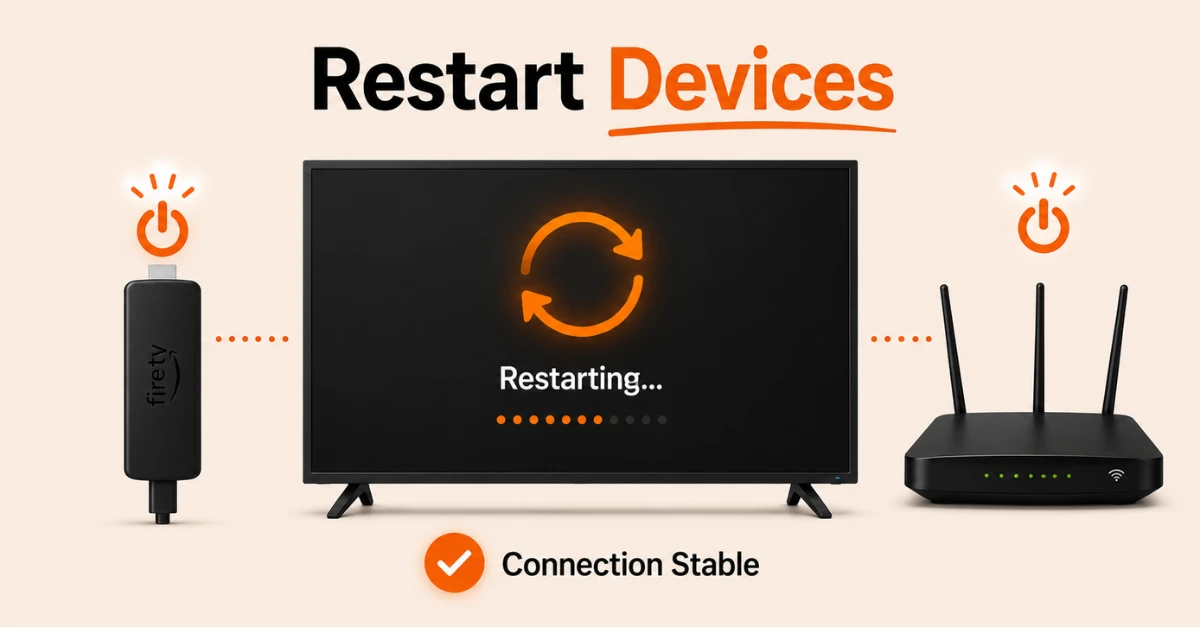
Restart Your Firestick and Router
-
Unplug your router, wait 30 seconds, and plug it back in
-
On your Firestick press and hold the Play and Select buttons together for 5 seconds to restart
-
Alternatively go to Settings, select My Fire TV, and click Restart
-
Once both devices are back on check if the WiFi connection is stable
Step 02
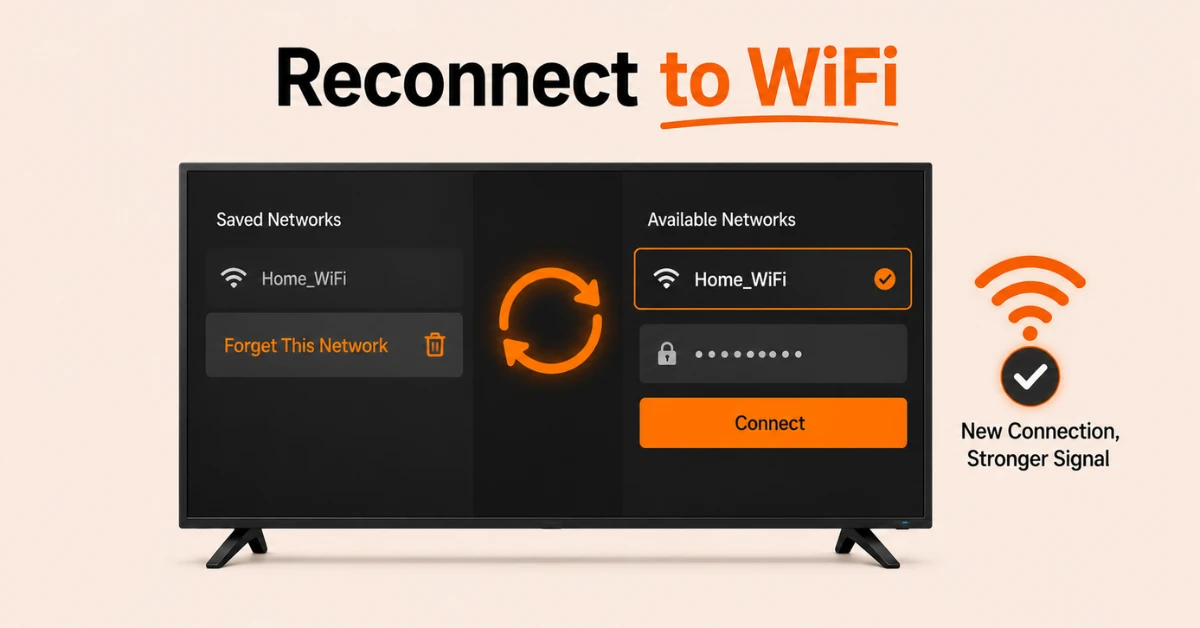
Forget and Reconnect to Your WiFi Network
-
Go to Settings and select Network
-
Select your WiFi network and click Forget This Network
-
Reconnect by selecting your network again and entering your WiFi password
-
This clears any corrupted connection data that may be causing the drops
Get Surfshark — 20% Off
Step 03
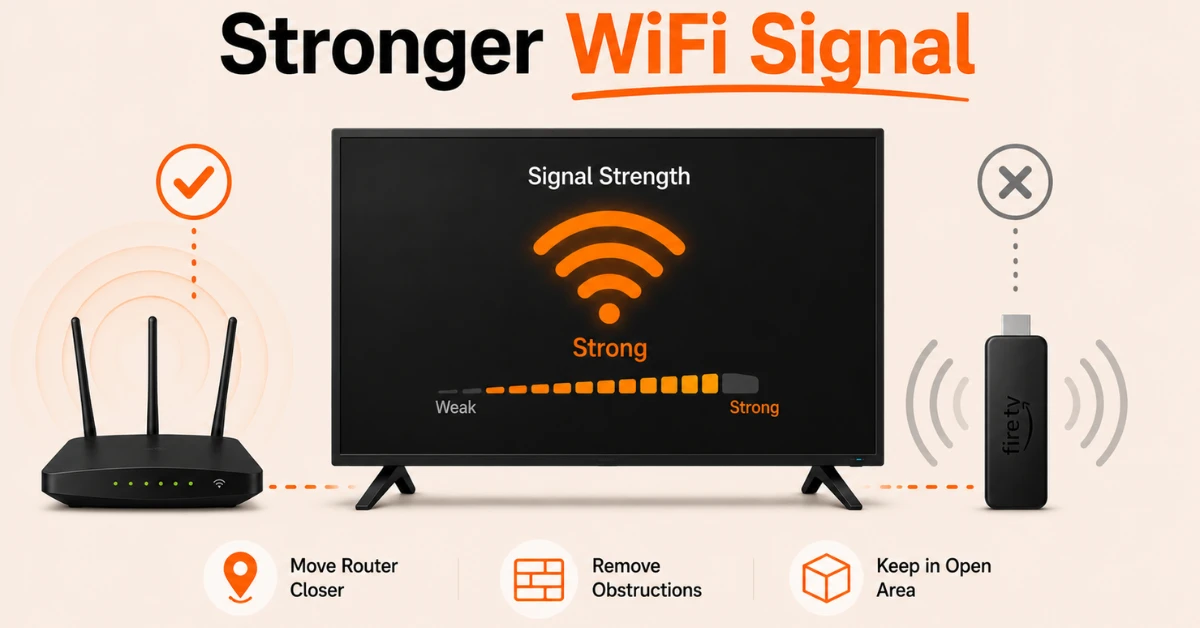
Check and Improve Your WiFi Signal
-
Go to Settings, select Network, and check the signal strength of your connection
-
If the signal is weak, move your router closer to your Firestick
-
Remove any large obstructions between your router and Firestick
-
If your Firestick is inside a TV cabinet, use an HDMI extension cable to position it in a more open area
Step 04
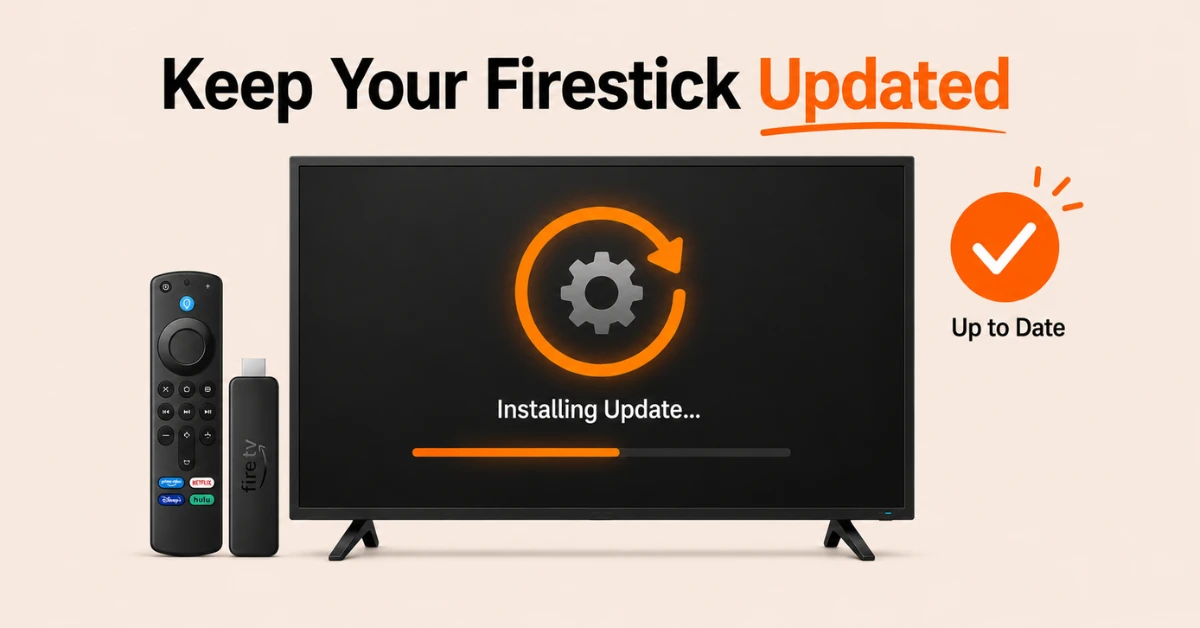
Update Your Firestick Software
-
Go to Settings, select My Fire TV, then About, and click Check for Updates
-
Install any available updates as outdated Fire OS can cause WiFi instability
-
Once updated, restart your Firestick and check if the connection remains stable
-
If the issue persists, go to Settings, then My Fire TV, then Reset to Factory Defaults as a last resort
Quick Comparison
Side-by-side comparison of top Fire Stick VPNs
| VPN | Price | Servers | Speed | Devices | Rating | Actions |
|---|---|---|---|---|---|---|
|
|
$1.88/mo | 3,200+ | Blazing Fast | 8 | 4.7 | Get Deal |
 NordVPN
|
$4.39/mo | 6,998+ | Blazing Fast | 8 | 4.8 | Get Deal |
 EXPRESS VPN
|
$2.79/mo | 3,000+ | Blazing Fast | 8 | 5 | Get Deal |
 Proton VPN
|
$3.99/mo | 14,999+ | Blazing Fast | 7 | 4.8 | Get Deal |
 PrivadoVPN
|
$1.99/mo | — | Blazing Fast | 5 | 4 | Get Deal |
 Pure VPN
|
$3.55/mo | — | Blazing Fast | 6 | 4 | Get Deal |
Frequently Asked Questions
Can too many devices cause Firestick WiFi to keep dropping?
Yes, having too many devices connected to the same router can reduce available bandwidth and cause your Firestick WiFi to drop. Try disconnecting unused devices from your network while streaming to see if the connection becomes more stable.
Does restarting my Firestick fix WiFi drops?
Yes, restarting your Firestick clears temporary software glitches that can cause WiFi instability. Go to Settings, select My Fire TV, and click Restart, then check if the WiFi connection remains stable after the device reboots.
How do I fix Fire TV WiFi disconnecting repeatedly?
Go to Settings, select Network, find your WiFi network, and select Forget This Network. Reconnect by selecting your network and re-entering your password. This clears any corrupted connection data that may be causing repeated disconnections.
How do I fix Firestick WiFi drops during streaming?
Check your internet speed using Speedtest.net and restart your router if speeds are lower than expected. Also make sure no other devices on your network are consuming heavy bandwidth while you are streaming on your Firestick.
Does the placement of my Fire TV affect WiFi disconnecting?
Yes, placing your Fire TV inside a TV cabinet or behind a thick wall can significantly weaken the WiFi signal and cause disconnections. Use an HDMI extension cable to position the Fire TV in a more open location closer to your router.
Why does my Firestick keep losing its WiFi connection?
A Firestick losing WiFi connection is usually caused by a weak signal, router interference, or an outdated Fire OS. Check your signal strength, move your router closer if needed, and make sure your Firestick software is up to date.
How do I check my WiFi signal strength on Firestick?
Go to Settings, select Network, and select your connected WiFi network. Your Firestick will display the current signal strength and connection status. If the signal is weak, move your router closer or reposition your Firestick to improve reception.