How to Fix if Firestick Won’t Turn On: Get It Working
Editor's Choice
#1 Pick
Editor's Choice
 NordVPN
$4.39/month
Save 20%
Blazing Fast
6,998+
214
8
Step by Step Instructions
Step 01

Go to Search on Fire TV
On your Fire TV home screen, select the Search (Find) option at the top.
Step 02

Type “NordVPN”
Use your remote to type NordVPN and choose the app when it appears in the results.
Step 03

Install the App
Click on Get or Download to install NordVPN on your Fire TV.
Step 04

Log In & Connect
Open the app, sign in to your account, and press the connect button to start using the VPN.
How Do I Fix if FireStick Won't Turn On
Follow these simple steps to diagnose and fix a Firestick that won't turn on.
Step 01
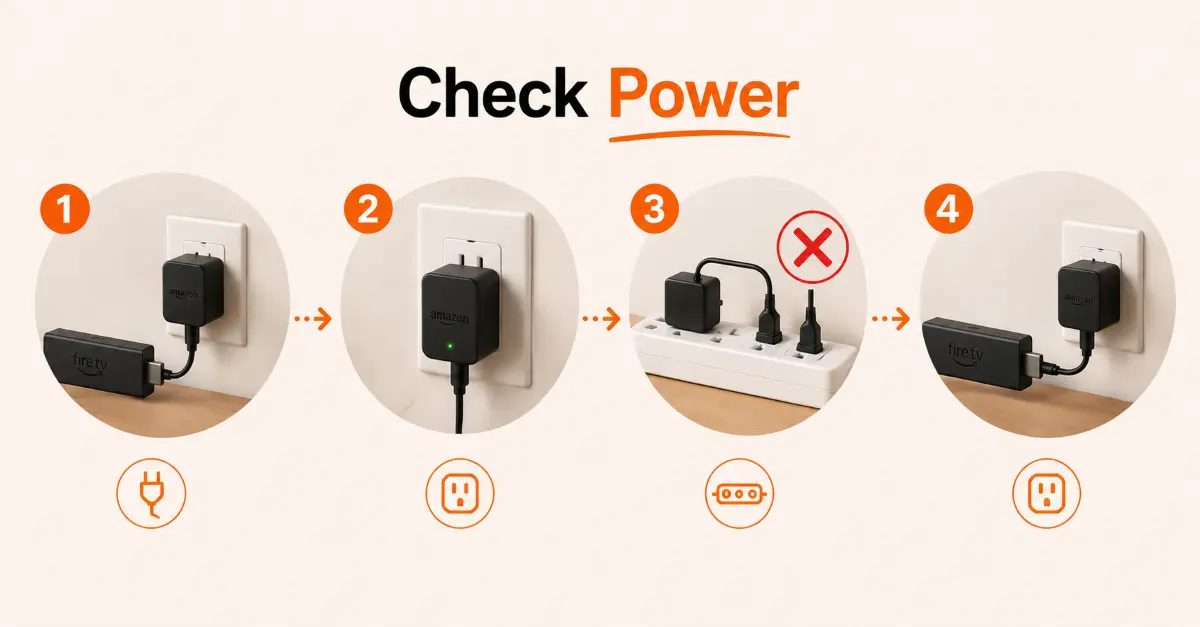
Check the Power Source
-
Ensure the Firestick power adapter is firmly connected
-
Verify that the wall outlet is supplying power
-
Avoid using a faulty power strip or extension cord
-
Try plugging the adapter into a different outlet
Step 02
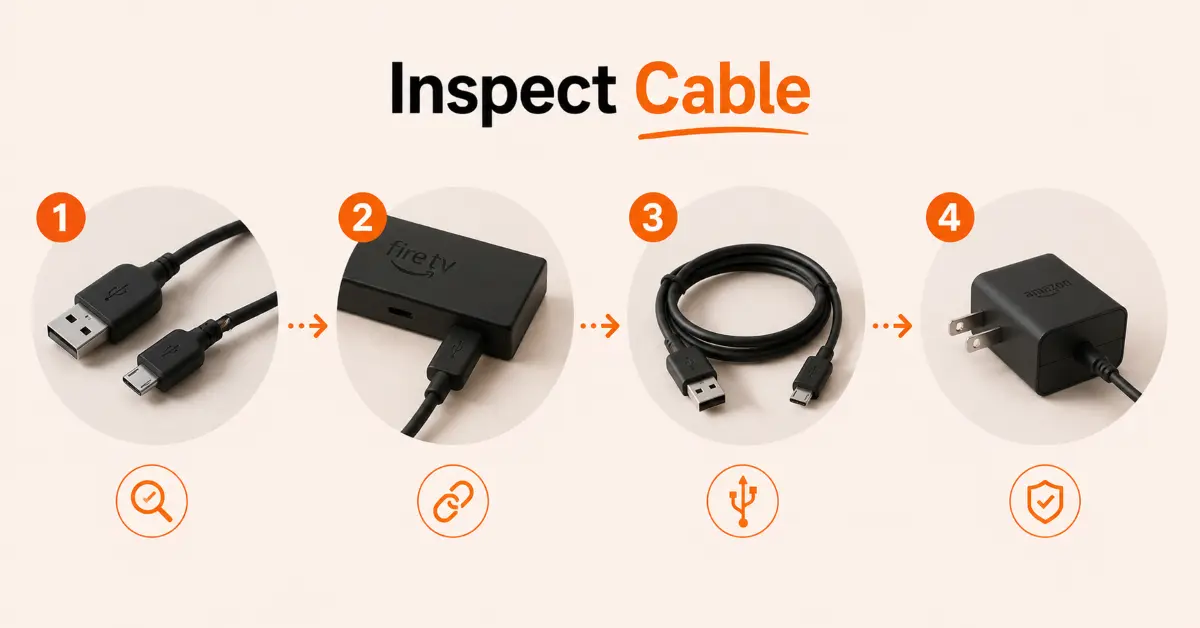
Inspect the Power Cable
-
Check the USB cable for visible damage or wear
-
Ensure both ends of the cable are securely connected
-
Try a different compatible USB cable if available
-
Use the original Amazon power adapter whenever possible
Get NordVPN — 20% Off
Step 03
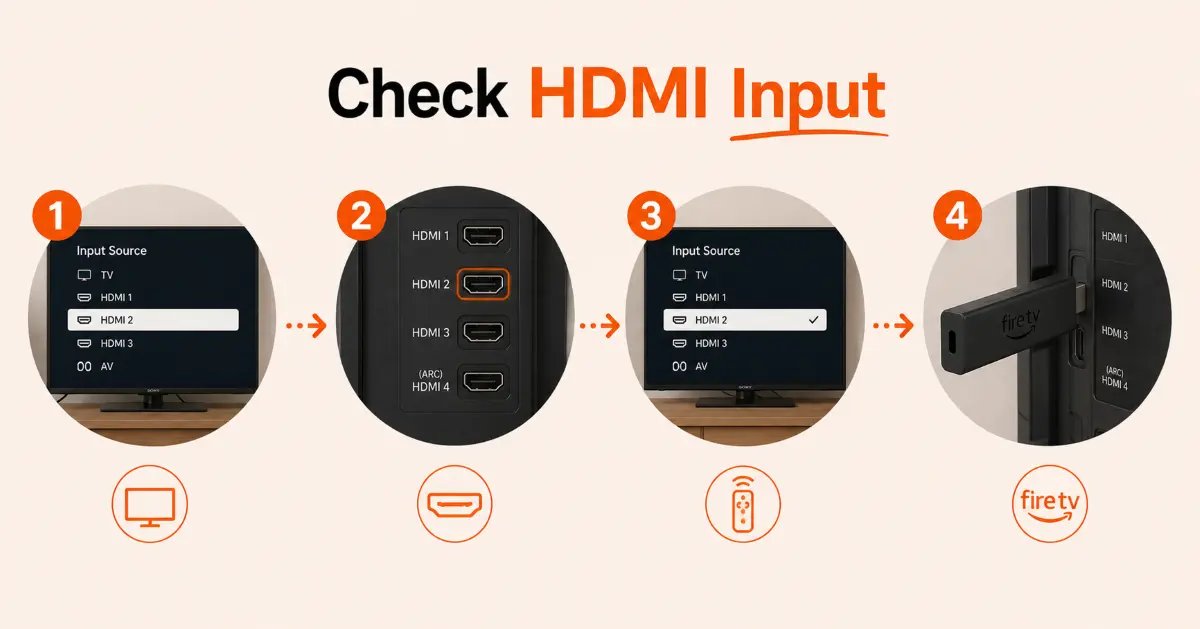
Verify the TV Input
-
Turn on your TV and open the input/source menu
-
Select the HDMI port connected to the Firestick
-
Test another HDMI port on the TV if needed
-
Confirm the Firestick is properly inserted into the HDMI port
Step 04
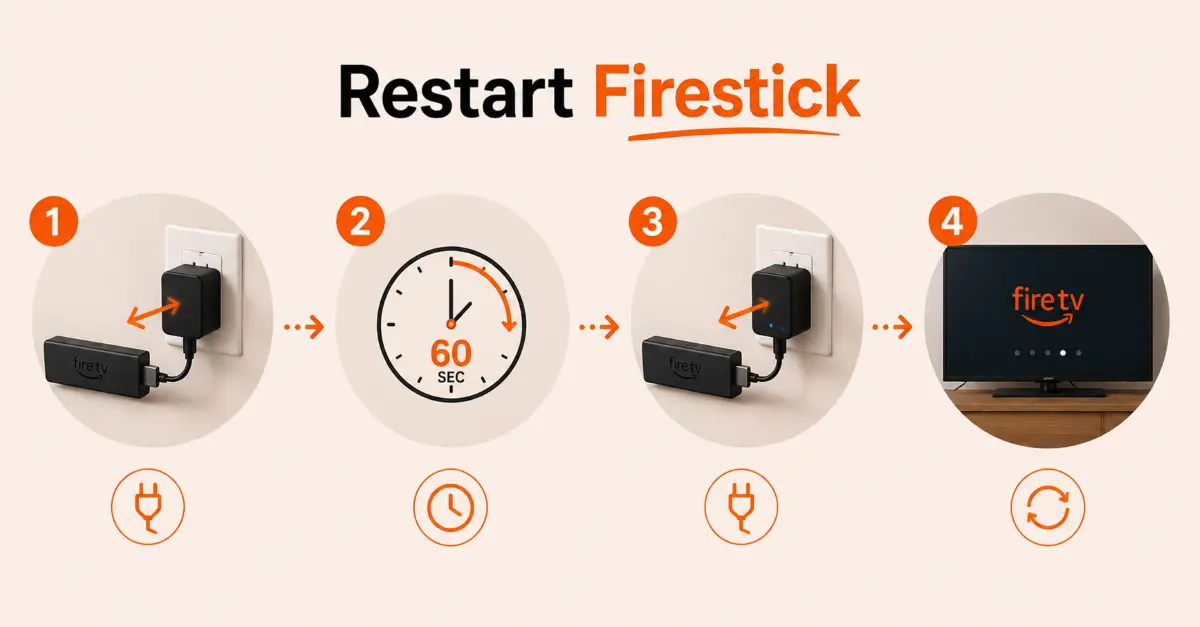
Power Cycle the Firestick
-
Unplug the Firestick from its power source
-
Wait for at least 60 seconds before reconnecting
-
Plug the device back into power and the TV
-
Allow a few minutes for the Firestick to boot up
Get NordVPN — 20% Off
Step 05
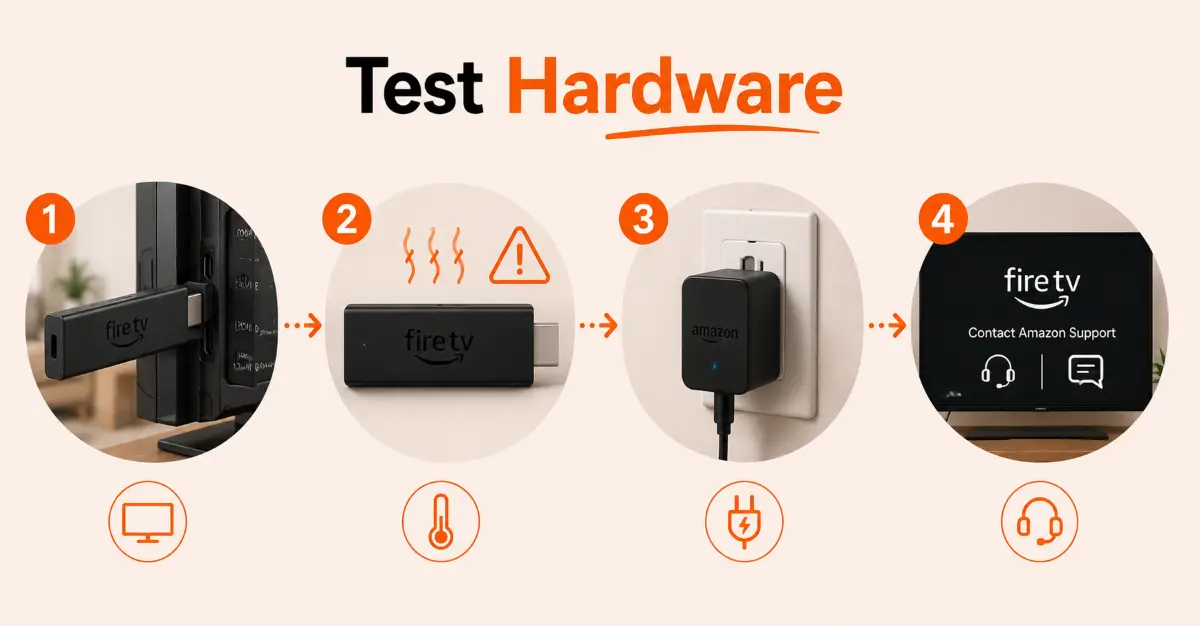
Check for Hardware Issues
-
Test the Firestick on another TV if possible
-
Look for signs of overheating or physical damage
-
Verify that the power adapter is functioning correctly
-
Contact Amazon support or replace the device if it still won't turn on
Quick Comparison
Side-by-side comparison of top Fire Stick VPNs
| VPN | Price | Servers | Speed | Devices | Rating | Actions |
|---|---|---|---|---|---|---|
|
NordVPN
|
$4.39/mo | 6,998+ | Blazing Fast | 8 | 4.8 | Get Deal |
 EXPRESS VPN
|
$2.79/mo | 3,000+ | Blazing Fast | 8 | 5 | Get Deal |
|
|
$1.88/mo | 3,200+ | Blazing Fast | 8 | 4.7 | Get Deal |
 Proton VPN
|
$3.99/mo | 14,999+ | Blazing Fast | 7 | 4.8 | Get Deal |
 PureDome
|
$12.95/mo | — | Slow | 4 | 4.5 | Get Deal |
Frequently Asked Questions
Why is my Firestick won't turn on even when it's plugged in?
A Firestick may not turn on due to faulty power adapter, damaged USB cable, loose HDMI connection, or an issue with TV's power supply. Checking each component may help.
How can I fix a Fire TV won't power on problem?
You can try different fixes, including inspecting the power cable, testing a different outlet, checking the HDMI connection, and performing a hard reboot by disconnecting power for about 60 seconds.
Can a faulty power adapter cause a Fire Stick not turning on?
Yes, an incompatible and damaged power adapter may prevent Firestick from receiving enough power. Using an original Amazon power adapter is recommended.
How do I fix Firestick no signal power issues?
Check the power source, reconnect the HDMI cable, try a different TV input, and ensure the Firestick is receiving an adequate power supply.
Can overheating cause a Fire Stick not turning on?
Yes, excessive heat can trigger protective shutdowns. Allow the device to cool down for 15-20 minutes before power it on again.
Why does my Firestick won't turn on after an update?
Sometime a software update is not installed correctly, causing startup issues. Disconnect the Firestick from power for a minute and then reconnect it.
How can I prevent future Firestick no signal power issues?
Use an original power adapter, avoid connecting the Firestick to a TV USB port for power, and try to keep the device cool. You should also update the device regularly.