How to Get Channel 4 on Firestick?
Editor's Choice
#1 Pick
Editor's Choice
 NordVPN
$4.39/month
Save 20%
Blazing Fast
6,998+
214
8
Step by Step Instructions
Step 01

Go to Search on Fire TV
On your Fire TV home screen, select the Search (Find) option at the top.
Step 02

Type “NordVPN”
Use your remote to type NordVPN and choose the app when it appears in the results.
Step 03

Install the App
Click on Get or Download to install NordVPN on your Fire TV.
Step 04

Log In & Connect
Open the app, sign in to your account, and press the connect button to start using the VPN.
How to Get Channel 4 on Firestick?
A simple guide to installing and watching Channel 4 on your Firestick
Step 01
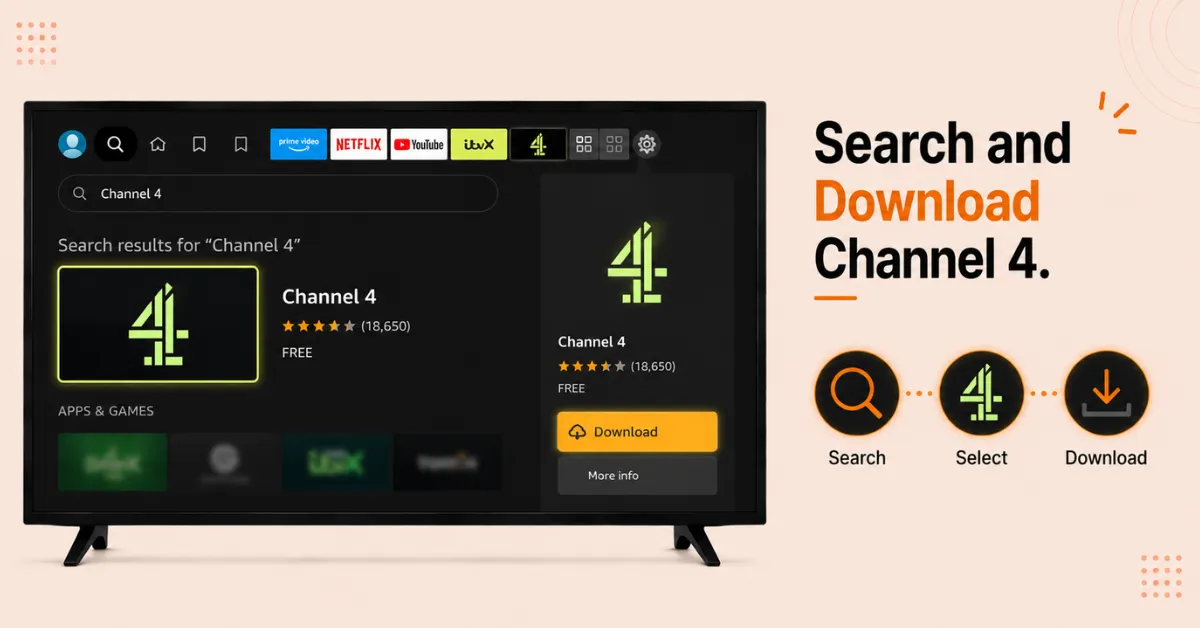
Search and Download Channel 4
-
From the Firestick home screen, go to the Appstore and tap the search icon
-
Type Channel 4 using the on screen keyboard and hit Enter
-
Select the Channel 4 icon from the results and click Download to install it
Step 02
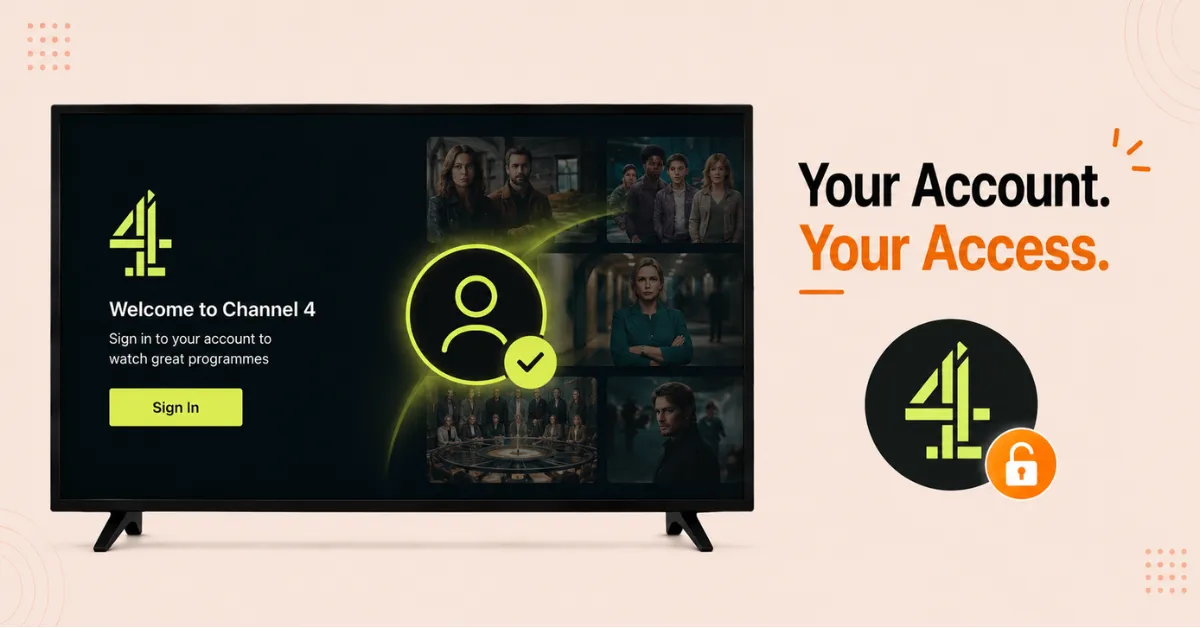
Open the App and Sign In
-
Once installed, tap Open to launch the Channel 4 app
-
Accept any permissions the app requests to proceed
-
Click Sign In and enter your Channel 4 account credentials
Get NordVPN — 20% Off
Step 03
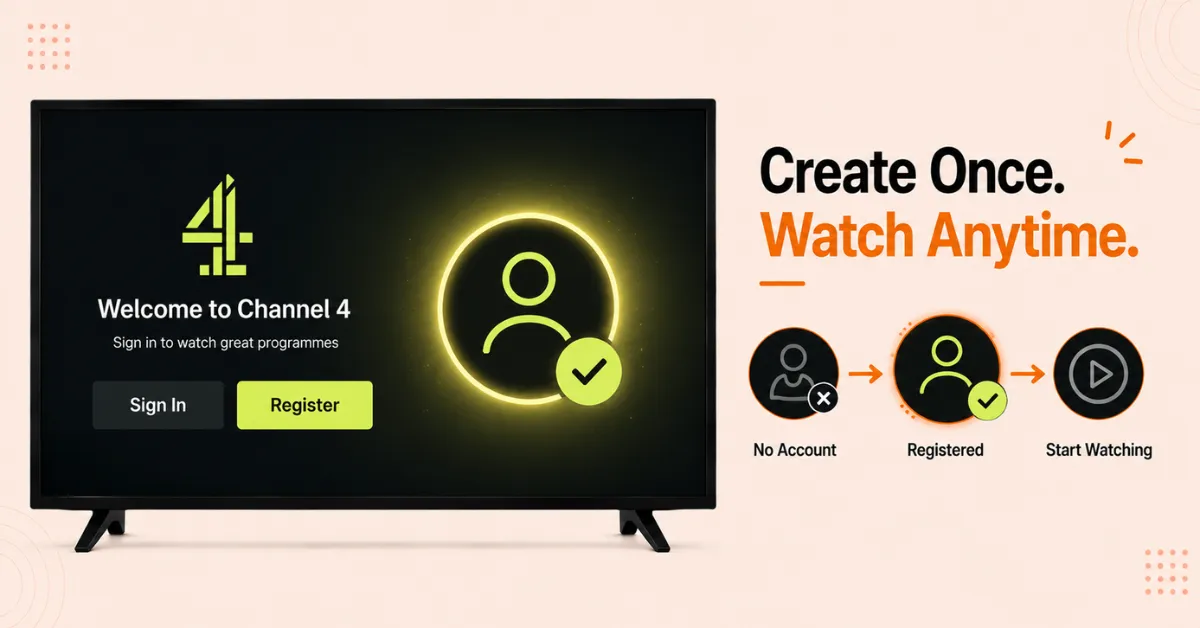
Create a Channel 4 Account if Needed
-
If you do not have an account, click Register on the launch screen
-
Go to channel4.com on a browser, enter your email, date of birth, and a UK postcode
-
Verify your email and return to the app to sign in
Step 04
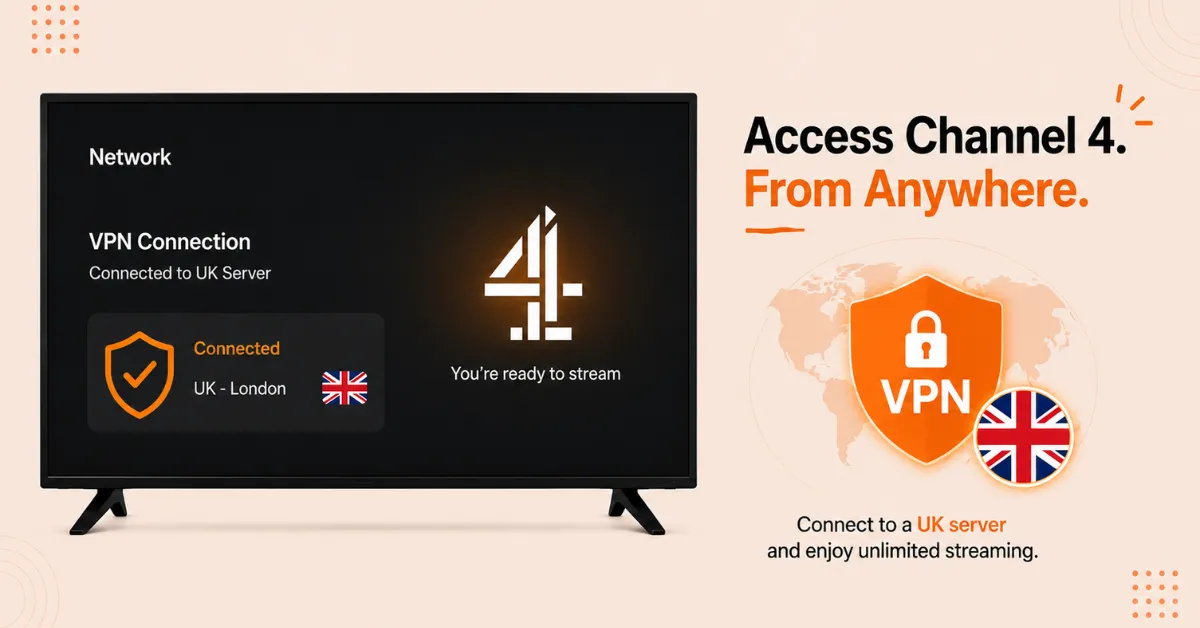
Connect to a UK VPN if Outside the UK
-
Channel 4 is restricted to UK viewers so a VPN is needed if you are outside the UK
-
Download a VPN app from the Amazon Appstore and connect to a UK server
-
Keep the VPN connected while streaming to avoid any access restrictions
Quick Comparison
Side-by-side comparison of top Fire Stick VPNs
| VPN | Price | Servers | Speed | Devices | Rating | Actions |
|---|---|---|---|---|---|---|
|
NordVPN
|
$4.39/mo | 6,998+ | Blazing Fast | 8 | 4.8 | Get Deal |
 EXPRESS VPN
|
$2.79/mo | 3,000+ | Blazing Fast | 8 | 5 | Get Deal |
|
|
$1.88/mo | 3,200+ | Blazing Fast | 8 | 4.7 | Get Deal |
 Proton VPN
|
$3.99/mo | 14,999+ | Blazing Fast | 7 | 4.8 | Get Deal |
 IPVanish
|
$2.49/mo | 3,100+ | Blazing Fast | 6 | 4 | Get Deal |
 PrivadoVPN
|
$1.99/mo | — | Blazing Fast | 5 | 4 | Get Deal |
Frequently Asked Questions
Is Channel 4 free on Firestick?
Yes, Channel 4 is free to watch on Firestick with ads. You need a free account to access all content but there are no subscription fees for the standard version.
Do I need to create an account to watch Channel 4 on Firestick?
Yes, a free Channel 4 account is required. You can register at channel4.com using your email address, date of birth, and a UK postcode before signing in on your Firestick.
Is Channel 4 officially available on Firestick?
Yes, the Channel 4 app is officially available on the Amazon Appstore for Firestick. There is no need to sideload or change any developer settings to install it.
Can I watch Channel 4 live on Firestick?
Yes, the Channel 4 app on Firestick includes live TV streams of all Channel 4 channels. A free account and a valid UK TV licence are required to watch live broadcasts.
How do I install Channel 4 on Fire Stick?
Go to the Appstore on your Fire Stick, search for Channel 4, and click Download. Once installed open the app, sign in with your Channel 4 account, and start watching.
Do I need to sideload Channel 4 on Fire Stick?
No, Channel 4 is officially available on the Amazon Appstore so no sideloading is required for UK users. Users outside the UK may need to sideload the APK using the Downloader app if the app does not appear in their regional Appstore.
Can I watch Formula 1 on Channel 4 on Fire TV?
Yes, Channel 4 holds broadcast rights for Formula 1 highlights in the UK and these are available through the Channel 4 app on Fire TV. Live F1 coverage and additional sports content are also available through the app depending on your subscription tier.