How to Install a VPN on Firestick: Easy Step by Step Guide
Editor's Choice
#1 Pick
Editor's Choice
 Proton VPN
$3.99/month
Save 20%
Blazing Fast
14,999+
214
7
Step by Step Instructions
Step 01
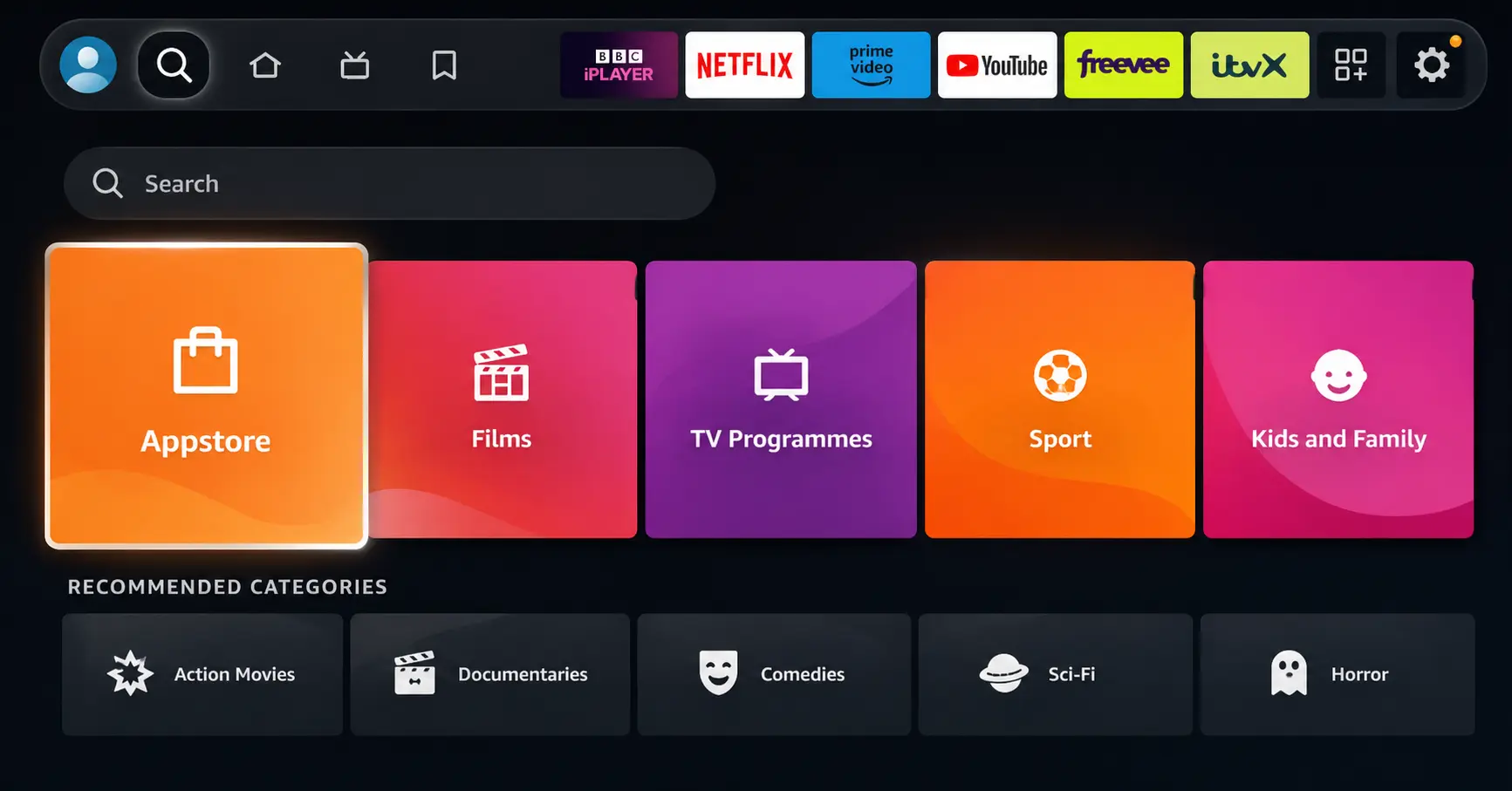
Open Search on Fire TV
Go to the Find (Search) option from your Fire TV home screen.
Step 02
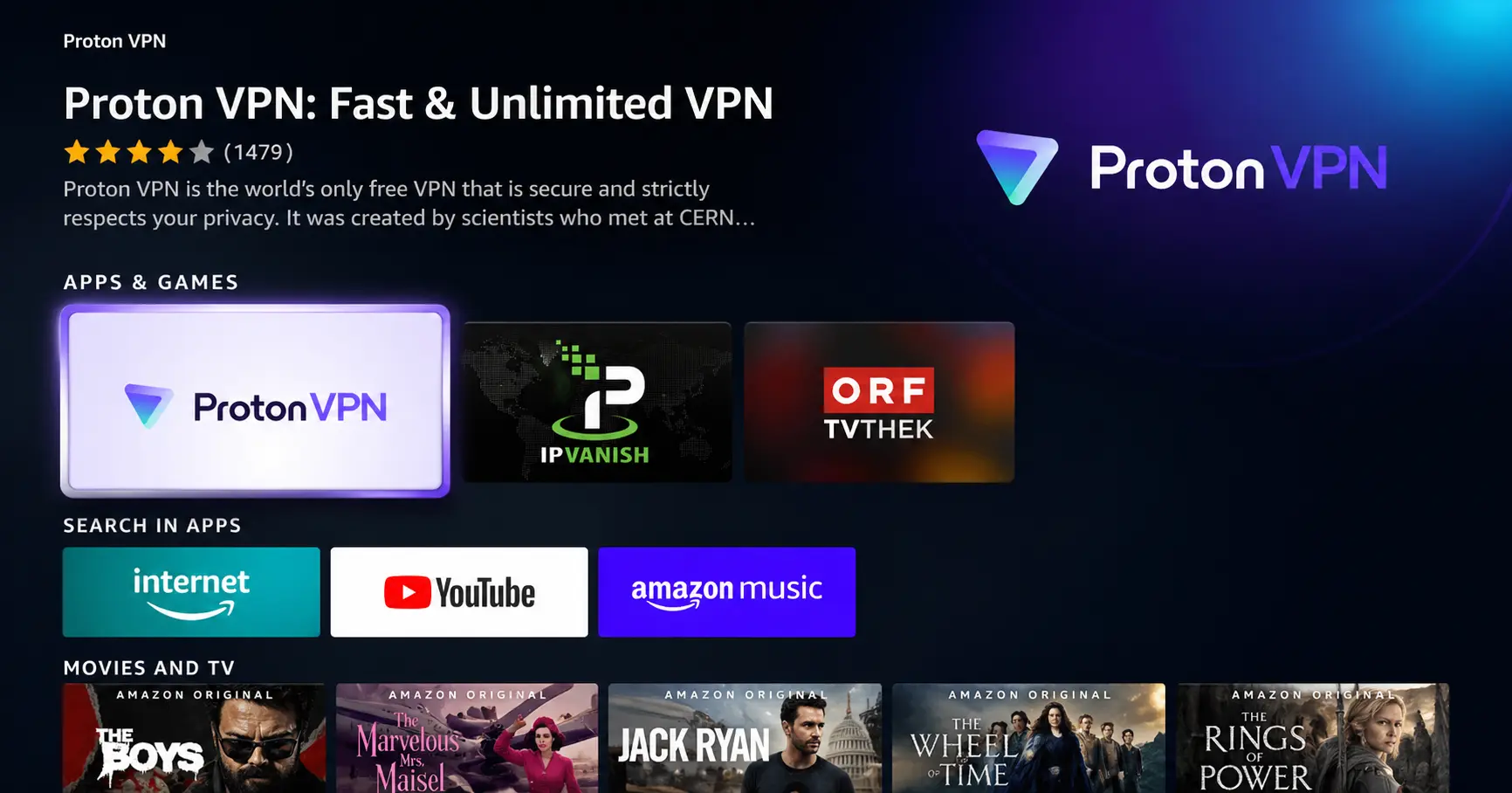
Search for ProtonVPN
Type ProtonVPN using your remote and select the app from the results.
Step 03
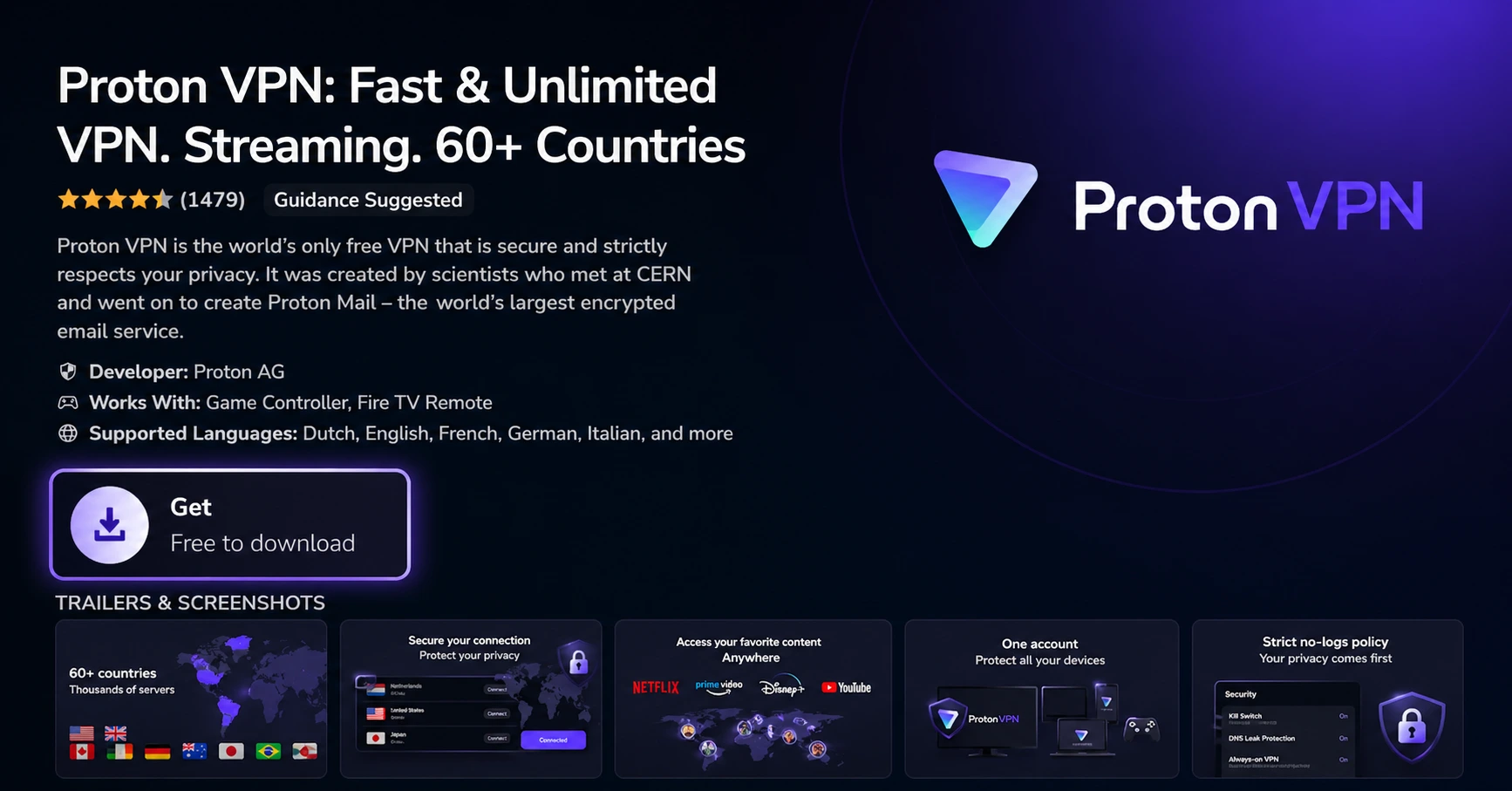
Install the App
Click on Get or Download to install ProtonVPN on your Fire TV.
Step 04
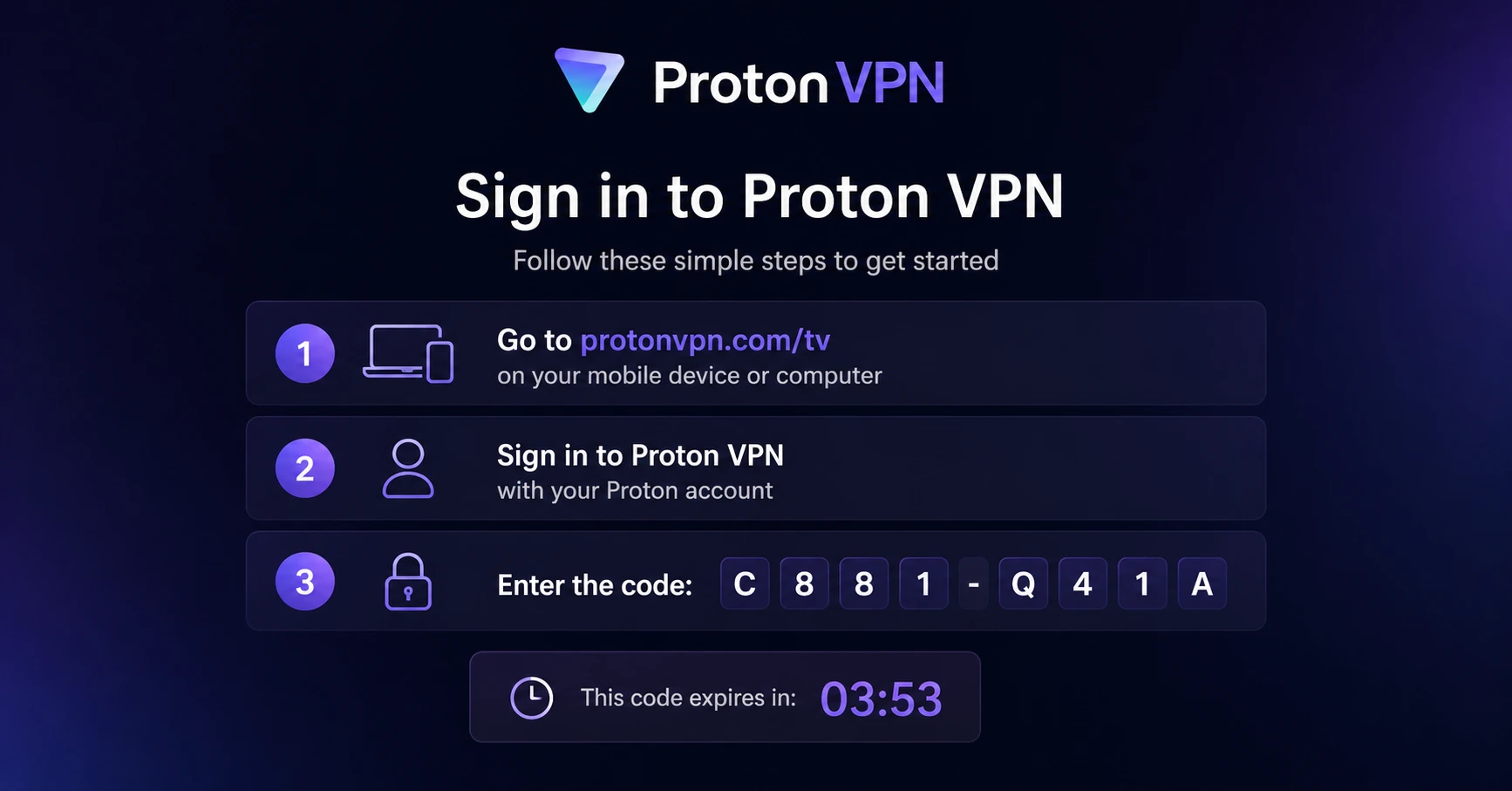
Sign In & Connect
Open the app, sign in using your Proton account (QR or code method), and connect to a server.
How to Install a VPN on Firestick
Get Your VPN Running on Firestick in Under 2 Minutes
Step 01
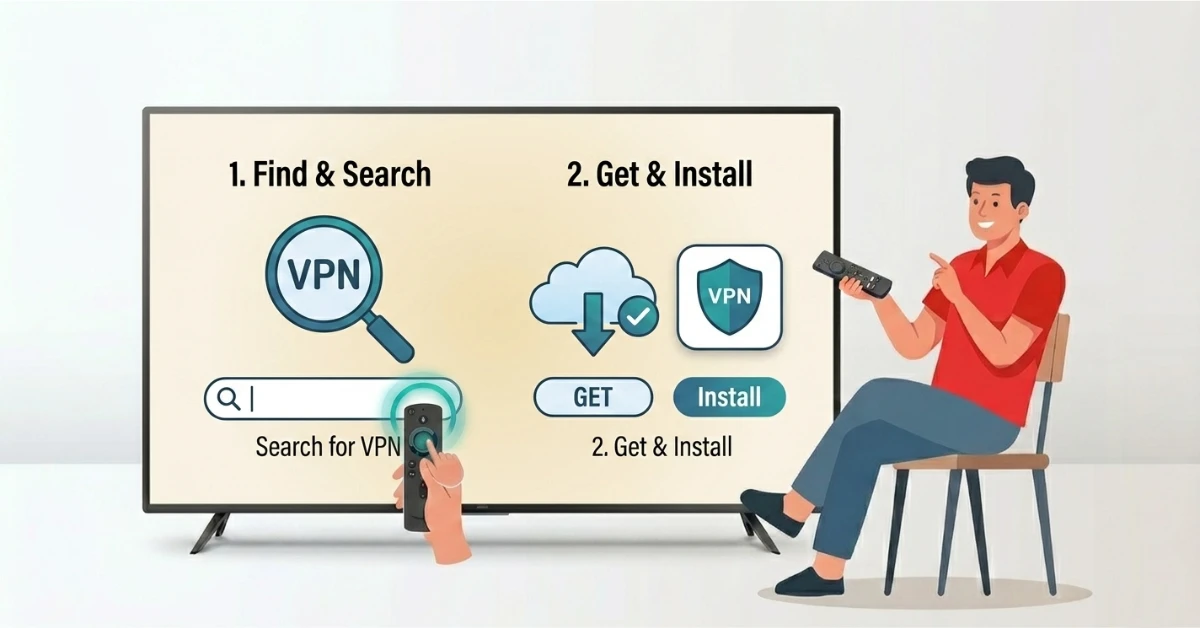
Search for Your VPN on Firestick
-
From the Fire TV home screen, go to Find and click Search.
-
Type the name of your VPN and select the official app.
-
Click Get to download and install it from the Amazon App Store.
-
Once installed, open the app from your apps list.
Step 02
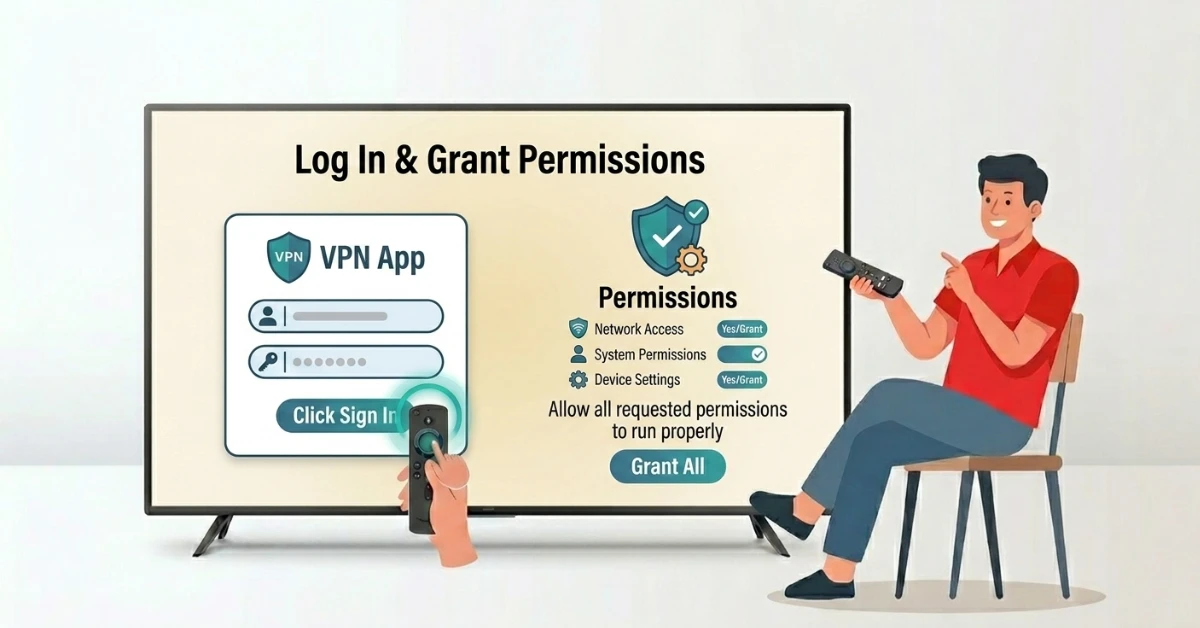
Log In & Grant Permissions
-
Enter your account credentials and click Sign In.
-
Allow any permissions the app requests to run properly.
-
Your VPN app is now set up.
Get Proton VPN — 20% Off
Step 03
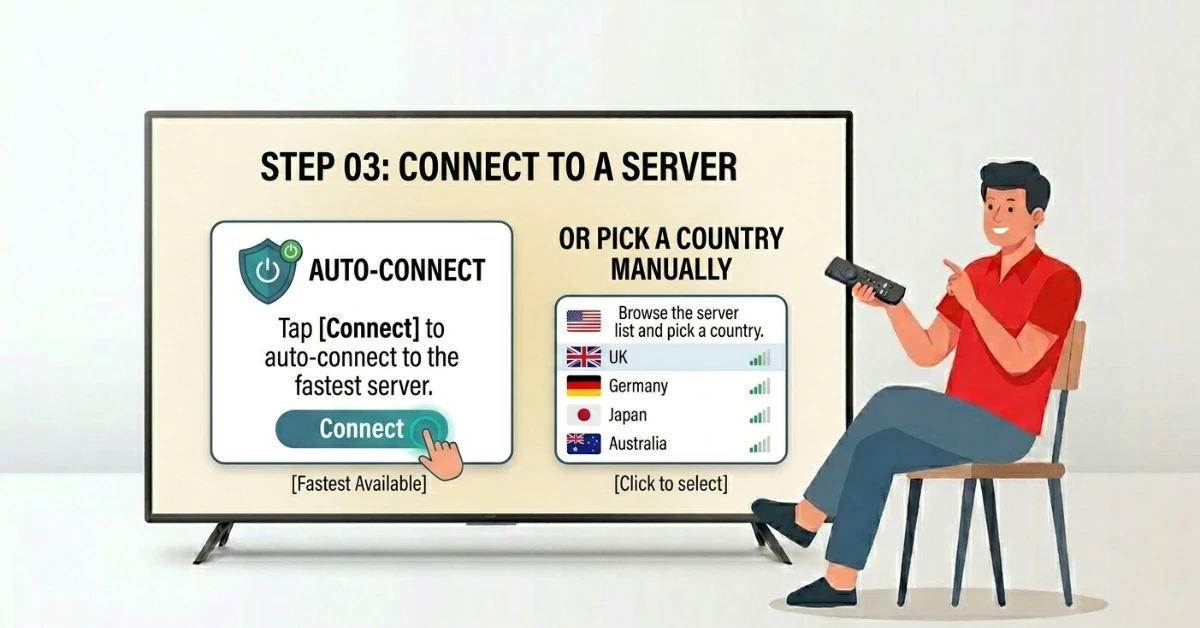
Connect to a Server
-
Tap Connect to auto-connect to the fastest available server.
-
Or browse the server list and pick a country of your choice.
-
You are now protected and ready to stream securely.
Step 04
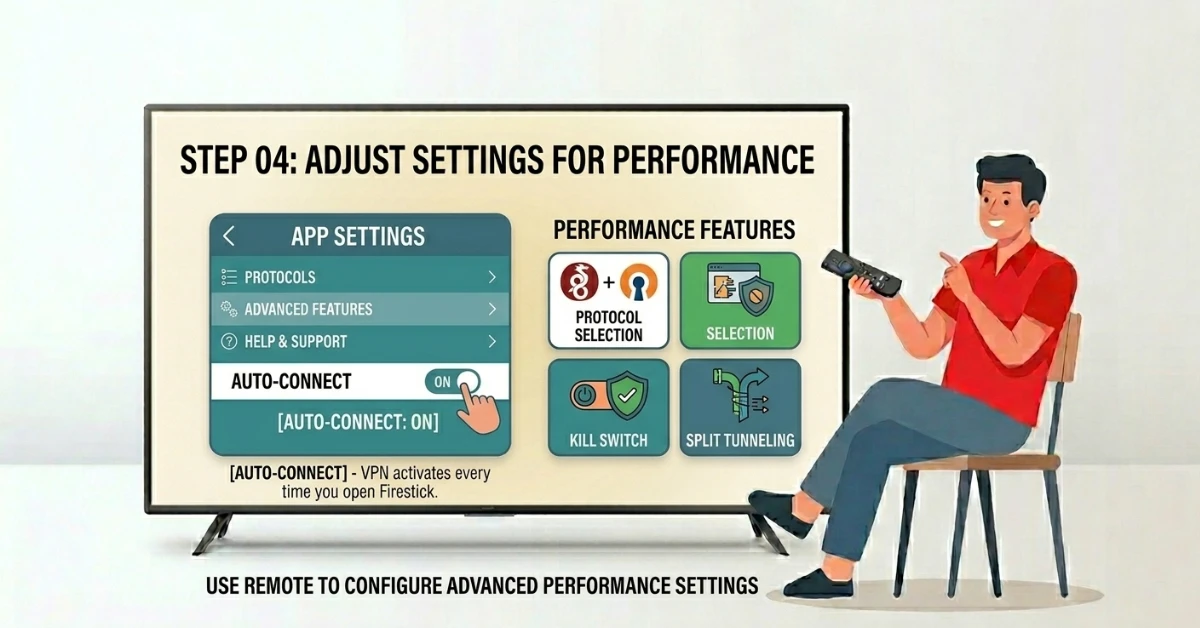
Adjust Settings for Best Performance
-
Go into the App settings and choose the fastest protocol available.
-
Enable Auto-Connect.
-
Your VPN is installed and ready to use.
Quick Comparison
Side-by-side comparison of top Fire Stick VPNs
| VPN | Price | Servers | Speed | Devices | Rating | Actions |
|---|---|---|---|---|---|---|
|
Proton VPN
|
$3.99/mo | 14,999+ | Blazing Fast | 7 | 4.8 | Get Deal |
|
|
$1.88/mo | 3,200+ | Blazing Fast | 8 | 4.7 | Get Deal |
 NordVPN
|
$4.39/mo | 6,998+ | Blazing Fast | 8 | 4.8 | Get Deal |
 EXPRESS VPN
|
$2.79/mo | 3,000+ | Blazing Fast | 8 | 5 | Get Deal |
 IPVanish
|
$2.49/mo | 3,100+ | Blazing Fast | 6 | 4 | Get Deal |
Frequently Asked Questions
Can I install a VPN on Firestick without a subscription?
No, you need an active VPN subscription before you can log in and use the app. Most providers offer affordable plans with a money-back guarantee.
How do I set up a VPN on Firestick for the first time?
For a first-time Firestick VPN setup, simply search for your VPN on the Amazon App Store, install it, sign in, and hit Connect to start streaming securely.
Can I follow a Firestick VPN tutorial for all VPN brands?
Yes, most Firestick VPN tutorials follow the same basic steps regardless of the provider. Search, install, log in, and connect works for almost every major VPN with a Fire TV app.
Will a VPN affect streaming quality on Firestick?
A good VPN will not reduce your streaming quality. In fact, it can improve speeds by preventing ISP throttling that often causes buffering.
Is it easy to install a VPN app on Firestick?
Yes, installing a VPN app on Firestick is very straightforward. As long as your VPN has an official Fire TV app, the whole process works just like installing any other app.
How do I set up a VPN on Amazon Fire Stick manually?
If your VPN is not on the App Store, you can sideload the APK using the Downloader app. Enable Install Unknown Apps under Settings, then enter the VPN download link in Downloader.
How does a Fire TV VPN guide help new users?
A Fire TV VPN guide walks you through each step clearly so even first-time users can get connected without any technical knowledge.