How to Install Channel 5 App on Firestick ? Installation Guide
Editor's Choice
#1 Pick
Editor's Choice
 EXPRESS VPN
$2.79/month
Save 20%
Blazing Fast
3,000+
214
8
Step by Step Instructions
Step 01

Open the Amazon App Store
From your Firestick home screen, navigate to the “Find” or search icon and open the Amazon App Store.
Step 02

Search for ExpressVPN
Type “ExpressVPN” in the search bar using your remote. Select the official ExpressVPN app from the results.
Step 03

Download & Install the App
Click on the “Download” or “Get” button to install the app on your Firestick. Wait for the installation to complete.
Step 04

Sign In & Connect
Open the app, sign in with your ExpressVPN account, and tap the power button to connect to a server.
How to Install Channel 5 App on Firestick?
A simple instruction guide to streaming Channel 5 Content on Firestick under 5 minutes
Step 01
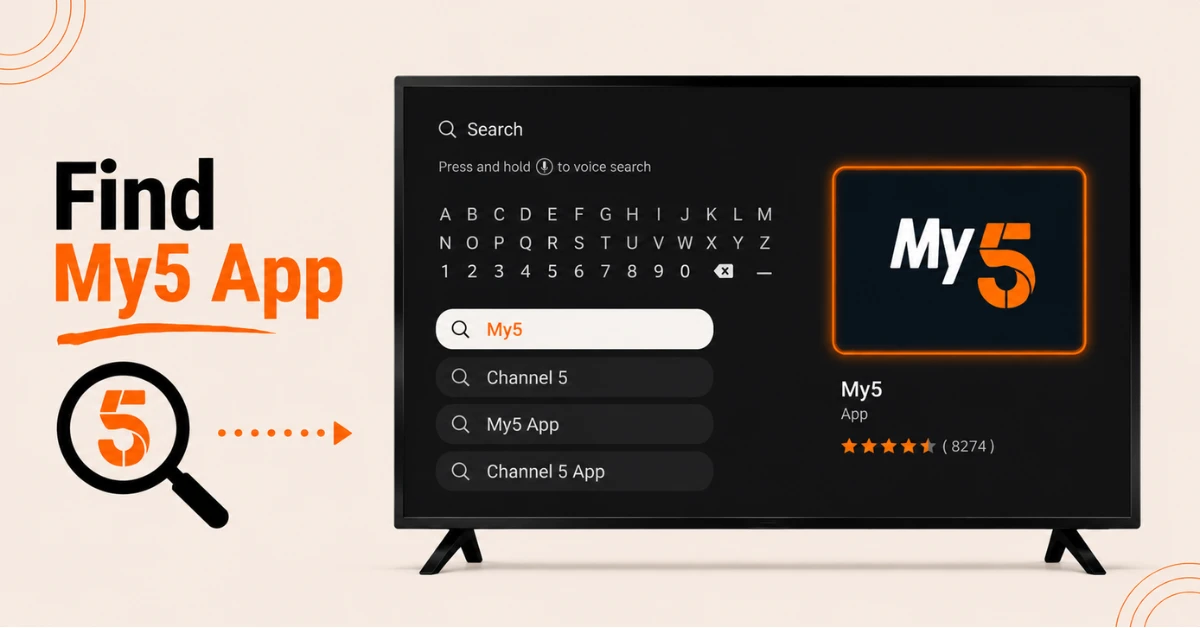
Search for the My5 App on Firestick
-
From the Firestick home screen select Find and then Search
-
Type My5 or Channel 5 using the on-screen keyboard
-
Select the My5 app from the list of results that appear on screen
Step 02
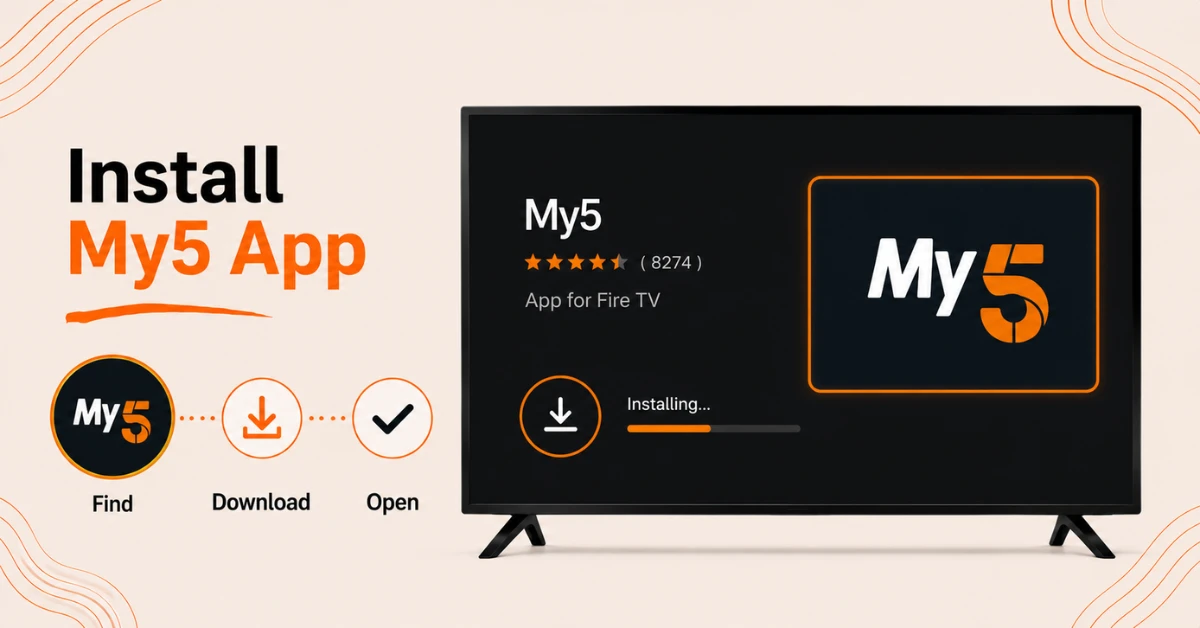
Download and Install the App
-
Select the My5 app tile from the search results page
-
Click Get or Download to begin the installation process
-
Wait for the installation to complete and then select Open to launch the app
Get EXPRESS VPN — 20% Off
Step 03
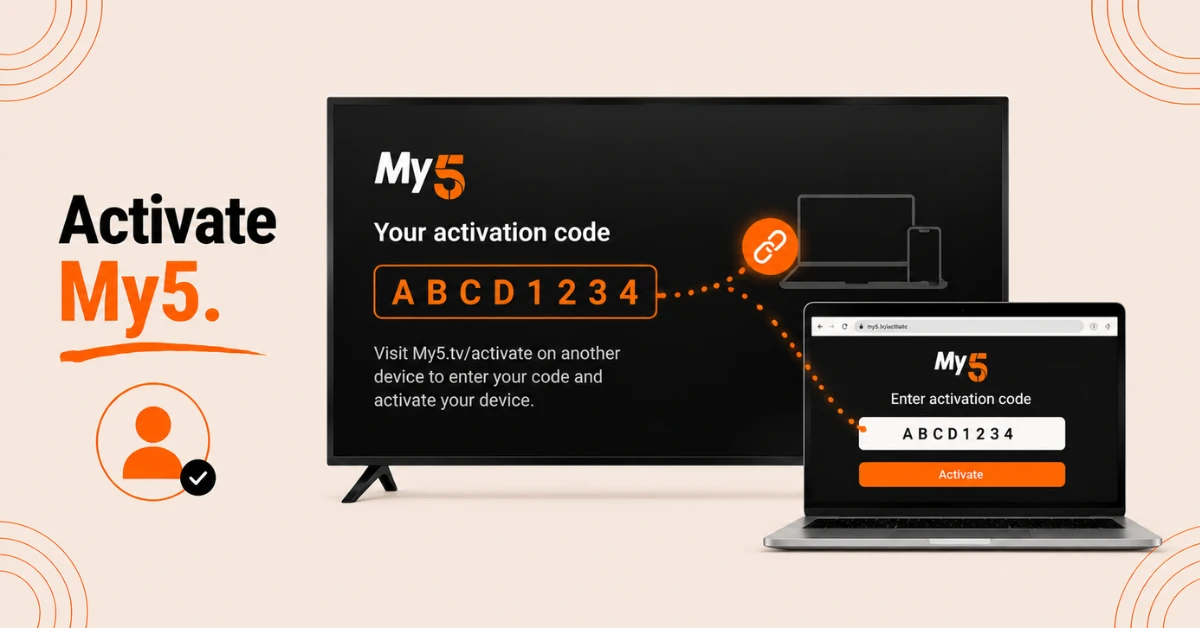
Create a Free Account and Activate
-
On the welcome screen select Register to create a free My5 account using an email address
-
Once signed in an activation code will appear on the Firestick screen
-
On a separate device open a browser and go to My5.tv/activate, sign in, and enter the activation code
Step 04
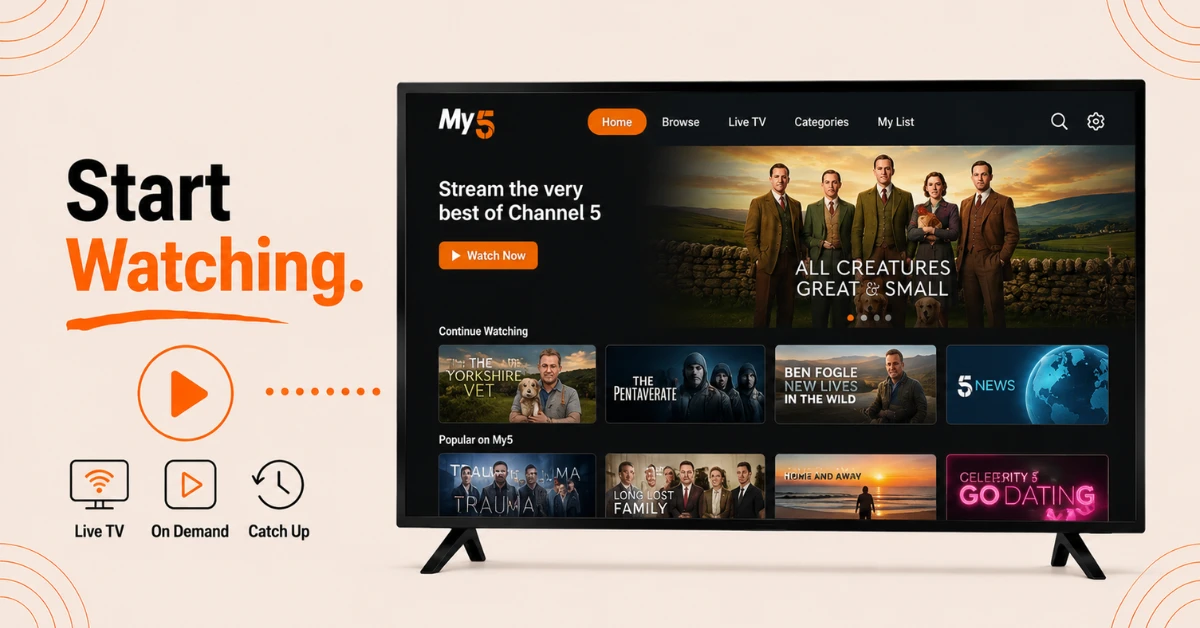
Begin Streaming Channel 5 Content
-
Once activation is confirmed the app will refresh and the full content library will become accessible
-
Browse live TV, on-demand titles, and catch-up episodes from across the Channel 5 family of channels
-
No subscription or payment is required to begin watching
Quick Comparison
Side-by-side comparison of top Fire Stick VPNs
| VPN | Price | Servers | Speed | Devices | Rating | Actions |
|---|---|---|---|---|---|---|
|
EXPRESS VPN
|
$2.79/mo | 3,000+ | Blazing Fast | 8 | 5 | Get Deal |
 NordVPN
|
$4.39/mo | 6,998+ | Blazing Fast | 8 | 4.8 | Get Deal |
 Proton VPN
|
$3.99/mo | 14,999+ | Blazing Fast | 7 | 4.8 | Get Deal |
|
|
$1.88/mo | 3,200+ | Blazing Fast | 8 | 4.7 | Get Deal |
 Pure VPN
|
$3.55/mo | — | Blazing Fast | 6 | 4 | Get Deal |
 PrivadoVPN
|
$1.99/mo | — | Blazing Fast | 5 | 4 | Get Deal |
Frequently Asked Questions
Is Channel 5 on Firestick free to watch?
Yes, Channel 5 is completely free to watch on Firestick through the My5 app. No subscription or payment is required and a free account can be created at registration to access all available content.
What is My5 on Firestick?
My5 is the official streaming app for Channel 5 on Firestick. It provides free access to live TV, on-demand content, and catch-up episodes from across the Channel 5 family of channels.
How do I activate My5 on Firestick?
After opening the My5 app an activation code will appear on the Firestick screen. Visit My5.tv/activate on a separate device, sign in to a My5 account, and enter the code to complete activation.
What channels are available through Channel 5 on Firestick?
The My5 app on Firestick provides access to Channel 5, 5STAR, 5USA, 5SELECT, and 5ACTION. Partner channels including Pluto TV and BET are also available within the app.
Is Channel 5 on Firestick available outside the United Kingdom?
Channel 5 is a UK based service and is geographically restricted to viewers within the United Kingdom. Access from outside the UK may not be possible through the standard app installation method.
Why is the My5 app not appearing when searching to install Channel 5 on Firestick?
Ensure the Firestick is connected to the internet and try searching for both My5 and Channel 5 as either term may return the correct result. Restarting the Firestick can also refresh Appstore search results.
Why is the 5 app on Fire TV not loading content?
Slow or unstable internet connections are the most common cause of loading issues on the 5 app on Fire TV. Clearing the app cache under Settings then Applications can also resolve playback problems.