How to Install FloSports on Firestick? Installation Guide
Editor's Choice
#1 Pick
Editor's Choice
 EXPRESS VPN
$2.79/month
Save 20%
Blazing Fast
3,000+
214
8
Step by Step Instructions
Step 01

Open the Amazon App Store
From your Firestick home screen, navigate to the “Find” or search icon and open the Amazon App Store.
Step 02

Search for ExpressVPN
Type “ExpressVPN” in the search bar using your remote. Select the official ExpressVPN app from the results.
Step 03

Download & Install the App
Click on the “Download” or “Get” button to install the app on your Firestick. Wait for the installation to complete.
Step 04

Sign In & Connect
Open the app, sign in with your ExpressVPN account, and tap the power button to connect to a server.
How to Install FloSports on Firestick?
Get FloSports up and running on your Firestick to watch live events on the big screen
Step 01
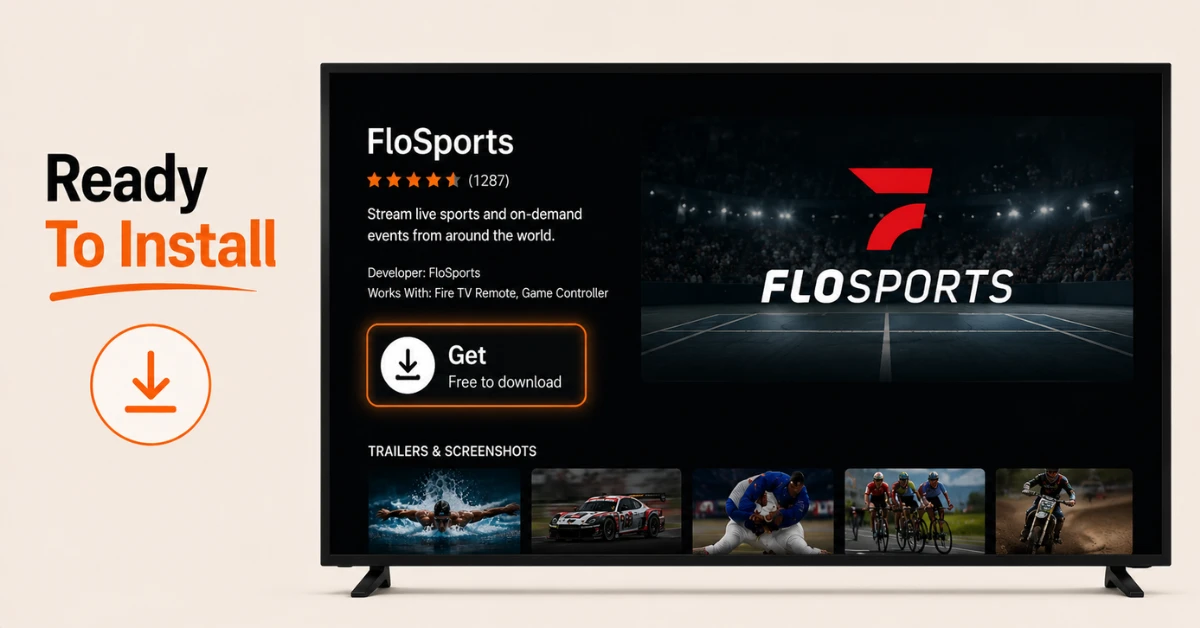
Download the FloSports App
-
From the Firestick home screen, select Find, then Search
-
Type FloSports using the on screen keyboard
-
Select the app from the results and click Get to download and install it
Step 02
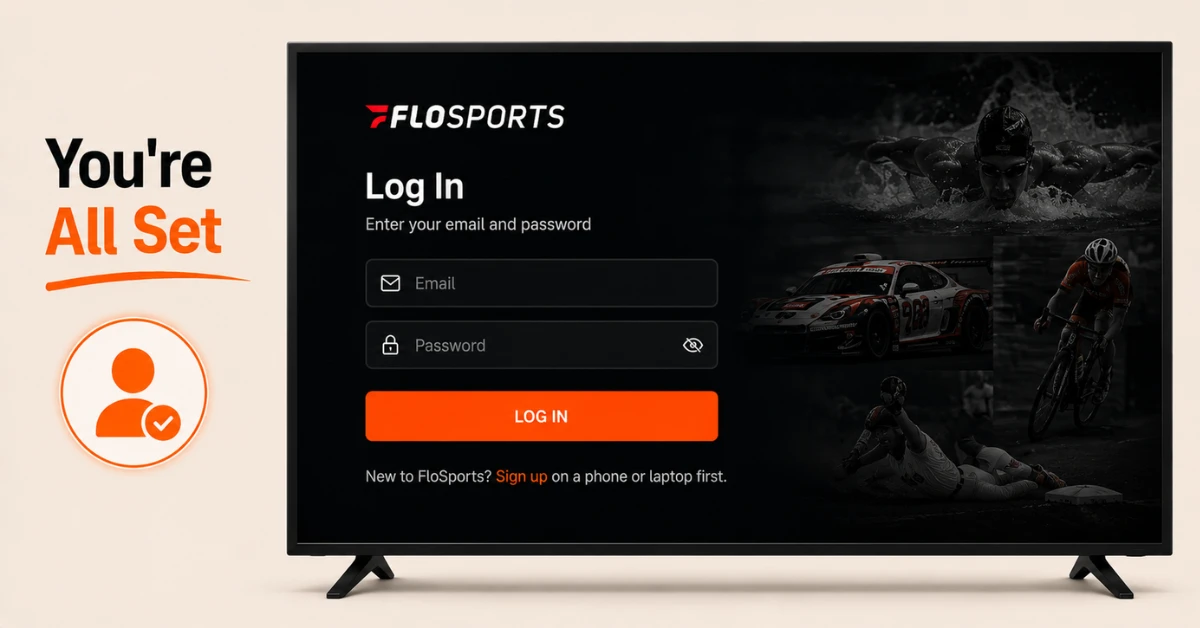
Log In With Your Credentials
-
Open the FloSports app once installed
-
Select Login and enter your existing FloSports account email and password
-
If you do not have an account, sign up on a phone or laptop first before logging in
Get EXPRESS VPN — 20% Off
Step 03
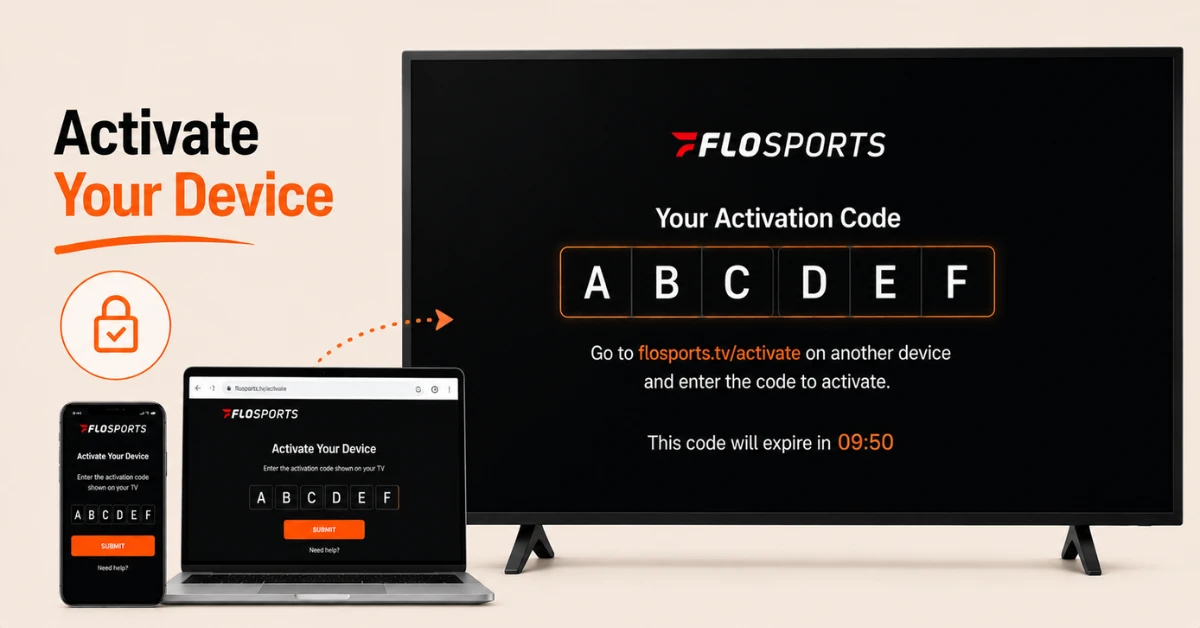
Activate Your Firestick
-
After logging in, the app will display an activation code on screen
-
On another device, visit flosports.tv/activate using Google Chrome for the smoothest experience
-
Log in to your account and enter the activation code shown on your Firestick
Step 04
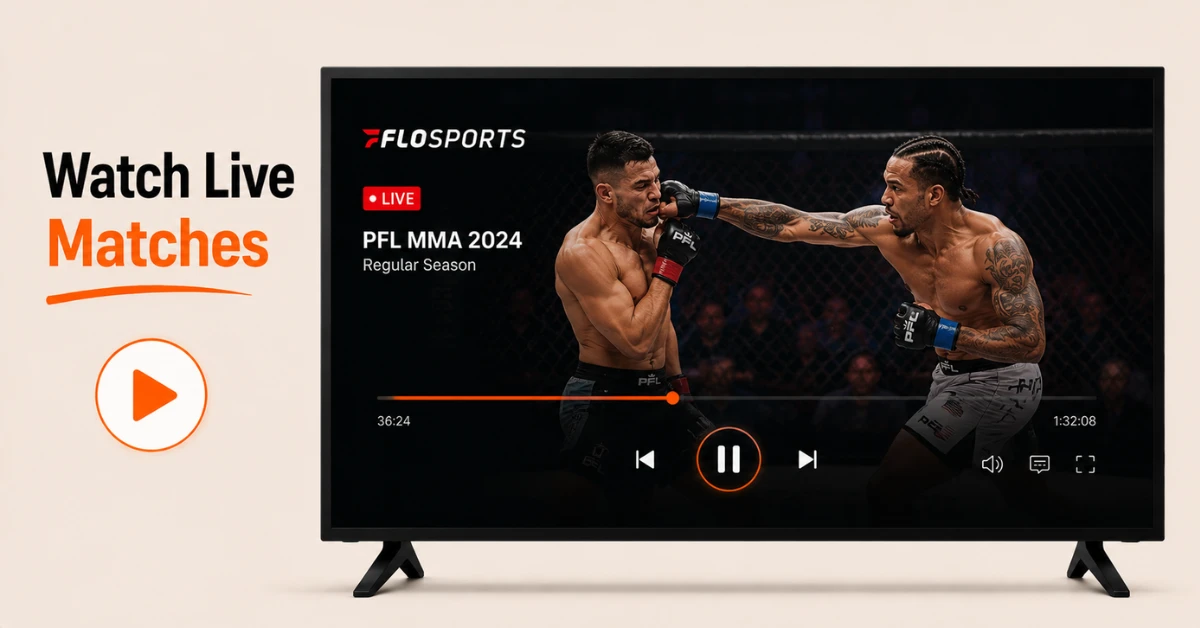
Start Watching
-
Once the code is accepted, you will see a confirmation that your Firestick is activated
-
Close the browser on your other device
-
Return to your Firestick and start streaming live events directly on your TV
Quick Comparison
Side-by-side comparison of top Fire Stick VPNs
| VPN | Price | Servers | Speed | Devices | Rating | Actions |
|---|---|---|---|---|---|---|
|
EXPRESS VPN
|
$2.79/mo | 3,000+ | Blazing Fast | 8 | 5 | Get Deal |
 NordVPN
|
$4.39/mo | 6,998+ | Blazing Fast | 8 | 4.8 | Get Deal |
 Proton VPN
|
$3.99/mo | 14,999+ | Blazing Fast | 7 | 4.8 | Get Deal |
|
|
$1.88/mo | 3,200+ | Blazing Fast | 8 | 4.7 | Get Deal |
 IPVanish
|
$2.49/mo | 3,100+ | Blazing Fast | 6 | 4 | Get Deal |
 PrivadoVPN
|
$1.99/mo | — | Blazing Fast | 5 | 4 | Get Deal |
Frequently Asked Questions
Do I need a subscription to use FloSports on Firestick?
Yes, you need an active FloSports account and subscription to log in and watch events on the app.
What sports can I watch on FloSports on Firestick?
FloSports covers a wide range of niche sports including wrestling, track and field, rodeo, and grappling, among others. The exact lineup depends on which subscription package you have.
Is the FloSports app interface the same on Firestick as on mobile?
The login and account system are the same, but the layout is adapted for navigation with a remote rather than touch controls on your TV screen.
Why won't FloSports install on my Firestick?
Check your available storage under Settings, then My Fire TV, then About, and free up space if needed before trying again.
What should I do if FloSports keeps crashing after installation?
Try uninstalling and reinstalling the app from scratch. If the issue continues, restart your Firestick completely and check that your software is up to date.
Can I watch FloSports live events on Firestick?
Yes, live streaming is the core feature of the app, and events play directly on your Firestick once your account is activated and linked.
Can I use the FloSports app on more than one Firestick?
This depends on your subscription's device limit. Some plans restrict the number of devices you can be logged into at once, so check your account settings or FloSports support for clarity.