How to Install iHeartRadio on Firestick? Easy Guide
Editor's Choice
#1 Pick
Editor's Choice
 Proton VPN
$3.99/month
Save 20%
Blazing Fast
14,999+
214
7
Step by Step Instructions
Step 01
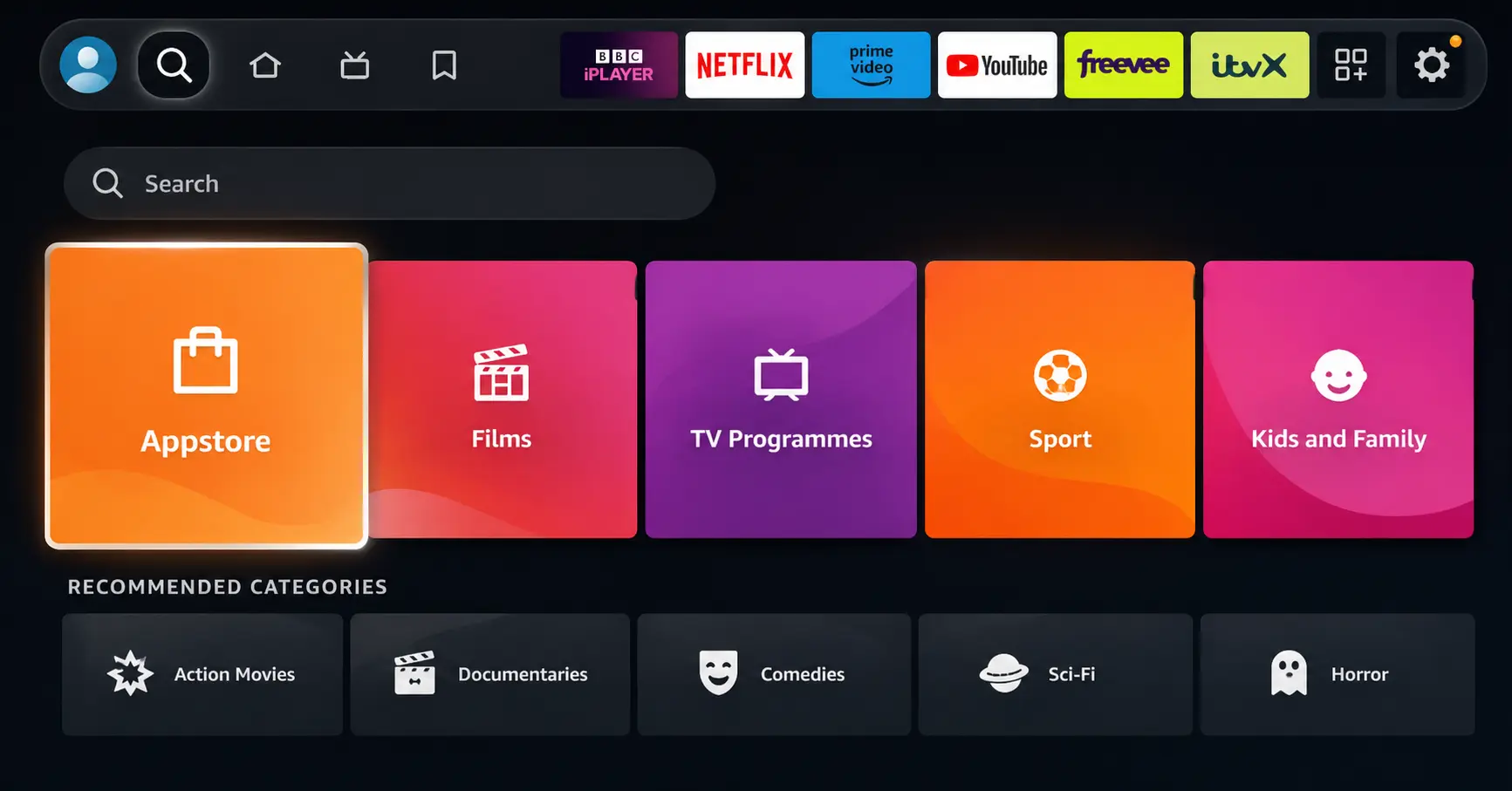
Open Search on Fire TV
Go to the Find (Search) option from your Fire TV home screen.
Step 02
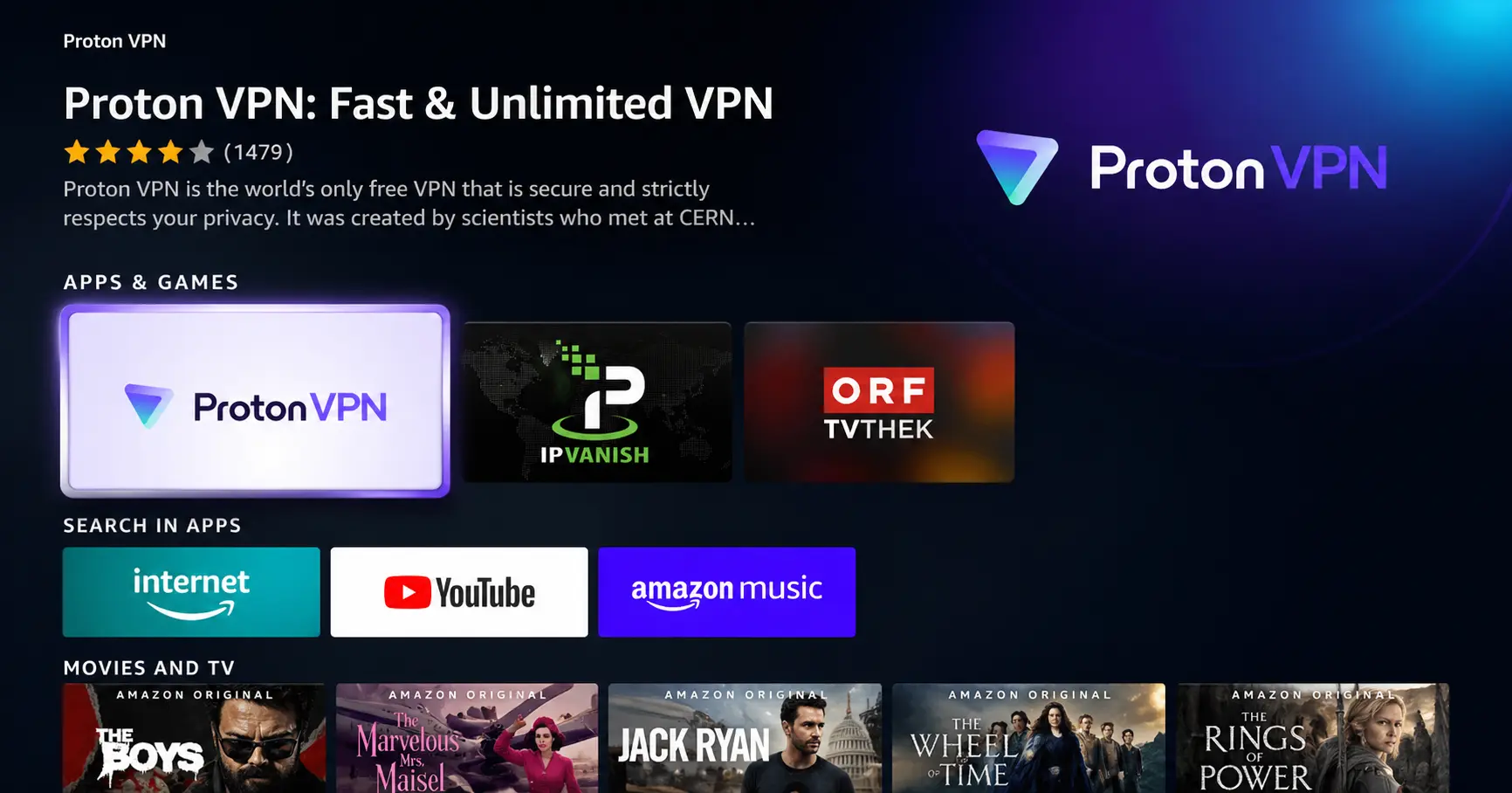
Search for ProtonVPN
Type ProtonVPN using your remote and select the app from the results.
Step 03
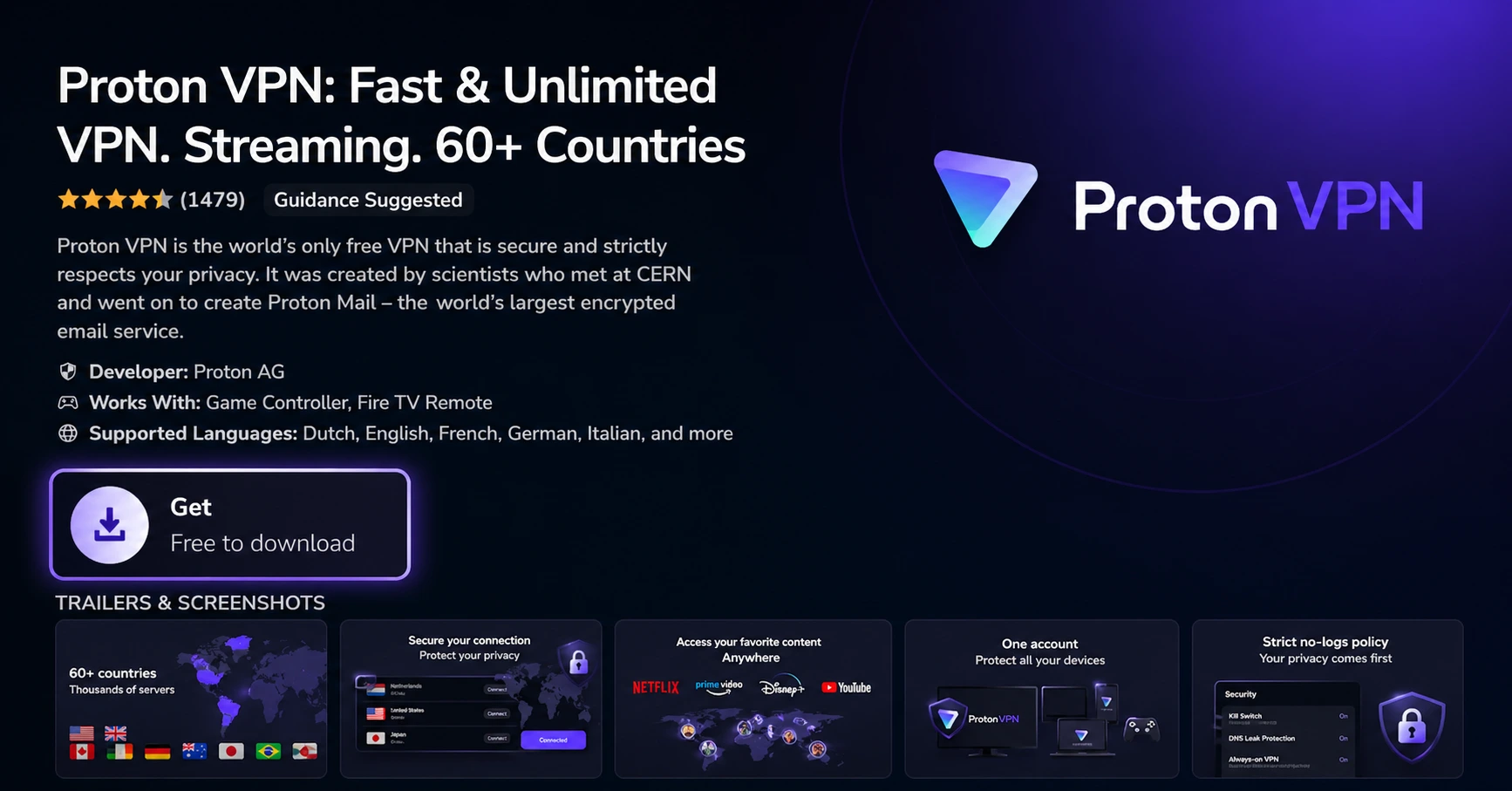
Install the App
Click on Get or Download to install ProtonVPN on your Fire TV.
Step 04
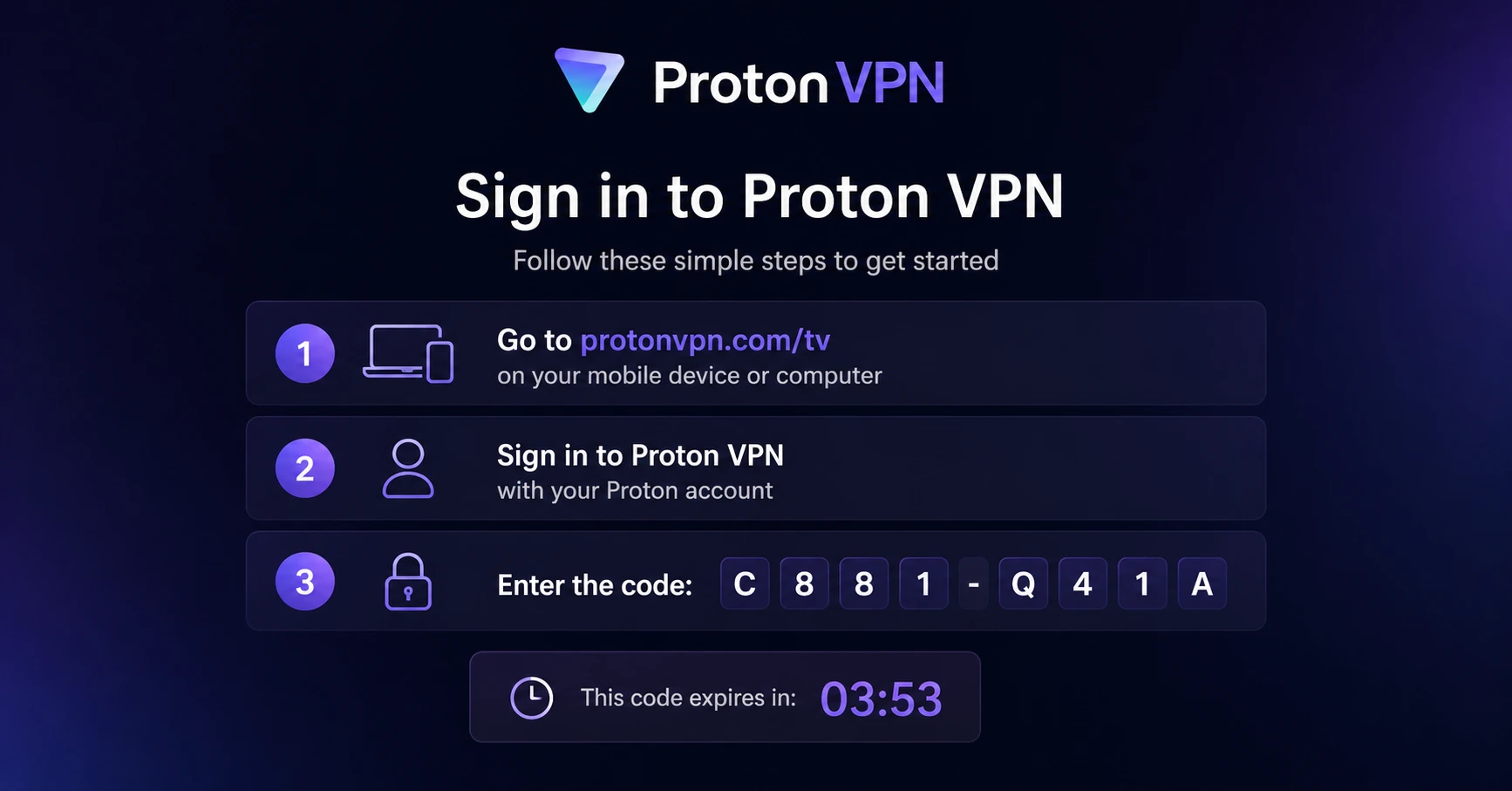
Sign In & Connect
Open the app, sign in using your Proton account (QR or code method), and connect to a server.
How to Install iHeartRadio on Firestick?
Step by Step installation guide to get iHeartRadio on your Firestick
Step 01
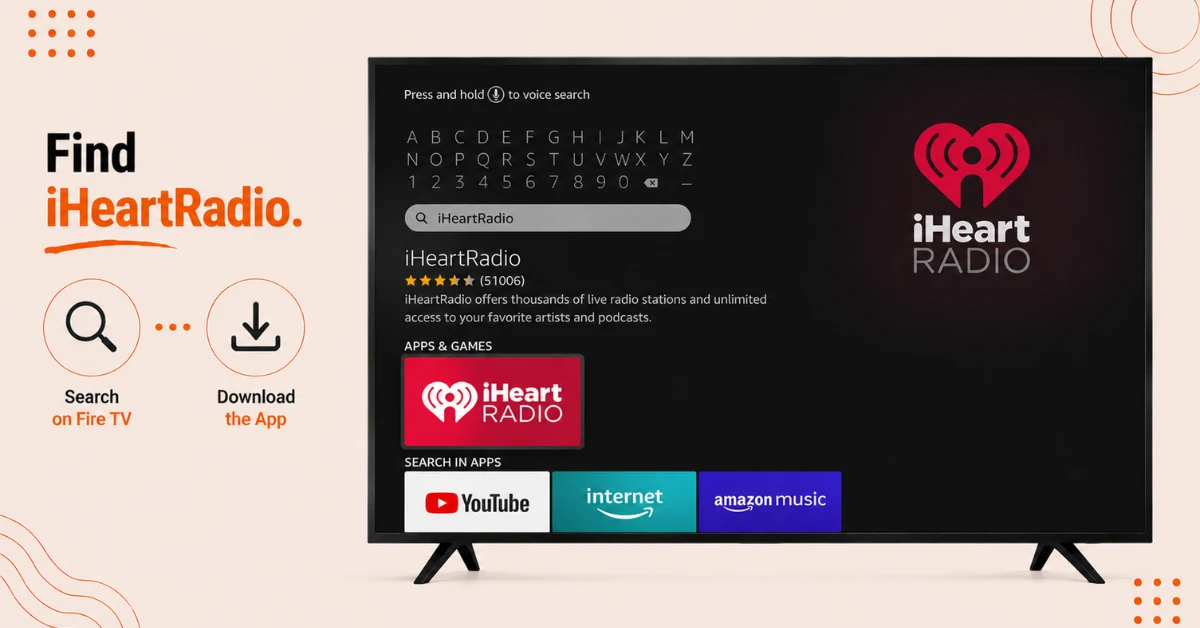
Search for iHeartRadio
-
From your Amazon Fire TV home screen, select Search
-
Type iHeartRadio and choose the app from your search results
-
Click Free to begin downloading it
Step 02
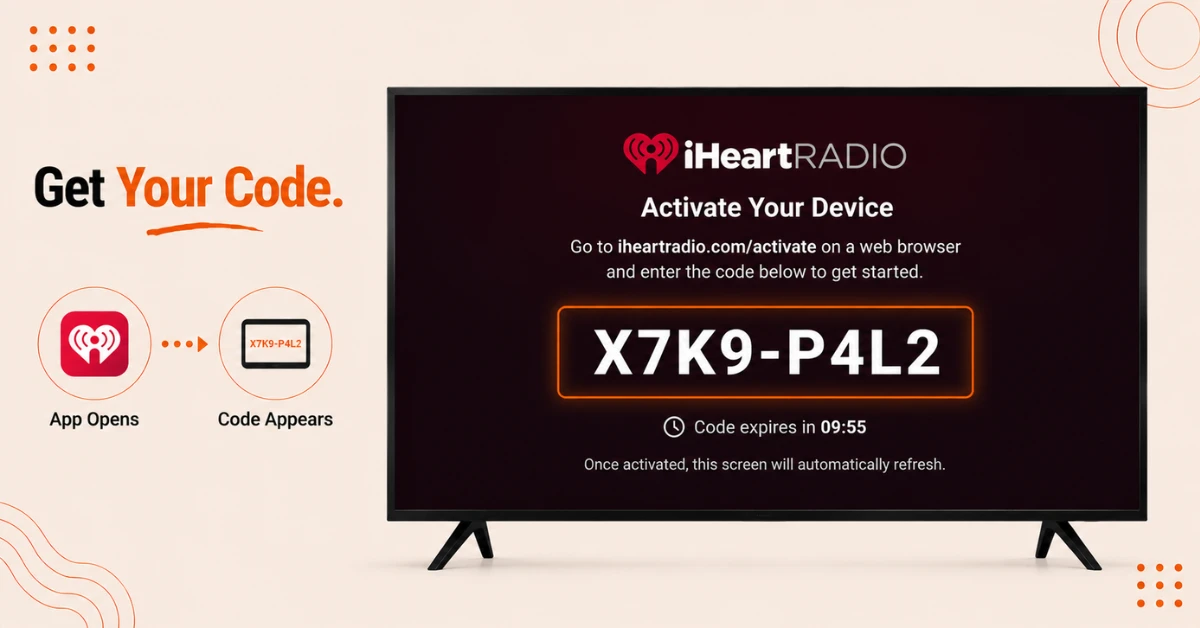
Open the App
-
Once the download finishes, the button will change to Open
-
Select Open to launch iHeartRadio for the first time
-
You'll land on a Log In screen showing a unique activation code
Get Proton VPN — 20% Off
Step 03
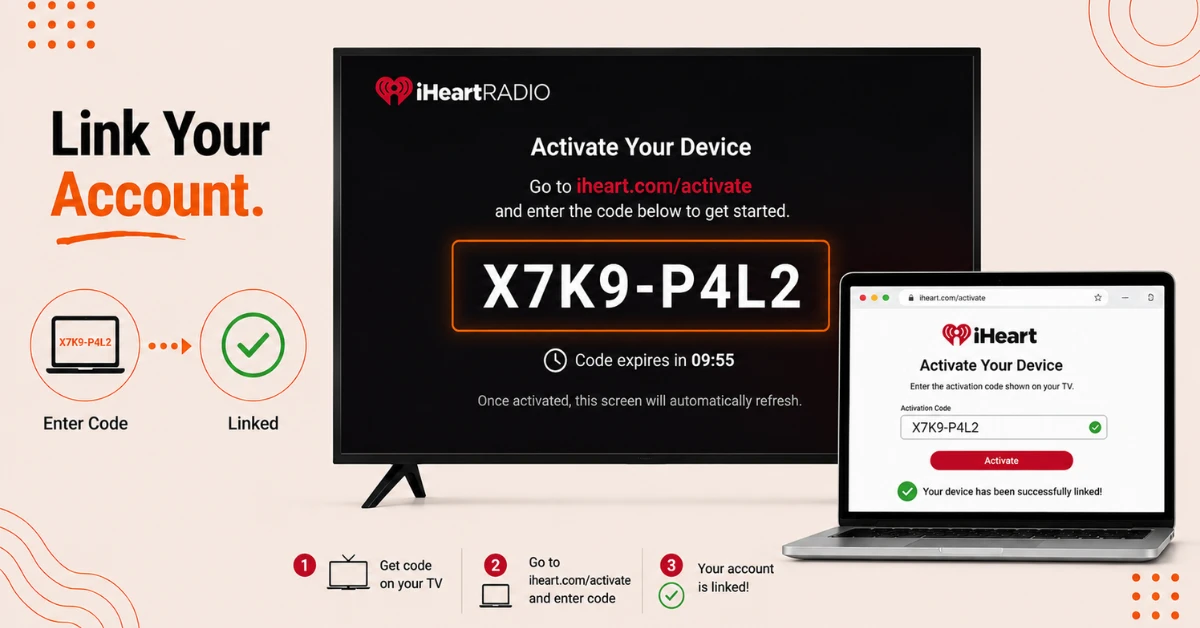
Activate Your Account
-
On a computer, go to iheart.com/activate
-
Log in to your existing account or create a new one if you don't have one yet
-
Enter the activation code shown on your TV screen to finish linking
Step 04
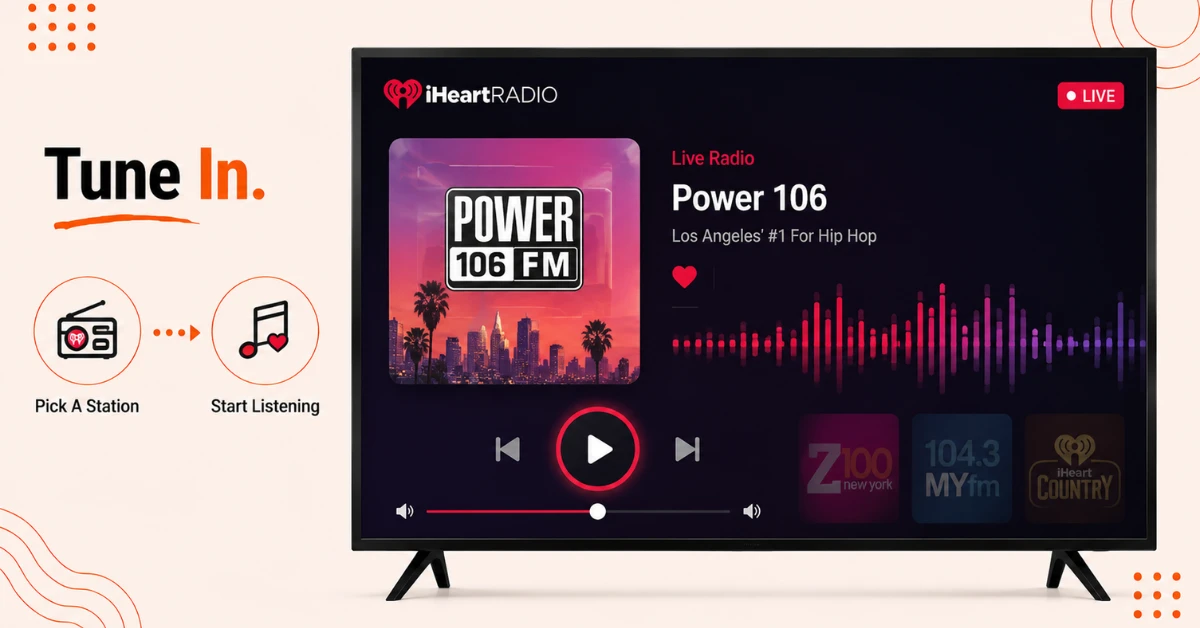
Start Listening
-
Your Fire TV is now connected to your iHeartRadio account
-
Browse live stations by city or genre, or search for a specific artist or podcast
-
Save your favourite stations and podcasts to presets so they're easy to find next time
Quick Comparison
Side-by-side comparison of top Fire Stick VPNs
| VPN | Price | Servers | Speed | Devices | Rating | Actions |
|---|---|---|---|---|---|---|
|
Proton VPN
|
$3.99/mo | 14,999+ | Blazing Fast | 7 | 4.8 | Get Deal |
 EXPRESS VPN
|
$2.79/mo | 3,000+ | Blazing Fast | 8 | 5 | Get Deal |
 NordVPN
|
$4.39/mo | 6,998+ | Blazing Fast | 8 | 4.8 | Get Deal |
|
|
$1.88/mo | 3,200+ | Blazing Fast | 8 | 4.7 | Get Deal |
 IPVanish
|
$2.49/mo | 3,100+ | Blazing Fast | 6 | 4 | Get Deal |
 PrivadoVPN
|
$1.99/mo | — | Blazing Fast | 5 | 4 | Get Deal |
Frequently Asked Questions
Is iHeartRadio available on Firestick?
Yes, iHeartRadio can be downloaded straight from the search function on your Firestick, with no sideloading required.
Do I need to create a new account if I already use iHeartRadio on my phone?
No, you can log in with your existing account during activation, and your saved stations and presets will carry over to your Firestick.
Why is my activation code not working when installing iHeartRadio?
Activation codes expire after a short window, so if it fails, reopen the app on your Firestick to generate a fresh code and try again.
Do I need an internet connection to install iHeartRadio on Firestick?
Yes, both downloading the app and activating your account require an active WiFi or internet connection throughout the process.
Does the iHeartRadio Fire TV app include sports radio?
Yes, you can stream sports talk stations like ESPN Radio, Fox Sports Radio, and FNTSY Sports Radio directly through the app.
Can I listen to iHeartRadio on Firestick without logging in?
No, you need to complete the activation step with an account before any content will play on your Firestick.
Why does audio randomly jump in volume while using the iHeart app on Firestick?
This is a known issue some users report between different tracks or segments, and reporting it through the app's feedback option helps the team address it.