How to Install IPVanish on Firestick: Easy Guide for Setup
Editor's Choice
#1 Pick
Editor's Choice
 IPVanish
$2.49/month
Save 20%
Blazing Fast
3,100+
214
6
Get IPVanish - Save 20% Off
How to Install IPVanish on Firestick
Get IPVanish up and running on your Firestick in minutes with our step-by step guide
Step 01
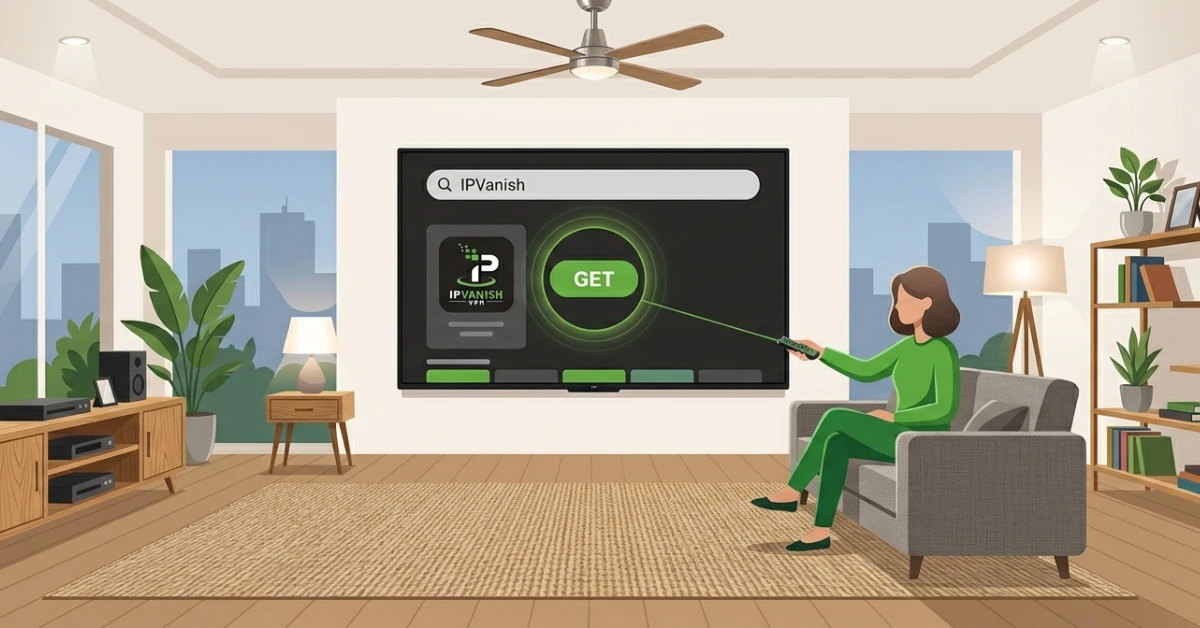
Find & Download IPVanish
-
From the Fire TV home screen, head to Find and select Search.
-
Type "IPVanish" and choose the official app from the search results.
-
Hit Get to download, then Open once the installation is complete.
Step 02
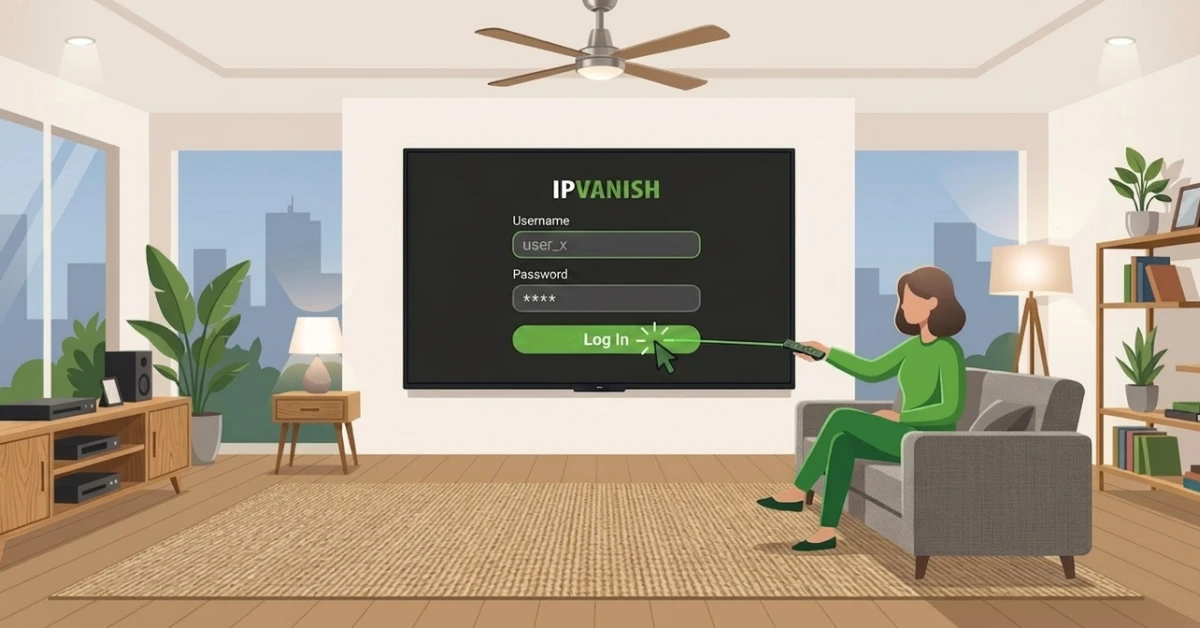
Sign In to Your Account
-
On the launch screen, enter your IPVanish username and password.
-
Click Log In to access the app.
Get IPVanish — 20% Off
Step 03
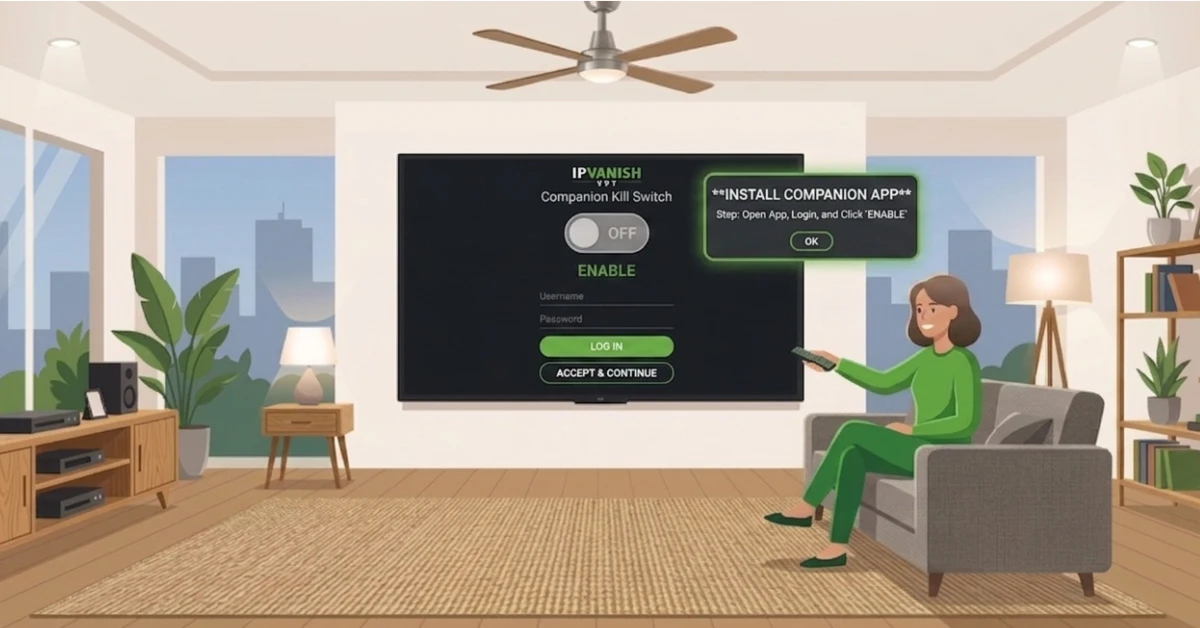
Install the Kill Switch Companion App
-
Go to Search and download the IPVanish Kill Switch Companion app.
-
Open it, log in with your IPVanish credentials, and click Accept and Continue.
-
Click OK on the connection request and hit the big button to enable the Kill Switch.
Step 04
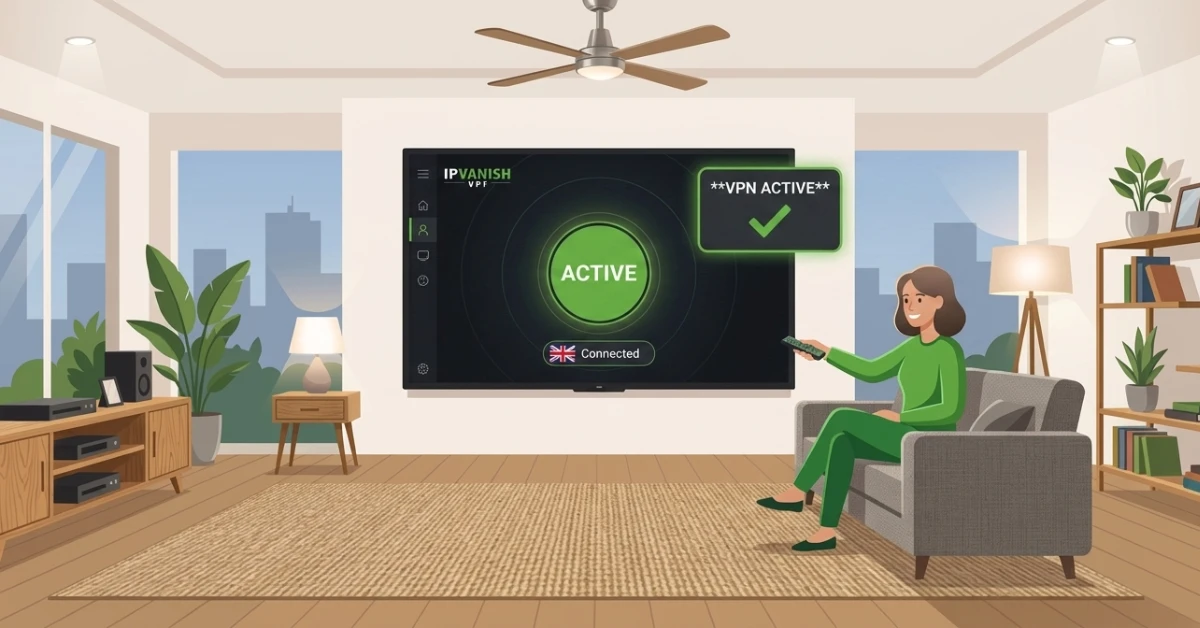
Connect to a Server
-
Return to the IPVanish app and tap Connect to join the fastest available server.
-
Or tap the location icon at the bottom to manually pick a country.
-
Once connected, your Firestick traffic is fully encrypted and secure.
Get IPVanish — 20% Off
Step 05
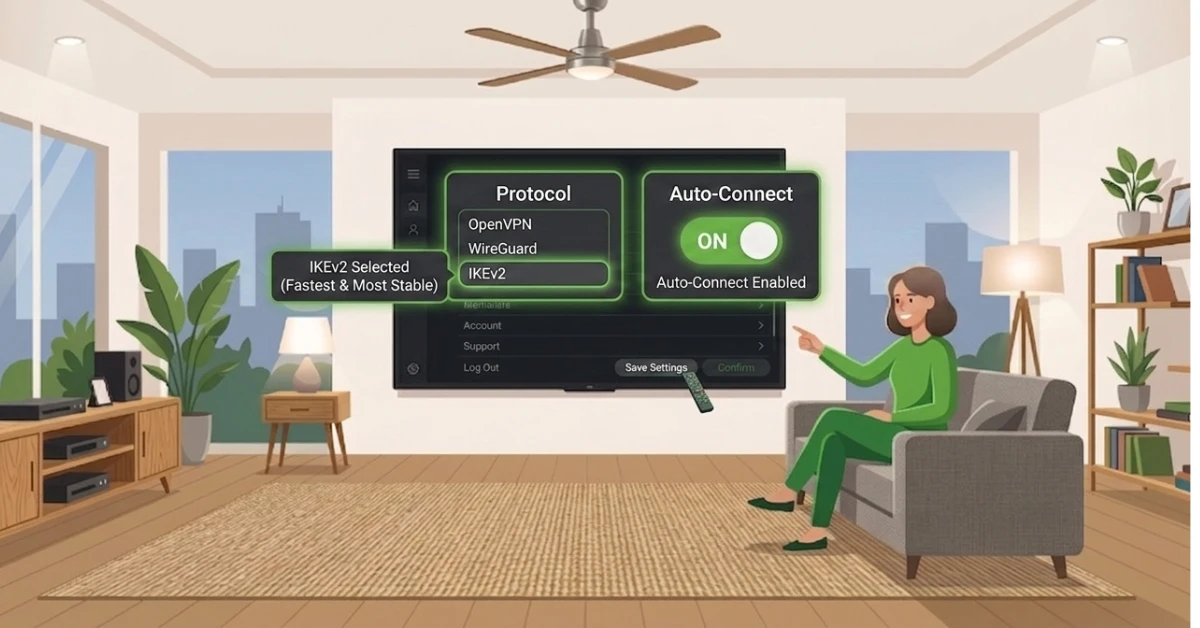
Adjust Settings for Best Performance
-
Tap the gear icon at the bottom to open Settings.
-
Switch the protocol to WireGuard for the fastest speeds.
-
Turn on Connect on Android Startup so IPVanish activates every time you open Firestick.
Quick Comparison
Side-by-side comparison of top Fire Stick VPNs
| VPN | Price | Servers | Speed | Devices | Rating | Actions |
|---|---|---|---|---|---|---|
|
IPVanish
|
$2.49/mo | 3,100+ | Blazing Fast | 6 | 4 | Get Deal |
 Proton VPN
|
$3.99/mo | 14,999+ | Blazing Fast | 7 | 4.8 | Get Deal |
|
|
$1.88/mo | 3,200+ | Blazing Fast | 8 | 4.7 | Get Deal |
 NordVPN
|
$4.39/mo | 6,998+ | Blazing Fast | 8 | 4.8 | Get Deal |
 EXPRESS VPN
|
$2.79/mo | 3,000+ | Blazing Fast | 8 | 5 | Get Deal |
Frequently Asked Questions
How long does it take to install IPVanish on Firestick?
Installing IPVanish on Firestick takes under five minutes from download to connection. The process is straightforward and does not require any technical knowledge.
Is IPVanish good for Firestick?
Yes, IPVanish is one of the top VPNs for Firestick, offering blazing fast speeds, unlimited device connections, and a dedicated Fire TV app built for easy remote navigation. It also comes with a unique Kill Switch Companion app for added protection.
Does IPVanish on Amazon Fire Stick support unlimited devices?
Yes, IPVanish on Amazon Fire Stick supports unlimited simultaneous device connections under a single subscription. This means you can protect your Firestick, phone, tablet, and laptop all at the same time.
Is the IPVanish Fire TV app easy to use?
Yes, the IPVanish Fire TV app is designed for remote-friendly navigation, making it easy to connect, switch servers, and adjust settings directly from your couch. The clean interface works seamlessly with all Fire TV devices.
Can I install IPVanish on Fire TV Stick without sideloading?
Yes, IPVanish is available directly on the Amazon App Store so there is no need to sideload or change any device settings. The installation process is the same as downloading any other app on your Fire TV Stick.
How do I complete the full IPVanish Firestick setup?
Download the IPVanish app, log in with your credentials, and then install the Kill Switch Companion app from the App Store. Once both apps are set up, return to IPVanish and tap Connect to start streaming securely.
Where can I find the IPVanish app for Firestick?
The IPVanish app for Firestick is available directly on the Amazon App Store. Simply search for IPVanish, click Get, and the app will download and install within seconds.
Does IPVanish improve streaming quality on Firestick?
Yes, IPVanish streaming on Firestick helps reduce buffering by preventing ISP throttling and gives you access to geo-restricted content from streaming platforms around the world.